
Choosing Between Windows, macOS, and ChromeOS for a Business Fleet
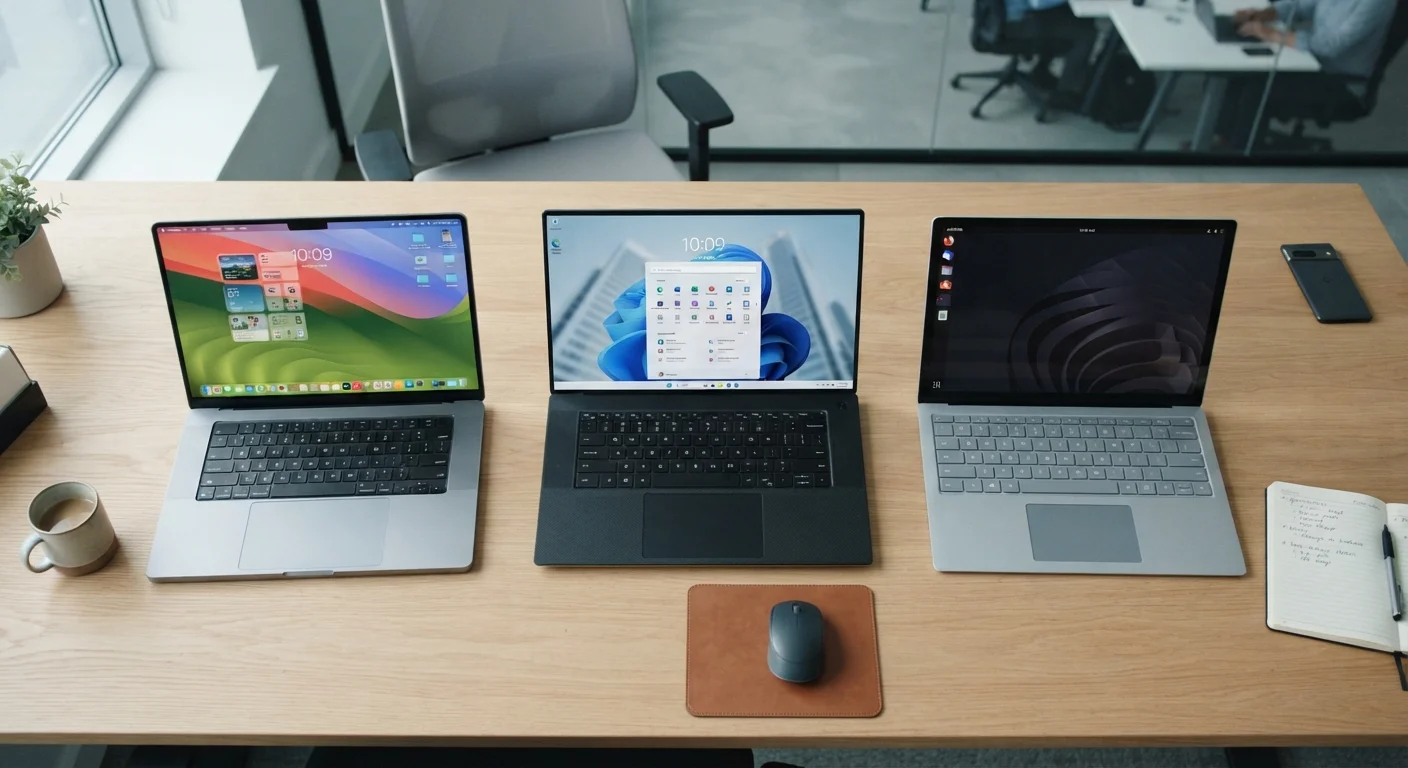
Photo credit: Telecom360.net | Connecting You To The Latest In Telecom
In this article
Each operating system brings real trade-offs for IT management, security, and cost. Here's how to weigh them for your workplace.
Key Takeaways
- Windows offers the broadest hardware compatibility and enterprise software ecosystem, but demands more active IT management.
- macOS provides strong security defaults and a consistent hardware experience, typically at a higher per-device acquisition cost.
- ChromeOS delivers centralized management and rapid deployment at lower cost, but has meaningful offline and application limitations.
- Workforce role and software dependencies should drive OS selection more than brand preference or price alone.
- Mixed-OS environments are common but introduce complexity in support, licensing, and endpoint management tooling.
Why the OS Decision Matters at Fleet Scale
Selecting an operating system for a handful of devices is a convenience decision. Selecting one - or several - for a fleet of dozens or hundreds of endpoints is a strategic one. The OS determines which management tools you can use, which security posture you can enforce, how long devices remain viable, and what your per-seat support burden looks like over time.
For IT decision-makers, the three dominant platforms each carry distinct administrative models. Windows is managed primarily through tools like Microsoft Intune or Group Policy. macOS integrates with mobile device management (MDM) platforms and Apple Business Manager. ChromeOS is governed through Google Admin Console. Choosing a platform means committing to one of these ecosystems - and the licensing costs and skill sets that come with them. See our guide to device standardisation considerations for a broader look at how fleet uniformity affects IT overhead.
Windows: Depth, Flexibility, and Complexity
Windows remains the dominant business OS globally, and for good reason. Its hardware ecosystem is the largest of the three, spanning budget workstations to high-performance workstations, which gives procurement teams real pricing leverage. The software compatibility surface is unmatched - virtually every business application, including line-of-business and legacy tools, runs on Windows.
The trade-off is management complexity. Windows endpoints require disciplined patch management, antivirus oversight, and configuration hardening to maintain a secure baseline. Microsoft's own security tooling - Defender, Intune, Entra ID - has matured considerably, but effective deployment still requires IT expertise. Licensing costs for Windows Pro or Enterprise, combined with Microsoft 365, add meaningful per-seat overhead. For organizations already invested in Microsoft's ecosystem, this overhead is largely absorbed. For those starting fresh, it warrants scrutiny.
| Windows | macOS | ChromeOS | |
|---|---|---|---|
| Hardware variety | Very broad - many OEMs and price points | Limited to Apple devices only | Moderate - Chromebook OEM ecosystem |
| Enterprise software compatibility | Widest - including legacy apps | Strong, with some gaps for Windows-only apps | Limited to web and Android apps |
| Management tooling | Intune, Group Policy, third-party MDM | Apple Business Manager + MDM | Google Admin Console |
| Security baseline | Requires active hardening and patching | Strong defaults, lower configuration burden | Small attack surface, automatic updates |
| Per-device cost | Wide range; competitive at mid-tier | Premium hardware pricing | Generally lower acquisition cost |
| Offline capability | Full native application support | Full native application support | Limited; primarily cloud-dependent |
| IT complexity | Higher - broad config surface | Moderate - streamlined but Apple-specific | Lower - centralized, minimal config |
macOS: Consistency, Security, and Premium Cost
Apple's vertical integration - designing both the hardware and the OS - yields a consistent, predictable endpoint. Security defaults are strong out of the box: Gatekeeper, System Integrity Protection (SIP), and FileVault encryption are enabled without additional configuration. This reduces the baseline hardening burden on IT teams.
Apple Business Manager simplifies zero-touch provisioning, allowing devices to be enrolled in an MDM platform before an employee ever opens the box. The primary friction point is cost: Apple hardware carries a meaningful price premium over comparable Windows machines, and that delta compounds across a large fleet. macOS also has a narrower application ecosystem; organizations relying on Windows-only software will face compatibility gaps that may require virtualization or application rewrites.
Zero-Touch Enrollment Saves Deployment Time
All three platforms support some form of automated enrollment: Windows Autopilot, Apple Business Manager, and Chrome Enterprise zero-touch enrollment. Configuring these pipelines before deployment can eliminate manual setup entirely, cutting provisioning time significantly for large rollouts. Invest in this infrastructure early - it pays dividends every time a device is replaced or reassigned.
ChromeOS: Simplicity, Speed, and Cloud Dependency
ChromeOS is architecturally distinct from the other two platforms. It is designed around the browser, with local application execution largely replaced by web apps and Android app support. This constrained model is also its strength: the attack surface is small, updates are automatic and fast, and devices can be provisioned or wiped remotely within minutes through Google Admin Console.
Per-device hardware costs are generally lower, and Chrome Enterprise licenses are comparatively affordable. For roles defined by cloud-based workflows - customer support agents, data entry teams, or distributed frontline workers - ChromeOS can dramatically reduce IT overhead. The significant limitation is offline capability and compatibility with software that requires native execution. Organizations with complex on-premises systems or specialized desktop applications will quickly encounter hard boundaries. For guidance on managing distributed device fleets more broadly, our fleet vs. BYOD analysis covers complementary considerations.
~72%
Enterprise desktop OS share held by Windows
StatCounter and IDC enterprise segment data consistently place Windows as the dominant business desktop platform by active device share.
~23%
Reduction in IT support tickets reported with ChromeOS fleets
Google has cited internal enterprise case study data suggesting ChromeOS deployments correlate with reduced IT support volume, though results vary by organization.
Making the Call: A Framework for Fleet Decisions
The most durable approach is to map OS selection to workforce segments rather than applying a single platform fleet-wide. Identify which roles depend on specialized desktop software, which operate primarily in a browser, and which require the highest security assurance. Let those requirements drive the platform, not the reverse.
Mixed-OS environments are workable but require a unified endpoint management strategy. Platforms such as Jamf, Intune, or Workspace ONE can manage multiple OS types under a single policy framework, though that capability comes with its own licensing and configuration investment. If you're new to this layer of device oversight, our introduction to business device management provides a practical starting point. The goal is a fleet architecture that balances capability, security, and sustainable IT workload - not simply the lowest acquisition price or the most familiar brand name.

Author
Business Tech Editorial Team
Business Tech Editorial Team is the collective byline for our editorial team and contributor network. Articles published under this byline or an editorial pen name are researched, written, and reviewed according to our editorial standards for clarity, consistency, and independence before publication.
View all articles →