Search
Enter at least 3 characters
How software choices directly affect device speed and reliability.
Updated daily · 15 stories

By Apps & Software Editorial Team · 6 min read
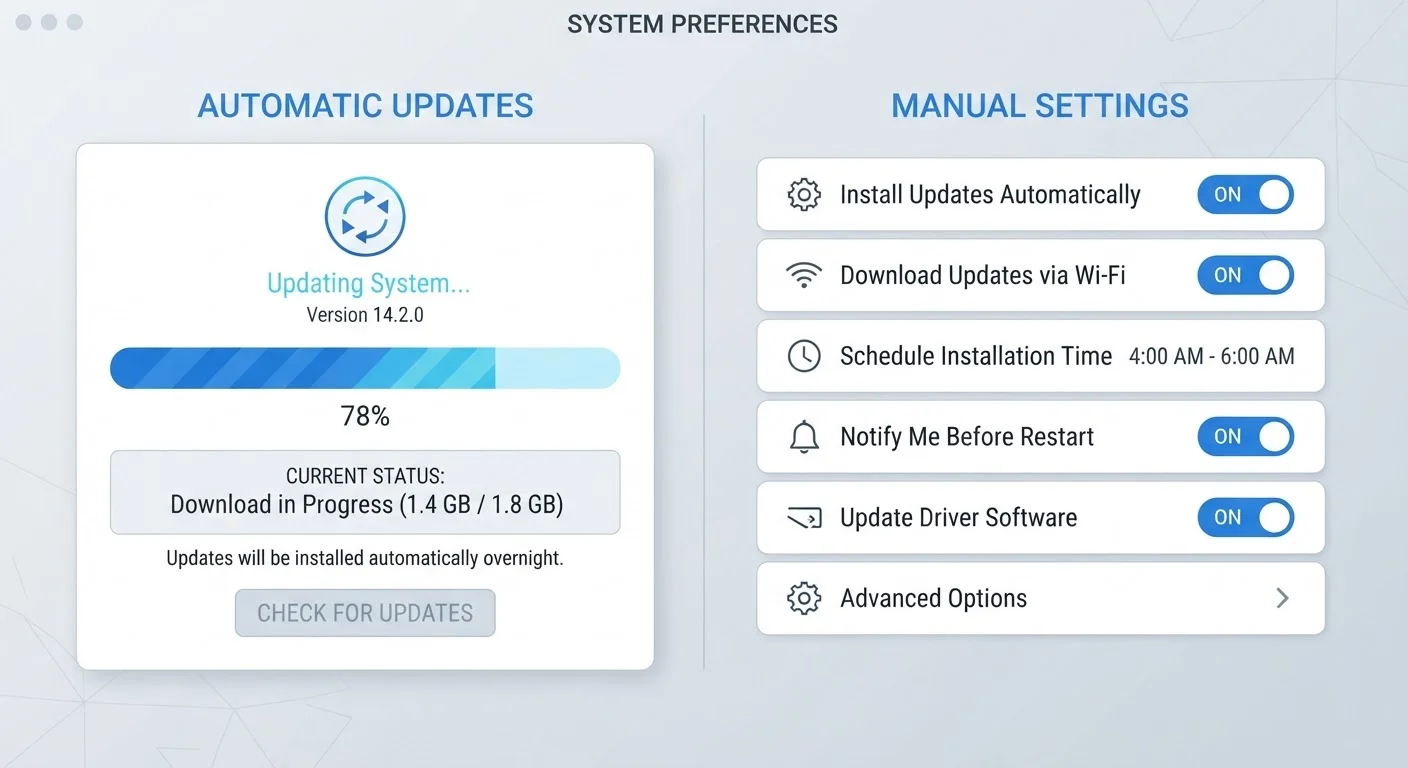
Auto-updates keep you current but can introduce unexpected changes. Manual control offers stability — at the cost of sec…
Many users misunderstand how background refresh works. Here's what the evidence actually says about its impact on batter…
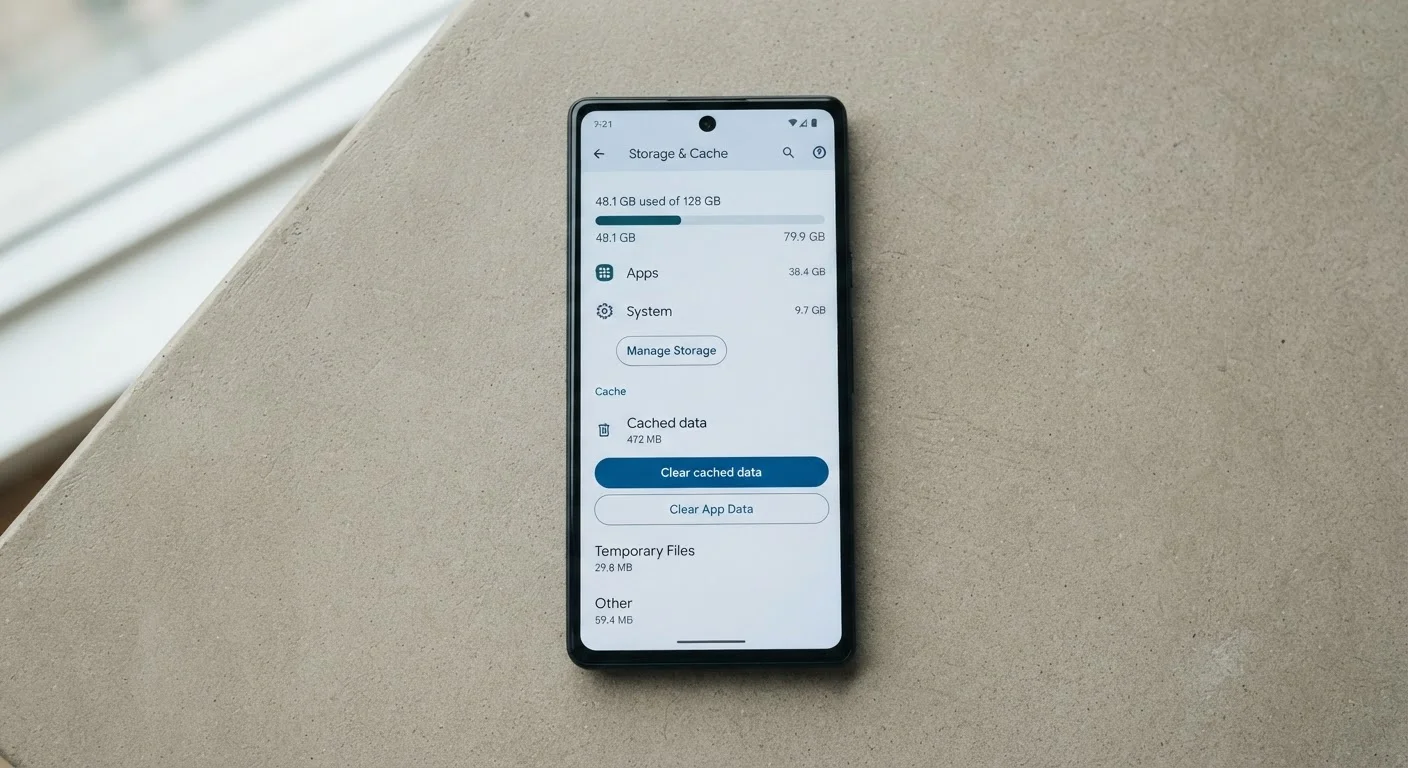
Cache clearing is one of the most repeated tips in tech — but it's widely misused. Here's how it actually works and when…
OS updates bring fixes and features, but they can also strain older hardware. Here's what changes under the hood and wha…
Proven habits for managing updates, clearing cached data, and controlling background activity to sustain peak phone perf…
For professionals relying on mobile devices for work, the right software choices can mean the difference between reliabi…
Built-in apps are optimised for your OS, but third-party tools offer more features. Here's what each choice means for sp…
Work through this step-by-step checklist to identify whether sluggish performance stems from software, storage, or backg…
New to understanding why phones slow down? This guide covers how software, RAM, storage, and updates all connect to ever…
From app crashes to lagging interfaces, these software-side symptoms indicate your device may be struggling to keep pace…
Mid-range phones handle multitasking differently than flagships. Understand the RAM and CPU limits that determine where …
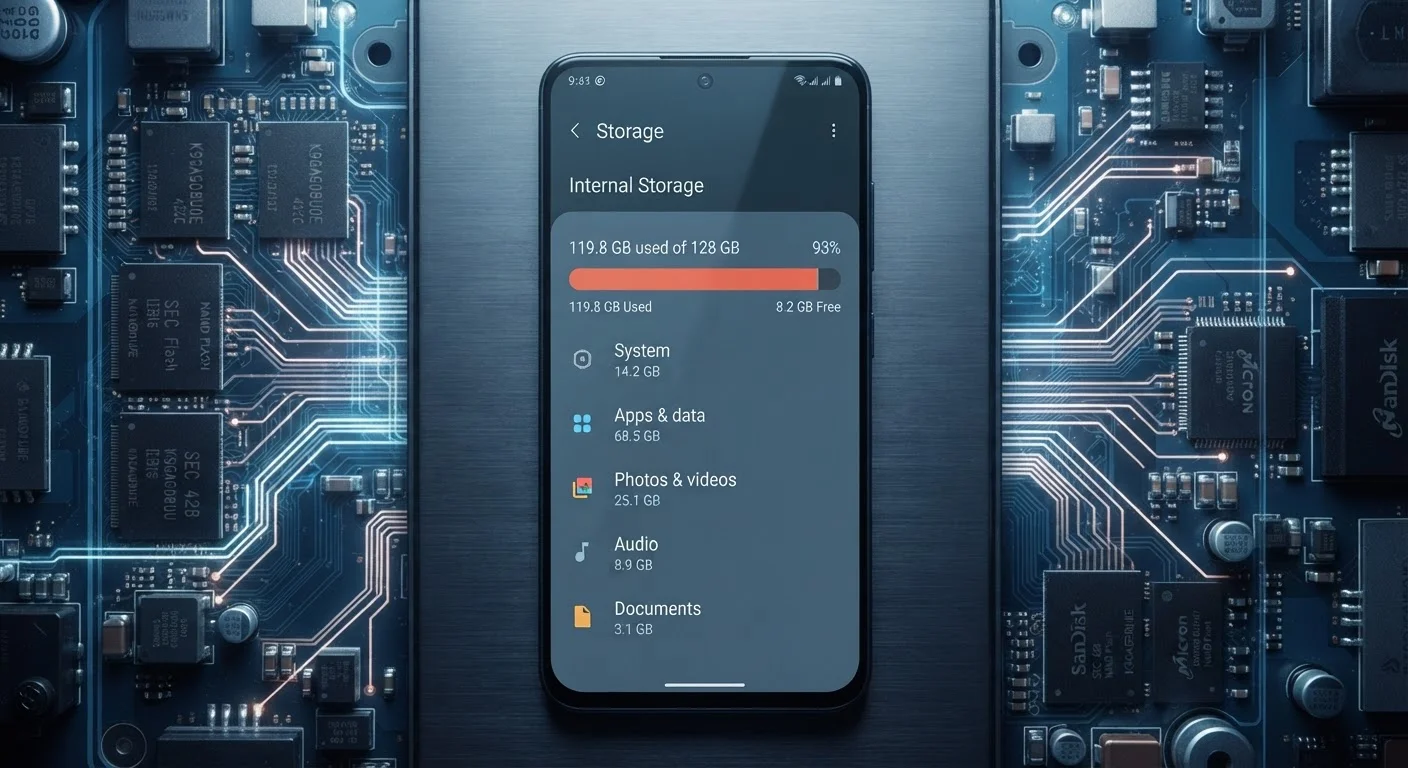
Learn why a nearly full device slows down, how storage thresholds affect read/write speeds, and what headroom your apps …
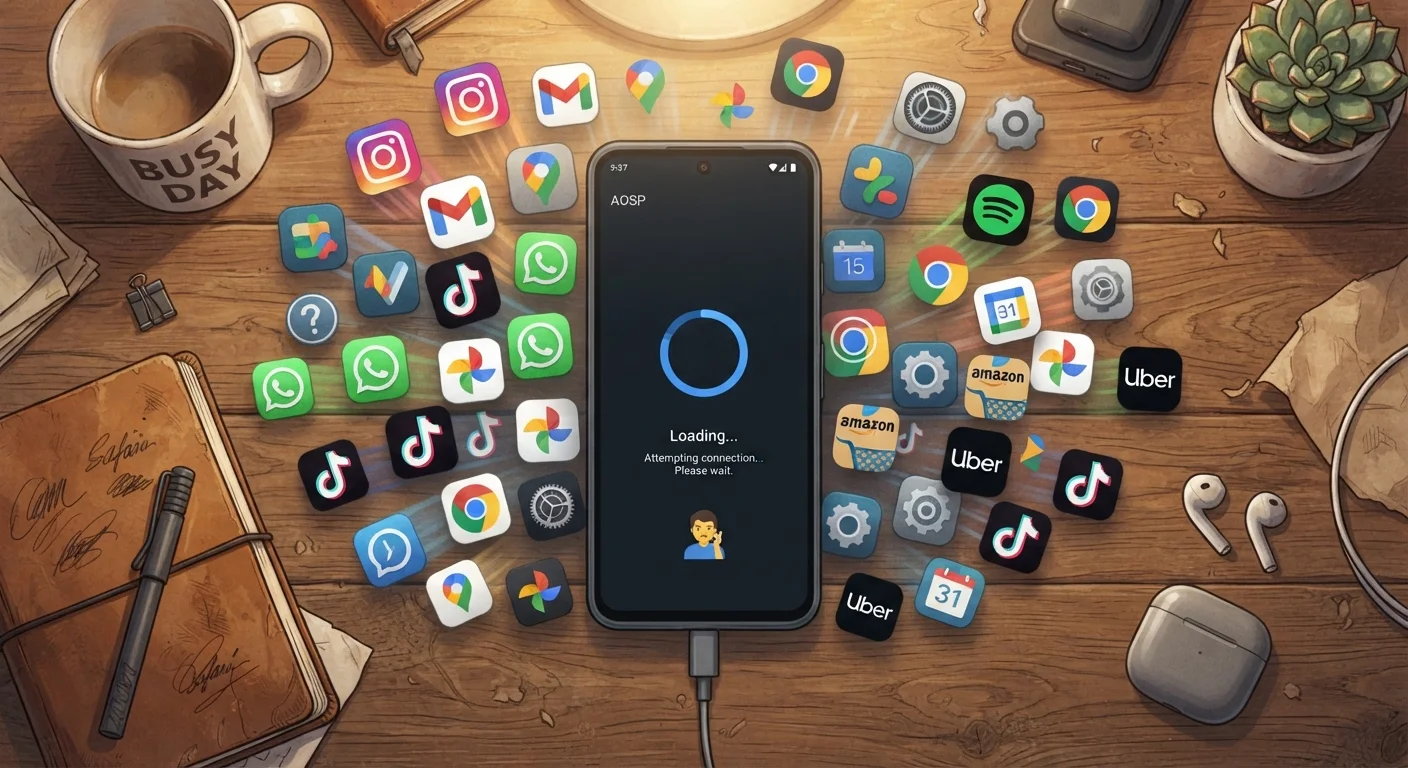
Understand how pre-installed apps, background processes, and redundant software quietly degrade your device's performanc…
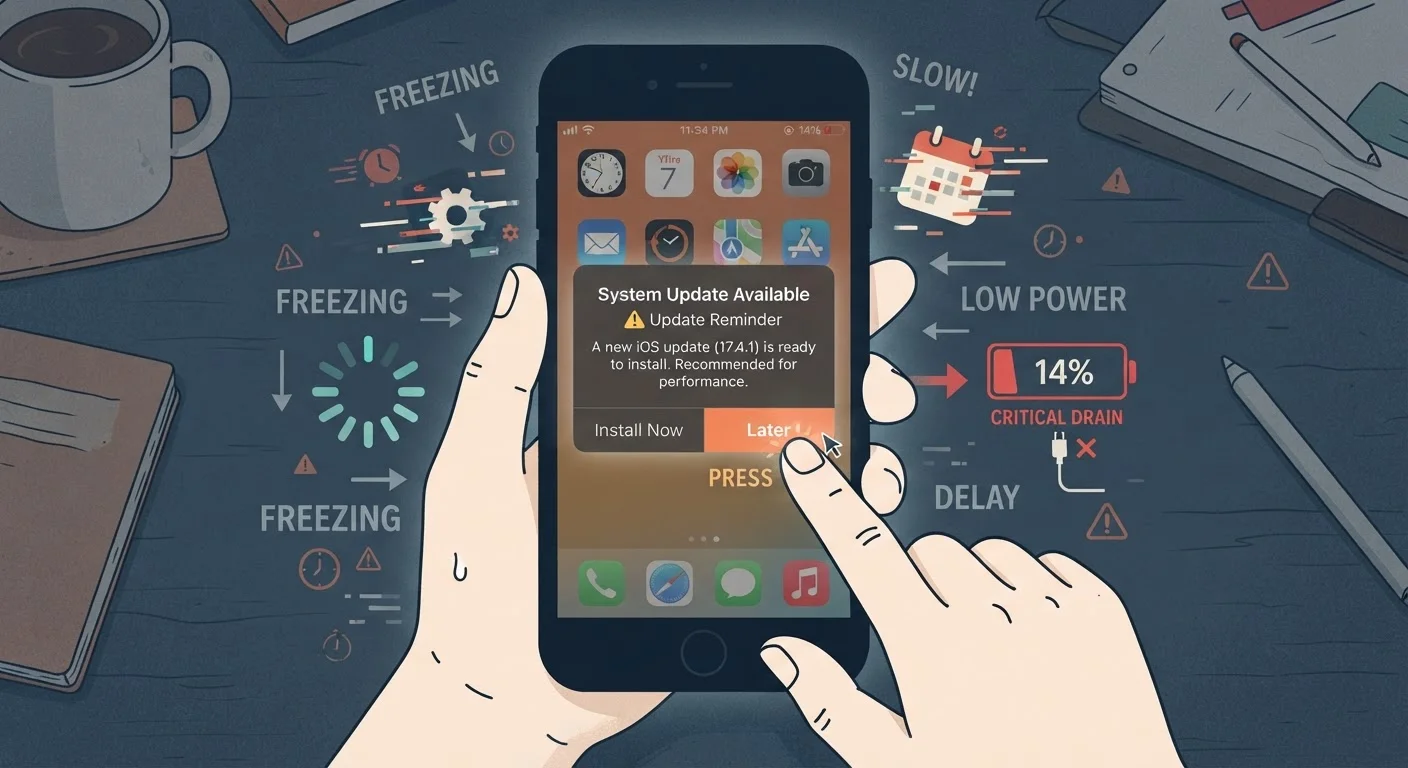
Delayed updates aren't just a security risk — they can slow your device, drain battery, and introduce instability over t…