
Why Skipping Software Updates Costs You More Than Convenience
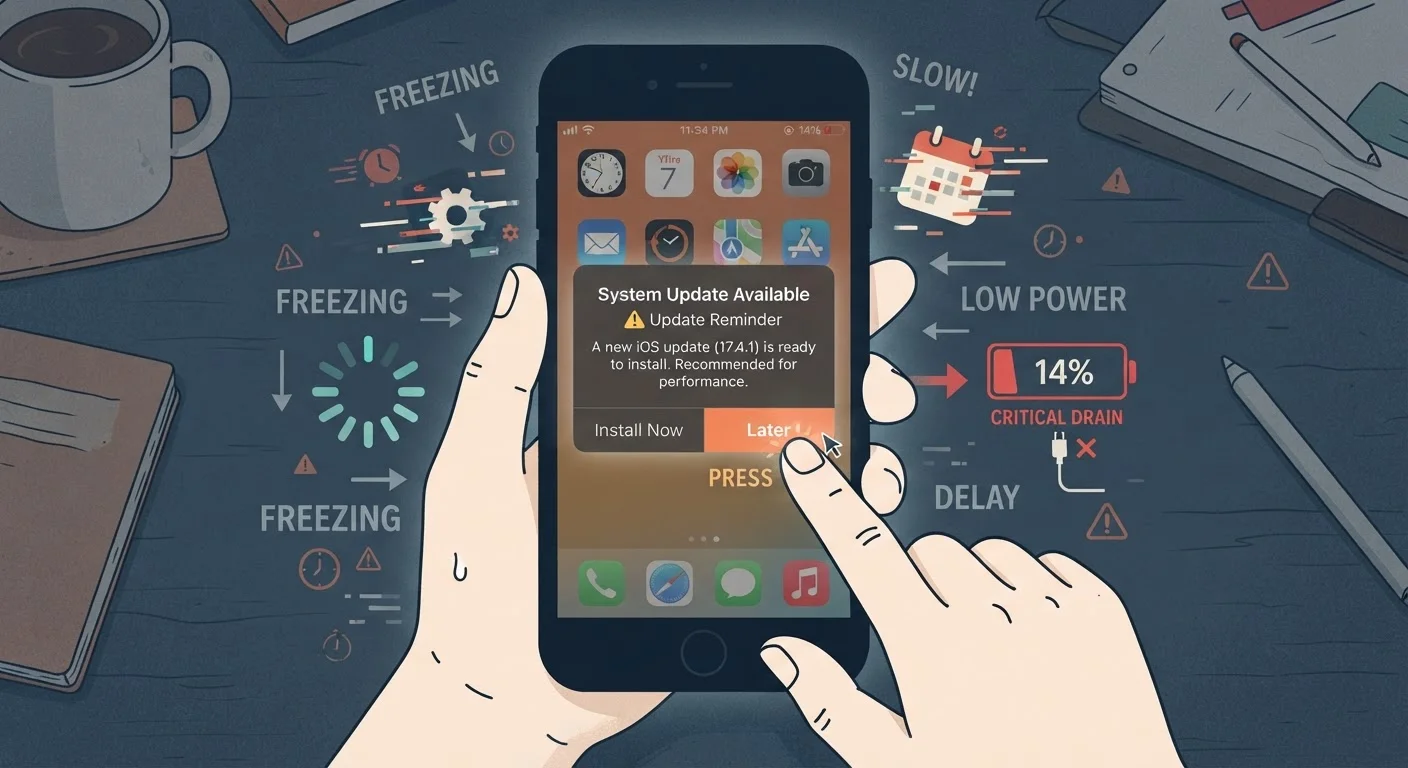
Photo credit: Telecom360.net | Connecting You To The Latest In Telecom
In this article
Delayed updates aren't just a security risk — they can slow your device, drain battery, and introduce instability over time.
Key Takeaways
- Skipping software updates leaves known security vulnerabilities open on your device.
- Outdated software accumulates bugs and inefficiencies that slow performance over time.
- Battery drain and app instability are often symptoms of a delayed update backlog.
- Catching up on multiple skipped updates at once can introduce compounding compatibility issues.
- A consistent update habit costs far less time than recovering from preventable problems.
The Hidden Cost of 'Not Right Now'
Software update prompts are easy to dismiss. They appear at inconvenient moments, carry vague descriptions, and offer no immediate reward for compliance. But each dismissed notification represents a growing deficit - in security, performance, and long-term device health.
The consequences aren't dramatic or immediate, which is precisely what makes the habit of skipping updates so persistent. Devices slow down incrementally. Apps crash a little more often. Battery life erodes by a few minutes per charge. None of these changes are alarming in isolation, but they compound. Understanding why updates matter - and what specifically breaks when you avoid them - is the first step toward changing the behavior.
Software update cycles shape a device's useful lifespan far more than headline specs do. This article focuses on the specific mistakes users make around update behavior and how to correct them.
Security Patches Close Active Exploits
Most software updates include fixes for vulnerabilities that are already being exploited in the wild. Delaying even a minor update can leave your device exposed during that window. For a deeper look at what's actually being patched and why timing matters, see Software Updates and Security.
Common Mistakes That Compound Over Time
The errors users make around software updates share a common thread: they feel reasonable in the moment but accumulate into real problems. The five mistakes below represent the most frequently observed patterns - and each has a straightforward correction.
Tapping 'Remind Me Later' indefinitely on update notifications.
Why it happens: Update prompts arrive at inconvenient moments - low battery, mid-task, or on limited Wi-Fi - so dismissing them feels like the practical choice in the moment.
Assuming that if nothing feels broken, no update is needed.
Why it happens: Performance degradation from outdated software is gradual and rarely dramatic, so users attribute slowdowns to age rather than a fixable software gap.
Updating apps but ignoring operating system updates, or vice versa.
Why it happens: App updates are visible and frequent; OS updates feel larger and more disruptive, leading users to treat them as optional while keeping apps current.
Letting a backlog of skipped updates pile up before applying them all at once.
Why it happens: Users who delay updates often reach a point where the update queue feels overwhelming, prompting a single mass-install session rather than an incremental habit.
Dismissing battery and performance warnings as hardware problems when they may be software-related.
Why it happens: Battery drain and sluggishness are naturally associated with aging hardware, so users invest in replacements rather than diagnosing the software environment first.
Skipping Major OS Versions Has Long-Term Costs
Jumping directly from a very old OS version to a current one isn't always smooth. Apps may behave unexpectedly, settings can reset, and some data may not migrate cleanly. If you've fallen significantly behind, review the release notes for each skipped version before updating and back up your device first.
For a broader picture of what actually changes inside your OS during an update - including cases where updates can temporarily affect performance on older hardware - see how OS updates affect performance.
Building a Sustainable Update Habit
The goal isn't to apply every update the instant it appears - it's to eliminate the pattern of indefinite deferral. A consistent, low-friction routine achieves that without disrupting your workflow.
60%+
Of breaches exploit known, patchable vulnerabilities
Industry security research consistently finds that a majority of successful cyberattacks target flaws for which patches already existed at the time of the breach.
30-40%
Performance improvements tied to OS-level optimization patches
Platform vendors routinely document efficiency gains in memory management and CPU scheduling as part of incremental OS updates, independent of new features.
Enable automatic overnight updates where your platform allows it. Review release notes briefly before major OS updates so you understand what's changing. Back up your device before significant version upgrades. And if you've inherited a significant backlog, work through it incrementally rather than all at once.
For a full set of long-term software maintenance habits - including how to manage cached data and background activity alongside your update routine - keeping your smartphone fast covers the full picture.

Author
Apps & Software Editorial Team
Apps & Software Editorial Team is the collective byline for our editorial team and contributor network. Articles published under this byline or an editorial pen name are researched, written, and reviewed according to our editorial standards for clarity, consistency, and independence before publication.
View all articles →