
Software Update Cycles and Why They Matter More Than Specs
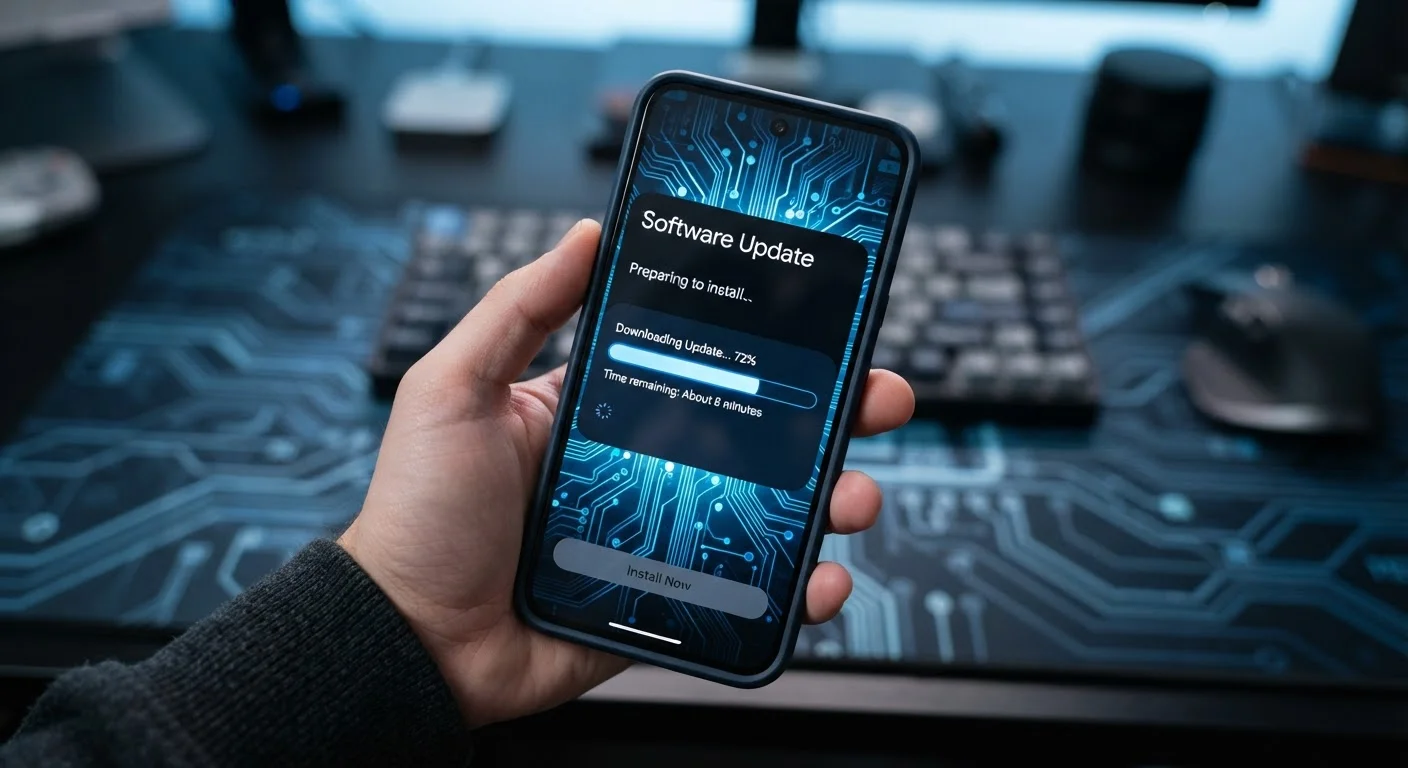
Photo credit: Telecom360.net | Connecting You To The Latest In Telecom
In this article
Long-term software support affects security and usability far beyond launch day. Here's how update policies work and what to look for.
Key Takeaways
- A device's software support commitment determines its useful lifespan more reliably than raw hardware specifications.
- Security patch cadence and OS upgrade guarantees are distinct commitments - both matter when evaluating a device.
- Fragmented update ecosystems can leave some devices exposed to vulnerabilities for weeks or months after a patch is available.
- Evaluating update history before purchase is a practical way to gauge a manufacturer's long-term support reliability.
- Devices reaching end-of-support become security liabilities regardless of remaining hardware capability.
Why Update Policy Outweighs Processor Speed
When comparing smartphones or tablets, it's tempting to focus on processor benchmarks, camera megapixels, and RAM. These numbers are easy to compare and heavily marketed. But a specification table tells you nothing about how a device will perform in three years - and that gap is where software update policy becomes decisive.
A device running the same processor as a competitor may age far better simply because its manufacturer commits to longer, more consistent update delivery. OS upgrades introduce new capabilities and compatibility improvements. Security patches close vulnerabilities that emerge constantly in the wild. Without both, even powerful hardware becomes a liability over time.
Explore how mobile operating systems shape long-term device experience beyond what launch-day specs reveal.
Understanding the Two Types of Software Support
Software support broadly divides into two distinct commitments that manufacturers may or may not bundle together:
- OS version upgrades: Major Android or iPadOS releases that add new features, interface changes, and API improvements. These determine whether your device can run the latest apps and system capabilities.
- Security patches: Smaller, more frequent updates that close known vulnerabilities. These are critical for protecting personal data and maintaining safe operation, even when no major OS upgrade is offered.
A device may receive security patches for years after its final OS version upgrade - or it may receive neither after a defined end-of-support date. Understanding which commitment a manufacturer makes, and for how long, requires reading their published support policy carefully rather than relying on marketing language.
For a deeper look at how these cycles differ between platforms, see how Android and iOS handle software upgrades differently.
Security Patches and OS Upgrades Are Not Interchangeable
It's common for manufacturer marketing to blur the line between security patch support and OS version upgrades. A device may stop receiving new Android or iPadOS versions while still receiving monthly security patches - or vice versa. When evaluating a support policy, ask specifically: how many major OS version upgrades are guaranteed, and for how many years will security patches continue after that? Both answers are needed to assess the full support picture.
Best Practices for Evaluating Update Commitments
Applying these practices when researching a device purchase gives a far more accurate picture of long-term value than spec comparisons alone.
Look up a manufacturer's published update commitment before purchase, not after.
Published support policies - measured in years of OS upgrades and security patches - give a concrete end date for a device's useful, protected life. This is information a spec sheet never includes. Checking this before buying prevents the disappointment of a device becoming unsupported far sooner than expected.
Distinguish between promised OS upgrades and security patch commitments when reading support policies.
Manufacturers sometimes advertise years of 'software support' while meaning only security patches after an early OS version cutoff. These are not equivalent protections. OS upgrades affect app compatibility and feature access; security patches address ongoing vulnerabilities. Both timelines matter independently.
Check a manufacturer's historical track record for delivering updates on time and consistently.
Published commitments don't always reflect actual delivery. Some manufacturers have a pattern of delayed security patches or skipped monthly updates despite formal promises. Historical performance, available through independent tech reporting, is a stronger predictor of future reliability than a policy statement alone.
Factor in end-of-support dates when estimating a device's total cost of ownership.
A device that loses security support in two years may need replacement sooner than a pricier option with five years of guaranteed patches - making the cheaper device more expensive overall. Treating support duration as part of cost calculation leads to more accurate long-term comparisons.
Plan device replacement around end-of-support timelines, not hardware failure.
Many devices remain physically functional well past their software support window. Continuing to use an unsupported device exposes personal data and accounts to known, unpatched vulnerabilities - a meaningful security risk regardless of how well the hardware still performs.
Quick Actions You Can Take Right Now
Whether you already own a device or are actively evaluating one, these immediate steps help you act on what update policies actually mean in practice.
Delaying updates once you have them also carries real risk - see why dismissing that update notification matters more than it seems.

Author
Consumer Electronics Editorial Team
Consumer Electronics Editorial Team is the collective byline for our editorial team and contributor network. Articles published under this byline or an editorial pen name are researched, written, and reviewed according to our editorial standards for clarity, consistency, and independence before publication.
View all articles →