
Software Updates and Security: Why Delaying That Notification Is a Real Risk
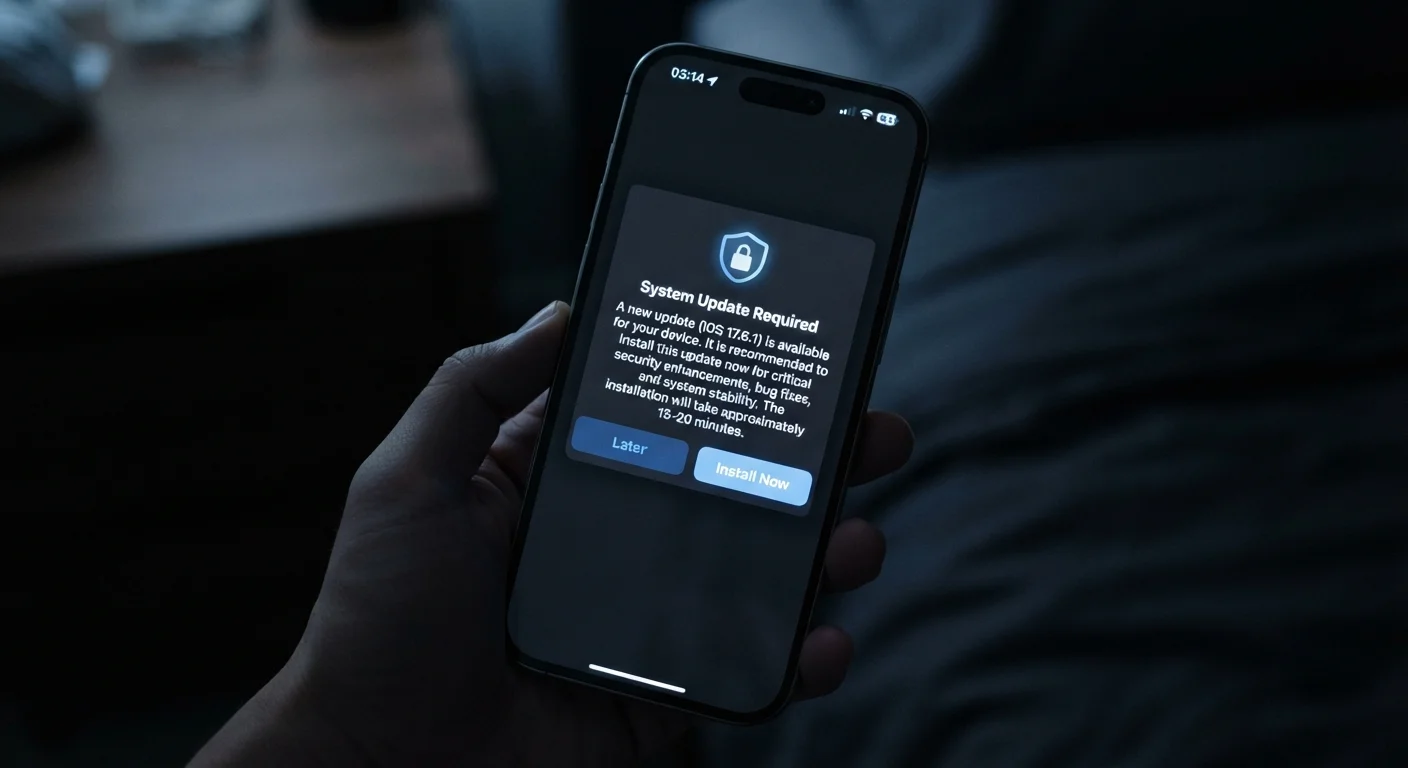
Photo credit: Telecom360.net | Connecting You To The Latest In Telecom
In this article
Update prompts are easy to dismiss, but most security patches close active vulnerabilities. Learn what's actually fixed in those updates and why timing matters.
Key Takeaways
- Most security patches address specific, documented vulnerabilities that attackers are already aware of.
- The window between a vulnerability's public disclosure and exploitation can be measured in days or hours.
- Delaying updates leaves your device exposed during the highest-risk period after a flaw is announced.
- Enabling automatic updates is one of the most effective low-effort security habits for everyday users.
- Both operating system and app updates carry security fixes - neither category should be routinely skipped.
What's Actually Inside a Security Update
When a software update notification appears, most people see an interruption. What's actually being delivered is often a set of targeted repairs - code changes that close documented security holes in the software running on your device.
Operating system vendors and app developers publish patch notes that list what each update addresses. Within those notes, security fixes are typically identified by CVE numbers - standardized identifiers for specific vulnerabilities. A single update may contain patches for anywhere from one critical flaw to dozens of lower-severity issues simultaneously.
Some of these vulnerabilities allow remote code execution, meaning an attacker who successfully exploits the flaw can run arbitrary commands on an affected device - without physically touching it and, in some cases, without any interaction from the user. Others enable privilege escalation, where an attacker who already has limited access to a system can gain full control. Either category represents a serious threat to personal data and device integrity.
Security Fixes Aren't Always Labeled Clearly
App and OS changelogs sometimes describe security patches in vague terms like 'stability improvements' or 'bug fixes,' without specifying the nature of the vulnerability. This is often intentional - vendors may withhold full details until a larger share of users have updated, to limit the information available to attackers. Checking the vendor's official security advisories provides more complete disclosure.
Not every update is purely a security release. Many bundle performance improvements, new features, and bug fixes alongside patches. However, from a security standpoint, the presence of any patch in an update is reason enough to treat the installation as time-sensitive.
The Exploitation Window: Why Timing Is the Core Issue
The period between a vulnerability being publicly disclosed and a user installing the patch that fixes it is called the exploitation window. This window is when attackers are most active - and most successful.
Once a patch is released, the vulnerability it addresses becomes public knowledge. Security researchers, journalists, and - critically - threat actors all gain access to the same information at the same time. Attackers can reverse-engineer a patch to understand exactly what flaw it corrects, then develop exploits targeting systems that haven't yet installed it.
< 72 hrs
Median time to first exploitation after patch release
Security research has consistently found that exploitation attempts for newly disclosed vulnerabilities often begin within 24-72 hours of public disclosure.
60%+
Breaches linked to known, unpatched vulnerabilities
Industry analyses of breach data regularly find that a majority of successful intrusions exploit vulnerabilities for which patches were already available at the time of attack.
This dynamic means that in the days immediately following a patch release, unpatched devices face the highest concentration of targeted exploitation attempts. Users who delay updates by even a few days are operating during this elevated-risk window.
For vulnerabilities classified as zero-day - meaning they were actively exploited before the vendor even knew about them - the patch release marks the first moment a fix is available. Prompt installation is especially critical in these cases, since attackers have already developed working exploits. The Threats & Scams hub covers how these and other active attack patterns affect everyday users.
Building a Practical Update Habit
Consistent patching doesn't require constant vigilance. A few structural habits significantly reduce exposure without demanding technical expertise.
- Enable automatic updates where possible. Both Android and iOS allow automatic installation of security updates. For most personal devices, this is the most reliable way to ensure patches are applied promptly. The trade-offs of automatic versus manual update control are worth understanding before deciding.
- Don't treat app updates as optional. Mobile and desktop apps independently introduce and patch vulnerabilities. How app updates are delivered explains why skipping them carries distinct risks from OS updates.
- Schedule manual updates during low-activity periods. If automatic updates are off, designate a regular time - such as once a week - to check for and install pending updates across your OS and key applications.
- Review end-of-support dates for your devices. A device that no longer receives security patches cannot be kept secure through any update habit. Understanding software update cycles helps set realistic expectations about how long a device remains defensible.
Set Updates to Install Overnight
Most mobile and desktop operating systems allow you to schedule updates during off-hours. Configuring your device to download and install updates automatically at night means you wake up patched without any disruption to your workflow. Check your device's system settings under 'Software Update' or 'Automatic Updates' to enable this option.
Beyond security, delayed updates can affect device performance and stability in ways that compound over time. The full cost of skipping updates extends well beyond the security dimension.
Frequently Asked Questions

Author
Cybersecurity Editorial Team
Cybersecurity Editorial Team is the collective byline for our editorial team and contributor network. Articles published under this byline or an editorial pen name are researched, written, and reviewed according to our editorial standards for clarity, consistency, and independence before publication.
View all articles →