Search
Enter at least 3 characters
Understand how to secure smartphones, laptops, and other personal devices.
Updated daily · 16 stories

By Cybersecurity Editorial Team · 7 min read
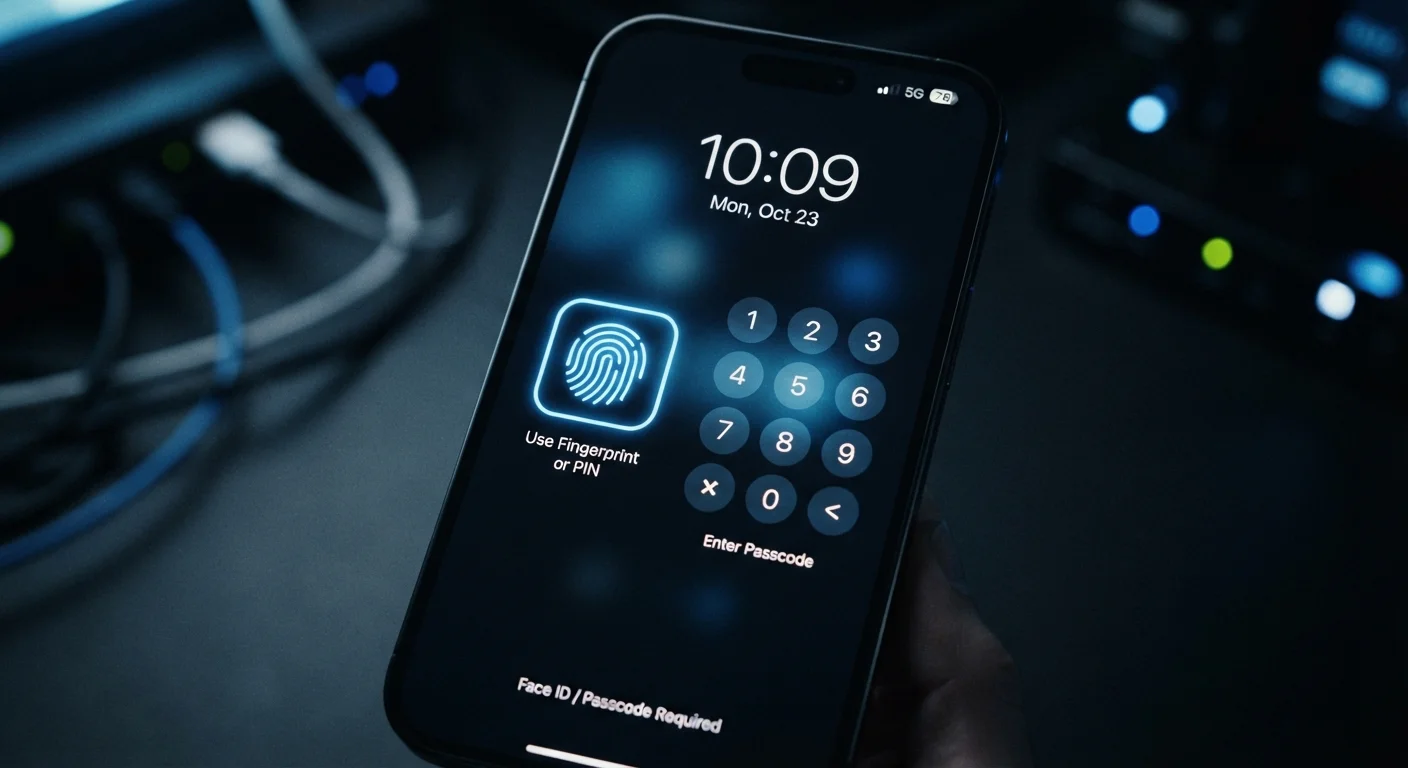
Fingerprint scanners and face unlock feel secure, but how do they compare to a strong PIN or passphrase? We break down t…
Each type of personal device carries its own risks and protection strategies. This end-to-end guide covers what matters …
New to device security? Learn the core concepts and habits that keep your smartphone, laptop, and tablet safe from every…
Encryption protects your stored data — but it has real limits. Understand what it covers, how it works on common devices…
From screen privacy to physical cable locks, here are the layered security practices that matter most when your laptop r…
The first 30 minutes with a new phone are the best time to set strong security foundations. Here's exactly what to confi…
Connecting to café or airport Wi-Fi isn't inherently catastrophic, but specific behaviours dramatically increase your ri…
These built-in features can save your data if a device is lost or stolen — but only if they're set up correctly beforeha…
Most people start out careful, then gradually let protections slip. Recognise the patterns that weaken your device secur…
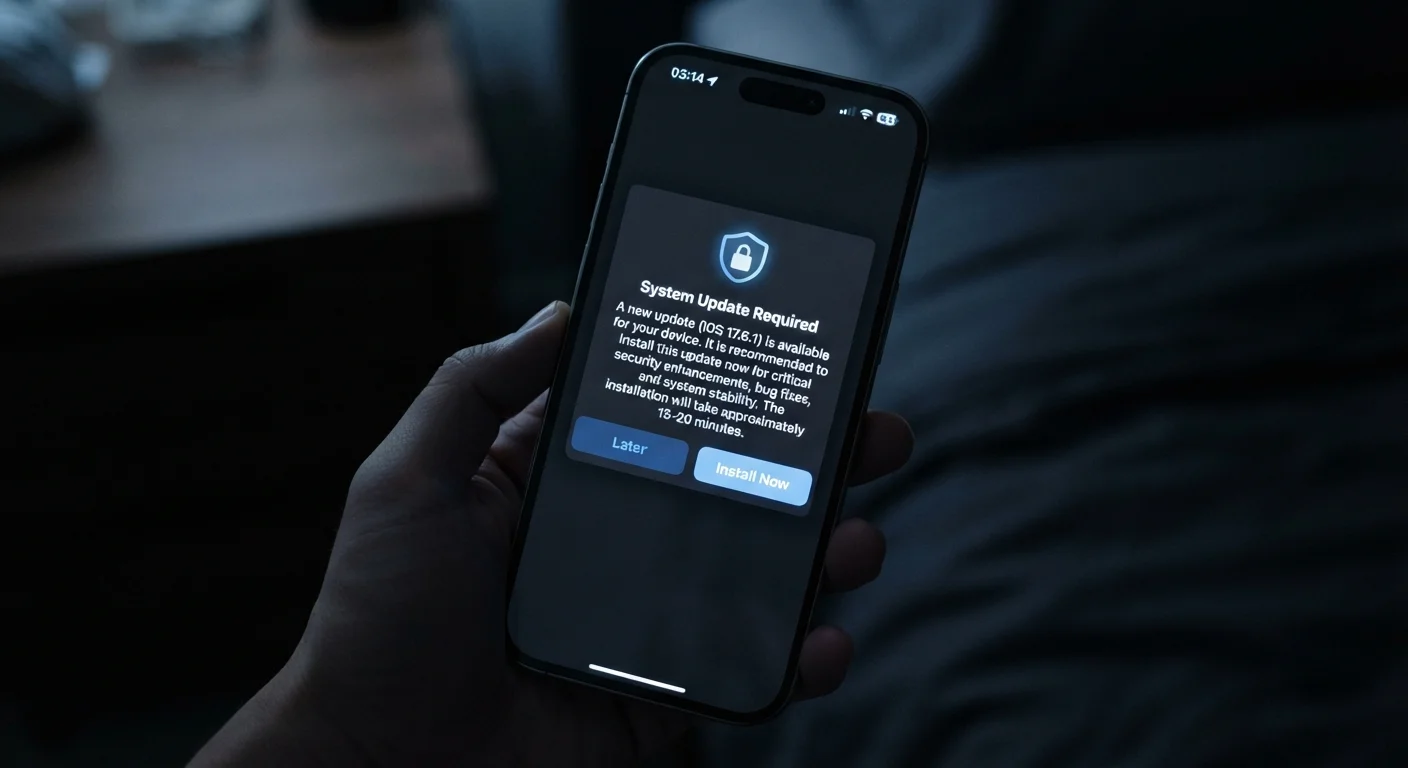
Update prompts are easy to dismiss, but most security patches close active vulnerabilities. Learn what's actually fixed …
Run through this step-by-step checklist to verify your smartphone, laptop, and tablet are properly locked down against c…
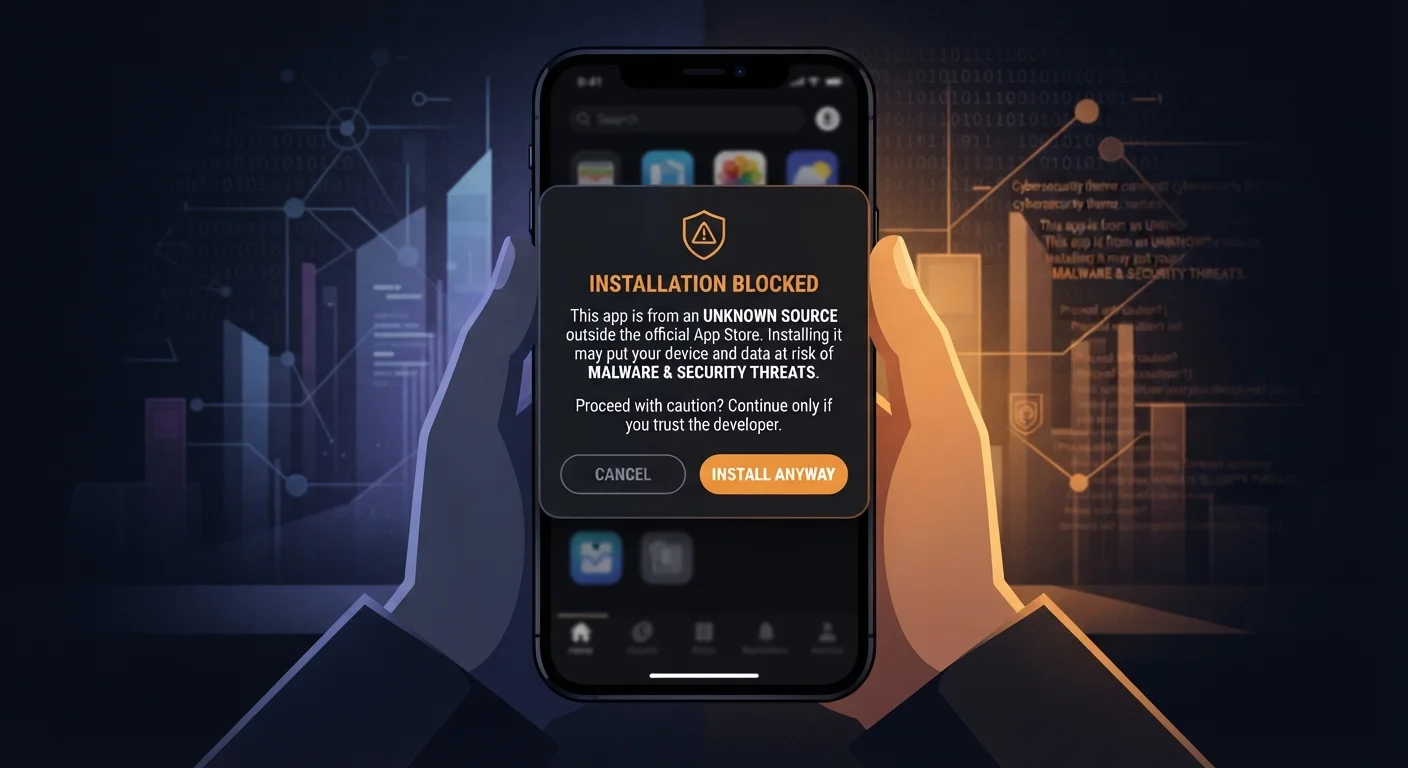
Installing apps from outside the App Store or Google Play can offer flexibility, but it comes with meaningful security t…
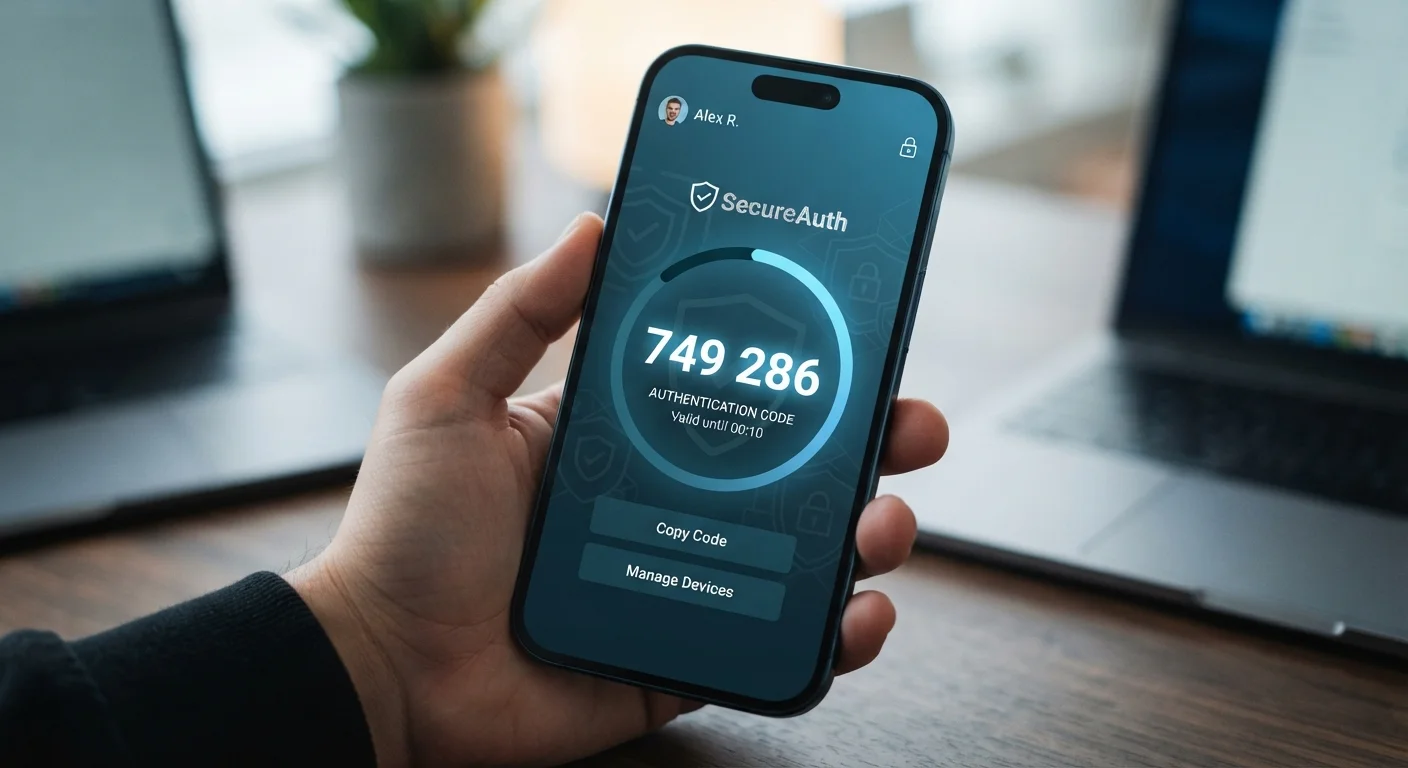
SMS-based 2FA is better than nothing, but it's not the strongest option available. Explore how different 2FA methods com…
Losing a phone isn't just inconvenient — it can expose your accounts, photos, and financial data. Here's what's actually…
The most common reason people skip security settings isn't laziness — it's a misunderstanding of what's actually at stak…