
What Happens to Your Data When Your Phone Gets Stolen
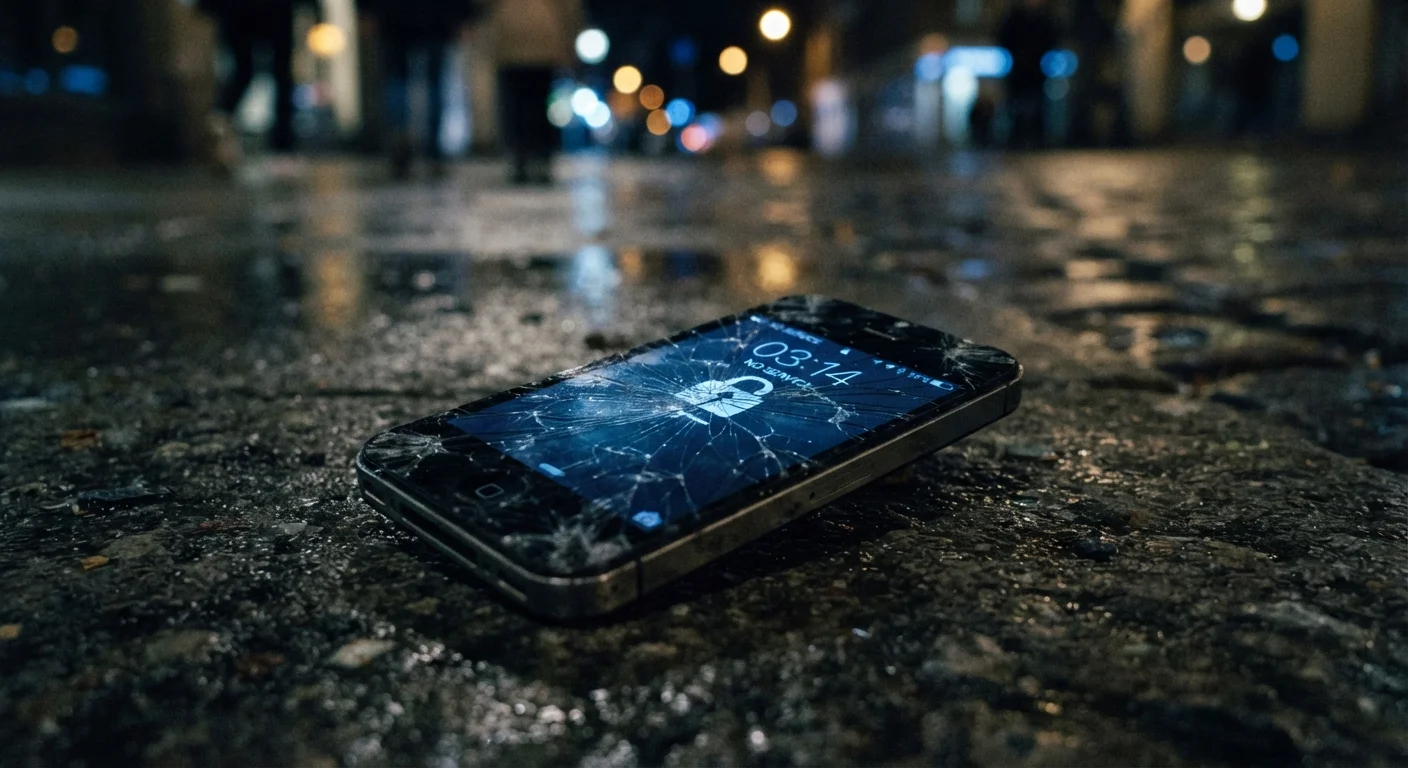
Photo credit: Telecom360.net | Connecting You To The Latest In Telecom
In this article
Losing a phone isn't just inconvenient — it can expose your accounts, photos, and financial data. Here's what's actually at risk and how to limit the damage.
Key Takeaways
- A stolen phone can give thieves access to email, banking, and social accounts if not properly secured.
- Biometric locks and strong PINs significantly reduce the risk of local data access.
- Remote wipe is only effective if enabled before the device is stolen.
- SMS-based two-factor authentication becomes a liability when your SIM is in a thief's hands.
- Cloud-synced data may remain accessible even after the physical device is wiped.
- Acting within the first hour after theft dramatically limits the window for damage.
The Moment It's Gone: What a Thief Actually Has
A smartphone is not just a device - it is a continuously authenticated portal to your digital life. The instant it leaves your possession, whoever holds it has physical access to every account you were logged into, every password your browser saved, and every file stored locally or pinned for offline use.
Most people instinctively worry about their photos or contacts. Those are real concerns, but they're secondary. The higher-order risk is account access. A thief with your unlocked phone can open your email, trigger password resets across dozens of services, and be inside your bank account within minutes - all without needing any hacking skills. For a broader look at how mobile threats work in practice, see the digital threats every smartphone user should know about.
~1 in 10
Smartphone owners who report theft annually
Estimates from consumer security research suggest roughly one in ten smartphone users experiences theft or loss each year in the US.
< 60 min
Typical window before account access is attempted
Security researchers observing opportunistic theft cases have noted that access attempts on email and financial accounts often begin within the first hour of device theft.
81%
Data breaches involving stolen or weak credentials
According to Verizon's Data Breach Investigations Report, the vast majority of hacking-related breaches involve compromised login credentials, the same pathway opened by phone theft.
Why the Lock Screen Is Only Part of the Answer
A strong PIN or biometric lock meaningfully raises the bar for local data access. But the lock screen doesn't protect everything. Two significant vulnerabilities survive it.
The SIM card. The physical SIM in your phone carries your phone number. A thief who removes it - or a sophisticated actor who executes a SIM swap - can receive every SMS sent to your number, including one-time authentication codes. This is one reason SMS-based two-factor authentication (2FA) is considered the weakest form of account protection. For a detailed breakdown of how SIM-based attacks work, the article on protecting your phone number from SIM swap fraud covers the mechanics and mitigations.
Cloud sessions. Many apps maintain persistent login sessions that don't require re-authentication after a PIN unlock. If a thief gets past your lock screen - through brute force, a known vulnerability, or simply because your screen was already on - your cloud-linked accounts are immediately exposed.
Switch Away from SMS Two-Factor Authentication
If you currently use text message codes for account verification, consider migrating to an authenticator app. These generate time-sensitive codes locally on your device - they are not tied to your SIM and cannot be intercepted by someone holding your phone number. Most major platforms support this option in their security settings.
What Data Is Actually at Risk
Not all data carries equal weight. Here's how to think about exposure by category:
- Email: The master key. Control of your inbox means password reset access to virtually every other account.
- Banking and payment apps: Many remain logged in persistently. A thief with local access can initiate transfers before you react.
- Photos and videos: Beyond personal embarrassment, media can contain metadata - location data, timestamps - that reveals patterns about your life.
- Saved passwords: Browser-stored credentials and password manager apps are high-value targets if the vault is unlocked or uses biometric access tied to the compromised device.
- Work data: If you use your personal phone for work, corporate email, VPN credentials, or internal tools may also be exposed. This risk profile is examined in depth in the context of business phone security vulnerabilities.
What to Do in the First Hour
Speed is the single most important factor in limiting damage. The actions below should be prioritized roughly in this order:
- Suspend your SIM. Call your carrier immediately to deactivate the SIM. This cuts off the thief's ability to receive calls and SMS verification codes on your number.
- Trigger a remote wipe. Use Google's Find My Device or Apple's Lost Mode and Erase feature from another browser or device. Note that a wipe only works if the phone is online and the feature was activated beforehand.
- Change your email password. Do this before anything else account-related. Locking down email closes the password-reset pathway to all other services.
- Revoke active sessions. Most major platforms allow you to sign out all devices. Do this for email, social media, and any financial accounts.
- Notify your bank. Flag the theft so the institution can monitor for suspicious activity and potentially freeze card-linked payments initiated from the device.
For a more comprehensive response checklist that also covers phishing and fraud scenarios, see what to do after a suspected security incident.
Remote Wipe Has a Critical Limitation
A remote wipe command can only reach your device when it is connected to the internet. A thief who immediately puts the device in airplane mode or powers it off may prevent the wipe from executing. Some platforms queue the command and execute it upon next connection, but this is not guaranteed. Physical security controls - like a strong PIN and encrypted storage - remain your primary line of defense.
Protections to Put in Place Before It Happens
Reactive measures are limited by what you set up in advance. The most effective controls are proactive.
Use an authenticator app instead of SMS for 2FA. Apps like those generating time-based one-time passwords (TOTP) are not tied to your SIM card and remain protected even if your number is compromised.
Enable full-device encryption. Both major mobile platforms encrypt device storage by default when a lock screen PIN is set, but verify this is active on your device.
Configure remote wipe before you need it. This requires having a platform account associated with the device and the feature enabled in settings - not something you can set up after the fact.
Use a password manager with a separate master credential. Avoid relying solely on browser-saved passwords, which may auto-fill without re-authentication.
Audit which apps stay persistently logged in. Periodically reviewing your connected apps - and logging out of financial or sensitive services when not in use - reduces the blast radius of physical access. This connects to broader online privacy practices that apply well beyond the theft scenario.
Understanding how account takeovers unfold can also sharpen your instincts here - the account takeover process explained article maps the typical progression an attacker follows once they have an entry point.
Frequently Asked Questions

Author
Cybersecurity Editorial Team
Cybersecurity Editorial Team is the collective byline for our editorial team and contributor network. Articles published under this byline or an editorial pen name are researched, written, and reviewed according to our editorial standards for clarity, consistency, and independence before publication.
View all articles →