
Digital Threats Every Smartphone User Should Know About
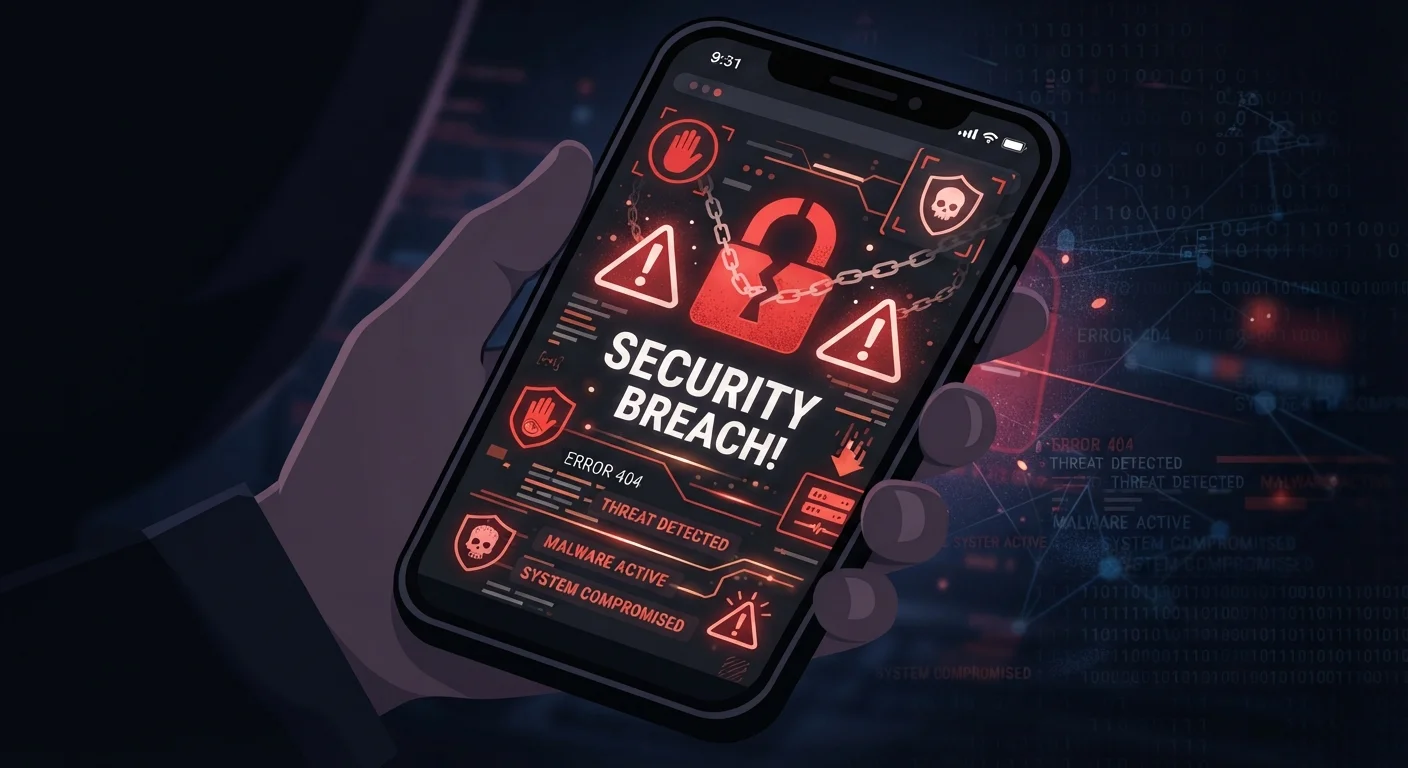
Photo credit: Telecom360.net | Connecting You To The Latest In Telecom
In this article
A comprehensive introduction to the cyber threats targeting everyday mobile users — from malware to SIM swapping — and how to stay protected.
Key Takeaways
- Smartphones store banking, identity, and communication data, making them high-value targets for attackers.
- Malicious apps, phishing texts, and SIM swapping are among the most common mobile threat vectors.
- Most successful attacks exploit human behavior, not just software vulnerabilities.
- Basic hygiene - software updates, strong authentication, and app source vetting - blocks a large share of attacks.
- Understanding how each threat works helps you recognize warning signs before damage is done.
Why Smartphones Are Prime Targets
Your smartphone is one of the most information-dense objects you own. It holds banking credentials, personal messages, health data, photos, and often serves as the authentication device for your most sensitive accounts. That concentration of value makes it an attractive target for a wide range of attackers - from opportunistic scammers to organized cybercrime groups.
Smartphones are also used in environments that create vulnerability: public Wi-Fi networks, unfamiliar apps, and the habit of tapping links quickly without close scrutiny. Understanding the threat landscape is a prerequisite to defending against it. For a broader look at how security concepts apply across all your devices, see our device security primer.
Malware
Malicious software designed to damage a device, steal data, or give an attacker unauthorized access. It includes viruses, spyware, trojans, and ransomware.
Phishing
A deceptive attack in which an attacker impersonates a trusted entity - via email, text, or fake website - to trick you into revealing passwords or other sensitive information.
Smishing
A form of phishing carried out through SMS text messages rather than email. The goal is the same: manipulate you into clicking a link or sharing credentials.
SIM Swapping
An attack in which a criminal tricks your mobile carrier into transferring your phone number to a SIM they control, allowing them to intercept calls, texts, and authentication codes.
Two-Factor Authentication (2FA)
A login security method that requires two forms of verification - typically your password plus a one-time code - making it harder for attackers to access accounts with just a stolen password.
Man-in-the-Middle Attack
An attack where a third party secretly intercepts and potentially alters communication between two parties, such as between your phone and a website.
Social Engineering
Manipulation tactics that exploit human psychology - such as urgency, fear, or trust - to trick people into taking actions that compromise their security.
App Permissions
Access rights that an app requests on your device, such as the ability to read your contacts, use your camera, or track your location. Granting unnecessary permissions can expose your data.
Malware and Malicious Apps
Mobile malware - software designed to harm your device or steal data - most often enters through apps. This includes apps distributed outside official stores, but also apps that pass initial review and are later updated to include harmful code. Common types include spyware (which silently transmits your data), adware (which hijacks your browsing), and banking trojans (which overlay fake login screens on legitimate apps).
App permissions are a key warning signal. An app requesting microphone or location access when its function doesn't require either is worth scrutinizing. Understanding what permissions mean and why apps request them is covered in depth in our guide to how apps work.
Vet Apps Before You Install
Before installing any app, check the developer name, read recent reviews, and look at the permissions it requests. An app with few reviews, a generic developer name, or requests for access it clearly doesn't need is worth skipping. Sticking to established app stores reduces - but does not eliminate - the risk of malicious apps.
Phishing, Smishing, and Social Engineering
Phishing attacks deceive users into surrendering credentials or installing malware by impersonating trusted sources. On smartphones, smishing - phishing via SMS - is particularly prevalent because text messages carry an implicit sense of urgency and authenticity. A message claiming to be from your bank, a parcel carrier, or a government agency, with a link to a convincing fake page, can capture login credentials in seconds.
Social engineering more broadly exploits human psychology - urgency, fear, curiosity, or authority - rather than software flaws. Attackers often arrive armed with personal details gathered from data brokers and prior breaches, making their messages eerily plausible. Learn more about how scammers source that information in our article on what data brokers know about you. For a clear comparison of social engineering versus malware-based attacks, see two very different ways attackers get in.
SIM Swapping and Account Takeover
SIM swapping (also called SIM hijacking) occurs when an attacker convinces your mobile carrier to transfer your phone number to a SIM card they control. Once they own your number, they can receive the SMS verification codes used by banks, email providers, and social platforms - bypassing two-factor authentication entirely.
The attack typically begins with social engineering directed at carrier customer service staff, using personal information the attacker has already gathered. Victims often discover the attack only when their phone suddenly loses service. Our dedicated guide covers the mechanics and mitigation in detail: protecting your phone number from SIM swap fraud.
SMS-Based 2FA Has Real Limits
Using text messages as your second authentication factor is better than no 2FA at all, but SIM swapping and SS7 network vulnerabilities mean SMS codes can be intercepted. Where possible, switch to an authenticator app or a hardware security key for accounts that protect your finances or identity.
Network-Based Threats
Public Wi-Fi networks - in airports, cafes, and hotels - present real but often overstated risks. The primary concern is a man-in-the-middle attack, where an attacker intercepts traffic between your device and the internet. In practice, widespread adoption of HTTPS has reduced the viability of simple interception, but malicious hotspots (networks set up to impersonate legitimate ones) remain a credible threat for users who auto-connect to open networks.
Cellular networks carry their own risks. Devices called IMSI catchers (sometimes called stingrays) can impersonate cell towers to intercept calls and data, though their use requires physical proximity and is more common in targeted attacks. For a grounded assessment of real public network risks, see public Wi-Fi and your devices.
Building Your Defense Baseline
No single measure eliminates all risk, but a small set of consistent habits addresses the majority of common attack vectors. Keep your operating system and apps updated - patches routinely close vulnerabilities attackers actively exploit. Use an authenticator app rather than SMS for two-factor authentication on critical accounts. Download apps only from official stores and review permissions before granting them.
Be skeptical of unsolicited messages, even from senders who appear familiar. If a text or email creates urgency around credentials, payments, or account access, verify through an independent channel before acting. For a structured review of your current setup, work through the complete device security audit checklist. You can also explore the full device security hub and online privacy hub for ongoing guidance. A useful reference when you encounter unfamiliar threat terminology is our cyber threats glossary.
Frequently Asked Questions

Author
Cybersecurity Editorial Team
Cybersecurity Editorial Team is the collective byline for our editorial team and contributor network. Articles published under this byline or an editorial pen name are researched, written, and reviewed according to our editorial standards for clarity, consistency, and independence before publication.
View all articles →