
Key Concepts Every Smartphone User Should Know About How Apps Work
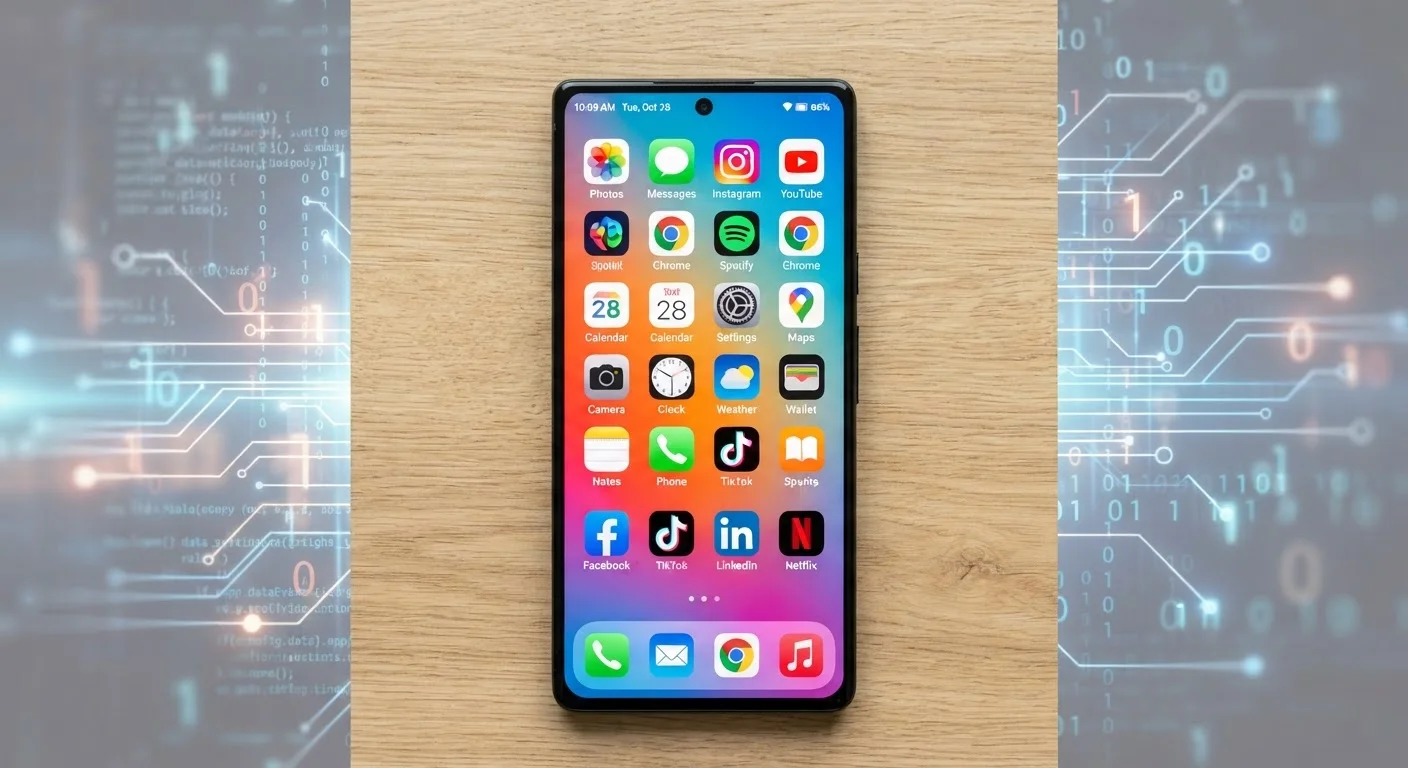
Photo credit: Telecom360.net | Connecting You To The Latest In Telecom
In this article
From APIs to push notifications, this beginner-friendly guide explains the core ideas behind how the apps on your phone actually function.
Key Takeaways
- Apps are software programs that run on top of your phone's operating system, not as part of it.
- APIs allow apps to request data and services from external servers without sharing source code.
- App stores act as gatekeepers - reviewing, hosting, and distributing apps to your device.
- Permissions define exactly what hardware or data an app can access on your phone.
- Updates patch security flaws and add features; skipping them can leave your device exposed.
What an App Actually Is
An app - short for application - is a software program designed to run on a specific platform, such as iOS or Android. Unlike the operating system itself, which manages your phone's core functions, an app sits on top of that foundation and uses it as a launching pad. Every app you interact with is, at its core, a set of instructions written in a programming language that your phone's processor executes.
Apps come in a few distinct forms. Native apps are built specifically for one platform and compiled into a format the OS can run directly - this is why an Android APK file won't open on an iPhone. Cross-platform apps use frameworks that generate code for both platforms from a single codebase, which can introduce minor differences in behavior or look. Web apps run inside a browser and require no installation at all.
API
A set of rules that lets apps communicate with external servers or other software to request data or trigger actions - like fetching a weather forecast.
Native app
An app built specifically for one operating system (iOS or Android) that runs directly on the device's hardware for optimized performance.
Sandbox
A security boundary that isolates each app's data and processes from other apps and system files, preventing unauthorized access.
Push notification
An alert delivered to your device from a remote server through Apple's or Google's notification infrastructure, without the app needing to be open.
Sideloading
Installing an app from outside the official app store, which bypasses the platform's standard review and security checks.
Permission
An explicit authorization your OS asks you to grant before an app can access sensitive hardware or data, such as your camera or location.
To understand why the same app can feel different depending on your device, see our article on why apps behave differently across platforms.
How Apps Talk to the Outside World
Very few apps work entirely on their own. Most rely on external services to fetch data, authenticate logins, process payments, or deliver content. The mechanism that makes this possible is an API (Application Programming Interface) - a defined set of rules that lets one piece of software request information or actions from another.
When you open a weather app, it doesn't store every forecast on your phone. Instead, it sends a request to a remote server via an API, which responds with the current data. This keeps the app lightweight and the data up to date. The same principle applies to social feeds, map directions, and streaming music.
Push notifications work through a related but distinct system. When a server-side event occurs - a new message arrives, a flight status changes - the app's backend sends a signal to Apple's APNs (Apple Push Notification service) or Google's FCM (Firebase Cloud Messaging). Those services forward the alert to your device, even when the app is closed.
Keep Background App Activity in Check
Both iOS and Android let you control which apps can refresh data or run processes in the background. Reviewing these settings periodically can improve battery life and give you a clearer picture of what each app is doing when you're not actively using it.
For a deeper look at what software behavior means for everyday performance, explore our guide to software performance on smartphones.
How Apps Are Distributed and Installed
Apps reach your device through a structured distribution system. On iOS, Apple's App Store is the only authorized channel for most users. On Android, Google Play is the primary source, but the platform also allows sideloading - installing apps from outside the official store - which introduces additional security considerations.
Before an app reaches you, it goes through a review process. Apple's review is notably strict, checking for guideline violations, privacy issues, and malware. Google Play also reviews submissions, though the process differs in scope and speed. This gatekeeping is one layer of protection, but it isn't foolproof.
Once you tap Install, your device downloads the app package, verifies its digital signature, and extracts the necessary files to a designated directory. Each app is assigned its own isolated storage space - a concept called a sandbox - so it cannot access another app's data. For a detailed walkthrough of this process, see what actually happens when you install an app.
Updates, Permissions, and Why They Matter
App updates serve two primary purposes: adding new features and patching security vulnerabilities. When researchers or developers discover a flaw that could expose user data or allow malicious code to run, an update is the fix. Skipping updates - especially on apps that handle sensitive information like banking or email - leaves known weaknesses unaddressed.
Permissions are the gatekeeper system your OS uses to control what an app can access. When an app requests access to your camera, contacts, or location, the OS intercepts that request and asks for your approval. You can grant or deny permissions individually, and on both iOS and Android you can revisit and revoke them at any time through your device settings.
Be Selective With App Permissions
Granting unnecessary permissions - like location access to a flashlight app - increases your exposure without providing any real benefit. Review app permissions regularly in your device settings and revoke anything that doesn't make sense for what the app actually does. An app that demands excessive permissions may warrant more scrutiny before you keep it installed.
Understanding permissions is closely tied to your broader digital security posture. Our guide to digital threats every smartphone user should know about covers how app vulnerabilities fit into the wider threat landscape. For a handy reference to technical terms mentioned here and elsewhere, the practical glossary of mobile OS and app terms is worth bookmarking.
Frequently Asked Questions

Author
Apps & Software Editorial Team
Apps & Software Editorial Team is the collective byline for our editorial team and contributor network. Articles published under this byline or an editorial pen name are researched, written, and reviewed according to our editorial standards for clarity, consistency, and independence before publication.
View all articles →