
Device Security From the Ground Up: A Personal Tech Protection Primer
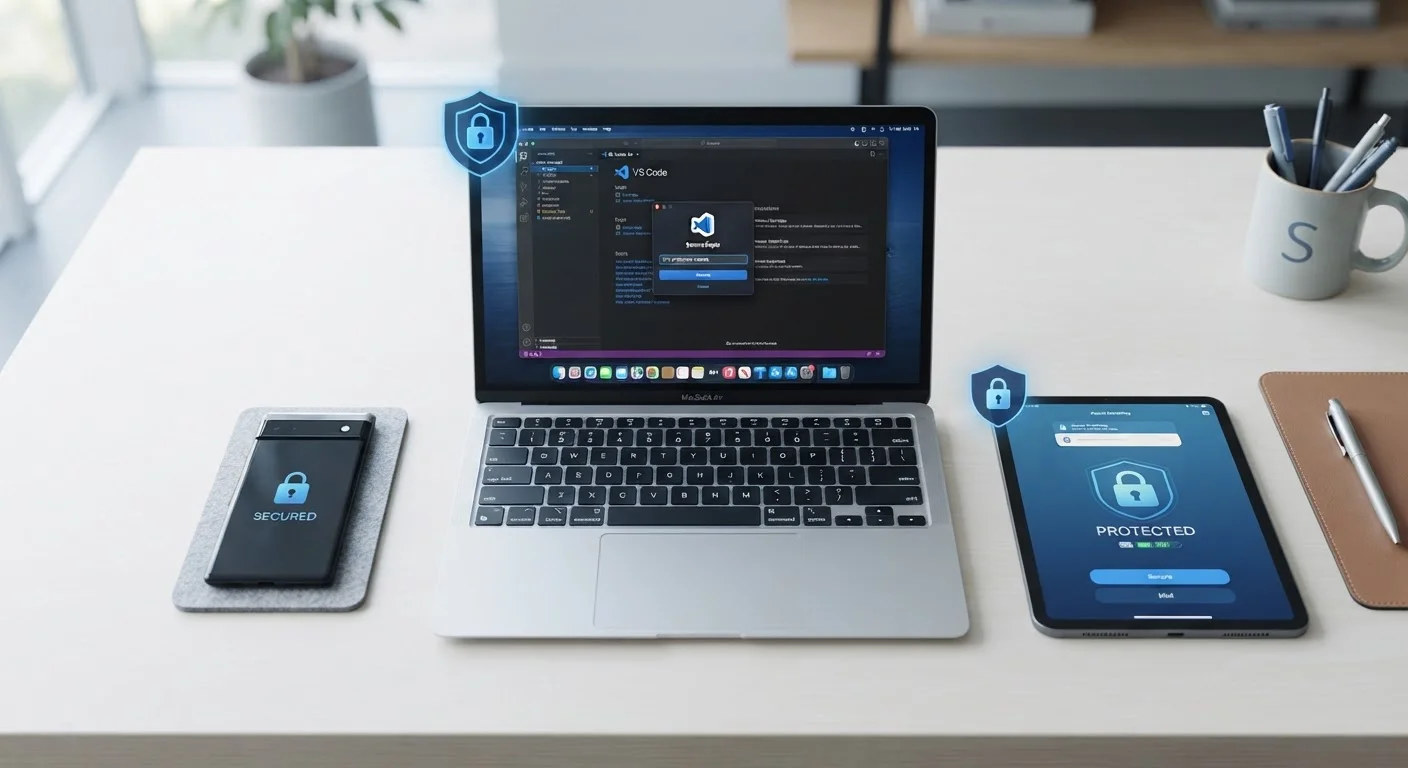
Photo credit: Telecom360.net | Connecting You To The Latest In Telecom
In this article
New to device security? Learn the core concepts and habits that keep your smartphone, laptop, and tablet safe from everyday threats.
Key Takeaways
- Most successful attacks exploit habits, not sophisticated technical vulnerabilities.
- A handful of consistent practices - strong passwords, updates, screen locks - protect against the majority of everyday threats.
- Device security applies to every connected device you own, not just your phone.
- Security is a process of ongoing habits, not a one-time setup.
- Understanding what you're protecting against makes every defensive step more intuitive.
Why Device Security Matters for Everyday Users
Personal devices now hold more sensitive information than a filing cabinet ever did - banking credentials, health data, private messages, and account logins for dozens of services. Attackers know this. The threat landscape has shifted from targeting large institutions to targeting individuals, because individuals are often easier to reach and less defended.
Most successful attacks don't rely on exotic techniques. Phishing messages, weak passwords, unpatched software, and unsecured networks account for the vast majority of personal device compromises. Understanding the threats everyday users actually face is the first step toward addressing them practically.
Attack surface
The total number of ways an attacker could potentially access your device or data - including apps, network connections, and accounts.
Encryption
A process that scrambles data so it can only be read by someone with the correct key or authorization, protecting it if a device is lost or intercepted.
Two-factor authentication (2FA)
A security method that requires a second proof of identity - such as a one-time code - in addition to your password before granting access.
Phishing
A deceptive message - via email, SMS, or app - designed to trick you into revealing login credentials or installing malicious software.
Password manager
A tool that securely generates, stores, and fills in strong, unique passwords for each account, so you only need to remember one master password.
Patch
A software update that fixes a specific security vulnerability or bug in an operating system or application.
Core Concepts You Need to Know
Device security builds on a small set of foundational ideas. Once these concepts are clear, the reasoning behind specific recommendations becomes intuitive rather than arbitrary.
Attack surface refers to all the ways an attacker could potentially reach your device or data - every app installed, every network you connect to, every account linked to your device. Reducing your attack surface means removing unused apps, limiting unnecessary permissions, and keeping connections minimal.
Encryption scrambles data so only authorized parties can read it. Most modern smartphones encrypt storage by default when a screen lock is set. This means a lost or stolen device doesn't automatically hand over its contents.
Authentication is how a device or service verifies your identity. Passwords are the most familiar form, but biometrics (fingerprint, face recognition) and two-factor authentication add additional layers of verification. Online privacy and device security overlap significantly - good authentication practices protect both.
The Foundational Habits That Make the Biggest Difference
Security researchers consistently find that a small number of habits prevent a disproportionately large share of incidents. These aren't complex or time-consuming - they're disciplines applied consistently.
Start With the Highest-Impact Habits First
If you're new to device security, don't try to implement every practice at once. Enable automatic updates and set a strong screen lock on all devices first - these two steps alone address a significant share of common threats. Add a password manager and 2FA on priority accounts as a second step, and build from there.
- Install updates promptly. Software updates frequently patch security vulnerabilities that attackers actively exploit. Enable automatic updates on your operating system and apps wherever possible.
- Use a screen lock on every device. A PIN, password, or biometric lock prevents physical access to your data if a device is lost or stolen. A six-digit PIN is meaningfully stronger than a four-digit one.
- Use unique, strong passwords for every account. Reusing passwords means one leaked credential can compromise multiple accounts. A password manager generates and stores strong passwords so you don't have to memorize them.
- Enable two-factor authentication (2FA). On accounts that support it, 2FA significantly reduces the risk of unauthorized access even when a password is exposed.
- Be selective about app permissions. Review what each app can access - location, camera, microphone, contacts - and revoke permissions that aren't necessary for the app's core function.
For a structured approach to verifying these practices across all your devices, the Complete Device Security Audit Checklist provides a step-by-step walkthrough.
Common Mistakes That Open the Door to Threats
Many compromises trace back to predictable, avoidable errors rather than sophisticated attacks. Recognizing these patterns is as valuable as knowing what to do.
Urgency in Messages Is a Red Flag
Attackers often craft messages that create a sense of urgency - warnings about account suspension, package delivery failures, or security alerts - to pressure quick action before you think critically. Legitimate organizations rarely demand immediate action via unsolicited messages. Pause and verify independently before clicking any link or providing information.
- Delaying updates. Every day a known vulnerability goes unpatched is an opportunity for exploitation. Prompt updates are one of the highest-leverage security actions available.
- Connecting to unsecured networks without caution. Public Wi-Fi can expose traffic to others on the same network. Treat public networks as untrusted and avoid accessing sensitive accounts on them. Your home network also carries risks if left improperly configured.
- Clicking links in unexpected messages. Phishing - deceptive messages designed to steal credentials or install malware - arrives via email, SMS, and messaging apps. Verify the sender before clicking any link, especially those requesting login or payment information.
- Ignoring backup routines. Ransomware and hardware failure both result in data loss. Regular encrypted backups mean an incident doesn't become a catastrophe.
Security habits have a tendency to slip after an initial careful period. The article Security Habits That Erode Over Time explores how this happens and how to course-correct.
Where to Go From Here
This primer covers the ground floor of device security - the concepts and habits that form the foundation for everything else. The next step is applying these principles systematically across every device you own.
Different devices carry different risk profiles and call for specific strategies. The guide Device Security Across Your Digital Life covers phones, laptops, tablets, and wearables individually. For a broader picture of your data exposure beyond devices, online privacy practices complement device-level protections directly.
Device security isn't a destination - it's a set of habits maintained over time. Starting with the fundamentals covered here and building from them is the most reliable path toward durable personal protection.
Have I Been Pwned
A free service that lets you check whether your email address or phone number has appeared in known data breaches, helping you identify accounts that may need immediate password changes.
NIST Digital Identity Guidelines
The US National Institute of Standards and Technology publishes authoritative guidance on password and authentication best practices, used as a baseline by security professionals.
CISA: Cybersecurity Awareness Resources
The Cybersecurity and Infrastructure Security Agency provides plain-language guides on protecting personal devices and accounts, written for general audiences rather than technical specialists.
Frequently Asked Questions

Author
Cybersecurity Editorial Team
Cybersecurity Editorial Team is the collective byline for our editorial team and contributor network. Articles published under this byline or an editorial pen name are researched, written, and reviewed according to our editorial standards for clarity, consistency, and independence before publication.
View all articles →