
Home Network Security: Keeping Smart Devices From Becoming Vulnerabilities
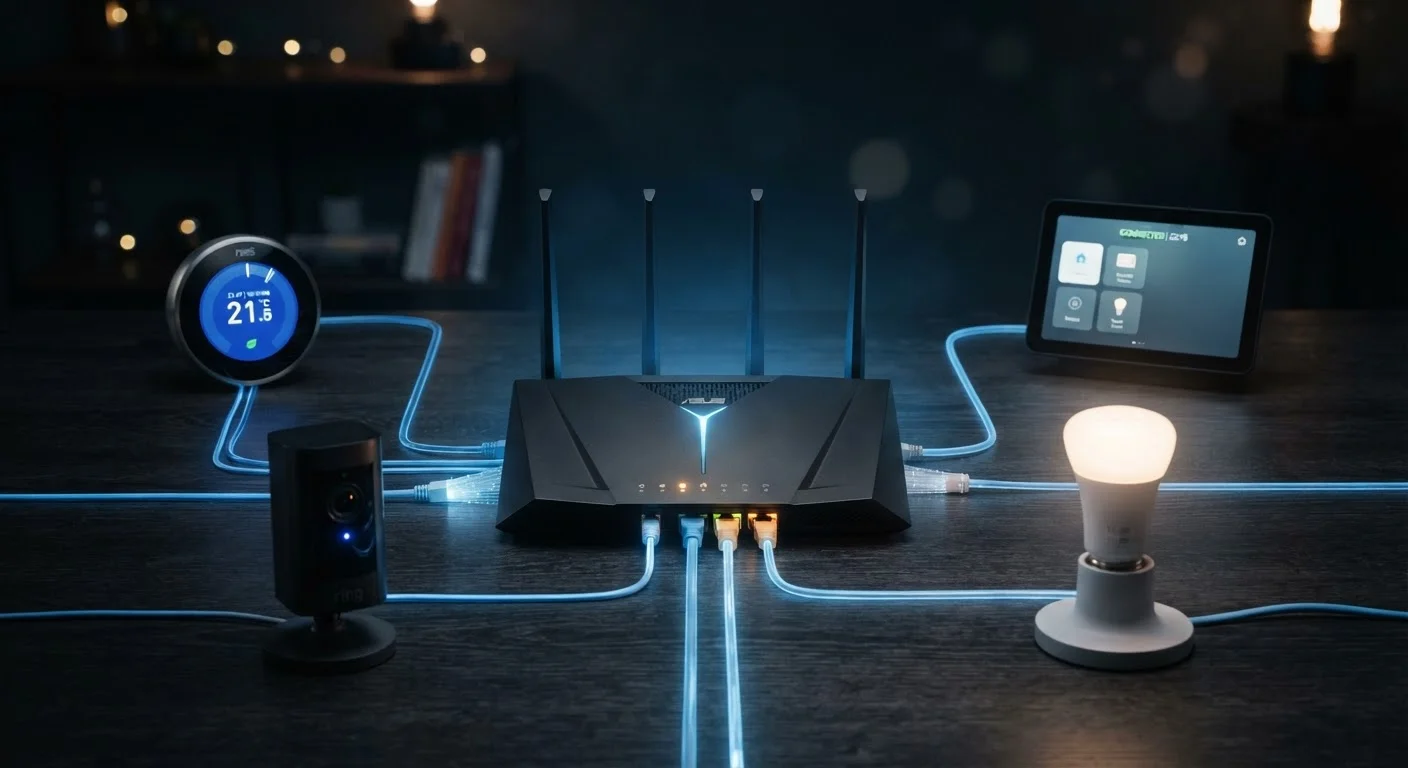
Photo credit: Telecom360.net | Connecting You To The Latest In Telecom
In this article
Routers, IoT devices, and guest networks each carry risk. Learn the key practices for keeping your connected home safer.
Key Takeaways
- Most IoT devices ship with weak default credentials that users rarely change, creating immediate vulnerabilities.
- Segmenting smart devices onto a separate network limits the damage a compromised device can cause.
- Router firmware updates and strong Wi-Fi encryption settings are foundational, not optional, security steps.
- Guest networks protect your primary devices from less-trusted visitors and gadgets.
- Disabling unused features like remote management and UPnP reduces your router's attack surface significantly.
Why Your Smart Home Is a Security Target
The average connected home now contains a dozen or more internet-linked devices - thermostats, cameras, smart speakers, door locks, and appliances - each running its own firmware and communicating over your home network. That convenience comes with a structural problem: every device is a potential entry point for an attacker. Unlike smartphones and laptops, most IoT (Internet of Things) devices receive infrequent security updates, ship with identical default passwords across thousands of units, and run lightweight operating systems that offer minimal built-in defenses.
The threat isn't theoretical. Researchers have repeatedly demonstrated how a single vulnerable smart bulb or IP camera can be used to pivot into a network and intercept traffic from other devices. Understanding this risk is the first step toward managing it. For a broader look at how device categories each carry distinct exposures, see Device Security Across Your Digital Life.
70%+
IoT devices with known unpatched vulnerabilities
A study by Palo Alto Networks' Unit 42 found that a substantial majority of IoT devices on enterprise and home networks run outdated firmware with known security flaws.
15+
Average connected devices per US household
Deloitte's research into connected consumer households has estimated the average US home now contains more than 15 internet-connected devices, up significantly from the prior decade.
Core Practices for a More Secure Home Network
Improving home network security doesn't require specialized expertise - it requires consistent application of a small number of high-impact habits. The practices below address the most common weaknesses found in residential setups.
Change default credentials on every device before connecting it to your network.
IoT manufacturers often ship devices with identical default usernames and passwords documented publicly online. Attackers use automated scanners to find these devices. A unique, strong password eliminates this entire category of attack.
Enable WPA3 encryption on your router, or WPA2-AES at minimum.
Older encryption standards like WEP and WPA-TKIP can be cracked with modest effort using widely available tools. WPA3 offers stronger handshake protection and forward secrecy, making intercepted traffic harder to exploit even if a key is later exposed.
Keep router firmware and device software updated consistently.
Firmware updates frequently patch known vulnerabilities that are actively exploited in the wild. Routers in particular often go years without updates because users don't think of them as software devices requiring maintenance.
Disable router features you don't actively use, especially remote management and UPnP.
Universal Plug and Play (UPnP) allows devices to automatically open ports in your firewall - a convenience that attackers can also exploit. Remote management exposes your router's admin interface to the open internet unless carefully restricted.
Audit connected devices periodically and remove anything that is no longer in use.
Old devices that still appear on a network - a retired smart speaker, a decommissioned thermostat controller - may still be running unpatched firmware and accepting connections. They represent risk with no corresponding benefit.
Network Segmentation: Your Most Effective Defense
Placing smart home devices on a dedicated network - separate from the one used by phones, laptops, and tablets - is one of the most effective structural changes a home user can make. Most modern routers support creating a secondary SSID (network name) or a VLAN (virtual local area network) specifically for this purpose. If a smart camera or connected appliance is compromised, network segmentation ensures the attacker cannot directly reach devices that hold more sensitive data.
Name Your IoT Network Discreetly
When creating a dedicated SSID for smart devices, avoid naming it something that reveals your home address, full name, or the specific equipment you use. A generic or non-descriptive name gives attackers less reconnaissance value if they're scanning nearby networks. This is a small but easy hardening step that costs nothing.
Guest networks serve a parallel function. Rather than giving visitors access to your primary network - where shared drives, smart locks, and banking apps may be reachable - a guest network provides internet access without internal network visibility. This is relevant for smart locks and connected entry points, where network access and physical security intersect. For a deeper look at how smart home devices communicate and why topology matters, see Smart Home Ecosystems Explained.
Quick Actions You Can Take Today
Some security improvements require configuration work; others take under two minutes. The actions below address immediate, high-value gaps that many users have simply never gotten around to closing.
For users who want to build these habits into a longer-term security routine, Security Habits That Erode Over Time covers how protections tend to slip - and how to rebuild them systematically. These home network practices also complement the device-level guidance in Device Security From the Ground Up.

Author
Consumer Electronics Editorial Team
Consumer Electronics Editorial Team is the collective byline for our editorial team and contributor network. Articles published under this byline or an editorial pen name are researched, written, and reviewed according to our editorial standards for clarity, consistency, and independence before publication.
View all articles →