
Device Security Across Your Digital Life: Phones, Laptops, Tablets, and Wearables
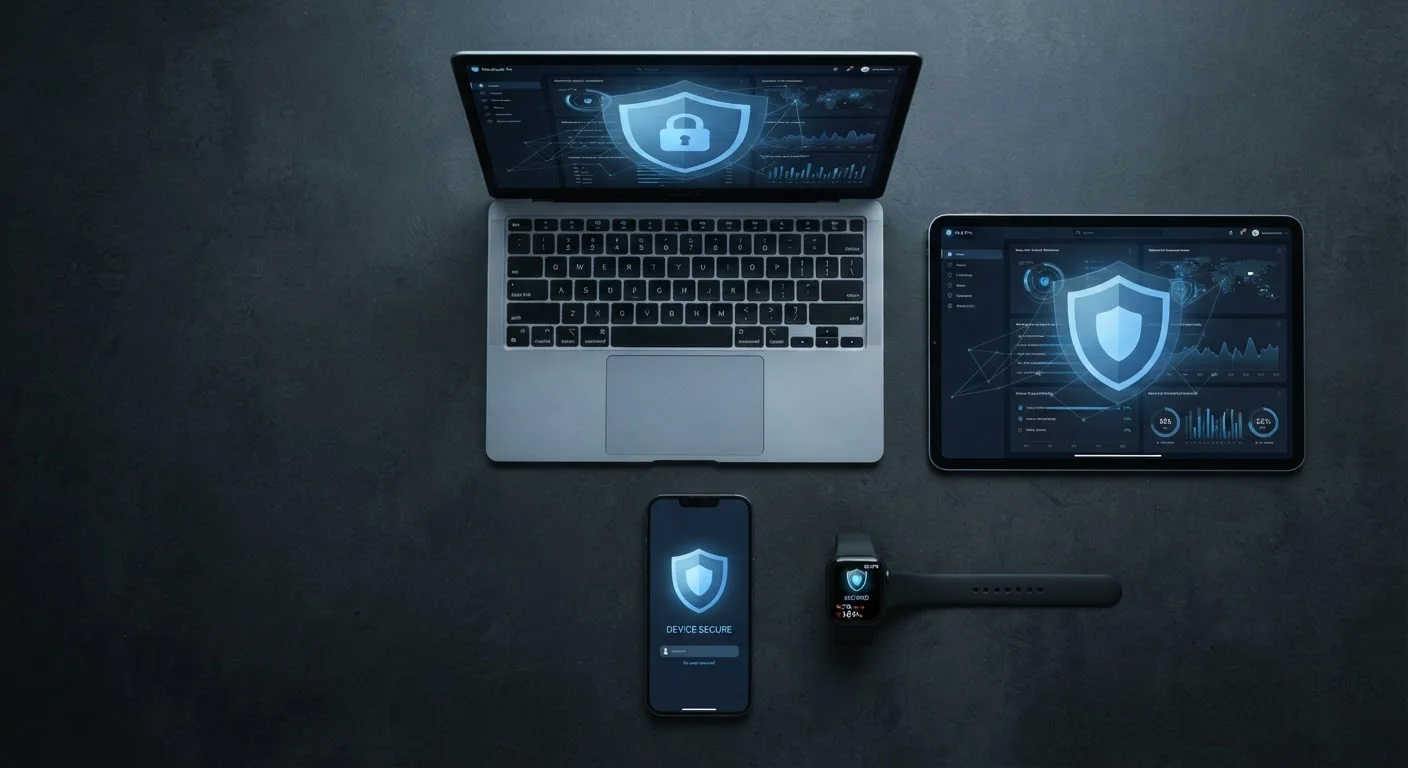
Photo credit: Telecom360.net | Connecting You To The Latest In Telecom
In this article
Each type of personal device carries its own risks and protection strategies. This end-to-end guide covers what matters most for each device you own.
Key Takeaways
- Each device category carries distinct risks that require tailored security practices, not one-size-fits-all settings.
- Smartphones are typically the highest-risk personal device due to constant connectivity and the volume of sensitive data they store.
- Laptops need strong disk encryption and screensaver locks because physical access can bypass most software controls.
- Wearables silently collect health, location, and behavioral data - privacy settings deserve the same scrutiny as your phone.
- Consistent update habits and strong authentication are the single most effective cross-device protections available.
Why Device Type Changes Your Risk Profile
Most security advice treats all personal devices as interchangeable. They aren't. A smartwatch, a laptop, and a smartphone each store different data, connect to different networks, and present different attack surfaces. Understanding those differences is the first step toward protecting yourself effectively.
For example, a laptop running a full operating system is far more susceptible to malware delivered through a browser or email attachment than a locked-down smartphone. Conversely, a smartphone travels with you constantly - into coffee shops, airports, and hotel rooms - creating exposure that a desk-bound machine never faces. Wearables rarely install third-party software but harvest deeply personal biometric data around the clock. Tablets often sit in a middle ground: used casually at home, but frequently logged into banking apps and work email.
Understanding how attackers choose between social engineering and malware helps clarify which devices are most exposed to which methods - and why context-specific defenses matter.
83%
Adults who own a smartphone in the US
According to Pew Research Center survey data, smartphone ownership among US adults has stabilized above 80% and continues to climb.
60%+
Data breaches involving stolen or weak credentials
Verizon's Data Breach Investigations Report consistently attributes the majority of breaches to compromised passwords across multiple years of reporting.
1 in 3
Wearable owners who review privacy settings
Consumer research suggests most wearable users never revisit the default data-sharing settings after initial device setup.
Smartphone Security: Your Most Exposed Device
Smartphones combine persistent internet connectivity, location tracking, payment credentials, messaging history, and camera access into a pocket-sized package. That concentration of sensitive data - and constant exposure to public networks - makes the smartphone the highest-risk personal device most people own.
Key Practices
- Enable full-disk encryption. Both iOS and Android enable this by default when you set a PIN or biometric lock, but verify it is active in your device settings.
- Use a strong screen lock. A six-digit PIN is meaningfully more secure than a four-digit one; biometric locks are convenient but should always be backed by a strong PIN, not a fallback pattern.
- Audit app permissions regularly. Apps frequently request access to location, microphone, and contacts beyond what their function requires. Review and revoke permissions that lack a clear purpose.
- Avoid public Wi-Fi for sensitive tasks. If you must use public networks, a reputable VPN reduces exposure.
- Keep the OS and apps updated. Most successful mobile exploits target vulnerabilities that patches already address.
For a broader look at what your device activity reveals over time, see our guide on your digital footprint across the web.
Treat your phone number as a sensitive credential, not just a contact detail. SIM-swapping attacks - where a threat actor convinces a carrier to transfer your number - can bypass SMS-based two-factor authentication entirely.
Carriers have faced sustained pressure to improve SIM transfer verification, but social engineering of support staff remains an effective attack vector targeting high-value accounts.
When buying a used device, perform a full factory reset yourself rather than relying on the previous owner's reset. Verify the device isn't enrolled in an MDM (mobile device management) profile before use.
MDM profiles can persist through certain resets and grant remote parties significant control over device settings, app installation, and data access.
Laptop Security: Protecting Your Most Powerful Device
Laptops run full operating systems, execute arbitrary software, and often store or access the most sensitive files a person owns - tax returns, work documents, passwords saved in browsers. Physical access to an unlocked or unencrypted laptop can expose everything in minutes.
Key Practices
- Enable full-disk encryption. FileVault on macOS and BitLocker on Windows encrypt the entire drive. Without the password, stolen hardware yields unreadable data.
- Set automatic screen lock. Configure your laptop to lock after two to five minutes of inactivity. This single step prevents the most common office or café theft scenario.
- Use a standard user account for daily work. Reserve administrator privileges for intentional software installations - malware that executes under a standard account has limited reach.
- Be deliberate about browser extensions. Extensions run with significant privileges; install only those from verified sources and remove unused ones.
- Secure your home network. Your laptop is only as safe as the network it connects to. Review our resource on home network security and smart device vulnerabilities for router and network hardening steps.
Public Charging Stations Carry Real Risk
Using public USB charging ports - in airports, hotels, or cafés - exposes your device to a technique known as 'juice jacking,' where malicious hardware in the charging port attempts to transfer data or install software. Use your own AC adapter or a USB data-blocker dongle when charging away from home to eliminate this risk entirely.
If you use a laptop for work, your employer's IT policies may apply regardless of personal use. The BYOD vs. company-issued device trade-offs are worth understanding before mixing personal and professional data on the same machine.
Tablet Security: Often Overlooked, Often Targeted
Tablets occupy an awkward security middle ground. Users tend to treat them casually - as shared household devices or content consumption tools - while simultaneously logging into banking apps, storing photos, and accessing work email. That gap between perceived risk and actual exposure is where problems develop.
Key Practices
- Apply the same lock-screen discipline as your phone. A tablet without a strong PIN is an open window into every app installed on it.
- Limit shared access carefully. If children or other household members use the device, configure a restricted or child profile to limit access to sensitive apps and accounts.
- Update promptly. Tablets often lag behind phones in receiving timely updates, particularly on Android. Check manually if automatic updates are not enabled.
- Evaluate installed apps critically. Tablets accumulate apps over time. Periodically uninstall software you no longer use - dormant apps still hold permissions and may still receive data.
To run a structured check across your tablet and other devices, the complete device security audit checklist provides a step-by-step walkthrough.
Wearable Security: The Hidden Risk on Your Wrist
Smartwatches and fitness trackers are among the most intimate data-collection devices people own. They track heart rate, sleep cycles, activity patterns, GPS location, and - on some models - electrocardiogram data. Yet most users spend less than five minutes on their wearable's privacy settings after unboxing.
Key Practices
- Review data sharing settings in the companion app. Most wearable platforms sync data to cloud services by default. Understand what is shared, with whom, and whether you can limit it.
- Keep firmware updated. Wearables have received security patches addressing Bluetooth vulnerabilities; manufacturers push these through companion apps, so keep both updated.
- Understand Bluetooth pairing behavior. Wearables connect via Bluetooth, which has its own vulnerabilities. Disable Bluetooth on your phone when not in active use if you're in high-risk environments.
- Assess third-party app access. Many wearable platforms allow third-party apps to access health data. Review which apps have that access and revoke permissions for any you no longer use.
Wearables are increasingly part of the connected home ecosystem. Our article on smart locks and their security trade-offs examines how connected convenience consistently introduces new considerations worth evaluating.
Health Data Has Distinct Legal Protections
In the US, health data collected by wearables and fitness apps often falls outside HIPAA coverage, since that law primarily applies to healthcare providers and insurers. This means wearable platforms may share or sell health-adjacent data under their terms of service. Review each platform's privacy policy carefully, as protections vary significantly between providers.
Cross-Device Habits That Protect Everything
Beyond device-specific measures, several practices apply universally and compound in effectiveness when applied across your entire device ecosystem.
- Use a password manager. Reused passwords mean a breach on one service compromises all others. A password manager generates and stores unique credentials for every account.
- Enable multi-factor authentication (MFA). MFA - where a login requires both a password and a second verification step - significantly limits the damage from stolen credentials. Use an authenticator app rather than SMS where possible, as SMS-based codes are more susceptible to interception.
- Establish a consistent update routine. Security patches are only effective when applied. Schedule a weekly or monthly review of pending updates across all devices, not just your primary phone.
- Audit old accounts and devices. Decommissioned phones, old tablets, and forgotten accounts are soft targets. Factory-reset devices before disposal and close accounts you no longer use.
Security protections tend to degrade gradually rather than fail suddenly. Recognizing that drift is itself a skill - the article on security habits that erode over time covers the most common patterns and how to reverse them. For a comprehensive view of data privacy beyond device settings, online privacy in depth covers your rights and everyday defenses in detail.
Factory Reset Before Selling or Discarding Any Device
A standard delete or format does not securely erase data on most consumer devices. Always perform a manufacturer factory reset - and, on laptops, consider a full drive wipe using the OS's built-in secure erase tool. Failure to do so can expose contacts, stored passwords, photos, and app credentials to whoever acquires the device next.

Author
Cybersecurity Editorial Team
Cybersecurity Editorial Team is the collective byline for our editorial team and contributor network. Articles published under this byline or an editorial pen name are researched, written, and reviewed according to our editorial standards for clarity, consistency, and independence before publication.
View all articles →