
Online Privacy From Scratch: A Practical Starting Point for Everyday Users
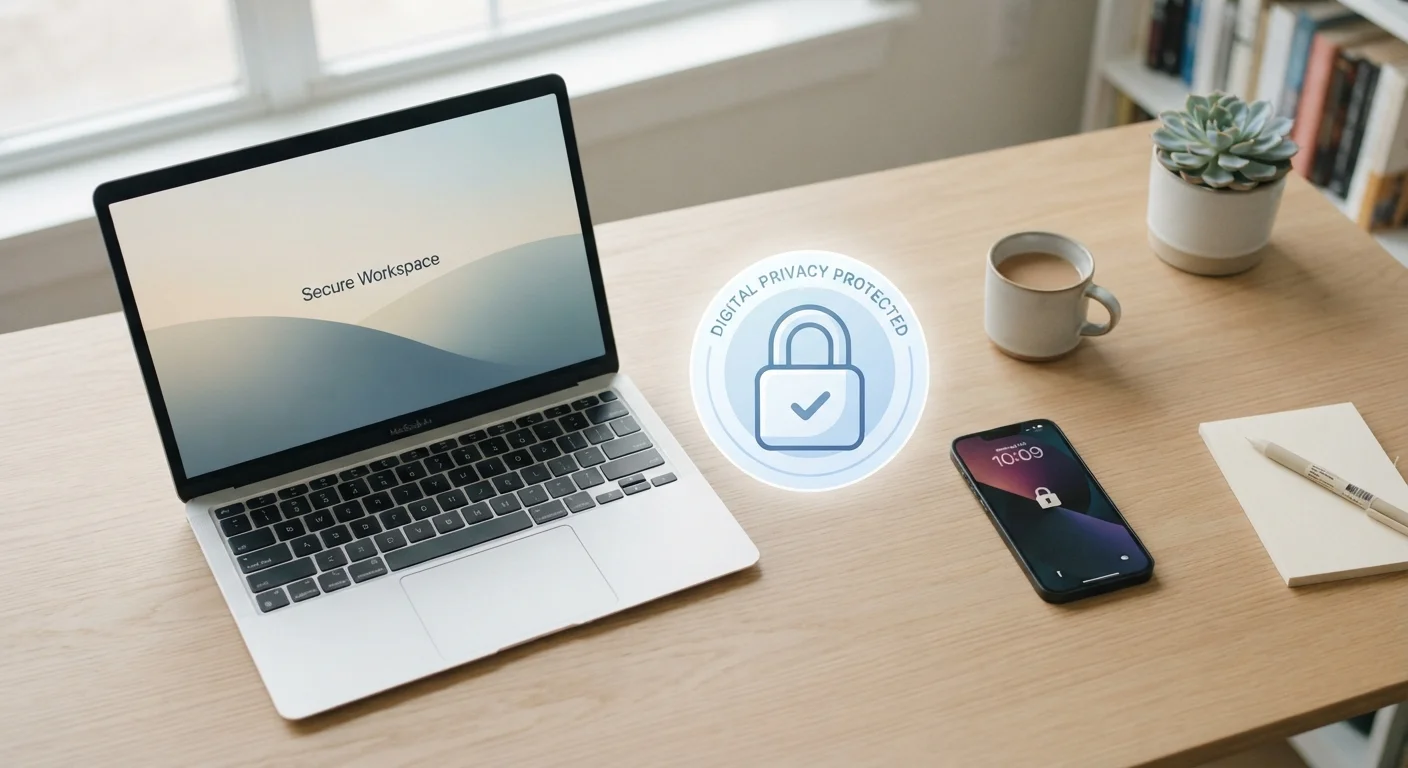
Photo credit: Telecom360.net | Connecting You To The Latest In Telecom
In this article
New to thinking about your data online? This no-jargon introduction covers the core concepts, common risks, and first steps to protecting your privacy.
Key Takeaways
- Online privacy is about controlling who can access your personal information, not achieving total anonymity.
- Websites, apps, and services routinely collect data you may not realize you're sharing.
- A few targeted changes - stronger passwords, reviewing app permissions - make a meaningful difference.
- Privacy is an ongoing habit, not a one-time setup task.
- Understanding basic terms like metadata and data brokers helps you make smarter decisions.
What Online Privacy Actually Means
Online privacy is not about disappearing from the internet. It is about having meaningful control over what personal information you share, with whom, and under what conditions. That distinction matters: privacy is less a switch you flip and more a spectrum you manage.
When you visit a website, download an app, or create an account, information about you enters systems you rarely see. Some of that sharing is necessary - an e-commerce site needs your shipping address. Much of it, however, happens quietly in the background and serves purposes unrelated to the service you signed up for.
Understanding what online privacy really involves is a useful next step once you have a foundation. For now, the key concept is this: your personal data has value, and many systems are designed to collect it by default.
Personal data
Any information that can identify you directly or indirectly - including your name, email address, location, IP address, and browsing behavior.
Cookie
A small file a website stores in your browser to remember information about you, such as login status or browsing activity across sites.
Data broker
A company that collects personal information from multiple sources and sells or licenses it to third parties, often without direct interaction with the individual.
Two-factor authentication (2FA)
A security process requiring two separate forms of verification to access an account - typically your password plus a code sent to your phone.
Metadata
Data that describes other data - for example, a photo's metadata may include when and where it was taken, even if the image itself reveals nothing personal.
Credential stuffing
An attack where stolen username and password combinations from one breach are automatically tested against other services, exploiting password reuse.
Where Your Data Goes Without You Noticing
Most data collection happens through mechanisms that are easy to overlook. Cookies - small files stored in your browser - track your activity across websites, allowing advertisers to build a profile of your interests. Apps on your phone may log your location continuously, even when you are not actively using them.
Social platforms gather far more than your posts. They record what you linger on, who you interact with, and what you search for - all of which inform the targeted advertising that funds these services. Most users have never reviewed their social media privacy controls, which means these defaults stay in place indefinitely.
Data brokers aggregate information from dozens of sources - public records, retail loyalty programs, online behavior - and sell it onward. Your name, estimated income, and home address may already be in databases you have never interacted with directly. Small, habitual oversharing compounds this exposure over time.
The Risks Worth Understanding
Not all privacy risks are equal. Understanding which threats are realistic for everyday users helps you focus your effort where it counts.
- Account compromise: Reusing passwords across services means a single breach can unlock multiple accounts. Credential stuffing - where attackers test leaked username and password combinations - is common and automated.
- Identity theft: Enough personal details in the wrong hands can allow someone to open credit accounts or make financial transactions in your name.
- Targeted scams: Information collected about you - your employer, location, or recent purchases - can make phishing messages appear convincingly personal. See common digital threats targeting everyday users for a broader picture.
- Profiling and manipulation: Detailed behavioral profiles can be used to serve personalized content designed to influence decisions, from purchases to political views.
Default settings favor data collection
Most apps and services ship with privacy settings configured to maximize data sharing - not to protect you. Assuming defaults are safe is one of the most common and costly privacy misconceptions. Actively reviewing settings, rather than accepting them, is an essential habit.
Your First Privacy Moves
You do not need to overhaul your digital life overnight. A handful of targeted actions address the most common vulnerabilities.
- Use unique passwords: A password manager generates and stores strong, distinct passwords for every account, eliminating the reuse problem without requiring you to memorize anything.
- Enable two-factor authentication (2FA): Requiring a second verification step - typically a code sent to your phone or generated by an app - significantly reduces the risk of unauthorized account access.
- Audit app permissions: On your smartphone, check which apps have access to your location, microphone, camera, and contacts. Remove access that is unnecessary for the app's core function.
- Review browser settings: Most browsers offer options to block third-party cookies, limit tracking, or use privacy-focused search engines. These settings take minutes to adjust.
- Check social media defaults: Profile visibility, ad personalization, and data sharing with third parties are often set broadly by default. Narrowing these settings reduces your exposure.
Start with your most important accounts
If reviewing every account feels overwhelming, prioritize your email, banking, and social media accounts first. These tend to hold the most sensitive information and are the highest-value targets. Once those are secured, work outward to less critical services at your own pace.
For a deeper look at how data collection works and what rights you hold, this in-depth resource covers practical defences and legal context.
Building Better Habits Over Time
Privacy is maintained through consistent, small decisions rather than a single large effort. Once you have addressed the basics, a few ongoing habits keep your exposure in check.
Periodically review the accounts and services you actively use. Dormant accounts - old forums, unused shopping sites, abandoned apps - hold personal data and may never be updated following a breach. Deleting them removes that exposure.
Stay informed about breaches affecting services you use. Notification services exist that alert you when your email address appears in known data leaks, prompting a timely password change.
Consider how your device security practices interact with your privacy habits - a locked, updated device prevents physical and software-based access to the data your apps hold. The two disciplines reinforce each other.
For terminology you encounter along the way, a privacy glossary can clarify concepts like metadata, encryption, and tracking pixels without requiring a technical background.
Progress matters more than perfection. Each small, deliberate change narrows the gap between the data you share by default and the data you choose to share.
Frequently Asked Questions

Author
Cybersecurity Editorial Team
Cybersecurity Editorial Team is the collective byline for our editorial team and contributor network. Articles published under this byline or an editorial pen name are researched, written, and reviewed according to our editorial standards for clarity, consistency, and independence before publication.
View all articles →