
Protecting Your Phone Number from SIM Swap Fraud
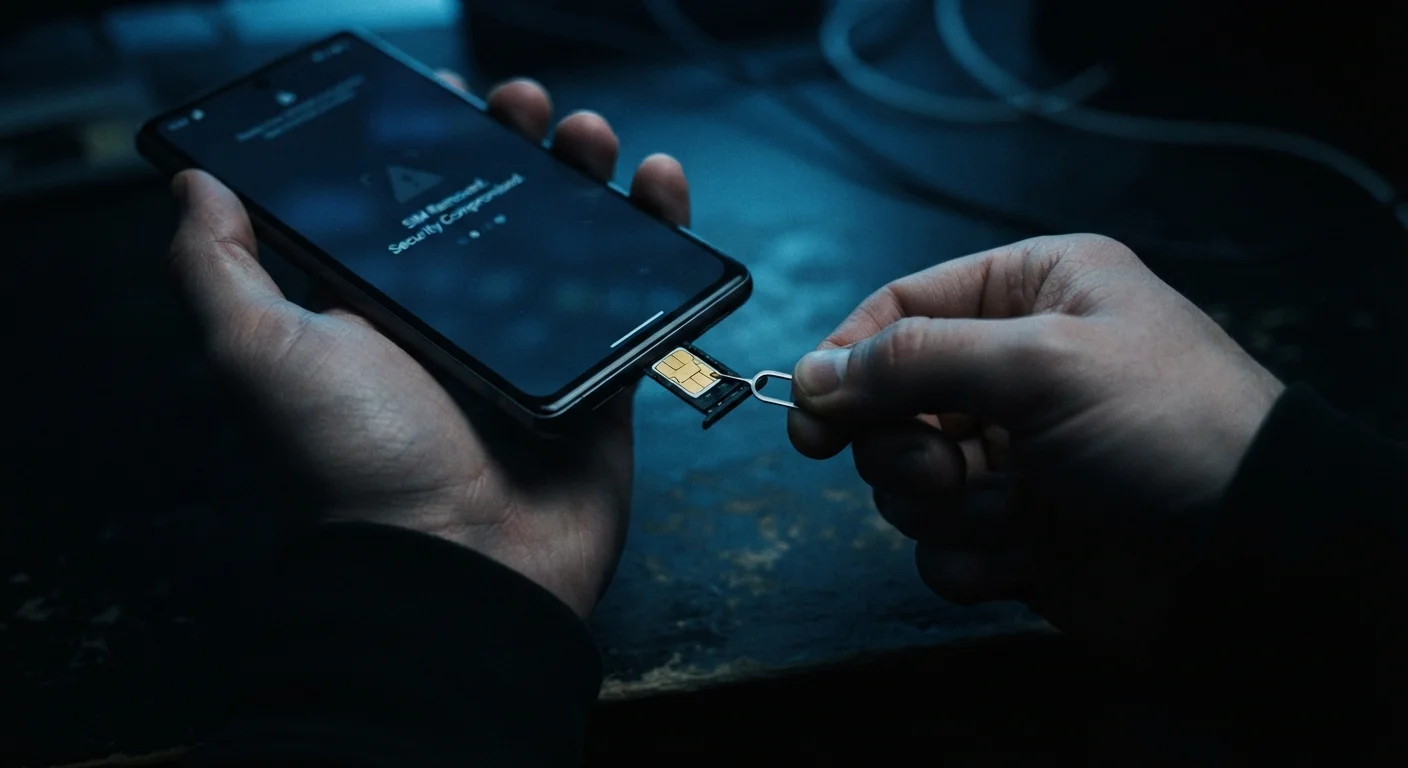
Photo credit: Telecom360.net | Connecting You To The Latest In Telecom
In this article
SIM swapping lets attackers hijack your phone number in minutes. Here's how the attack works and the steps that reduce your exposure.
Key Takeaways
- SIM swapping transfers your phone number to an attacker's SIM card, bypassing SMS-based two-factor authentication.
- Carriers can add a port freeze or PIN lock to make unauthorized transfers significantly harder.
- Switching to an authenticator app or hardware security key removes the SMS vulnerability entirely.
- Phishing is often the first step attackers use to gather the personal data needed to execute a SIM swap.
- Acting immediately when your phone loses signal can limit account damage.
Why SIM Swap Fraud Is a Serious Threat
SIM swapping exploits a feature that exists by design: the ability to transfer a phone number to a new SIM card. This is the same mechanism used when you legitimately port your number to a new carrier. Attackers weaponize it by impersonating the account holder to carrier representatives, often with surprisingly little information.
The consequences extend well beyond losing phone service. Because so many online accounts use SMS-based two-factor authentication as their primary security layer, a successful SIM swap can give an attacker access to email, banking, investment accounts, and cryptocurrency wallets within hours - all without touching the victim's physical device. The threat also intersects with device security broadly: a compromised number can undermine protections you've carefully put in place elsewhere.
Carrier Account Portal
Used to set a port freeze, account PIN, or verbal password that blocks unauthorized SIM transfers.
TOTP Authenticator App
Generates time-based one-time codes that don't rely on your phone number for two-factor authentication.
Hardware Security Key
A physical device providing the strongest available second factor, completely independent of your phone number.
Password Manager
Stores unique, complex passwords so stolen personal data cannot be used to answer security questions.
Step-by-Step: Hardening Your Defenses
What you will need
Understand how a SIM swap attack unfolds
Before hardening your defenses, understand what you're defending against. In a SIM swap, an attacker contacts your carrier - by phone, in-store, or online - and impersonates you. Using personal data harvested through data breaches, social media, or phishing, they convince a customer service representative to transfer your number to a SIM card they control.
Once the transfer completes, your phone goes silent. The attacker receives every call and SMS intended for you, including one-time passwords sent by banks, email providers, and cryptocurrency exchanges. See how attackers gather this data in our guide on phishing, smishing, and vishing attacks.
Set a carrier account PIN and port freeze
Log in to your carrier's account portal or call customer support. Set a strong, unique account PIN or passcode - separate from your billing password - that must be provided before any SIM change or port-out request is processed. Many carriers also offer a port freeze (sometimes called a number lock or line lock), which blocks all porting requests until you explicitly lift it.
Enable both protections if your carrier offers them. Store the PIN in a password manager rather than writing it down.
Replace SMS two-factor authentication with an authenticator app
Go through each important account - email, banking, social media, cryptocurrency - and locate its two-factor authentication settings. Wherever SMS or text-based codes are offered alongside an authenticator app option, switch to the app. A time-based one-time password (TOTP) generated locally on your device is not routed through your phone number and cannot be intercepted by a SIM swap.
For the highest-value accounts, consider enrolling a hardware security key as your primary second factor, keeping the authenticator app as a backup.
Audit and minimize personal data exposure
Attackers succeed in SIM swaps largely because they already know enough about you to pass a carrier's identity verification. Reduce the useful data available to them:
- Review privacy settings on social media and remove your phone number from public profiles.
- Replace knowledge-based security questions (mother's maiden name, first pet) with random, nonsensical answers stored in your password manager.
- Check whether your email address and phone number appear in known breach databases using a reputable breach-notification service.
Protecting your online privacy broadly reduces the raw material attackers need for social engineering.
Recognize the warning signs and respond immediately
If your phone unexpectedly loses all cellular service - no calls, no texts, no mobile data - and a reboot doesn't restore it, treat this as a potential SIM swap in progress. Do not wait to see if service returns on its own.
- Use Wi-Fi to log in to critical accounts (email, banking) and change passwords immediately.
- Contact your carrier's fraud line directly - do not use a number sent to you in a text or email.
- Notify your bank and any financial institutions that use your phone number for authentication.
If you believe a swap has already occurred, follow the post-scam response steps to contain the damage systematically.
SMS Two-Factor Authentication Has a Critical Weakness
Enabling any form of two-factor authentication is better than using a password alone. However, SMS-based codes are fully compromised the moment a SIM swap succeeds - the attacker receives them, not you. For accounts that protect financial assets or serve as email recovery addresses, replacing SMS codes with an authenticator app or hardware key is not optional; it is the essential upgrade this entire defense depends on.
What to Do If You Suspect You've Been Targeted
A sudden, unexplained loss of cellular service is the most common first symptom. Unlike a coverage outage, a SIM swap typically affects only your line while others on the same network remain unaffected. The absence of any carrier notification about maintenance in your area is another signal worth noting.
Speed matters. Account takeovers facilitated by SIM swaps can cascade rapidly - a compromised email account becomes a master key to reset passwords elsewhere. Freezing accounts and alerting your carrier within the first thirty minutes significantly reduces the attacker's window. If you've already experienced financial fraud as a result, filing a report with the FTC at reportfraud.ftc.gov and your local law enforcement creates a paper trail that financial institutions typically require for dispute resolution.
Avoid Sharing Your New PIN with Anyone
After setting a carrier account PIN, never share it with someone who calls or messages you claiming to be from your carrier. Legitimate carrier representatives will not ask for your full PIN over the phone unprompted. This is a common social engineering tactic used to capture the very credential you just put in place.

Author
Cybersecurity Editorial Team
Cybersecurity Editorial Team is the collective byline for our editorial team and contributor network. Articles published under this byline or an editorial pen name are researched, written, and reviewed according to our editorial standards for clarity, consistency, and independence before publication.
View all articles →