
Two-Factor Authentication on Mobile: More Than Just an SMS Code
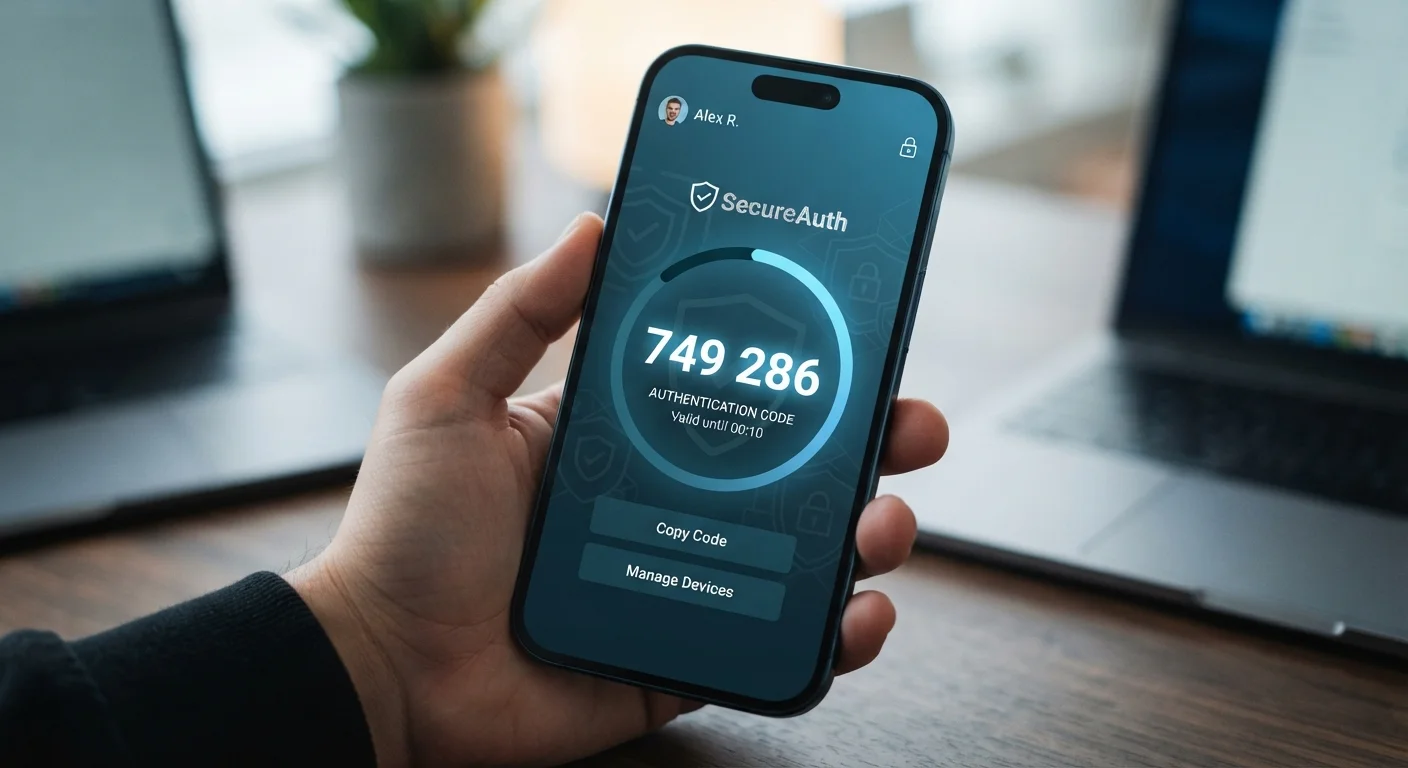
Photo credit: Telecom360.net | Connecting You To The Latest In Telecom
In this article
SMS-based 2FA is better than nothing, but it's not the strongest option available. Explore how different 2FA methods compare for everyday smartphone users.
Key Takeaways
- SMS-based 2FA is vulnerable to SIM-swapping attacks and interception, making it the weakest common 2FA method.
- Authenticator apps generate time-based codes on-device, offering significantly stronger protection than SMS.
- Hardware security keys provide the highest level of phishing resistance available to everyday users.
- Passkeys are an emerging standard that combines strong security with a smoother user experience.
- Even the weakest 2FA method is substantially better than relying on a password alone.
Why Your 2FA Method Matters
Two-factor authentication (2FA) adds a second verification step beyond your password - something you have or something you are, in addition to something you know. As explained in our article on why strong passwords alone aren't enough, layering your defenses is essential in today's threat landscape.
The problem is that not all 2FA methods are equal. Many users assume that receiving a text message code is secure enough, but that assumption understates real-world risks. Understanding the differences between methods empowers you to make a more informed choice - without requiring a computer science degree.
| SMS OTP | Authenticator App (TOTP) | Hardware Key (FIDO2) | Passkeys | |
|---|---|---|---|---|
| Phishing resistance | None | Low | Very high | Very high |
| SIM-swap vulnerability | Yes | No | No | No |
| Works offline | No | Yes | Yes | Yes (on-device) |
| Setup complexity | Very low | Low | Moderate | Low |
| Device required | Phone number | Smartphone | Physical key | Smartphone |
| Service support | Very broad | Broad | Limited | Growing |
| Recovery if lost | Easy | Requires backup codes | Backup key recommended | Platform-dependent |
SMS One-Time Passwords: Convenient but Exposed
SMS-based 2FA sends a short numeric code to your phone number when you log in. It's widely supported and familiar, but it carries specific structural weaknesses.
The most significant is SIM swapping - a social engineering attack where a criminal convinces your carrier to transfer your phone number to a SIM card they control. Once successful, they receive your 2FA codes instead of you. SMS messages also travel over the public telephone network (SS7), a decades-old protocol with known interception vulnerabilities.
SIM Swapping Is a Real and Growing Threat
Criminals have used SIM swapping to bypass SMS 2FA on financial and email accounts. The attack requires no technical skill - just a convincing phone call to your carrier. Contact your mobile provider to ask about adding a port-freeze or account PIN to reduce this risk. Do not rely on SMS alone for accounts containing sensitive financial or personal information.
SMS 2FA is still far better than no second factor at all. If it's the only option a service offers, enable it. But where alternatives exist, consider moving away from it for accounts holding sensitive data.
Authenticator Apps: A Simple, Stronger Alternative
Authenticator apps like those using the TOTP standard generate six-digit codes directly on your device, refreshing every 30 seconds. Because the code is created locally rather than transmitted via SMS, it avoids both SIM-swapping and interception risks.
Setup typically involves scanning a QR code within the app you're securing. The main trade-off is account recovery - if you lose access to your authenticator app (for example, by losing your phone without a backup), regaining access to your accounts takes more effort. Storing your backup codes in a secure location - such as an encrypted password manager - mitigates this risk considerably.
Back Up Your Authenticator Before Switching Phones
Before transferring to a new device, export or note the backup codes for every account tied to your authenticator app. Many apps offer a built-in transfer or cloud backup feature. Failing to do this beforehand can lock you out of critical accounts during the migration process.
Authenticator apps work even without a mobile data or Wi-Fi connection, since code generation is entirely local to your device.
Hardware Keys and Passkeys: The Strongest Options
Hardware security keys (such as those conforming to the FIDO2/WebAuthn standard) are physical devices - typically small USB or NFC dongles - that you tap or insert to verify your identity. They are highly resistant to phishing because the cryptographic handshake is tied to the specific website domain. Even if you're tricked into visiting a convincing fake login page, the key won't authenticate. The trade-offs between hardware and biometric methods are worth understanding as part of a broader device security strategy.
Passkeys are a newer standard built on the same FIDO2 foundation. Instead of a physical key, your smartphone's biometric sensor (fingerprint or face recognition) acts as the authenticator. You can learn more about how these sensors work in our overview of biometric authentication on mobile devices. Passkeys eliminate passwords entirely and are increasingly supported by major platforms and browsers.
The limitation for both methods is adoption - not every service supports hardware keys or passkeys yet. For accounts that do, they represent the current gold standard for consumer authentication. AI-driven mobile security systems also increasingly complement these methods by detecting anomalous login behavior at the platform level.

Author
Cybersecurity Editorial Team
Cybersecurity Editorial Team is the collective byline for our editorial team and contributor network. Articles published under this byline or an editorial pen name are researched, written, and reviewed according to our editorial standards for clarity, consistency, and independence before publication.
View all articles →