
Biometric Authentication on Mobile Devices: Fingerprint, Face, and Iris
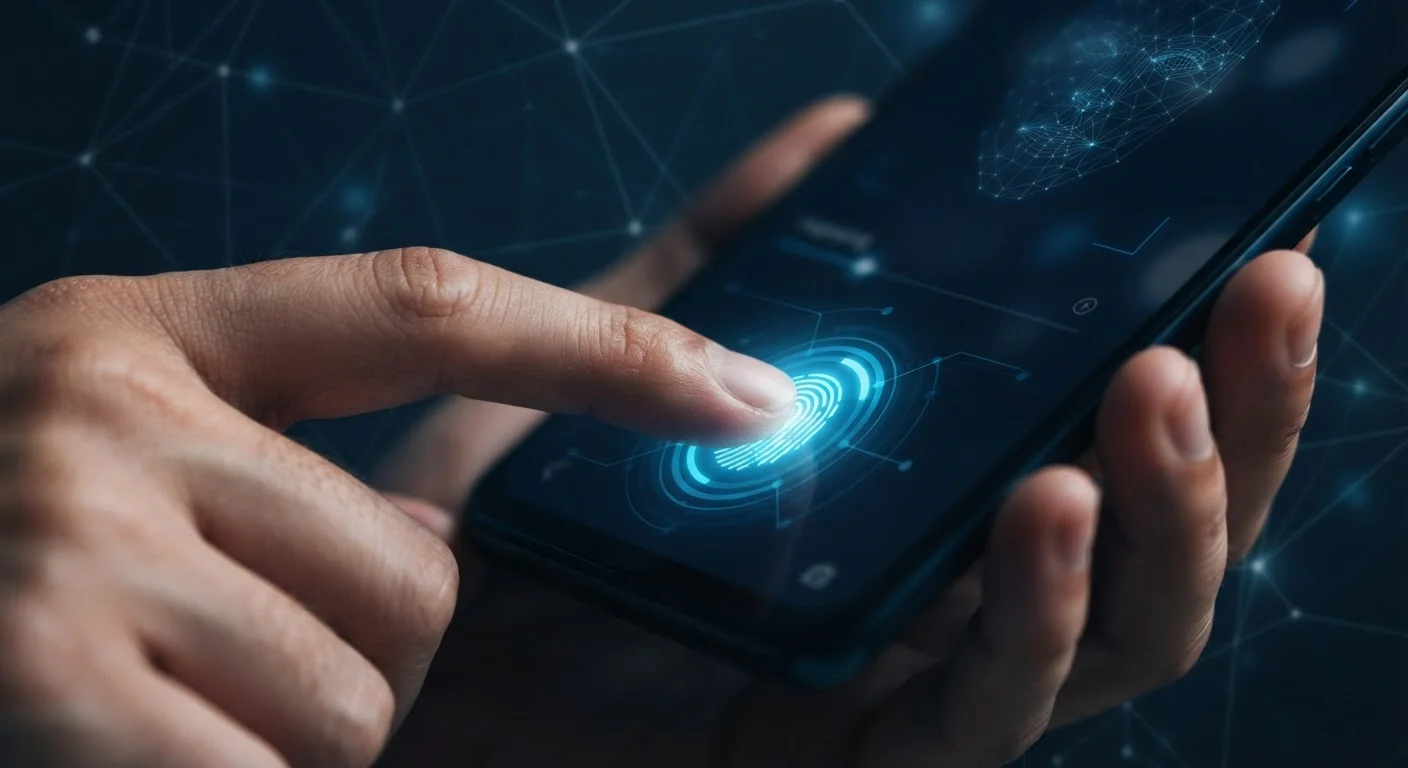
Photo credit: Telecom360.net | Connecting You To The Latest In Telecom
In this article
How fingerprint sensors, face unlock, and iris scanning work under the hood, and what security trade-offs each method carries.
Key Takeaways
- Fingerprint sensors, face unlock, and iris scanning each use different hardware and carry distinct security strengths.
- Biometric data on reputable devices is processed locally in a secure enclave, not sent to external servers.
- Face unlock varies significantly in security depending on whether it uses 2D or 3D depth-sensing hardware.
- No biometric method is perfectly spoof-proof; a strong PIN or passphrase remains a critical fallback.
- Legal and privacy considerations around biometric data differ meaningfully from password-based authentication.
How Fingerprint Sensors Work
Fingerprint authentication is the most widely deployed biometric method on mobile devices, appearing in two principal hardware forms: capacitive sensors and optical sensors embedded under the display.
Capacitive sensors - typically found as a physical button or discrete pad - measure the tiny electrical differences between the ridges and valleys of a fingerprint using an array of capacitor circuits. They are fast, power-efficient, and have a well-established security track record.
Under-display optical sensors use the screen's light to illuminate a fingertip and capture a 2D image of its surface pattern. Newer ultrasonic under-display sensors go further, using sound waves to create a 3D sub-surface map of the fingerprint, making them more resistant to spoofing with a 2D image or lifted print.
Always Maintain a Strong PIN as Your Fallback
Biometric authentication is a convenience layer - your PIN or passphrase is the actual cryptographic key protecting your device. Choose a PIN of at least six digits, or better yet a strong alphanumeric passphrase. Avoid patterns like birth years or sequential numbers that can be guessed from shoulder-surfing or data leaks.
In all cases, the device never stores the raw fingerprint image. It extracts a mathematical template - a set of unique data points - and discards the original scan. This template cannot be reverse-engineered back into a recognizable fingerprint.
Face Unlock: 2D vs. 3D Systems
Face unlock technology splits into two meaningfully different categories based on the hardware behind the front-facing camera module.
2D face unlock uses the standard front camera to capture a flat image and compare it against a stored facial photograph. It is convenient and works in most lighting conditions, but it provides a lower security assurance level - some implementations can be fooled by a printed photograph or screen image of the enrolled face.
3D structured-light systems project thousands of invisible infrared dots onto the face, measure how those dots deform across facial contours, and reconstruct a precise depth map. This approach makes spoofing with a flat image or basic 3D mask substantially more difficult. Time-of-flight (ToF) sensors accomplish a similar goal using pulsed infrared light to measure depth directly.
The security gap between 2D and 3D implementations is significant enough that operating system vendors often restrict 2D face unlock from authorizing sensitive actions - such as in-app payments - reserving those permissions for higher-assurance methods. For a broader look at how AI underpins modern threat detection including biometric systems, see how AI works in mobile security.
1 in 50,000
Typical false-acceptance rate for fingerprint sensors
Industry figures commonly cited by sensor manufacturers suggest a false-acceptance rate around 1 in 50,000 for quality capacitive fingerprint implementations, compared to roughly 1 in 1,000,000 for well-implemented 3D face systems.
~80%
Smartphones with at least one biometric sensor
Market research from the early 2020s consistently estimated that the large majority of mid-range and above smartphones shipped with fingerprint or face biometric capability, with penetration continuing to rise.
Iris Scanning: High Precision, Narrow Deployment
Iris recognition captures the detailed, randomized patterns of the colored ring surrounding the pupil using a near-infrared camera. Because the iris pattern is stable from early childhood and extremely complex, iris authentication has a very low false-acceptance rate - the chance the system incorrectly grants access to an unauthorized user.
Despite its strong security profile, iris scanning has seen limited adoption in consumer devices compared to fingerprint and face unlock. The hardware requires a dedicated near-infrared illuminator and compatible camera, which adds cost and physical constraints to device design. Environmental conditions - bright sunlight, certain eyewear - can also affect sensor performance.
Biometric Data vs. Biometric Templates
There is an important distinction between raw biometric data (an actual fingerprint image or facial photograph) and the mathematical template a device derives from it. Reputable device implementations store only the template, inside a hardware-isolated secure enclave. The template is a compact numerical representation that cannot be converted back into the original biometric image, which limits the damage if the secure storage is ever accessed.
For readers interested in how broader biometric data collection operates beyond device authentication, the article on wearables and personal data covers what fitness trackers and smartwatches capture and where that information may travel.
Security Trade-Offs and Real-World Limitations
No biometric method is unconditionally secure, and understanding where each one can fail is as important as understanding how it works.
All biometric systems operate on a probabilistic match - not a binary identical comparison. Manufacturers configure sensitivity thresholds that balance false-rejection rate (you being denied access) against false-acceptance rate (an unauthorized person being granted access). Tightening one loosens the other.
Legal exposure is a distinct concern. Unlike a password - which courts in the U.S. have generally treated as protected testimony under the Fifth Amendment - the legal status of compelled biometric unlocking remains contested and jurisdiction-dependent. This is a practical consideration worth understanding, not a reason to avoid biometrics entirely.
Biometric authentication also complements rather than replaces traditional credentials. A PIN or passphrase is always the cryptographic root of device protection; biometrics are a convenient layer on top. For a comparison of authentication layers including two-factor methods, see two-factor authentication on mobile. The broader landscape of protecting all your personal devices is covered in device security across your digital life.
Frequently Asked Questions

Author
Consumer Electronics Editorial Team
Consumer Electronics Editorial Team is the collective byline for our editorial team and contributor network. Articles published under this byline or an editorial pen name are researched, written, and reviewed according to our editorial standards for clarity, consistency, and independence before publication.
View all articles →