
Biometric Locks vs. PINs and Passwords: Which Actually Protects Your Device Better
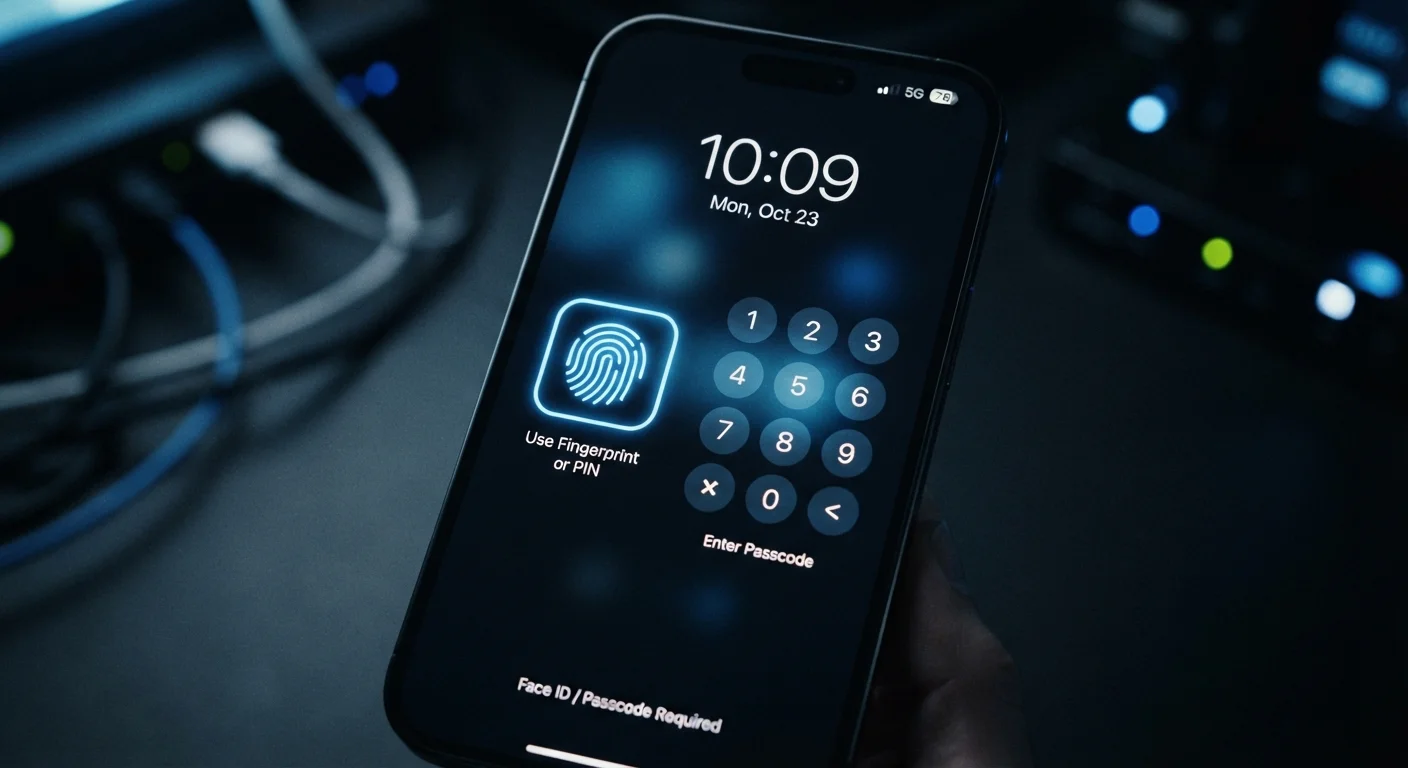
Photo credit: Telecom360.net | Connecting You To The Latest In Telecom
In this article
Fingerprint scanners and face unlock feel secure, but how do they compare to a strong PIN or passphrase? We break down the real trade-offs.
Key Takeaways
- Biometrics offer speed and convenience but can be compelled by physical force or fooled by sophisticated spoofing.
- A strong PIN or passphrase remains resistant to most remote attacks and cannot be extracted from your body.
- Most devices use biometrics as a front-end layer while the PIN or password still underpins encryption.
- Legal protections around disclosing PINs differ from those around providing a biometric in some jurisdictions.
- Using both methods in combination - biometrics for convenience, PIN as fallback - reflects current best practice.
How Each Method Actually Works
Biometric locks - fingerprint sensors, face unlock, and iris scanning - authenticate you based on a unique physical trait. Crucially, modern implementations store a mathematical template of your biometric locally in a secure hardware enclave (such as Apple's Secure Enclave or Android's Trusted Execution Environment), not as a raw image that could be stolen. The device compares a live scan against that template without ever sending data to an external server.
PINs and passwords are knowledge-based credentials: a secret only you know. When you set a strong device PIN, it is used to derive the encryption key that protects everything stored on the phone. That relationship is important - biometrics are essentially a convenient shortcut to unlock that PIN-protected key; they don't replace the underlying encryption architecture. See how full-disk encryption interacts with your lock screen for a deeper look at this chain.
For a detailed breakdown of how fingerprint, face, and iris systems differ under the hood, the technical trade-offs of each biometric method are worth understanding before choosing your primary authentication approach.
| Criterion | Biometric Locks | PINs and Passwords |
|---|---|---|
| Speed of access | Near-instant, no input needed | Requires manual entry |
| Resistance to remote attacks | Strong - data stays on-device | Depends on PIN strength |
| Resistance to physical coercion | Weaker - trait is on your body | Stronger - secret stays in mind |
| Spoofing risk | Possible with advanced techniques | Only if observed or guessed |
| Replaceability if compromised | Limited (finite biometrics) | Unlimited - change anytime |
| Legal protection (US context) | Varies; courts differ | Generally stronger Fifth Amendment argument |
| Ties to device encryption | Indirect - unlocks PIN layer | Direct - underpins encryption key |
Real-World Threat Scenarios
The right authentication method depends heavily on which threats you're most likely to face.
Physical access by a bad actor
If your device is stolen while unlocked, neither method helps. If it's locked, a determined attacker with your unconscious fingerprint or a 3D-printed replica of your face can potentially bypass biometrics. High-quality fingerprint sensors include liveness detection to reduce spoofing, but the risk isn't zero. A PIN cannot be extracted from you involuntarily in the same way.
Remote and credential-based attacks
Biometrics stored locally are largely irrelevant to remote attackers - they can't be phished or stuffed into a login form. A weak numeric PIN (e.g., "1234" or a birthday) is vulnerable to brute-force attempts if an attacker has physical device access and the device lacks lockout protections. Understanding how brute-force attacks work clarifies why PIN length and randomness matter significantly.
Legal and compelled access
In the United States, courts have issued conflicting rulings on whether compelling someone to provide a biometric unlocks Fifth Amendment protections. In many cases, law enforcement may have more legal latitude to compel a fingerprint than to demand a passcode. This is not universal legal advice, but it's a material consideration for journalists, activists, or anyone who travels internationally.
80%+
Smartphone users who enable biometrics
Industry surveys consistently show the majority of smartphone owners use fingerprint or face unlock as their primary lock screen method.
4-6 digits
Most common PIN lengths chosen by users
Security researchers have found that most device PINs fall within this range, with short numeric PINs remaining widespread despite guidance to use longer alphanumeric codes.
~1 in 50,000
False acceptance rate for fingerprint sensors
Apple's Touch ID documentation cites approximately a 1-in-50,000 probability that a random fingerprint will falsely match an enrolled one - compared to 1 in 1,000,000 for Face ID.
Strengths, Weaknesses, and the Case for Layering
Neither method is categorically superior - each has a different attack surface.
Biometrics excel at resisting remote attacks, eliminating password-reuse risks, and enabling fast authentication in daily life. They struggle when an attacker has physical access to both you and your device, and they can't be changed if compromised (you only have ten fingerprints).
Strong PINs and passphrases resist physical coercion scenarios, can be changed at any time, and anchor the encryption layer on your device. Their weakness is human behavior: short, predictable PINs are common, and relying solely on a password or PIN leaves gaps that additional security layers are designed to fill.
The practical answer for most users is a layered approach: enable biometrics for everyday convenience, but configure a strong, random six-digit or alphanumeric PIN as the fallback. Know when to switch off biometric unlock temporarily - before handing your device to someone, crossing a border, or attending a large public event. The broader device security picture also includes encryption settings, app permissions, and software updates that work alongside your lock screen choices.
Biometrics on Other Devices and Contexts
The trade-offs discussed here apply primarily to smartphones, but similar dynamics exist for laptops with Windows Hello or Touch ID, and for smart locks on physical doors. The convenience-versus-compelled-access tension is present wherever biometrics replace a knowledge-based credential. See our analysis of smart locks on front doors for how these principles extend beyond your phone.

Author
Cybersecurity Editorial Team
Cybersecurity Editorial Team is the collective byline for our editorial team and contributor network. Articles published under this byline or an editorial pen name are researched, written, and reviewed according to our editorial standards for clarity, consistency, and independence before publication.
View all articles →