
Full-Disk Encryption on Phones and Laptops: What It Does and What It Doesn't
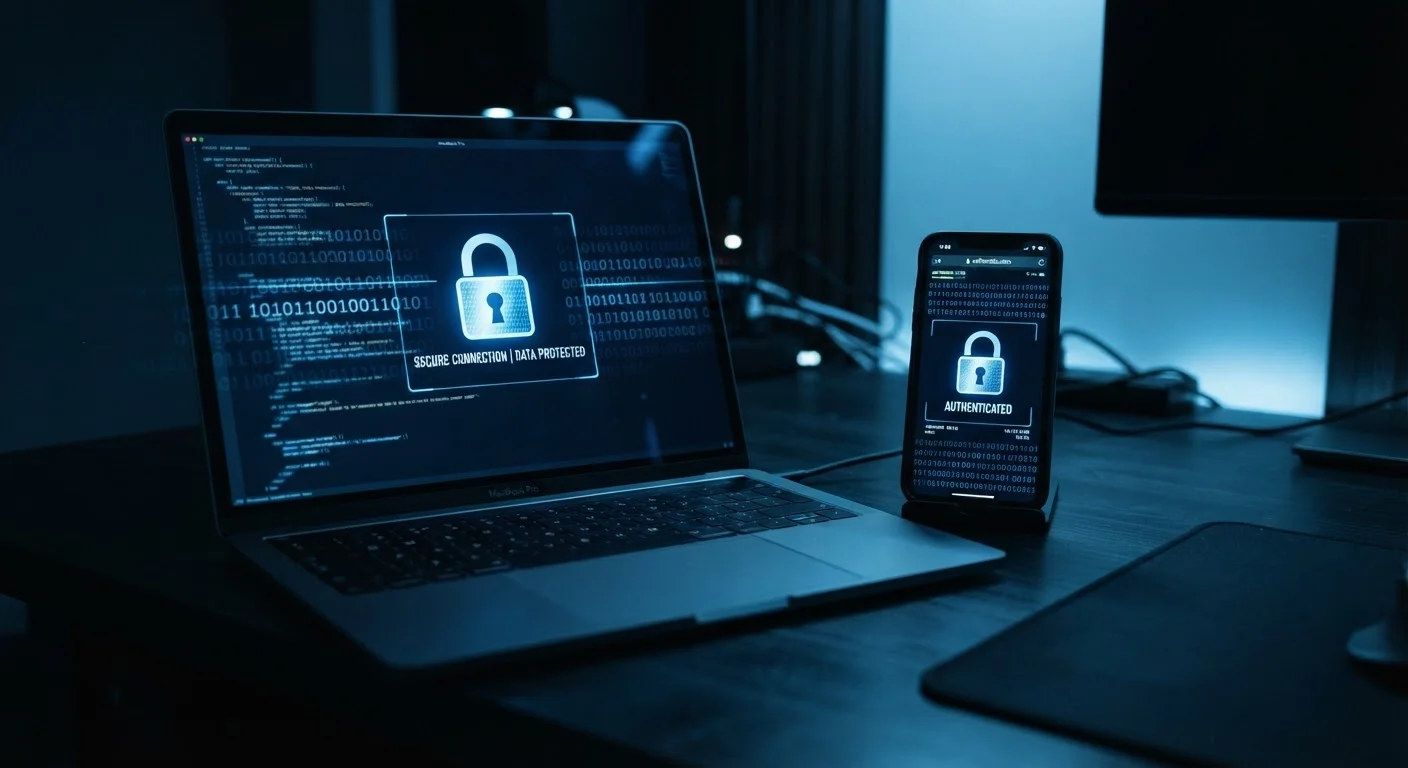
Photo credit: Telecom360.net | Connecting You To The Latest In Telecom
In this article
Encryption protects your stored data — but it has real limits. Understand what it covers, how it works on common devices, and where it falls short.
Key Takeaways
- Full-disk encryption protects stored data when a device is off or locked - not when it is actively in use.
- Most modern smartphones are encrypted by default; many laptops require users to enable it manually.
- A weak or absent lock-screen password dramatically undermines encryption's effectiveness.
- Encryption does not protect data already transmitted over a network or stored in cloud services.
- Malware running on an unlocked device can still access your files regardless of encryption.
How Full-Disk Encryption Actually Works
When full-disk encryption is active, your device continuously encrypts data being written to storage and decrypts it when read - provided the correct credential is supplied. The moment your device locks or powers off, the decryption key is effectively removed from memory, leaving only scrambled data on the drive.
On iPhones, hardware encryption has been standard since 2010. Apple's secure enclave chip generates and stores encryption keys that are mathematically tied to both the device hardware and your passcode. On Android, file-based encryption (introduced in Android 7.0) allows different files to be encrypted with different keys, enabling some features - like alarms - to function before you unlock the device. On Windows laptops, BitLocker provides full-disk encryption but is not always enabled by default on consumer editions. Macs with macOS use FileVault, which can be toggled in System Settings.
Understanding lock-screen credentials is essential here. See our breakdown of biometrics vs. PINs and passwords for a closer look at how your choice of credential affects overall device security.
Check Encryption Status Before Assuming It's Active
On Windows, search for 'Device Encryption' in Settings to confirm it is enabled - consumer Windows editions do not always activate BitLocker automatically. On macOS, check FileVault under Privacy & Security in System Settings. On Android, look under Security settings; if a lock screen is set on a modern device, encryption is almost certainly active.
What Encryption Protects You Against
Full-disk encryption is specifically designed to protect data at rest - the files, photos, messages, and credentials stored on your device's drive when it is locked or powered down. Its primary threat model is physical access: a stolen device, a lost laptop, or hardware seized without your password.
This is meaningful protection in real-world scenarios. If your laptop is stolen from a coffee shop and it was locked with a strong password, the thief cannot simply remove the drive and read your files on another machine. The data is ciphertext without the key. For a more detailed look at how physical theft scenarios play out, see what actually happens to your data when your phone is stolen.
~70%
Android devices with encryption enabled
According to Google's Android security reports, the majority of active Android devices running recent OS versions have file-based encryption active by default.
100%
iPhones encrypted since iOS 8 (2014)
Apple has enabled hardware-backed full-disk encryption on all iPhones by default since the release of iOS 8, making it one of the broadest encryption deployments on consumer hardware.
Where Encryption Falls Short
Encryption's limits are just as important to understand as its strengths. The protection it provides collapses in several common situations:
- While the device is unlocked: Any application or malware running on your device can access files in their decrypted form. Encryption cannot stop threats that operate while you are actively using the device.
- Weak lock-screen credentials: A simple 4-digit PIN or no lock screen at all gives encryption almost no practical value. A determined attacker with physical access can exploit weak credentials to obtain the decryption key.
- Data in transit: Encryption only covers locally stored data. Files you send over email, messages transmitted via apps, or data sent to websites are governed by separate protocols - not your device's FDE.
- Cloud backups: Data synced to a cloud service leaves the protection of your device's encryption. It is then subject to the cloud provider's own security policies and access controls.
- Ransomware and malware: Ransomware on personal devices operates after you have unlocked your device, meaning FDE offers no defense against it.
It is also worth distinguishing FDE from other encryption types. End-to-end encryption vs. standard encryption covers a fundamentally different problem - protecting messages in transit between users - and the two are complementary, not interchangeable.
Encryption and Law Enforcement Access
Full-disk encryption creates a genuine barrier to unauthorized access, including from sophisticated adversaries. However, it does not guarantee absolute privacy in all legal circumstances. Jurisdictions vary in what they can compel device owners to disclose, and forensic tools continue to evolve. Encryption is a strong safeguard, not an unconditional one.
Practical Steps to Make Encryption Work for You
Encryption is most effective when combined with complementary security habits. A few straightforward practices significantly strengthen the protection it provides:
- Use a strong lock-screen credential. A random 6-digit PIN is considerably harder to crack than a sequential or date-based one. A long alphanumeric passphrase is stronger still. The credential is the gateway to your encryption key.
- Enable encryption if it isn't on. Check Windows laptops for BitLocker status (Settings > Privacy & Security > Device Encryption) and Macs for FileVault (System Settings > Privacy & Security). Mobile devices are typically encrypted by default when a lock screen is set.
- Keep software updated. Encryption can be undermined by software vulnerabilities. Operating system updates frequently patch flaws that attackers could use to extract keys or bypass lock screens.
- Back up encrypted data securely. Encryption without a backup means a forgotten password or device failure results in permanent data loss. Use a backup solution with its own strong access controls.
For a broader framework covering these and other device security fundamentals, see our personal tech protection primer. Encryption is one essential layer - but device security across all your devices requires thinking about phones, laptops, tablets, and wearables together.
Frequently Asked Questions

Author
Cybersecurity Editorial Team
Cybersecurity Editorial Team is the collective byline for our editorial team and contributor network. Articles published under this byline or an editorial pen name are researched, written, and reviewed according to our editorial standards for clarity, consistency, and independence before publication.
View all articles →