
Ransomware on Personal Devices: What Actually Happens to Your Files
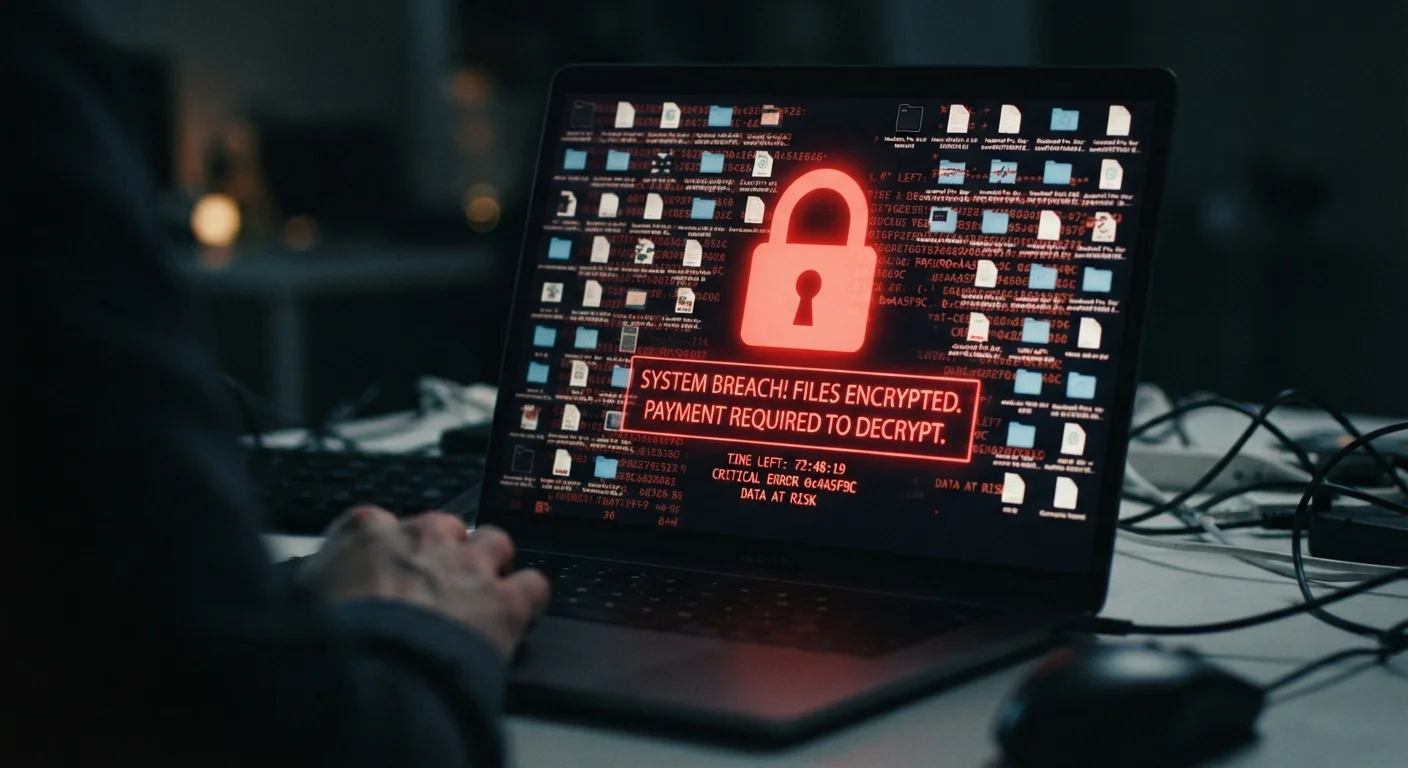
Photo credit: Telecom360.net | Connecting You To The Latest In Telecom
In this article
Ransomware isn't just a corporate problem. Learn how it reaches personal devices, what it does once installed, and what your realistic options are.
Key Takeaways
- Ransomware encrypts your files so you cannot open them without a decryption key held by the attacker.
- Personal devices - laptops, desktops, and increasingly smartphones - are common targets, not just corporate systems.
- Paying the ransom does not guarantee file recovery; many victims pay and receive nothing.
- Offline backups stored separately from your device are your most reliable defense against data loss.
- Most ransomware arrives through phishing emails, malicious downloads, or compromised software.
How Ransomware Reaches Your Device
Ransomware doesn't need a sophisticated hacking operation to land on a personal device. The most common delivery method is a phishing email - a message designed to look legitimate that carries either a malicious attachment or a link to a compromised website. Opening the attachment or clicking the link triggers the malware installer.
Other common entry points include:
- Malicious downloads: Pirated software, cracked games, or unofficial app installers that bundle ransomware alongside the promised file.
- Drive-by downloads: Visiting a website hosting exploit kits that target unpatched browsers or plugins - no file download required on your part.
- Removable media: Infected USB drives, though less common today, remain a real vector.
Connecting to untrusted networks can also increase exposure. Our article on public Wi-Fi security risks covers how network-level attacks can create opportunities for malware delivery. Understanding your device's broader security posture matters - see our device security hub for a full overview.
Cloud Storage Is Not Always a Safe Backup
Many cloud sync services (such as Dropbox or Google Drive) automatically sync changes from your device - including file encryption by ransomware. Within minutes of an infection, your cloud copies can be overwritten with encrypted versions. Look for a service that offers extended version history or is configured as a one-way backup, not a two-way sync.
What Ransomware Does Once It's Running
Once executed, ransomware moves quickly and methodically. Here's what typically happens in sequence:
- Persistence: The malware embeds itself in your system startup processes so it survives a reboot.
- Reconnaissance: It scans your local drives and any connected external drives or mapped network folders for files worth encrypting - documents, photos, videos, spreadsheets, and databases are priority targets.
- Key exchange: The ransomware contacts the attacker's command-and-control server to receive or register an encryption key unique to your infection.
- Encryption: Each targeted file is encrypted and often renamed with a new extension (e.g.,
.lockedor.crypt). The originals are deleted. - Ransom note: A text file or pop-up window is dropped on your desktop explaining what happened and providing payment instructions, usually demanding cryptocurrency.
The entire encryption phase can complete in minutes. By the time most users notice anything unusual, the damage is already done. This is why understanding your device's own encryption features matters - it clarifies what the OS protects and what it doesn't.
72%
Organizations hit by ransomware in 2023
According to Statista's 2024 State of Ransomware report, 72% of surveyed organizations worldwide experienced a ransomware attack in 2023 - the highest rate recorded in the survey's history.
$1.1B+
Ransomware payments made globally in 2023
Blockchain analytics firm Chainalysis reported that ransomware payments exceeded $1.1 billion in 2023, a record high, reflecting both increased attack volume and larger individual demands.
~40%
Victims who paid and did not fully recover data
A Sophos survey found that roughly 40% of organizations that paid a ransom did not recover all of their data, illustrating why payment is not a reliable recovery strategy.
Your Realistic Options After an Infection
If ransomware has run on your device, your options depend almost entirely on whether you have usable backups.
If you have clean, recent backups
Your best path is to wipe the device completely - a full reinstall of the operating system - and restore from a backup made before the infection. External hard drives or cloud backups that were not connected to the device during the attack are likely unaffected.
If you have no backups
This is the difficult scenario. Three realistic paths exist:
- Check for free decryption tools: The No More Ransom project (nomoreransom.org), a collaboration between law enforcement agencies and security firms, maintains a library of free decryptors for known ransomware strains. It won't help with every variant, but it's worth checking before anything else.
- Wait: Decryption keys for some strains are eventually released when operations are disrupted by law enforcement. This offers no certainty and no timeline.
- Accept the loss: For files that don't have significant personal or financial value, rebuilding may be more practical than any recovery attempt.
Check the No More Ransom Project First
Before considering payment or assuming files are permanently lost, visit nomoreransom.org. This free resource - run by Europol, national law enforcement agencies, and security researchers - offers decryption tools for many known ransomware variants. Upload a sample encrypted file to identify the strain and check for an available decryptor.
On paying the ransom
Law enforcement agencies including the FBI generally advise against paying. There is no contractual obligation for attackers to provide a working key, and many victims who pay receive nothing functional. Payment also sustains the criminal ecosystem.
If a device is lost rather than encrypted, the data risks are different but equally serious - our article on what happens to your data when a phone is stolen explains how that scenario differs. For built-in tools that can help in loss scenarios, see our guide on remote wipe and device lock.
Reducing Your Risk Going Forward
No single measure eliminates ransomware risk entirely, but a layered approach substantially reduces your exposure.
- Maintain offline or isolated backups: An external drive disconnected after each backup, or a cloud service with version history, means encryption of your live files doesn't mean permanent loss. This is the single most important mitigation.
- Keep software updated: Ransomware frequently exploits known vulnerabilities in operating systems and browsers that patches have already fixed. Delayed updates leave that window open.
- Be skeptical of attachments and links: If an email prompts urgency around opening a file or clicking a link - especially from an unexpected sender - verify through a separate channel before acting.
- Avoid unofficial software sources: Download applications only from official developer sites or platform-specific app stores.
- Use standard (non-administrator) accounts for daily use: Ransomware running under a limited account has reduced ability to modify system files or spread.
For a comprehensive view of how these principles apply across all your personal devices, our guide to device security across phones, laptops, and tablets brings these threads together.
“Backups are the single most effective defense against ransomware. If you have a clean, tested backup stored offline, a ransomware attack becomes a serious inconvenience rather than a catastrophe.”
— Cisa.gov Ransomware Guide, U.S. Cybersecurity and Infrastructure Security Agency (CISA) official guidance
Frequently Asked Questions

Author
Cybersecurity Editorial Team
Cybersecurity Editorial Team is the collective byline for our editorial team and contributor network. Articles published under this byline or an editorial pen name are researched, written, and reviewed according to our editorial standards for clarity, consistency, and independence before publication.
View all articles →