
The Trade-Offs of Sideloading Apps Outside Official App Stores
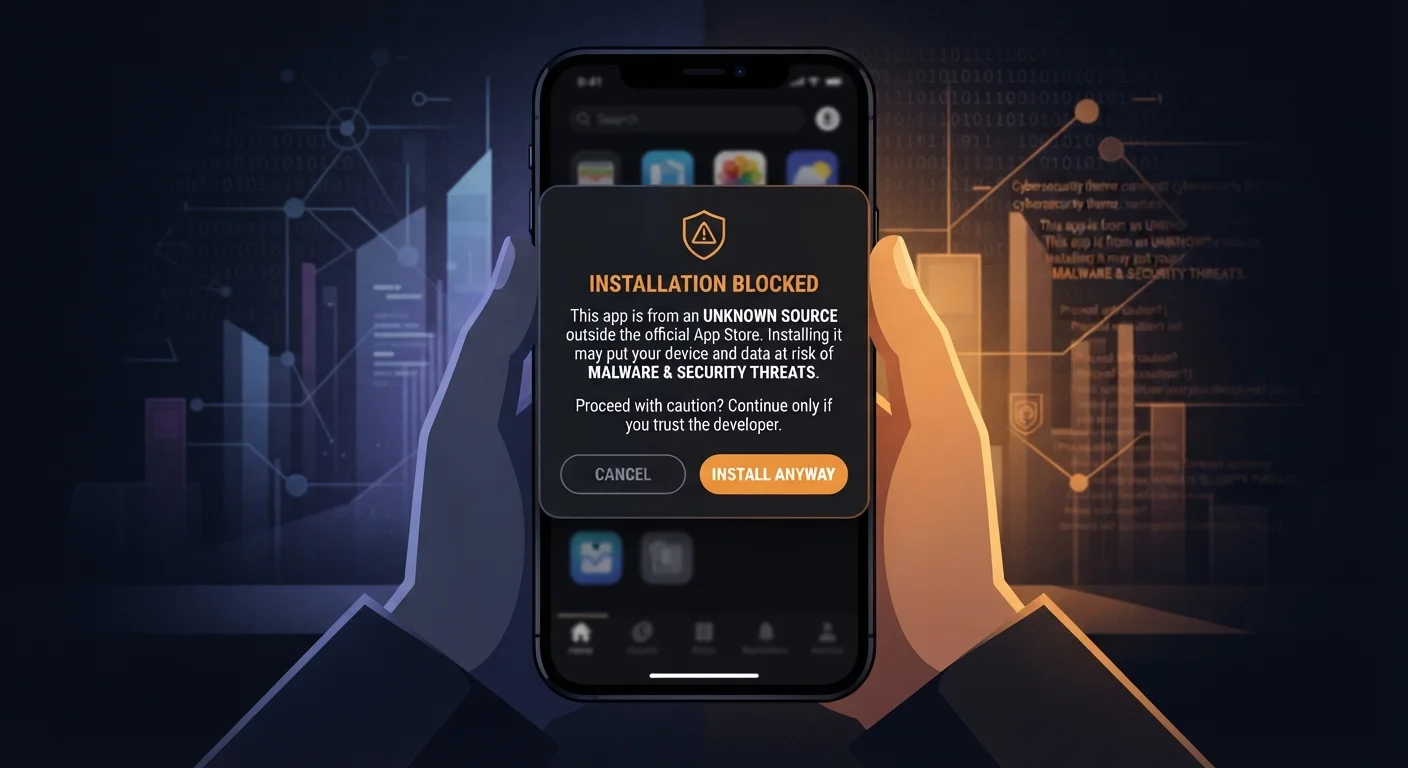
Photo credit: Telecom360.net | Connecting You To The Latest In Telecom
In this article
Installing apps from outside the App Store or Google Play can offer flexibility, but it comes with meaningful security trade-offs. Here's an honest look at both sides.
Key Takeaways
- Sideloading gives access to apps unavailable on official stores, but removes security screening protections.
- Android allows sideloading by default with a settings toggle; iOS restricts it far more tightly.
- Malware, data theft, and loss of automatic updates are real risks when installing unvetted APKs or IPAs.
- Legitimate uses exist - such as enterprise apps, open-source tools, and regional software - but require careful source verification.
- Most everyday users are better served by sticking to official stores unless they have a specific, well-understood reason to sideload.
Access to apps not available on official stores
Some legitimate applications are removed from or never submitted to official stores due to policy disputes, regional restrictions, or niche audiences. Sideloading can fill that gap for users with a genuine need.
Supports enterprise and custom app deployment
Organizations frequently distribute internally developed apps to employees without going through public app stores, using sideloading as part of a managed mobile device strategy.
Enables earlier access to app updates or beta versions
Developers and enthusiasts can install pre-release builds directly, useful for testing and feedback outside of formal beta programs that may have enrollment limits.
Preserves access to apps after store removal
If a developer discontinues an app or it's removed from a store, users may retain access to archived APKs. This is particularly relevant for older utilities or apps with niche but devoted user bases.
No independent malware or code review
Official stores run automated and sometimes manual security scans before publishing an app. Sideloaded apps skip that process entirely, meaning malicious code, spyware, or adware may be present without any screening.
No automatic security updates
Apps installed through official stores receive updates pushed by developers and flagged by the platform. Sideloaded apps typically require manual reinstallation of each new version, leaving known vulnerabilities unpatched if users don't actively track releases.
Higher risk of counterfeit or tampered apps
Attackers commonly repackage legitimate apps with added malware and distribute them through unofficial channels. Without store-enforced developer identity verification, distinguishing a genuine app from a trojanized copy requires technical expertise most users don't have.
Potential to compromise device-level security posture
Enabling sideloading on Android requires turning off a protective system setting ('Install unknown apps'), which broadens the attack surface for other threats. Some enterprise mobile management systems will flag or block devices in this state.
No recourse if something goes wrong
When a store-distributed app causes harm, users can report it and platforms can remotely disable or remove it. With sideloaded apps, neither the user nor the platform has that safety mechanism in place.
What Sideloading Actually Means
Sideloading refers to installing an application on a mobile device from a source other than the platform's official app store - the Apple App Store on iOS, or Google Play on Android. On Android, this typically involves downloading an APK file directly from a website or third-party repository. On iOS, the process is more restricted, generally requiring developer certificates, enterprise provisioning profiles, or - more recently in the EU - regulated alternative marketplaces under the Digital Markets Act.
For a deeper look at how the installation process works on each platform, see how sideloading works on Android and iOS.
What changes when you sideload is not just the source of the app - it's the entire gatekeeping layer that official stores provide. Understanding that layer is essential to weighing what you gain and what you give up.
The Case for Sideloading
There are legitimate, well-documented reasons users and organizations choose to sideload apps.
Access to apps not available on official stores
Some legitimate applications are removed from or never submitted to official stores due to policy disputes, regional restrictions, or niche audiences. Sideloading can fill that gap for users with a genuine need.
Supports enterprise and custom app deployment
Organizations frequently distribute internally developed apps to employees without going through public app stores, using sideloading as part of a managed mobile device strategy.
Enables earlier access to app updates or beta versions
Developers and enthusiasts can install pre-release builds directly, useful for testing and feedback outside of formal beta programs that may have enrollment limits.
Preserves access to apps after store removal
If a developer discontinues an app or it's removed from a store, users may retain access to archived APKs. This is particularly relevant for older utilities or apps with niche but devoted user bases.
Open-source applications, apps built for specific enterprise workflows, and software that regional stores don't carry represent real needs that sideloading can address. Developers also routinely sideload their own builds for testing before submitting to app stores. In these controlled contexts, the practice is a normal part of the software development lifecycle.
The Security Risks You Take On
When an app bypasses official store review, you lose several protective layers simultaneously - and those gaps matter.
No independent malware or code review
Official stores run automated and sometimes manual security scans before publishing an app. Sideloaded apps skip that process entirely, meaning malicious code, spyware, or adware may be present without any screening.
No automatic security updates
Apps installed through official stores receive updates pushed by developers and flagged by the platform. Sideloaded apps typically require manual reinstallation of each new version, leaving known vulnerabilities unpatched if users don't actively track releases.
Higher risk of counterfeit or tampered apps
Attackers commonly repackage legitimate apps with added malware and distribute them through unofficial channels. Without store-enforced developer identity verification, distinguishing a genuine app from a trojanized copy requires technical expertise most users don't have.
Potential to compromise device-level security posture
Enabling sideloading on Android requires turning off a protective system setting ('Install unknown apps'), which broadens the attack surface for other threats. Some enterprise mobile management systems will flag or block devices in this state.
No recourse if something goes wrong
When a store-distributed app causes harm, users can report it and platforms can remotely disable or remove it. With sideloaded apps, neither the user nor the platform has that safety mechanism in place.
Official stores are imperfect - malicious apps do occasionally slip through - but they do provide baseline checks: malware scanning, developer identity verification, and policy enforcement. Removing that layer means the user becomes the last line of defense. Spotting a fake or malicious app before installation requires deliberate verification that most users aren't practiced at applying.
EU Regulations Changed the iOS Equation
Under the EU's Digital Markets Act, Apple is required to permit alternative app marketplaces on iOS within the European Union. This introduces a form of regulated sideloading distinct from traditional APK-style installs, with Apple still applying some baseline notarization checks. Users outside the EU are not affected by this change, and the security implications of alternative marketplaces are still being assessed by the security community.
It's also worth noting that sideloading can affect device warranty and support eligibility, and some mobile security platforms flag devices with sideloaded apps as non-compliant.
How to Reduce Risk If You Choose to Sideload
If you have a specific, justified reason to sideload, these practices reduce - though do not eliminate - the associated risks:
- Verify the source rigorously. Only download APKs or app files from the developer's own official website or a well-established, audited repository. Avoid file-sharing sites and unofficial mirrors.
- Check file integrity. Where available, verify cryptographic checksums (SHA-256 hashes) published by the developer to confirm the file hasn't been tampered with.
- Review requested permissions. Before and after installation, audit what permissions the app requests. An app requesting access to contacts, location, or microphone without an obvious functional reason is a warning sign.
- Keep your OS updated. Running a current OS version limits the exploitable attack surface if a sideloaded app does contain malicious code.
- Use a separate device for testing. Developers and power users with ongoing sideloading needs often use a secondary device that doesn't hold sensitive personal data.
~50%
Android malware delivered outside Google Play
Security researchers have consistently found that the majority of Android malware samples are distributed through third-party sources rather than the official Google Play Store.
67%
Mobile threats targeting Android devices
According to threat intelligence reporting from multiple security firms, Android's more open ecosystem makes it the predominant target for mobile malware campaigns globally.
The question of privacy extends well beyond installation source. Even store-approved apps collect substantial data. See the trade-off between convenience and privacy in modern apps for a broader look at that dynamic.

Author
Cybersecurity Editorial Team
Cybersecurity Editorial Team is the collective byline for our editorial team and contributor network. Articles published under this byline or an editorial pen name are researched, written, and reviewed according to our editorial standards for clarity, consistency, and independence before publication.
View all articles →