
Spotting a Fake App Before You Install It
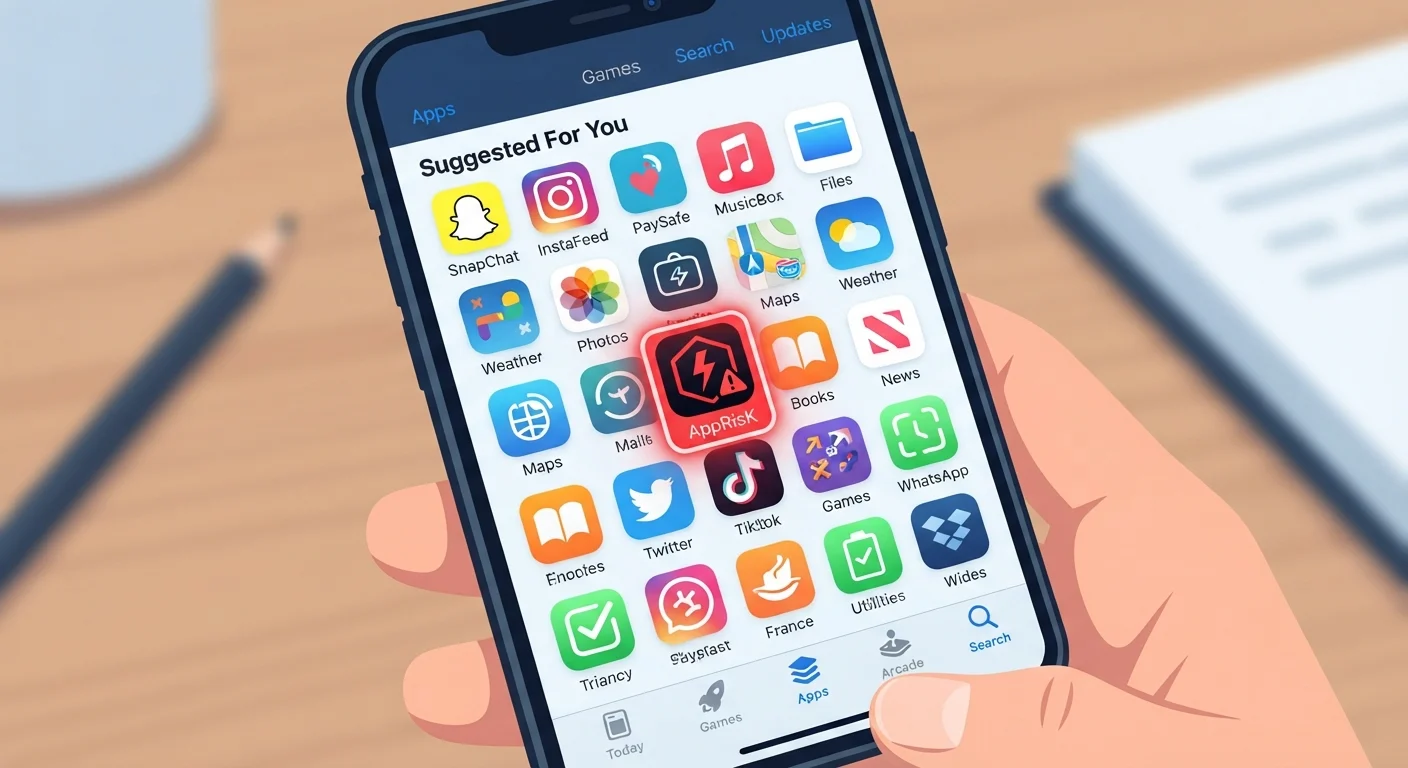
Photo credit: Telecom360.net | Connecting You To The Latest In Telecom
In this article
Malicious apps sometimes slip through official stores. These are the signals worth checking before you grant any app access to your device.
Key Takeaways
- Fake apps regularly appear in official stores despite review processes designed to catch them.
- Developer name mismatches and cloned branding are among the most reliable early warning signs.
- Permission requests that exceed an app's stated function are a strong indicator of malicious intent.
- Review patterns - volume, timing, and language - can reveal artificial inflation or fraud.
- Checking an app before installation takes minutes and significantly reduces your exposure to risk.
Why Fake Apps Still Reach Official Stores
Both the Google Play Store and Apple App Store operate review systems intended to catch malicious software before it reaches users. But those systems have gaps. How each platform reviews apps explains what those processes check for - and where they fall short. Attackers exploit these gaps through tactics like bait-and-switch updates (submitting a clean app, then pushing malicious code afterward), cloning legitimate apps with near-identical names and icons, or using automated tooling to pass initial screening.
The result: fake banking apps, counterfeit utility tools, and fraudulent games periodically make it into stores that most users trust by default. Spotting them before you install requires knowing what signals to look for - and taking a few minutes to actually check.
Official App Store (Google Play or Apple App Store)
Use the store's built-in developer profile, data safety label, and review system as your primary verification surface.
Brand's Official Website
Confirm that the developer account and app listing are acknowledged by the company whose name is being used.
Web Search Engine
Search the app name alongside security-related keywords to surface researcher warnings or user-reported fraud.
Mobile Security App
Some reputable mobile security tools can flag known malicious apps or unusual permission behavior after installation as an additional layer of protection.
What to Check Before You Tap Install
Work through the checklist below before granting any app access to your device. These checks are especially important for financial apps, apps requesting sensitive permissions, and any app you found through an ad, social post, or unsolicited message rather than a direct store search.
Developer and Listing Verification
App Identity and Branding
Reviews and Ratings
Permissions and Privacy
External Verification
Once you've confirmed an app looks legitimate, the next step is evaluating what it actually asks to access. See our permission and privacy checklist for a structured walkthrough of that process - and what to verify before accepting any permission request once you're inside the app for the first time.
Social Media and Ad Links Are High-Risk Entry Points
A significant portion of fake app campaigns begin with an ad, social post, or influencer recommendation directing users to install an app. These links can point to convincing but fraudulent store listings, or bypass stores entirely. Always navigate to the official store and search for the app independently rather than following external links directly to an install page.
When to Walk Away Entirely
Some scenarios warrant skipping the checklist and simply not installing. If an app was shared via a link in a message or email - rather than found directly in a store - treat it as high-risk by default. The same applies if you're being asked to install an APK file directly on Android outside the Play Store. Sideloading carries meaningful security trade-offs that are worth understanding before you bypass official distribution channels.
Fake apps frequently mirror the social engineering tactics used in other scams. The urgency and impersonation techniques behind phishing emails and tech support scams show up in fake app campaigns too - pressure to install immediately, claims of exclusive functionality, or warnings that your device is already compromised.
Urgency Is a Manipulation Tactic
If anything about the discovery of an app - a message, a pop-up, a social post - implies you must install it immediately or risk losing access to an account, that pressure is itself a warning sign. Legitimate apps don't require urgent installation. Pause, verify through the checklist above, and consult the official source before proceeding.
If an app fails more than two or three of the checks above, the risk typically outweighs the convenience. Legitimate developers can be contacted through official channels if you're uncertain about an app's authenticity.

Author
Cybersecurity Editorial Team
Cybersecurity Editorial Team is the collective byline for our editorial team and contributor network. Articles published under this byline or an editorial pen name are researched, written, and reviewed according to our editorial standards for clarity, consistency, and independence before publication.
View all articles →