
Mobile App Stores: How the Google Play Store and Apple App Store Review Apps Before You Download Them
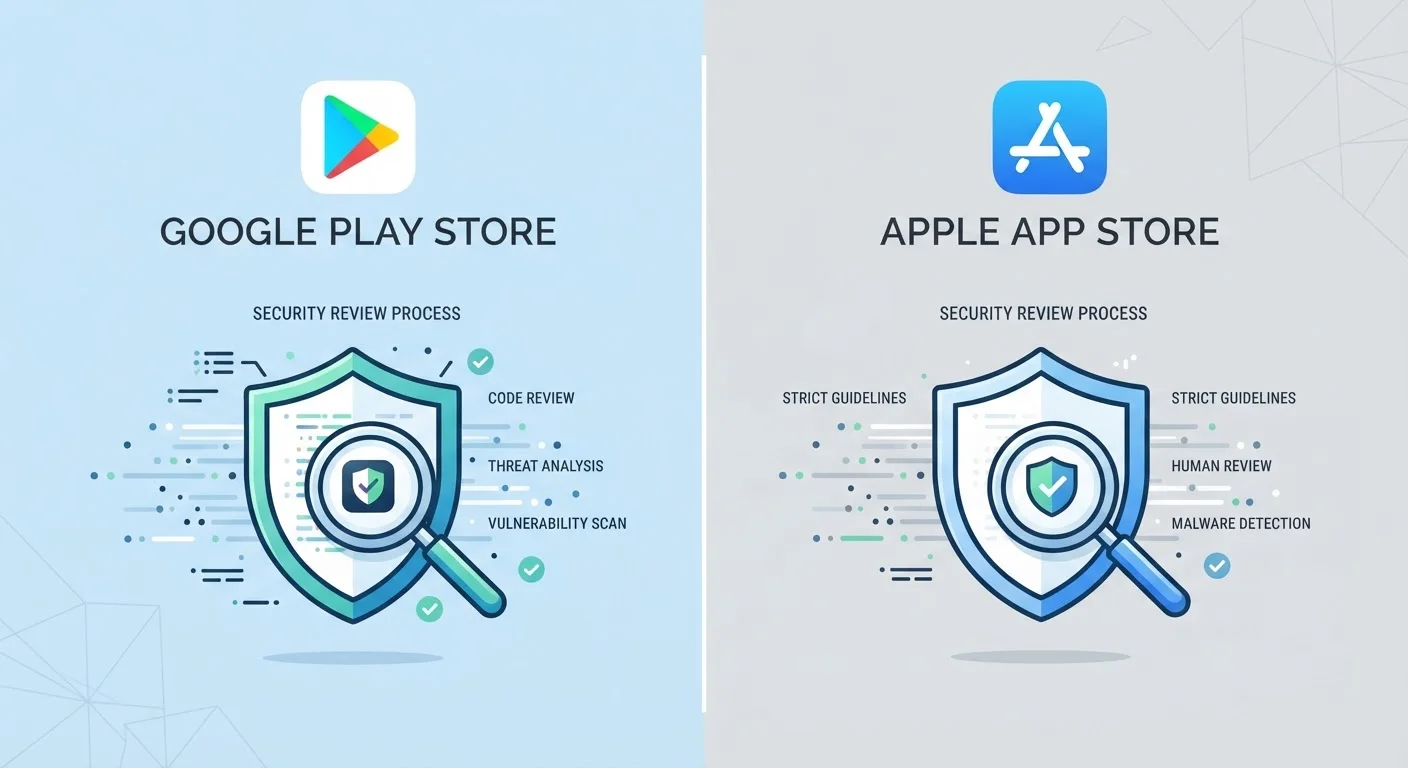
Photo credit: Telecom360.net | Connecting You To The Latest In Telecom
In this article
Behind every app download is a review process. Learn how each platform vets apps — and where the gaps in those systems exist.
Key Takeaways
- Apple uses a manual human review process combined with automated scanning for every App Store submission.
- Google Play relies more heavily on automated systems, including its Play Protect service, with selective human review.
- Neither store's review process catches every malicious or low-quality app before it reaches users.
- Understanding each platform's vetting approach helps you make more informed decisions about what you install.
Why App Review Processes Exist
When you tap Install on any app, you're granting software access to your device's hardware, storage, and potentially sensitive personal data. App store review processes exist to serve as a first line of defense - filtering out apps that contain malware, violate user privacy, engage in fraud, or simply fail to meet baseline quality standards before they ever reach your device.
Both Apple and Google publish detailed developer guidelines outlining what's acceptable. But the mechanisms they use to enforce those guidelines - and how consistently they apply them - differ substantially. Understanding those differences matters if you care about what's actually running on your phone. For broader context on how the two platforms diverge in software behavior, see why apps can feel different on Android and iOS.
Apple App Store: Human Review at the Center
Apple's review process has historically centered on mandatory human review. When a developer submits an app to the App Store, it passes through both automated static analysis and evaluation by a member of Apple's App Review team. Apple has stated that it reviews approximately 100,000 app submissions per week, with most decisions returned within 24 to 48 hours.
Reviewers check for adherence to the App Store Review Guidelines, which cover categories including safety, performance, business model transparency, design standards, and legal compliance. Apps that request permissions beyond what their stated function requires, use undocumented APIs, or obscure their monetization mechanics are commonly rejected.
Apple also runs automated binary analysis to detect known malicious code patterns and scans for use of private frameworks. Importantly, the review applies to every update submission, not just the initial release - meaning a developer cannot introduce a harmful feature through an update after passing initial review undetected (though in practice, this has occasionally occurred via server-side code changes).
Check the Data Safety or Privacy Label
Both stores now require developers to declare what data their apps collect, though these disclosures are self-reported and not independently verified before publishing. Treat them as a starting point for scrutiny, not a guarantee of accuracy. Comparing an app's stated data practices against the permissions it requests during installation is one practical cross-check you can do yourself.
The closed nature of iOS means sideloading apps outside the App Store has historically required device modification. That constraint is shifting under regulatory pressure in some regions, but in the US, the App Store remains the primary install path for most iPhone users. See the trade-offs of sideloading apps for a fuller picture.
Google Play Store: Automated Systems First
Google's review pipeline is automated-first. Submissions are processed by Google Play Protect - a suite of machine learning-based tools that scans apps for malware signatures, behavioral anomalies, and policy violations. Human reviewers are involved, but selectively, often triggered by automated flags or applied to higher-risk app categories such as financial services or apps targeting children.
Google has significantly tightened its review infrastructure over the past several years, adding requirements such as mandatory privacy policy declarations, stricter permissions scoping, and the Data Safety section - a developer-disclosed summary of what data an app collects and how it's used. Play Protect also continues scanning installed apps on-device after installation, providing a layer of ongoing monitoring that Apple's system does not replicate in the same form.
| Apple App Store | Google Play Store | |
|---|---|---|
| Primary review method | Human review + automated scanning | Automated scanning + selective human review |
| Typical review turnaround | 24-48 hours | Hours to a few days |
| Update re-review | Yes, every update reviewed | Automated, with selective human checks |
| On-device post-install scanning | Limited | Play Protect scans continuously |
| Developer data disclosure | Privacy Nutrition Labels (self-reported) | Data Safety section (self-reported) |
| App catalog size | Smaller, more curated | Larger, broader variety |
The openness of Android's architecture means Google also contends with a sideloading ecosystem that exists entirely outside Play's review process. Apps installed from third-party sources receive no Play Protect vetting at the store level. Sideloading carries distinct trade-offs that are worth understanding separately.
Where Both Systems Fall Short
Neither review process has eliminated the problem of malicious or deceptive apps reaching users. Several documented patterns have bypassed both stores' defenses:
- Delayed payload delivery: Apps behave legitimately during review, then retrieve harmful code from remote servers post-approval.
- Copycat and impersonation apps: Apps that mimic well-known brands closely enough to pass automated checks but deceive users into credential submission.
- Gradual permission abuse: Apps that request reasonable permissions at install but expand data collection through update cycles.
- Fleeceware: Apps that pass quality checks but use misleading free-trial flows to charge disproportionate subscription fees.
Store presence is a meaningful signal - but not a guarantee. Practicing your own due diligence before installing remains essential. The app permission and privacy checklist covers what to evaluate before granting access. You can also learn to recognize deceptive listings by reviewing signals of a fake app before you install.

Author
Smartphones Editorial Team
Smartphones Editorial Team is the collective byline for our editorial team and contributor network. Articles published under this byline or an editorial pen name are researched, written, and reviewed according to our editorial standards for clarity, consistency, and independence before publication.
View all articles →