
Sideloading Apps: What It Is, How It Works, and the Trade-offs Involved
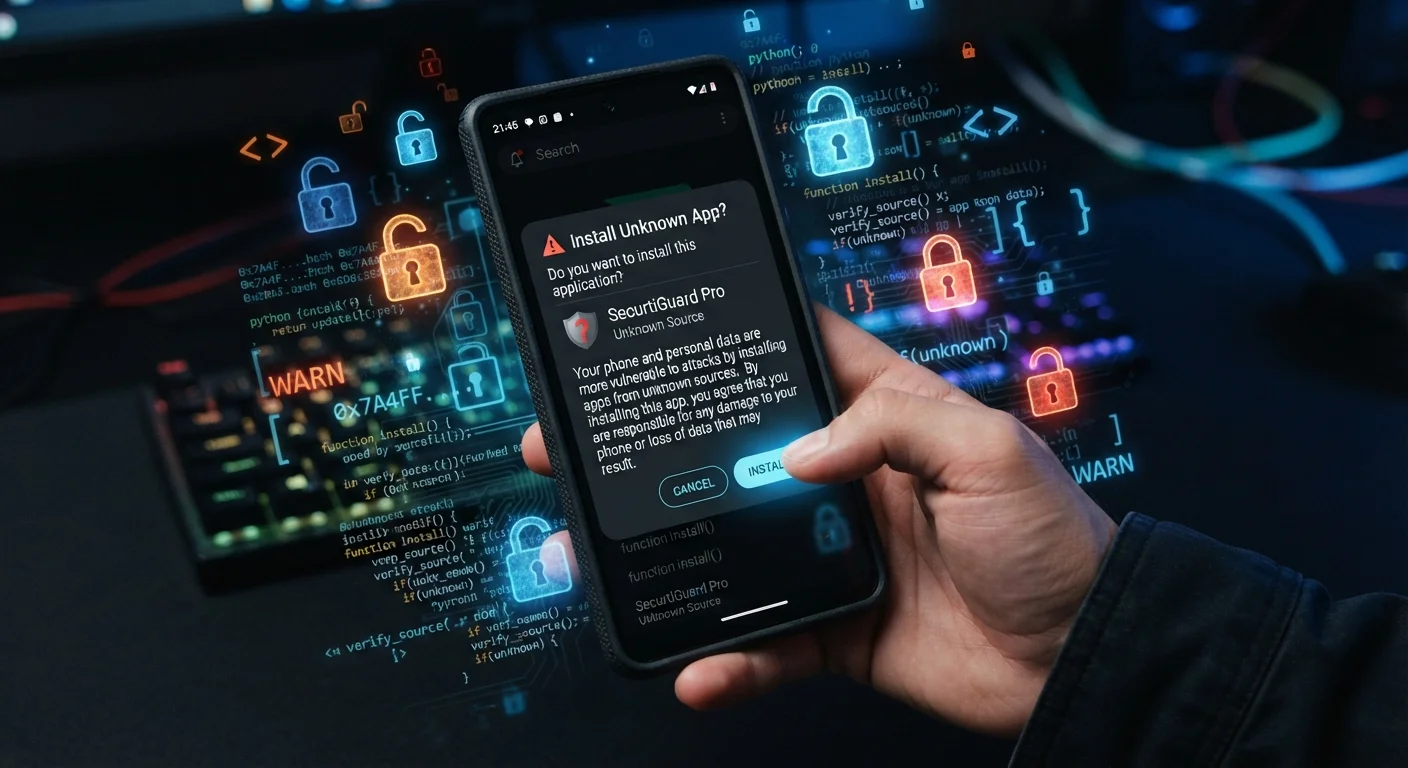
Photo credit: Telecom360.net | Connecting You To The Latest In Telecom
In this article
Installing apps outside the official store is called sideloading. Here's how it works on Android and iOS, and what you give up doing it.
Key Takeaways
- Sideloading means installing an app from outside the official platform app store.
- Android supports sideloading natively; iOS restricts it significantly, with limited exceptions.
- Sideloaded apps bypass platform security reviews, increasing malware and data risk.
- Legitimate use cases exist, including enterprise deployment, developer testing, and region-restricted apps.
- Understanding what you give up is essential before choosing to sideload any application.
Access apps unavailable in your region or store
Some apps are geographically restricted or removed from certain markets. Sideloading can be the only way to install them on a device in those regions.
Enables developer testing on real hardware
Developers routinely sideload pre-release builds to test behavior on physical devices before submitting to an app store, which is a standard part of the development workflow.
Supports enterprise and internal app deployment
Organizations use MDM-managed sideloading to distribute proprietary business apps to employee devices without making them publicly available in any commercial store.
Allows installation of older app versions
When a store update introduces bugs or removes features, sideloading a previous APK version lets users roll back - an option not available through the official store.
Opens access to open-source and niche tools
Many privacy-focused apps, emulators, and community-developed tools are distributed exclusively outside official stores by choice, not because they're problematic.
No platform security review of the app
Official stores run automated and manual checks on submitted apps. Sideloaded apps skip this entirely, leaving malware detection solely to the user and any on-device security tools.
No automatic updates or security patches
Apps installed outside the store don't receive updates through the store's delivery system, meaning security vulnerabilities in the installed version may persist indefinitely.
Higher risk of installing counterfeit or tampered apps
Malicious actors distribute APK files disguised as popular apps. Without store verification, there's no straightforward way to confirm the package hasn't been modified.
Potential warranty and device policy implications
On some devices, enabling unknown sources or modifying system settings to allow sideloading can affect warranty terms or trigger enterprise compliance flags on managed devices.
Apps may lack ongoing compatibility support
Apps distributed outside official channels often don't receive compatibility updates as the underlying OS evolves, leading to instability on newer Android or iOS versions.
What Sideloading Actually Means
Sideloading refers to installing an application on a device through any method other than the platform's official app store - the Apple App Store on iOS or the Google Play Store on Android. Instead of downloading through a curated marketplace, you're loading the app package directly onto the device, bypassing the store's distribution infrastructure entirely.
On Android, app packages use the APK format. On iOS, the equivalent is an IPA file. When you sideload, you're essentially handing your device a raw installer and telling it to proceed without the platform's standard review process standing in between. To understand what happens next at the system level, see what your device actually does during installation.
Sideloading Is Not the Same as Jailbreaking
Jailbreaking (iOS) or rooting (Android) involves removing operating system restrictions to gain elevated system access. Sideloading, by contrast, simply installs an app outside the store without modifying the OS itself. On Android, sideloading doesn't require rooting at all. The two are often conflated, but they're technically and legally distinct actions with different risk profiles.
How Sideloading Works on Android vs. iOS
Android was designed with sideloading as a supported - if not default - capability. Users can enable installation from "unknown sources" in device settings, download an APK file from any web source, and install it directly. Google's platform architecture treats this as a user choice, not a violation, though it does display warnings.
iOS takes a fundamentally different approach. Apple restricts app installation to the App Store by default, and sideloading an IPA file ordinarily requires either a paid developer account (to install on your own registered devices), AltStore-style re-signing tools, or enterprise distribution certificates - none of which are intended for general consumer use. The EU's Digital Markets Act has pushed Apple to allow limited third-party marketplaces in Europe, but this remains geographically restricted and controlled.
This contrast reflects fundamentally different philosophies: Android prioritizes openness, while iOS prioritizes a contained, gated ecosystem. For a closer look at how those gatekeeping systems work, the app store review process explains what each platform checks before an app reaches users.
Access apps unavailable in your region or store
Some apps are geographically restricted or removed from certain markets. Sideloading can be the only way to install them on a device in those regions.
Enables developer testing on real hardware
Developers routinely sideload pre-release builds to test behavior on physical devices before submitting to an app store, which is a standard part of the development workflow.
Supports enterprise and internal app deployment
Organizations use MDM-managed sideloading to distribute proprietary business apps to employee devices without making them publicly available in any commercial store.
Allows installation of older app versions
When a store update introduces bugs or removes features, sideloading a previous APK version lets users roll back - an option not available through the official store.
Opens access to open-source and niche tools
Many privacy-focused apps, emulators, and community-developed tools are distributed exclusively outside official stores by choice, not because they're problematic.
The Security Trade-offs You're Making
When an app goes through an official store, it passes - imperfectly, but meaningfully - through automated and human review. That review checks for known malware signatures, policy violations, and dangerous permission requests. Sideloading removes that checkpoint entirely.
This matters because malicious actors actively distribute APK and IPA files that mimic legitimate apps. These packages can contain spyware, adware, credential stealers, or code that exploits device permissions once granted. The risk scales with the source: an APK from a developer's own GitHub page carries very different risk than one from an anonymous file-sharing site.
No platform security review of the app
Official stores run automated and manual checks on submitted apps. Sideloaded apps skip this entirely, leaving malware detection solely to the user and any on-device security tools.
No automatic updates or security patches
Apps installed outside the store don't receive updates through the store's delivery system, meaning security vulnerabilities in the installed version may persist indefinitely.
Higher risk of installing counterfeit or tampered apps
Malicious actors distribute APK files disguised as popular apps. Without store verification, there's no straightforward way to confirm the package hasn't been modified.
Potential warranty and device policy implications
On some devices, enabling unknown sources or modifying system settings to allow sideloading can affect warranty terms or trigger enterprise compliance flags on managed devices.
Apps may lack ongoing compatibility support
Apps distributed outside official channels often don't receive compatibility updates as the underlying OS evolves, leading to instability on newer Android or iOS versions.
Even without outright malware, sideloaded apps don't receive automatic updates through the store, meaning security patches may never reach the installed version. They also sit outside the store's runtime protections on some devices. For a practical guide to evaluating any app before installing it - sideloaded or otherwise - spotting a fake app before you install it covers the signals worth checking.
When Sideloading Has a Legitimate Purpose
Despite the risks, sideloading serves real, legitimate purposes. Enterprise IT teams commonly distribute internal business apps via MDM systems - sideloading outside the public store is often how company-specific tools reach employee devices without being publicly listed. Developers routinely sideload builds to test apps on physical hardware before submitting to any store.
Sideloading also enables access to apps unavailable in a user's region, older app versions when a newer update breaks functionality, and open-source applications that never enter commercial stores. Emulators, game modding tools, and certain privacy-focused applications frequently distribute outside official channels by design rather than necessity.
~67%
Android malware originates outside Google Play
Security research has consistently found the majority of Android malware samples arrive via third-party sources rather than the official Play Store.
3M+
Enterprise apps deployed outside public stores
Industry estimates suggest millions of proprietary enterprise apps are distributed via MDM and private channels, bypassing public storefronts by design.
The key distinction is intent and source verification. Sideloading a known, open-source app from its official repository is meaningfully different from installing a cracked version of a paid app from an unverified third-party mirror. The security trade-offs of sideloading are worth reviewing in full before making that call.

Author
Apps & Software Editorial Team
Apps & Software Editorial Team is the collective byline for our editorial team and contributor network. Articles published under this byline or an editorial pen name are researched, written, and reviewed according to our editorial standards for clarity, consistency, and independence before publication.
View all articles →