
Before You Install That App: A Permission and Privacy Checklist
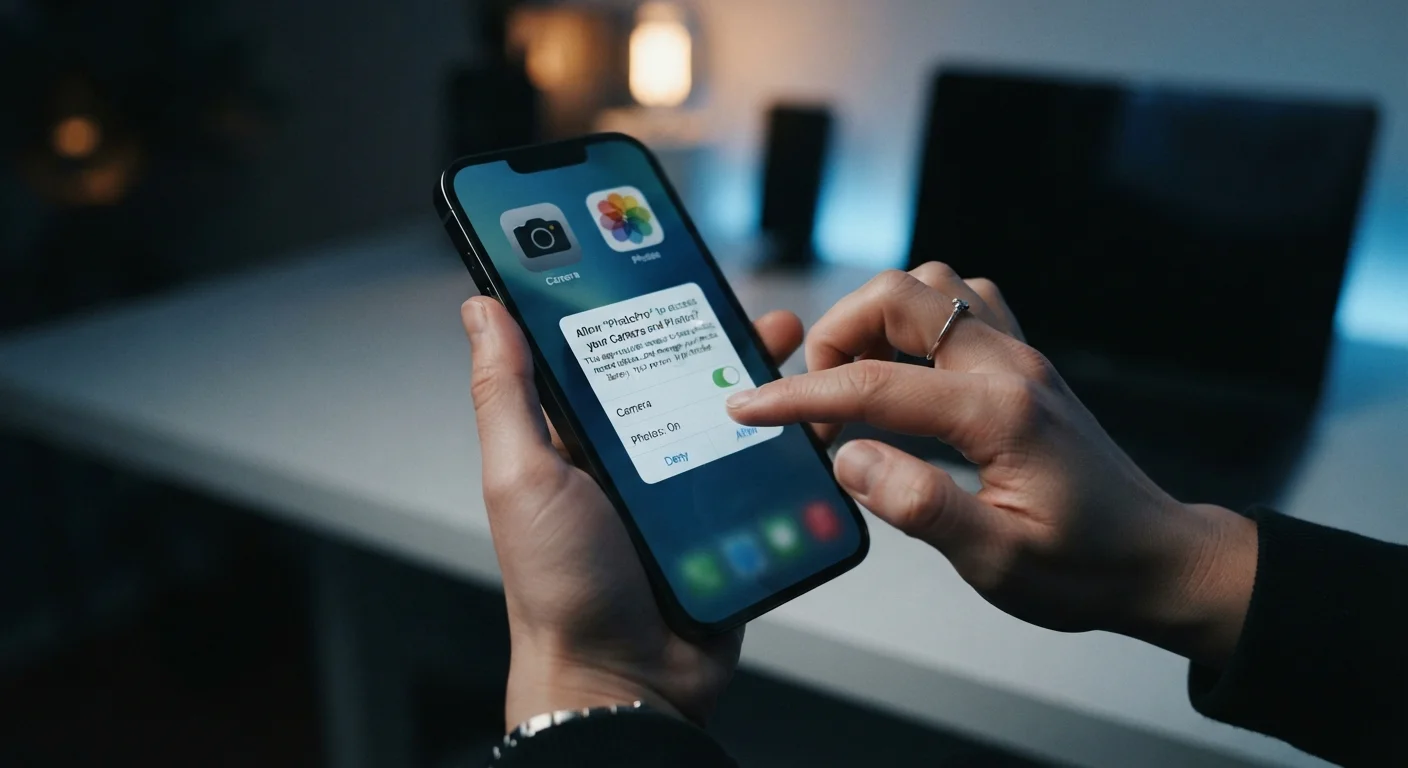
Photo credit: Telecom360.net | Connecting You To The Latest In Telecom
In this article
Use this checklist to evaluate any new app's data requests, developer transparency, and permission scope before you hit install.
Key Takeaways
- App permissions should always match the app's stated functionality - mismatches are a red flag.
- Developer transparency, including a clear privacy policy, is a baseline trust signal before installing.
- Both Android and iOS allow you to grant or deny individual permissions after installation.
- Sideloaded apps bypass store-level security vetting and carry meaningfully higher risk.
- Regularly auditing installed app permissions is as important as pre-install evaluation.
Why This Checklist Matters
Installing an app is an implicit data-sharing agreement. Before you tap the install button, the app's developer, data brokers they may share with, and third-party SDKs embedded in the codebase could all gain access to your contacts, location, microphone, camera, and more. The consequences of granting excess permissions range from targeted advertising to, in worst-case scenarios, identity-adjacent data exposure.
This checklist is designed to slow down that decision. It works for consumer apps on both Android and iOS, though specific menu paths differ by platform and OS version. For a broader look at securing your device ecosystem, see the Device Security hub and, for post-install hygiene, The Complete Device Security Audit Checklist.
Store Listings Are Not a Safety Guarantee
Both Google Play and the Apple App Store have published and subsequently removed apps found to contain malicious code or deceptive data practices. Platform listing does not mean an app is safe. Run this checklist regardless of where the app originates.
What You Need Before You Start
No specialized tools are required for most of this checklist, but a few resources will make the process faster and more thorough.
Your device's built-in permission manager
Used to review, grant, and revoke app permissions on both Android (Settings > Privacy > Permission Manager) and iOS (Settings > Privacy & Security).
iOS App Privacy Report
Reveals which third-party domains your apps are contacting in the background, providing a data-flow picture beyond what the permissions dialog shows.
App store listing (Google Play or Apple App Store)
Contains the developer's declared permissions list, user reviews, and app update history - all useful signals before installing.
Exodus Privacy (exodus-privacy.eu.org)
A public tracker that analyses Android APKs for embedded advertising and tracking SDKs, helping you understand which data brokers an app may share data with.
The Checklist
Work through these groups in order. The first two groups should be completed before installing; the final group applies immediately after.
Developer and Source Verification
Privacy Policy Review
Permission Scope Assessment
Post-Install Permission Audit
Permissions Cannot Always Be Taken Back
Revoking a permission after installation prevents future data collection through that channel, but does not delete data already collected before you revoked it. If an app has been running with broad permissions for weeks or months, the data already shared with the developer and their partners remains with them. Review permissions early - ideally before first launch.
Understanding What You're Really Agreeing To
Permission dialogs use plain language - "Allow access to your location?" - but they obscure scope. On Android, approximate location (ACCESS_COARSE_LOCATION) triangulates you to roughly a city block, while precise location (ACCESS_FINE_LOCATION) can resolve your position to a few meters using GPS. Similarly, background location access means the app tracks you even when closed. iOS distinguishes "While Using" from "Always" for the same reason.
Microphone and camera permissions deserve particular scrutiny. An app that requests microphone access but offers no audio feature - voice notes, calls, recording - has no defensible reason for that permission. The same applies to contacts: a simple flashlight or calculator app should never need your address book.
If you're evaluating an app that will be installed on a shared or managed device, the calculus changes further. See our organisational rollout checklist for additional considerations around enterprise permissions and data governance.
For apps obtained outside official stores, the risks compound significantly. Sideloading apps bypasses the vetting layer that Apple's App Store and Google Play - imperfect as they are - provide. Treat any sideloaded app as requiring this entire checklist plus additional source verification.
Finally, social apps warrant their own scrutiny layer. Permissions for contacts, camera, and microphone are commonly bundled into social platforms in ways that are easy to overlook. Social media privacy settings are worth reviewing separately after any social app install.
This checklist is intended as a practical framework for evaluating app permissions and is not a guarantee of security outcomes. Platform behaviors, app behaviors, and privacy regulations change over time; treat this as a starting point for informed decision-making, not an exhaustive security audit.

Author
Smartphones Editorial Team
Smartphones Editorial Team is the collective byline for our editorial team and contributor network. Articles published under this byline or an editorial pen name are researched, written, and reviewed according to our editorial standards for clarity, consistency, and independence before publication.
View all articles →