
How App Updates Are Delivered - and What Happens When You Skip Them
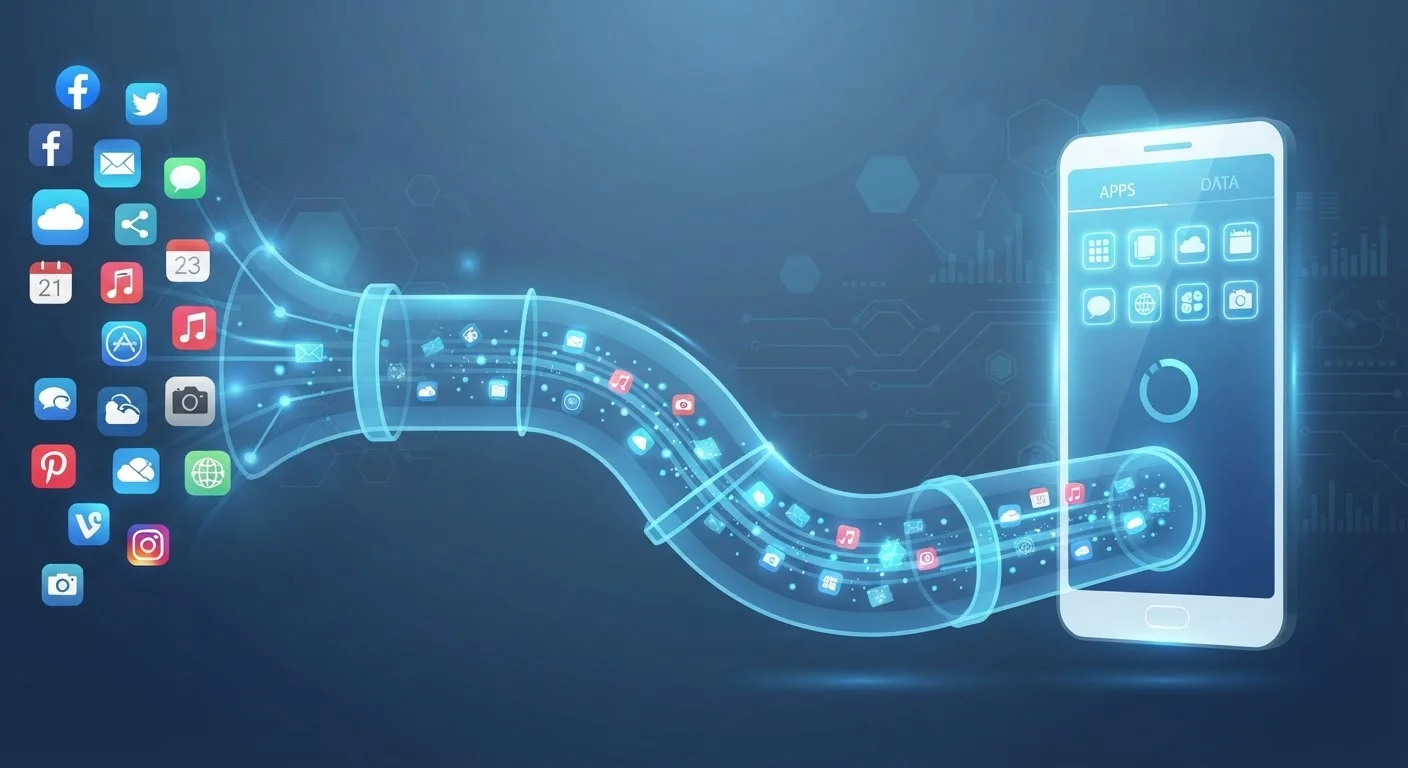
Photo credit: Telecom360.net | Connecting You To The Latest In Telecom
In this article
Auto-updates, staged rollouts, delta patches — here's how app updates reach your device and why delaying them carries real consequences.
Key Takeaways
- App stores use staged rollouts to release updates to a small percentage of users first, catching bugs before full deployment.
- Delta patching reduces download size by sending only the changed code, not the entire app.
- Skipping updates can leave known security vulnerabilities unpatched on your device.
- Auto-update settings handle most app updates silently, but manual review is sometimes warranted.
- Older app versions may eventually lose compatibility with current operating systems.
The Journey from Developer to Your Device
When a developer finishes a new version of an app, it doesn't land on your phone immediately. The code goes through a submission and review process - automated and sometimes manual - at the relevant platform store. Apple's App Store and Google Play each enforce compliance checks covering security policies, API usage, and content guidelines before an update is approved for distribution.
Once approved, the store doesn't flip a switch and push the update to every user simultaneously. Instead, it uses a staged rollout: the update reaches perhaps 5-10% of users initially. Engineers watch for crash reports, performance regressions, and negative reviews. If telemetry looks healthy, the rollout percentage increases incrementally until it reaches 100%. This is why two people on identical devices can have different app versions on the same day.
For a broader look at how platform update strategies differ, see how Android and iOS handle software upgrades differently.
~80%
Reduction in download size from delta patching
Google has cited significant bandwidth savings from binary-level differential updates compared to full APK downloads, with reductions varying by app size and change scope.
60%+
Of mobile exploits target known, patched vulnerabilities
Security researchers consistently find that a majority of successful mobile attacks exploit vulnerabilities for which patches already exist but haven't been applied by users.
Delta Patching and What Actually Downloads
A common misconception is that every app update re-downloads the entire application. In practice, both major platforms use delta patching - a technique that computes the binary difference between the installed version and the new one, then transmits only that diff. For large apps, this can reduce the download from hundreds of megabytes to a few megabytes.
Google Play has offered binary-level delta patching for years under various internal implementations. Apple's App Store applies similar compression and differential techniques for OTA (over-the-air) app updates. The result: faster installs, lower data consumption, and less strain on store infrastructure during high-traffic release windows.
Understanding version numbering helps decode what kind of change you're downloading. A patch-level increment (e.g., 4.2.1 → 4.2.2) typically signals bug fixes, while a major version bump signals significant changes. App versioning decoded explains what those numbers actually communicate.
Check Your Store's Update Settings
On Android, open the Play Store, tap your profile icon, and go to Settings > Network Preferences to control whether updates download over Wi-Fi only or also over mobile data. On iOS, go to Settings > App Store and toggle 'App Updates' under Automatic Downloads. Confirming these settings takes under a minute and prevents unexpected data usage.
What Happens When You Consistently Skip Updates
Delaying an update once is rarely consequential. Consistently deferring updates, however, creates compounding risks across three areas.
Security Exposure
Many app updates patch specific, documented vulnerabilities. Once a CVE (Common Vulnerabilities and Exposures) entry is published, the flaw is effectively public knowledge - including to attackers. Running an unpatched version means your device remains exposed to exploits that the developer has already fixed. Delaying update notifications carries real security risk, particularly for apps that handle financial data, authentication, or personal files.
Compatibility Drift
Operating systems evolve, and apps must keep pace. A version of an app that worked perfectly on last year's OS may behave erratically - or refuse to launch - after a major OS update, because it relies on APIs that have changed or been deprecated. Developers who maintain current versions account for these changes; developers of abandoned apps do not. See why apps break after an OS update for a detailed breakdown.
Feature and Performance Gaps
Skipping updates also means missing performance optimizations, memory management improvements, and new capabilities that improve day-to-day use. Over time, the gap between your installed version and the current release can affect stability in ways that aren't immediately obvious. Skipping software updates costs more than convenience - including slower performance and reduced battery efficiency.
Managing Updates: Auto vs. Manual
Both iOS and Android offer auto-update settings that handle most app updates in the background, typically over Wi-Fi and during low-activity periods. For the majority of users, this is the lowest-friction approach and keeps apps current without requiring deliberate action.
Manual update control makes sense in specific contexts: enterprise environments where IT teams need to validate updates before deployment, or cases where a major version change has introduced UI or behavioral changes that affect workflow. The tradeoff is real - manual control offers predictability, but it also means security patches don't apply themselves.
Automatic updates vs. manual control explores that tradeoff in detail, including what each approach means for device stability over time. Whichever method you choose, it's worth periodically reviewing pending updates rather than indefinitely deferring them.
Enterprise Devices Follow Different Rules
Devices managed through mobile device management (MDM) platforms - common in corporate environments - may have update policies enforced by IT administrators rather than individual users. In these cases, the device's app store settings may be locked, and updates are deployed on the organization's schedule rather than the platform's default cadence.
Frequently Asked Questions

Author
Apps & Software Editorial Team
Apps & Software Editorial Team is the collective byline for our editorial team and contributor network. Articles published under this byline or an editorial pen name are researched, written, and reviewed according to our editorial standards for clarity, consistency, and independence before publication.
View all articles →