
Why Apps Break After an OS Update - and What Developers Do About It
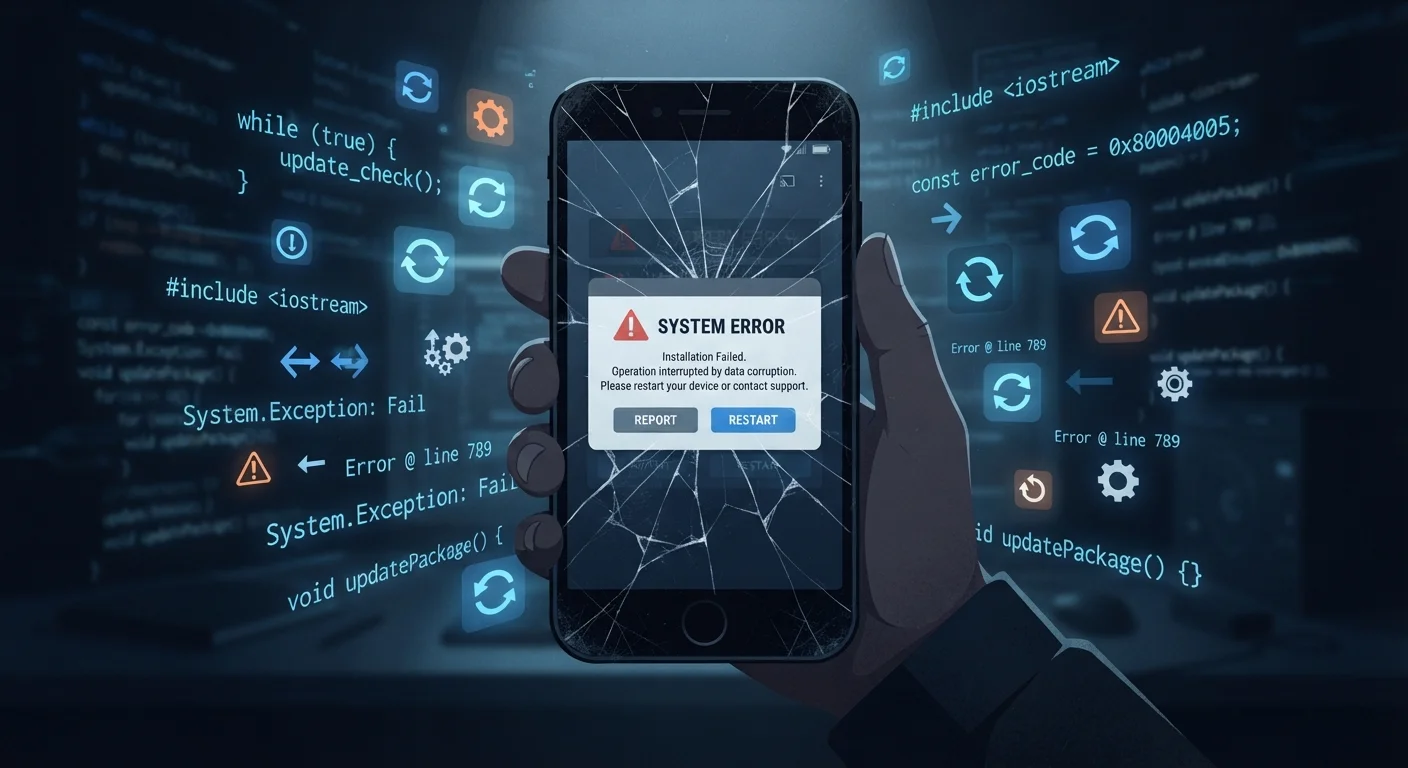
Photo credit: Telecom360.net | Connecting You To The Latest In Telecom
In this article
Operating system updates can silently break apps. Learn why this happens, who is responsible for fixing it, and how long it typically takes.
Key Takeaways
- OS updates change system-level rules that apps depend on, causing some to break without any change to the app itself.
- Developers are responsible for updating their apps to match new OS requirements - the OS vendor is not.
- Fix timelines vary widely, from days for well-resourced teams to weeks or months for smaller developers.
- Users can take interim steps - like delaying the OS update or clearing app cache - to reduce disruption.
- Abandoned apps will never be fixed; checking an app's update history before upgrading your OS is a practical safeguard.
Why an OS Update Can Break a Working App
Apps are not self-contained programs. They are built on top of the operating system, constantly calling on system-level services - the camera, location, storage, notifications, and hundreds of other functions - through defined channels called APIs. When an OS update modifies, restricts, or removes any of those channels, an app that has not been updated to account for the change can malfunction.
Think of it like a contractor who wired a building to a specific electrical standard. If the city changes the standard, the contractor's wiring may no longer be code-compliant - even though nothing about the wiring itself changed. The OS is the electrical grid; the app is the wiring.
Common triggers for app breakage after OS updates include:
- Deprecated APIs: A system function the app used is removed or changed in the new OS version.
- Tightened permission models: The OS now requires explicit user consent for something the app previously accessed silently.
- New background execution limits: The OS restricts what apps can do when not actively in use, breaking sync or notification features.
- Security policy changes: Updated sandboxing or encryption requirements conflict with how the app stores or transmits data.
For more on how these OS-level shifts affect performance broadly, see how OS updates affect performance under the hood.
~6 weeks
Average time for a small app to receive a compatibility patch
Based on observed app store update patterns following major iOS and Android releases, smaller development teams consistently lag larger organizations in shipping OS-compatibility fixes.
30-40%
Apps that go 12+ months without an update
App store analyses have consistently found that a significant portion of listed apps receive no developer updates within a given year, making them high-risk after major OS version changes.
Who Is Responsible for the Fix - and How Long Does It Take?
The short answer: the app developer. OS vendors - Apple and Google - publish detailed documentation well before major releases, including beta builds that developers can use to test their apps against upcoming changes. When an app breaks after a public OS release, it typically means the developer either did not test against the beta or has not yet shipped the patch.
Fix timelines depend heavily on the organization behind the app:
- Large consumer apps (social platforms, banking apps, productivity suites) often have dedicated mobile engineering teams monitoring beta releases. Patches frequently arrive within days of a major OS launch.
- Mid-size business apps may take one to three weeks, depending on engineering capacity and how deeply the breaking change affects core functionality.
- Small or solo-developer apps can take months, and some may never receive a fix if the developer has moved on or discontinued the project.
Check an App's Update History Before Upgrading Your OS
Before installing a major OS update, open the app store page of any critical app and look at the 'Last Updated' date and version history. An app that has not received an update in 12 or more months is unlikely to have been tested against the new OS. This simple check can prevent productivity disruption, especially for niche or specialized tools with smaller developer teams.
This is part of a broader pattern in the app lifecycle. As explored in the full lifecycle of a mobile app, many apps eventually enter a maintenance-only or abandoned phase where compatibility updates stop entirely.
What Developers Actually Do When an Update Breaks Their App
When a major OS version drops and an app starts receiving crash reports, a developer's response typically follows a defined sequence:
- Reproduce and isolate: Confirm the crash happens specifically on the new OS, then identify which code path is triggering it using crash analytics tools.
- Review OS release notes: Cross-reference the crash with the OS vendor's documented breaking changes to confirm the root cause.
- Refactor the affected code: Replace the deprecated or broken API call with the new, OS-approved alternative.
- Test on the updated OS: Run the patched app across device types and screen sizes to confirm the fix holds without introducing new issues.
- Submit and wait for review: On iOS, app updates go through Apple's review process, which typically takes one to three days. Android updates through Google Play are generally faster but still go through automated and manual checks.
Understanding how app updates are delivered to your device explains why even a finished patch does not appear instantly on every phone.
What You Can Do in the Meantime
Users are not entirely powerless while waiting for a developer fix. A few practical steps can reduce disruption:
- Clear the app cache: Some breakage is caused by corrupted cached data conflicting with the new OS. On Android, this is accessible in Settings under App Info. On iOS, reinstalling the app achieves a similar result.
- Check the app store listing: Developer notes and recent user reviews often confirm whether a fix is in progress or whether the app is effectively abandoned.
- Use the web version: Many services offer browser-based access that is unaffected by the mobile OS update.
- Delay future major OS updates: If you depend on a specific app for work or daily use, waiting a week or two after a major OS release gives developers time to ship patches before you upgrade. This is distinct from skipping security patches, which carry real risk.
For longer-term planning, understanding software update cycles can help you evaluate which devices and platforms maintain the most stable app ecosystems over time.
Security Patches Are a Different Category
The advice to delay a major OS update for app compatibility reasons does not apply to security patches. Security updates address active vulnerabilities and should be applied promptly. Most platforms distinguish between major version upgrades (which carry higher compatibility risk) and incremental security patches (which carry very low app-compatibility risk). Delaying only the former is a reasonable strategy.
Frequently Asked Questions

Author
Apps & Software Editorial Team
Apps & Software Editorial Team is the collective byline for our editorial team and contributor network. Articles published under this byline or an editorial pen name are researched, written, and reviewed according to our editorial standards for clarity, consistency, and independence before publication.
View all articles →