
Keeping Your Smartphone Fast: Long-Term Software Maintenance Habits
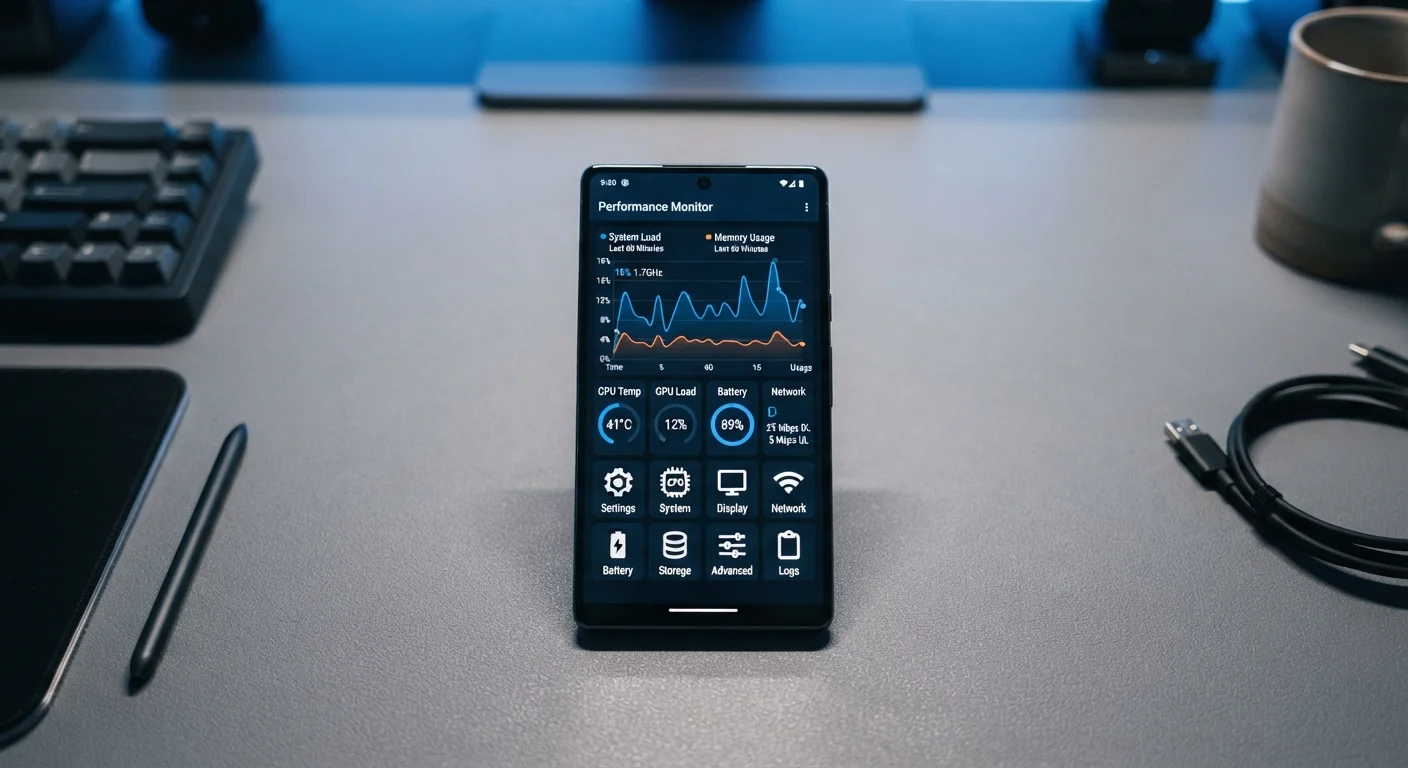
Photo credit: Telecom360.net | Connecting You To The Latest In Telecom
In this article
Proven habits for managing updates, clearing cached data, and controlling background activity to sustain peak phone performance.
Key Takeaways
- Installing OS updates promptly delivers security patches and performance improvements that accumulate over time.
- Cached data and residual app files gradually consume storage, which directly degrades system responsiveness.
- Uncontrolled background activity is one of the biggest hidden drains on both speed and battery life.
- Routine audits of installed apps and permissions prevent silent performance erosion from unused software.
- Small, consistent maintenance habits outperform occasional deep-clean sessions for sustained device speed.
Why Software Habits Determine Long-Term Speed
Most phones feel fast on day one. The slowdown that arrives months or years later is rarely caused by hardware aging - it's almost always software-driven. Accumulated junk files, unchecked background processes, and deferred updates quietly compound into noticeable lag. Understanding this cause-and-effect relationship is the first step toward breaking the cycle.
For a foundational look at how software, RAM, and storage interact with everyday performance, see our complete introduction to smartphone software performance. And if you want to understand exactly how pre-installed apps and redundant software degrade speed over time, our explainer on what software bloat actually does to your phone's speed covers the mechanics in detail.
Core Maintenance Practices
The habits below address the most impactful levers available to any smartphone user, regardless of platform.
Install OS and app updates promptly, not at your leisure.
Updates routinely include memory management improvements, bug fixes that reduce app crashes, and optimizations to core system processes. Deferring them means running against an increasingly mismatched software environment as app developers target current OS versions.
Clear app caches periodically, especially for data-heavy apps.
Browsers, streaming apps, and social media clients accumulate cached files that can grow to several gigabytes. On Android, low internal storage directly causes the system to slow down because the OS struggles to allocate swap space and write temporary files.
Audit and restrict background app refresh permissions.
Background refresh allows apps to fetch new data even when you're not using them. Granting this permission indiscriminately means dozens of apps compete for network bandwidth and processor time throughout the day, reducing the resources available for foreground tasks.
Uninstall apps you haven't opened in 90 days.
Unused apps don't just consume storage - many run background services, receive update packages, and trigger push notification infrastructure even when dormant. Removing them eliminates these invisible loads entirely.
Avoid filling internal storage beyond 80-85% capacity.
Both iOS and Android use internal storage as a working area for virtual memory, app state, and media buffers. When available space drops below roughly 15-20%, the OS must constantly juggle where to write data, introducing delays across nearly every operation.
Quick Actions You Can Take Today
You don't need to overhaul your device to see meaningful improvements. These targeted actions deliver immediate results with minimal effort.
Set a Monthly Phone Health Check
Blocking 10 minutes each month to review app permissions, check storage levels, and apply any pending updates is more effective than periodic deep-cleaning sessions. Consistency prevents the gradual accumulation that makes slowdowns feel sudden. Add it to your calendar as a recurring reminder so it actually happens.
It's worth noting that some common habits - like force-quitting every app after use - don't deliver the performance gains most people expect. Our article on misconceptions about closing apps to save battery explains why modern OS memory management often makes this unnecessary.
Sustaining Performance Over the Long Haul
Individual actions matter, but durable speed comes from consistent routines. Set a monthly reminder to review your installed apps, clear app caches for heavy-use apps like browsers and streaming services, and check whether any apps have quietly been granted background refresh permissions you didn't intend to allow.
Notifications are a surprisingly connected factor - excessive notification channels can trigger micro-wakes in background services. Streamlining them through your OS settings helps. See our guide on getting the most out of your phone's notification system for a practical approach.
Heat is another silent performance limiter. Sustained demanding tasks - gaming, video calls, large file transfers - trigger thermal throttling, where the processor deliberately reduces speed to manage temperature. Keeping your phone from sustained heat exposure (direct sunlight, charging while running heavy apps) preserves both immediate performance and long-term hardware health. For a deeper look, see how thermal management shapes sustained smartphone performance.
~15%
Typical storage threshold triggering OS slowdowns
Both Android and iOS begin showing measurable performance degradation when free internal storage falls below approximately 15% of total capacity, based on widely observed platform behavior.
30-40%
Background battery drain from unrestricted apps
Studies of Android device telemetry have consistently found that background app activity accounts for 30-40% of battery consumption on devices with unrestricted background refresh settings.
If you rely on your phone for work, the stakes are higher. Our guide on keeping a business phone performant covers the software decisions that matter most for professional reliability.

Author
Apps & Software Editorial Team
Apps & Software Editorial Team is the collective byline for our editorial team and contributor network. Articles published under this byline or an editorial pen name are researched, written, and reviewed according to our editorial standards for clarity, consistency, and independence before publication.
View all articles →