
Misconceptions About Closing Apps to Save Battery
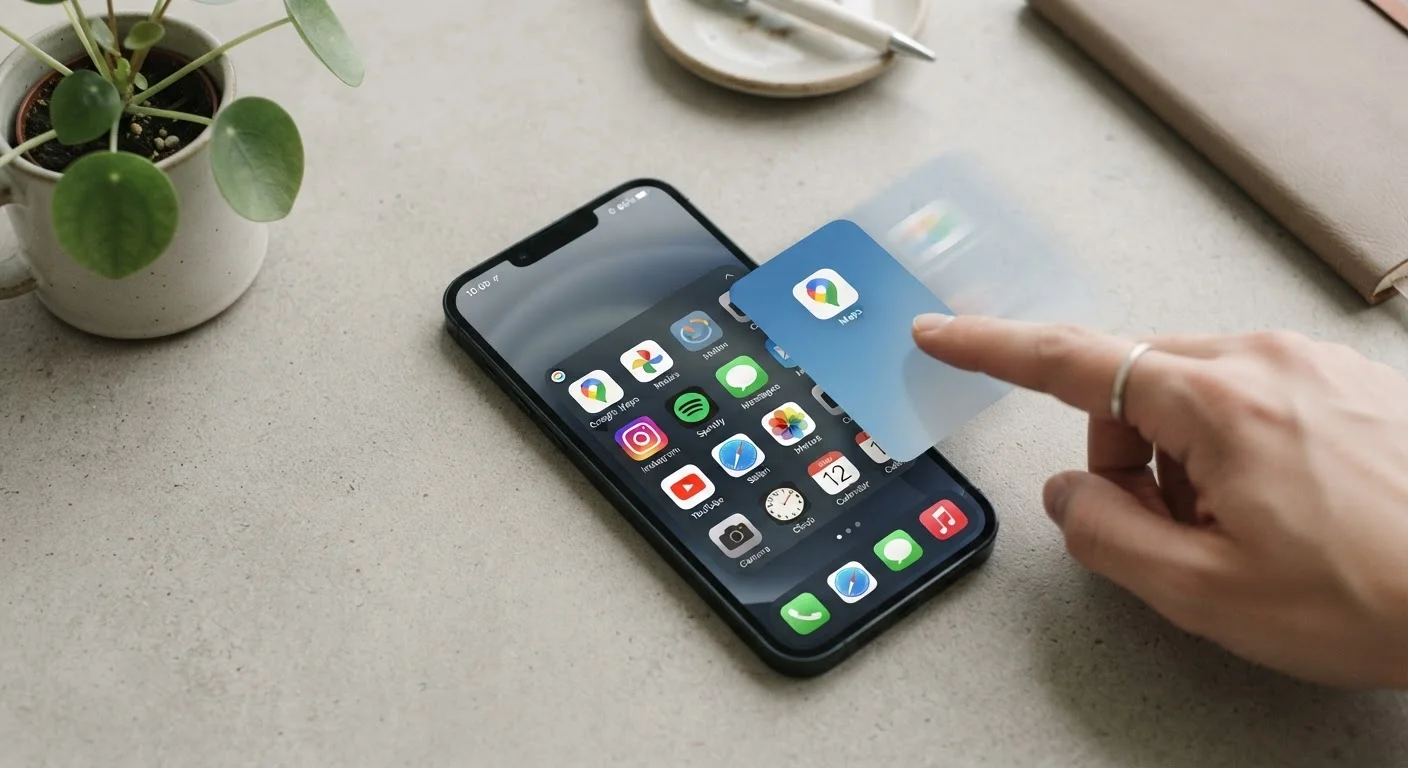
Photo credit: Telecom360.net | Connecting You To The Latest In Telecom
In this article
Force-quitting every app to save battery is a widespread habit — but the reality is more nuanced. Here's what the evidence actually shows.
Key Takeaways
- Modern iOS and Android suspend backgrounded apps, so they consume minimal CPU and battery.
- Force-quitting apps can actually increase battery drain by preventing warm restarts.
- Only a small subset of apps - navigation, audio streaming, location services - meaningfully use battery in the background.
- Your phone's built-in battery usage screen is a more reliable guide than blanket app-closing habits.
- Targeted management of specific background permissions is far more effective than routine force-quitting.
Why the Habit Took Hold
The impulse to clear the recent-apps tray before charging or going to bed traces back to the early smartphone era, when app-lifecycle management was genuinely less sophisticated. Early Android devices in particular gave apps more latitude to run in the background unchecked, and closing them manually did sometimes help. That muscle memory has proved remarkably sticky - even as the underlying platforms have been rebuilt from the ground up to handle this automatically.
Social reinforcement keeps the myth alive: if a friend swears by the habit and their phone seems to last longer, it's easy to attribute causation to the wrong behavior. In reality, what apps are actually doing in the background is far less dramatic than most users assume.
Myth
Closing all apps from the recent-apps tray saves battery life.
Fact
Suspended apps use virtually no CPU or battery; closing them forces the OS to reload them fully on next launch, which costs more energy.
Both iOS and Android are designed around an app-lifecycle model where backgrounded apps are suspended - meaning they stop executing code and are simply held in RAM. RAM retention requires negligible power. When you swipe away every app, you eliminate that suspended state, so the next time you open Instagram or your email client, the phone must cold-start it, consuming a measurable spike of CPU and therefore battery.
The habit persists largely because it feels productive, not because the data supports it. Engineers at Apple and Google have reiterated this point in developer documentation and public forums for well over a decade.
Myth
All background apps drain battery equally.
Fact
Most apps are fully suspended in the background; only a narrow category - GPS navigation, audio playback, VoIP - are permitted to run continuously.
Operating systems enforce strict background execution policies. On iOS, apps must declare specific background modes (location, audio, background fetch, etc.) and are strictly limited to those contexts. Android uses a similar combination of wakelocks, foreground services, and battery optimization policies introduced progressively since Android 6 Doze mode.
The practical result: a game you played 20 minutes ago and then left is doing nothing in the background. A turn-by-turn navigation app, a podcast player, or a live call app is a different story. For a deeper look at which processes actually run, see what your phone does while the screen is off.
Myth
Background App Refresh is the primary cause of battery drain.
Fact
Background App Refresh accounts for a modest and controllable share of battery use; screen brightness, cellular signal, and active media playback are typically larger factors.
Background App Refresh (iOS) and its Android equivalents allow apps to fetch new content on a schedule - but the OS throttles frequency aggressively, especially when battery is low or the device is not on Wi-Fi. For most users, the contribution to overall drain is measurable but not dominant.
Screen-on time, cellular radio activity in low-signal areas, and GPS polling are consistently larger consumers in real-world battery analyses. The evidence on background refresh and battery drain supports a targeted approach: disable Background App Refresh only for apps that don't need fresh content, rather than treating it as an emergency switch.
Myth
If my phone feels slow, closing all apps will speed it up.
Fact
Phone slowdowns are rarely caused by suspended apps sitting in RAM; they are more often linked to storage pressure, software issues, or thermal throttling.
RAM management on modern smartphones is handled automatically by the OS kernel, which evicts low-priority cached apps as new memory is needed. You don't gain usable RAM by manually closing apps - the OS was already reclaiming it intelligently. Perceived sluggishness is more likely caused by a nearly full storage drive (which slows read/write operations), an app with a memory leak, or the processor throttling to manage heat.
For practical habits that genuinely sustain performance, long-term software maintenance habits covers the actions that actually move the needle.
Myth
A higher mAh battery makes app management irrelevant.
Fact
Battery capacity is just one variable; software behavior, chip efficiency, and display settings interact with capacity to determine real-world endurance.
Two phones with identical mAh ratings can produce dramatically different battery life depending on the processor's power efficiency, the display technology, and how aggressively the software manages background processes. Capacity sets a ceiling - it does not guarantee endurance. Understanding why mAh tells only half the battery story is essential context for any battery optimization strategy.
What Actually Drains Your Battery
Identifying real battery culprits requires looking past the recent-apps list and into your phone's battery usage screen - available on both iOS (Settings → Battery) and Android (Settings → Battery → Battery Usage). This screen shows actual measured consumption per app over the past 24 hours or week, ranked by impact.
Don't Confuse Background Suspension With Active Drain
An app visible in your recent-apps tray is not necessarily running or consuming battery - it is almost certainly suspended. Treating every app in that list as a battery culprit leads to unnecessary effort and can disrupt features like real-time notifications. Check your phone's actual battery usage screen to identify genuine offenders before acting.
Common genuine drains include: always-on location access granted to apps that don't need it, push notification polling across dozens of apps, poorly coded apps with background wakelocks, and the cellular radio working overtime in a weak-signal environment. Screen brightness - particularly with OLED displays at maximum - is also a top consumer. Addressing any one of these specifically will deliver more measurable benefit than clearing your app tray ever could.
Force-Quitting Hurts More Than It Helps
Both Apple and Google have publicly stated that routinely force-quitting apps does not improve battery life and may worsen it. When you kill an app completely, the phone must reload it from scratch on next launch - a CPU-intensive process that burns more power than resuming a suspended app. Save force-quitting for genuinely frozen or misbehaving apps, not as a daily ritual.
For a broader picture of how hardware intersects with software efficiency, the battery capacity myths that mislead buyers article is a useful companion read.
~0%
CPU usage of a properly suspended app
Android and iOS documentation both confirm that suspended apps execute no code and draw no meaningful processor power while in the background.
6+
Years since Doze mode introduced aggressive background limits
Android 6.0 (Marshmallow, 2015) introduced Doze mode, significantly restricting background app activity to preserve battery - a policy that has only strengthened in subsequent releases.
3-5×
Higher CPU cost of cold app launch vs. warm resume
App performance research consistently shows that launching a fully closed app from scratch requires substantially more processor cycles than resuming a suspended one.

Author
Apps & Software Editorial Team
Apps & Software Editorial Team is the collective byline for our editorial team and contributor network. Articles published under this byline or an editorial pen name are researched, written, and reviewed according to our editorial standards for clarity, consistency, and independence before publication.
View all articles →