
Software Signals Your Phone Is Reaching Its Performance Ceiling
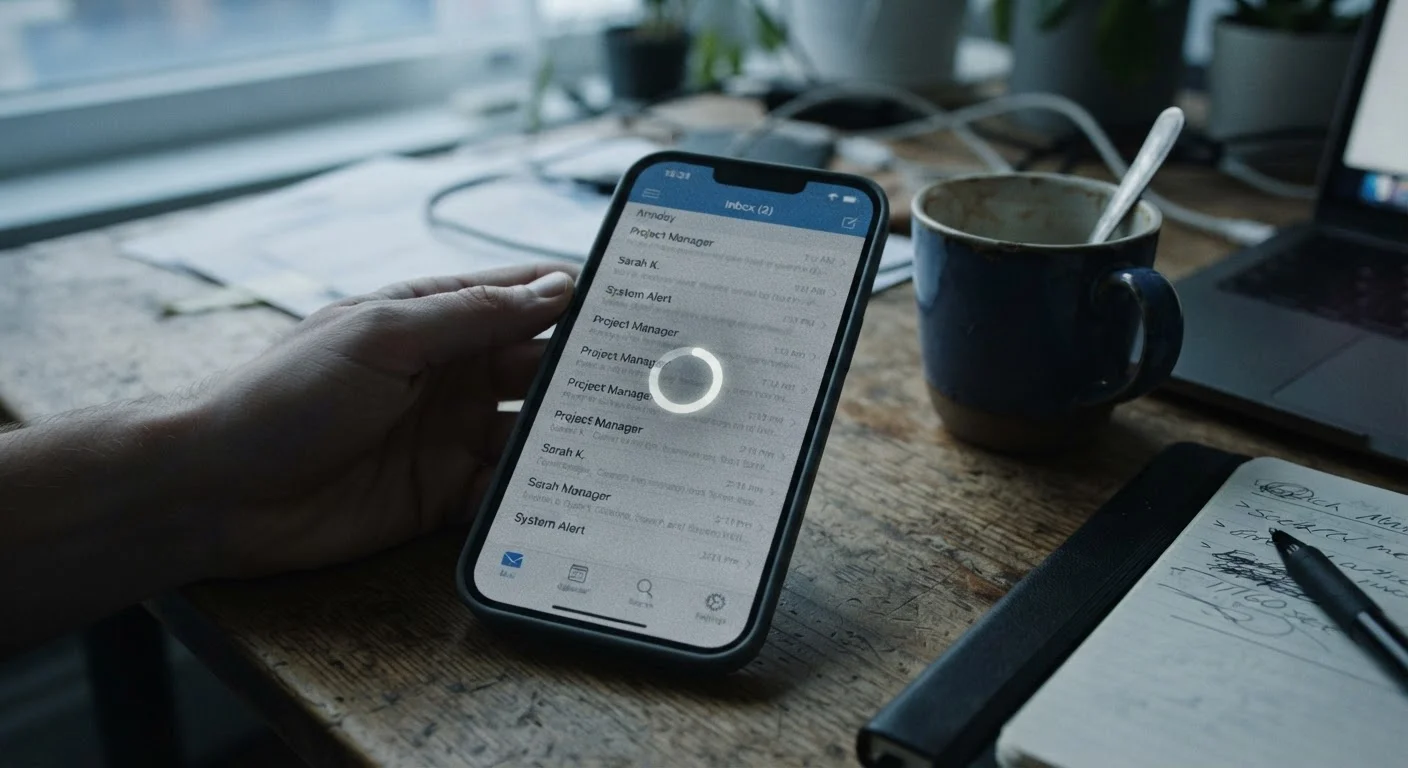
Photo credit: Telecom360.net | Connecting You To The Latest In Telecom
In this article
From app crashes to lagging interfaces, these software-side symptoms indicate your device may be struggling to keep pace with modern demands.
How Software Signals a Device Under Strain
A phone doesn't announce when it's struggling. Instead, it communicates through software behavior - stuttering animations, apps that take seconds longer to open, or system interfaces that feel slightly behind your finger. These aren't arbitrary glitches. They're patterns that reflect how well your device's hardware can keep up with the demands modern software places on it.
Understanding these signals helps you distinguish between a temporary bug and a structural mismatch between your hardware generation and current app requirements. For a deeper look at the root causes behind slowdown, see why phones slow down over time.
| Primary symptom category | Software behavior changes (crashes, jank, slow launches) |
| Key hardware factors involved | RAM capacity, CPU/GPU clock speed, storage I/O speed |
| Typical OS support window | 3-5 years for Android flagships; up to 6 years for some iOS devices (Varies by manufacturer) |
| Common reversible causes | Cache bloat, rogue background apps, corrupted update files |
| Irreversible performance ceiling indicator | Symptoms persist after factory reset or clean OS install |
Key Software Symptoms and What They Indicate
Each performance symptom maps to a specific stress point in the software stack. Recognizing them precisely helps you evaluate whether the issue is recoverable through maintenance or points to a deeper compatibility gap.
Thermal Throttling
A protective mechanism where a processor automatically reduces its clock speed when it detects excessive heat. This prevents hardware damage but results in noticeably slower performance during sustained workloads.
UI Jank
Visible stuttering or skipping in a phone's interface caused by dropped animation frames. It occurs when the GPU or CPU cannot maintain the frame rate required for smooth rendering.
Memory Pressure
A condition where the operating system's available RAM is insufficient to hold all active and recently used apps. The OS responds by terminating background processes, forcing cold starts.
Cold Start
When an app must reload entirely from storage rather than resuming from memory. Frequent cold starts indicate the OS is aggressively clearing RAM due to limited available memory.
App Compatibility Ceiling
The point at which an app's minimum OS or hardware requirements exceed what a device can provide. This results in the app becoming unavailable for update or installation.
App Crashes and Force Closes
When an app crashes on launch or mid-use, it often signals that the process requested more RAM than the system could allocate. Modern apps - especially those with heavy media or real-time processing - are increasingly designed around memory configurations that older devices simply don't offer. Frequent crashes from multiple apps, rather than one misbehaving app, points to systemic memory pressure rather than a single buggy release.
Thermal Throttling and Sustained Slowdowns
Processors reduce their clock speeds when temperatures rise - a protective measure called thermal throttling. If your phone consistently slows down during demanding tasks like video calls or navigation and doesn't recover even after cooling, the chip may be running near its ceiling during typical workloads. This is common in devices where newer OS versions have added background services the original hardware wasn't sized for.
UI Jank and Dropped Frames
Smooth scrolling and animation require sustained frame delivery - typically 60 frames per second on most phones. When the GPU or CPU can't keep pace, frames are dropped and the interface appears to stutter or skip. This is commonly called "jank." It's worth noting that jank isn't always a sign of end-of-life performance; heavy launcher themes or poorly optimized third-party keyboards can introduce it even on capable hardware. Running too many apps simultaneously amplifies this effect significantly on mid-range devices.
Delayed App Updates and Compatibility Warnings
App stores flag apps as incompatible when the developer has set a minimum Android or iOS version the device no longer runs. Before full incompatibility, you may see a subtler sign: apps stop receiving updates while other devices on the platform do. This means you're running software that is no longer being optimized or security-patched for your configuration - a functional performance ceiling with security implications.
Background Process Overload
Operating systems manage background processes aggressively on constrained devices, killing apps to free RAM. If you notice that every app requires a cold start - even after switching away for only a minute - your device is under sustained memory pressure. This kills multitasking efficiency and creates the perception that the phone is constantly "starting over." Use the software performance diagnostic checklist to methodically identify what's consuming resources.
What These Signals Don't Always Mean
Not every software symptom indicates hardware obsolescence. A bloated cache, a rogue app consuming background CPU, or a corrupted OS update can produce identical symptoms on a device that's otherwise capable. Before drawing conclusions, rule out software-only explanations: clear app caches, check battery optimization settings, and review background data usage by app. The Software & OS hub covers these maintenance strategies in detail.
It's also worth distinguishing software symptoms from hardware specification limits - a device with capable specs can still exhibit these patterns when its software environment is poorly maintained. Symptoms that persist after a clean slate (factory reset or fresh OS install) are far more likely to reflect a genuine hardware-software mismatch than those that appear gradually after years of app accumulation.
Software Symptoms vs. Hardware Limits
Many performance issues that feel like hardware failure are actually software-layer problems - accumulated cache, misconfigured background sync, or a single poorly coded app. A systematic software audit should always precede any conclusion about device end-of-life. Only symptoms that survive a clean factory reset reliably indicate a structural hardware-software mismatch.

Author
Apps & Software Editorial Team
Apps & Software Editorial Team is the collective byline for our editorial team and contributor network. Articles published under this byline or an editorial pen name are researched, written, and reviewed according to our editorial standards for clarity, consistency, and independence before publication.
View all articles →