
The Real Cost of Running Too Many Apps on a Mid-Range Device
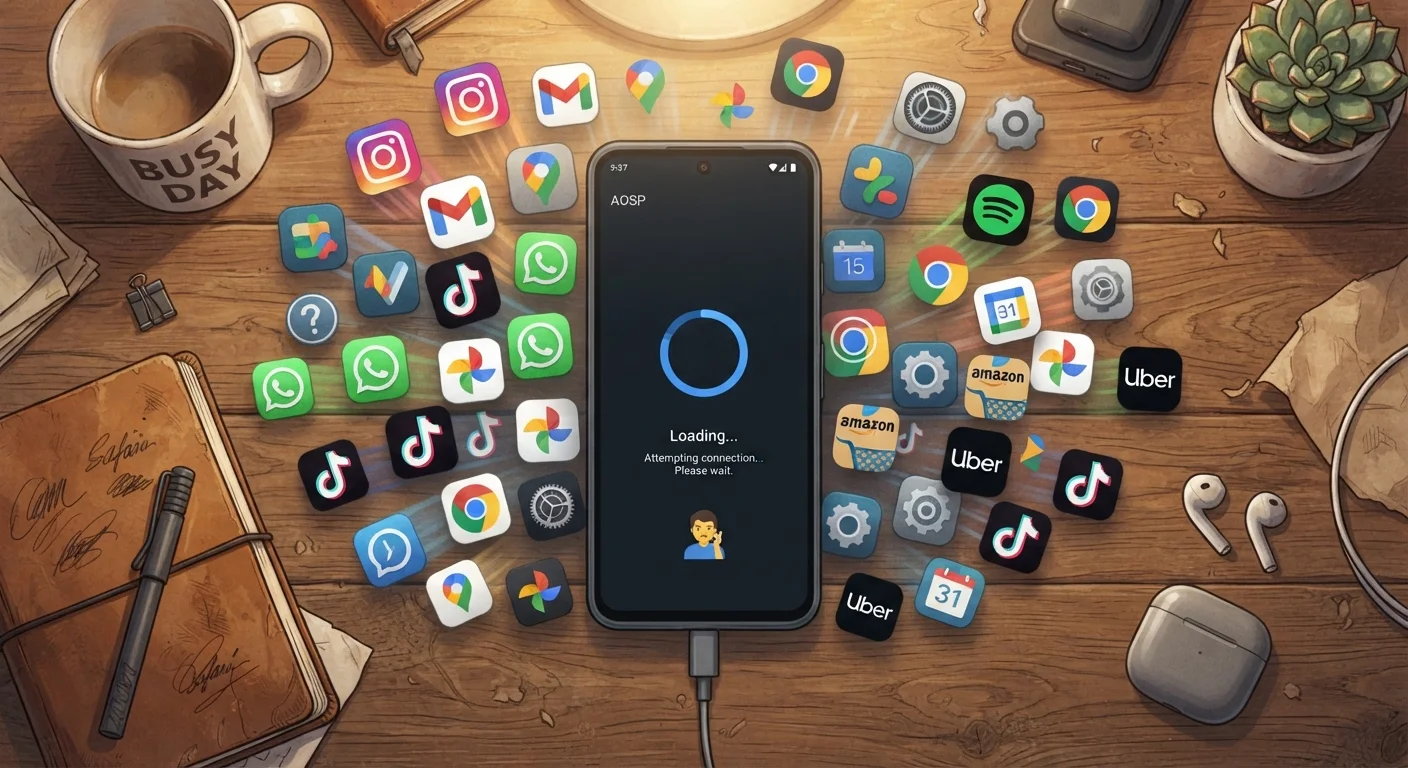
Photo credit: Telecom360.net | Connecting You To The Latest In Telecom
In this article
Mid-range phones handle multitasking differently than flagships. Understand the RAM and CPU limits that determine where performance breaks down.
Key Takeaways
- Mid-range phones typically carry 4-8 GB of RAM, leaving less headroom for heavy multitasking.
- Background apps consume RAM continuously, even when you're not actively using them.
- CPU throttling under sustained load is more aggressive on mid-range chips than on flagships.
- Storage speed and available free space directly affect how quickly evicted apps reload.
- Reducing background app activity is one of the most effective ways to improve responsiveness.
Where Mid-Range Hardware Draws the Line
Mid-range smartphones occupy a wide hardware band, but most share a common constraint: a RAM ceiling that sits noticeably below what flagship devices offer. Where a high-end phone might ship with 12 GB or more of memory, a typical mid-range device lands between 4 GB and 8 GB. The operating system itself consumes a meaningful portion of that - often 2 to 3 GB for Android - leaving a comparatively narrow pool for apps.
The processor situation compounds this. Mid-range chips are optimized for efficiency and acceptable everyday throughput, not sustained high-frequency computation. Under load, they reach thermal limits faster and throttle performance more aggressively. The performance gap between chip tiers is most visible precisely in multitasking scenarios - the use case where mid-range devices are pushed hardest.
2-3 GB
Baseline RAM used by Android OS
The Android operating system and its core services typically consume 2-3 GB of RAM before any user apps are opened, per device teardown analyses.
4-8 GB
Typical RAM range for mid-range phones
Most mid-range smartphones ship with 4-8 GB of RAM, leaving a narrower usable pool for apps compared to flagship devices at 12 GB or more.
~15%
Minimum free storage for peak I/O speed
Storage read/write performance on mobile devices typically degrades when available space drops below roughly 15% of total capacity, affecting app reload times.
How Background Apps Quietly Eat Your Resources
An app running in the background isn't idle. Messaging apps poll for new notifications, music players maintain audio sessions, navigation apps hold GPS locks, and email clients sync on timers. Each of these activities draws on both RAM and CPU cycles - continuously, whether or not you're aware of it.
Android's memory management system uses a priority-based eviction model. When RAM pressure rises, lower-priority background apps are terminated first. This is why returning to an app often triggers a full reload rather than an instant resume: the app was evicted, and now it must cold-start from storage. On mid-range devices with slower UFS (Universal Flash Storage) speeds, that reload delay is distinctly longer than on flagship hardware.
Pre-installed software and redundant system services make this worse by consuming RAM before you've opened a single app of your own. See the complete introduction to smartphone software performance for a broader look at how these layers interact.
Audit Background App Permissions Regularly
Check which apps have permission to run in the background and revoke it for any you don't need running continuously. On Android, this is typically found under Battery > Background usage limits or App settings. Reducing background activity is one of the fastest ways to free up RAM on a memory-constrained device without uninstalling anything.
Storage, Thermal Throttling, and the Compounding Effect
RAM is only part of the picture. When the OS evicts an app from memory, it must later reload that app's state from storage. The speed of that storage - measured in read/write throughput - determines whether the reload feels like a brief pause or a frustrating wait. Storage capacity and available headroom also play a role: a nearly full device degrades read/write performance, compounding reload delays.
Thermal behavior adds another variable. As CPU and GPU cores work harder to juggle multiple active processes, heat builds up. Mid-range devices typically use less sophisticated vapor-chamber cooling than flagships, so the processor throttles its clock speed sooner to protect the hardware. Thermal throttling directly limits sustained performance - the more apps competing for compute resources, the faster that ceiling is reached.
The result is a compounding degradation: high RAM consumption triggers more app evictions, slower storage makes reloads painful, and elevated CPU activity accelerates thermal throttling. Each factor amplifies the others.
RAM Management Differs Between Android and iOS
iOS uses a different app lifecycle model than Android, aggressively suspending background apps rather than allowing them to run freely. This means the multitasking pressure described here applies most directly to Android mid-range devices. For a side-by-side comparison of how each platform handles memory, see the Android vs iOS memory management guide.
Practical Ways to Work Within the Limits
Understanding the constraints suggests concrete approaches. Reducing the number of apps with persistent background activity - particularly those with aggressive sync intervals or always-on location access - directly lowers baseline RAM and CPU consumption. Most mobile operating systems expose per-app background activity controls in their settings menus.
Choosing native or lightweight app alternatives over feature-heavy third-party versions can also meaningfully reduce RAM footprint. Many third-party apps carry larger memory overhead than their system-native counterparts.
Keeping storage headroom above roughly 15-20% of total capacity helps maintain read/write throughput. And staying alert to software signals that your device is approaching its performance ceiling - persistent UI lag, frequent app reloads, unusual heat - lets you intervene before the experience becomes genuinely disruptive. For a deeper look at how RAM figures translate to real-world use, see when more RAM stops making a difference.
Frequently Asked Questions

Author
Apps & Software Editorial Team
Apps & Software Editorial Team is the collective byline for our editorial team and contributor network. Articles published under this byline or an editorial pen name are researched, written, and reviewed according to our editorial standards for clarity, consistency, and independence before publication.
View all articles →