
AI in Your Pocket: How Smartphone AI Features Actually Work
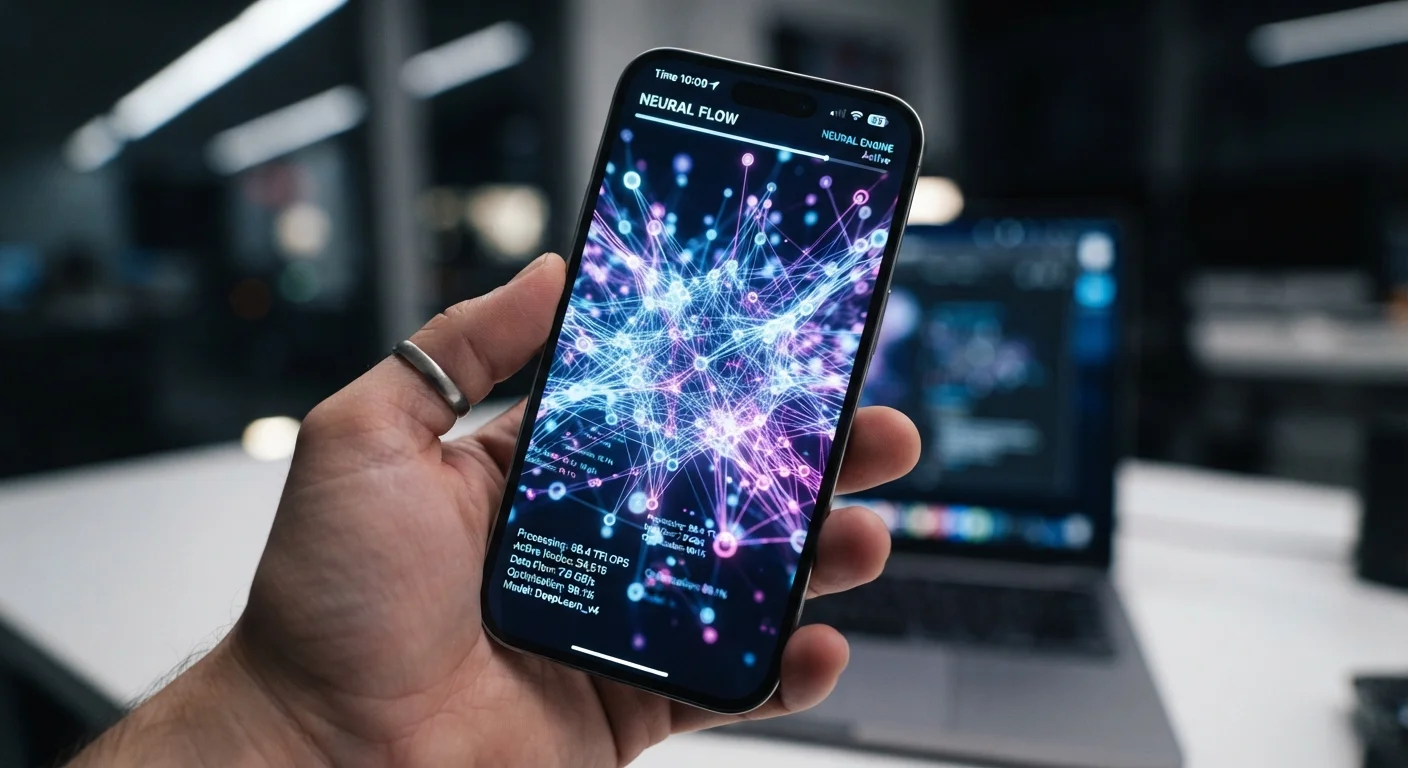
Photo credit: Telecom360.net | Connecting You To The Latest In Telecom
In this article
From smarter cameras to voice assistants, your phone uses AI constantly. Here's what's actually happening behind those features.
Key Takeaways
- Smartphone AI runs on dedicated hardware chips designed specifically for machine learning tasks.
- Features like face unlock, autocorrect, and night mode photography all rely on trained neural networks.
- Some AI processing happens on-device for speed and privacy; other tasks route to cloud servers.
- AI models on phones are pre-trained by manufacturers and updated periodically through software releases.
- Understanding how these systems work helps users make smarter decisions about privacy and feature use.
The Hardware Making It Possible
Every flagship and many mid-range smartphones now ship with a dedicated Neural Processing Unit (NPU) - a chip specifically architected to execute the matrix calculations that machine learning models require. Unlike a general-purpose CPU, an NPU parallelizes thousands of small computations simultaneously, making it far faster and more energy-efficient for AI workloads.
When your phone recognizes your face to unlock, that task runs on the NPU in milliseconds. The same chip handles real-time camera processing, keyword detection for always-on voice assistants, and on-the-fly language prediction as you type. The practical result is that AI features feel instant rather than sluggish.
For a deeper look at how on-device processing compares to sending tasks to remote servers, see On-Device AI vs. Cloud AI.
6+ TOPS
Typical NPU performance in recent flagship chips
Tera Operations Per Second (TOPS) measures how many trillion calculations a chip can perform per second; figures vary widely by manufacturer and generation.
~90%
Wake-word detection accuracy in low-noise environments
Industry benchmarks for always-on keyword detection models generally cite accuracy above 90% under typical use conditions, with performance degrading in noisy settings.
How Your Camera Uses AI
Computational photography is arguably the most visible application of smartphone AI. When you tap the shutter, your phone isn't simply capturing a single image - it's running several neural networks in sequence.
- Scene detection classifies what the camera is pointed at (food, landscape, portrait) and adjusts exposure, saturation, and sharpness profiles accordingly.
- Night mode captures multiple frames at different exposures and uses a model trained on millions of image pairs to merge them into a single sharp, bright result - a process called multi-frame processing.
- Portrait blur (bokeh) uses a depth-estimation model to separate subject from background pixel by pixel, then applies a synthetic blur to the background layer.
None of this is simple filtering. Each feature relies on a model that was trained offline on enormous labeled datasets, then compressed to run efficiently on a phone chip. AI Camera Features Explained walks through each of these processes in more detail.
Voice Assistants and Natural Language Understanding
When you speak to a voice assistant, your phone first runs a lightweight wake-word detection model locally - always listening for a trigger phrase without streaming audio to the cloud. Once triggered, the audio is either processed on-device or sent to a cloud server, depending on the task and the platform's architecture.
Natural language understanding (NLU) breaks your spoken request into intent and entities: what you want to do (intent) and the specific details (entities like a contact name or a time). A separate model generates the response. Cloud-based processing gives assistants access to far larger models and real-time information, but it introduces latency and requires a connection.
“The goal with on-device AI isn't just performance - it's enabling experiences that simply can't exist if every decision requires a round-trip to the cloud.”
— A senior AI systems researcher, Mobile AI architecture researcher, paraphrased from public conference remarks on edge inference
Manufacturers continue pushing more of this pipeline on-device to reduce latency and address user privacy concerns, though complex queries - web searches, live translation, generative responses - still typically route to cloud infrastructure.
Predictive Text, Autocorrect, and Adaptive Behavior
Autocorrect and predictive text are among the oldest AI features on phones, yet they've grown considerably more sophisticated. Early systems used simple dictionary lookups and frequency tables. Modern implementations use transformer-based language models - smaller, distilled versions of the same architecture behind large AI writing tools - to predict the next word based on context, not just the previous character.
Your phone also uses on-device machine learning to adapt to your behavior. Battery management systems learn which apps you use at which times to pre-warm or defer background processes. Display brightness adjusts based on ambient sensor readings and inferred activity patterns. These micro-optimizations run quietly in the background, illustrated well in Every Place AI Touches Your Day Before Lunch.
Check What's Running On-Device vs. Cloud
Most smartphone platforms now include privacy dashboards that show which features process data locally versus remotely. Reviewing these settings takes only a few minutes and helps you make informed decisions about which AI-powered features you're comfortable enabling.
For a broader view of how all these systems fit together across your daily device use, The AI Running Quietly Inside Your Smartphone Right Now provides a useful companion overview.
Frequently Asked Questions

Author
AI & Cloud Editorial Team
AI & Cloud Editorial Team is the collective byline for our editorial team and contributor network. Articles published under this byline or an editorial pen name are researched, written, and reviewed according to our editorial standards for clarity, consistency, and independence before publication.
View all articles →