
Keeping Your Cloud Files Secure: Practices Worth Building Into Your Routine
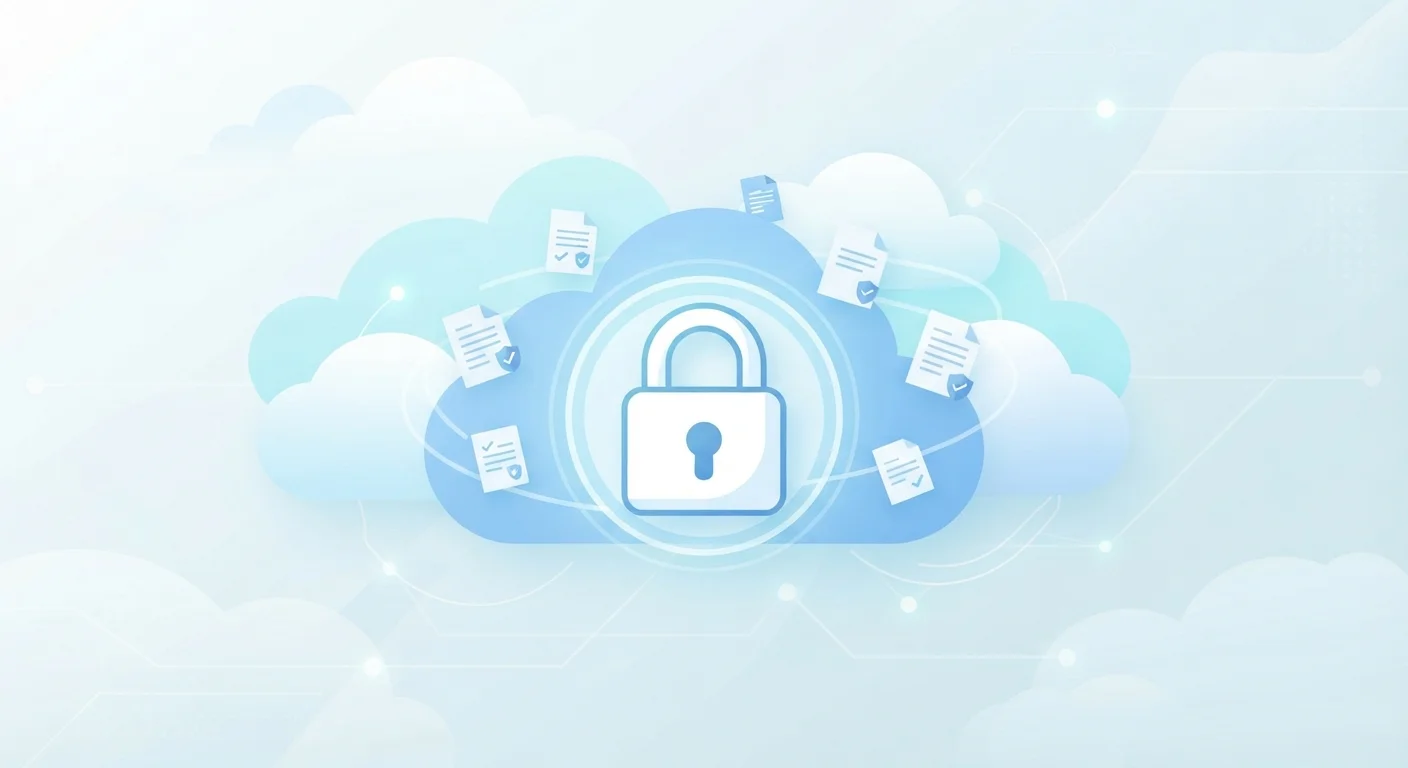
Photo credit: Telecom360.net | Connecting You To The Latest In Telecom
In this article
Strong passwords are just the start. Explore the habits and settings that meaningfully protect your cloud-stored data.
Key Takeaways
- Multi-factor authentication is the single most effective step you can take to protect cloud accounts.
- Sharing permissions frequently go unreviewed and can expose files to unintended audiences long after you've forgotten them.
- Encrypting sensitive files before uploading adds a layer of protection even if the provider is breached.
- Periodic access audits - reviewing connected apps and active sessions - catch risks that accumulate quietly over time.
Why Cloud Security Needs Ongoing Attention
Cloud storage is remarkably convenient - your files are accessible from any device, automatically backed up, and easy to share. But that convenience creates a security profile quite different from files sitting on a local hard drive. Your data is accessible over the internet, which means the login protecting it matters enormously, and so do the permissions and connections you've accumulated over time.
Understanding how cloud storage fits into daily life is useful context, but it's equally important to understand what you're implicitly trusting when you store sensitive files remotely. Before diving into habits, it's worth reading about what cloud service agreements actually say about your data - the fine print shapes your real exposure.
The practices below address the most common and consequential gaps in cloud security for everyday users.
Core Security Practices to Build Into Your Routine
Effective cloud security isn't a single configuration step - it's a small set of habits applied consistently. The practices below are ordered roughly by impact, starting with the changes that deliver the most protection per minute spent.
Enable multi-factor authentication (MFA) on every cloud account you use.
A password alone can be compromised through phishing, data breaches, or credential stuffing attacks - all without any action on your part. MFA requires a second verification step, such as a time-based code or a hardware key, making unauthorized access dramatically harder even when your password is known. As our guide on password limitations explains, passwords are just one layer.
Audit your shared links and folder permissions at least once every three months.
Files shared for a one-time collaboration often remain publicly accessible indefinitely. Over time, these forgotten links accumulate, quietly exposing documents to anyone who has the URL. Regular permission reviews close gaps you've likely stopped thinking about.
Encrypt sensitive documents locally before uploading them to cloud storage.
Provider-side encryption protects your files on the server, but the provider holds the keys. If their systems are breached or your account is compromised at the provider level, those files are exposed. Encrypting a file on your device first means the provider only ever stores unreadable ciphertext.
Review third-party app connections regularly and revoke access you no longer use.
Productivity tools, mobile apps, and browser extensions frequently request access to your cloud storage. Each connected app is a potential entry point if that app's own security is compromised. Disconnecting unused integrations reduces this attack surface.
Use a unique, strong password generated and stored by a password manager.
Reusing passwords across services means a breach at one site can cascade into access to your cloud storage. A password manager generates and stores credentials you never need to memorize, eliminating the temptation to reuse or simplify passwords.
Encryption at Rest vs. Client-Side Encryption
Most cloud providers encrypt your files at rest, meaning data is protected on their servers. However, they typically hold the encryption keys, which means they can technically access your files. Client-side encryption - where you encrypt files on your device before uploading - ensures only you hold the key. This distinction matters most when storing legally sensitive, financial, or highly personal documents.
For a broader view of how device-level security intersects with your cloud accounts, see our guidance on securing a new smartphone from the start and protecting sensitive data inside productivity apps.
Quick Actions You Can Take Today
Some security improvements require planning; others take under five minutes. The actions below have an immediate effect and require no technical background to complete.
“Security is not a product, but a process. Protecting data requires ongoing attention to how access is granted, reviewed, and revoked - not just a strong password at account creation.”
— Bruce Schneier, Security technologist and author
Security habits that feel solid can quietly erode. If you want to understand how that happens and how to course-correct, our piece on security habits that erode over time is a practical companion read. For anyone working in shared or public environments, securing a laptop in public spaces covers the additional considerations that apply when your device - and by extension your cloud access - leaves a controlled environment.

Author
AI & Cloud Editorial Team
AI & Cloud Editorial Team is the collective byline for our editorial team and contributor network. Articles published under this byline or an editorial pen name are researched, written, and reviewed according to our editorial standards for clarity, consistency, and independence before publication.
View all articles →