
Private Browsing Myths That Give People a False Sense of Security
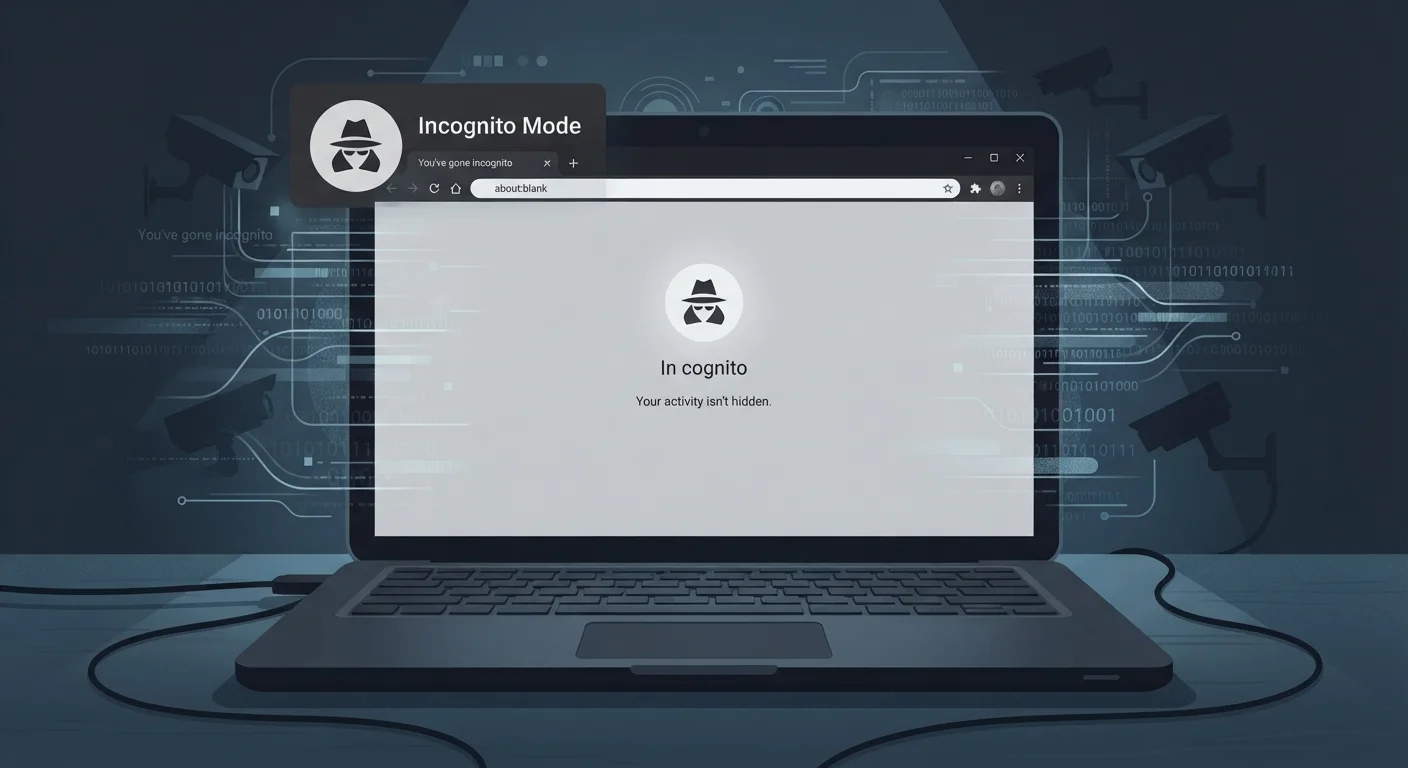
Photo credit: Telecom360.net | Connecting You To The Latest In Telecom
Incognito mode doesn't make you invisible. Separate fact from fiction on what private browsing does — and doesn't — protect you from.
Key Takeaways
- Private browsing hides your history from others on your device, not from websites or your ISP.
- Your IP address remains visible to every site you visit during an incognito session.
- Employers, school networks, and internet providers can still monitor private browsing activity.
- Logged-in accounts, browser fingerprinting, and cookies can still identify you even in incognito mode.
- True online anonymity requires additional tools and a layered approach to privacy.
What Private Browsing Actually Does
Private browsing - called Incognito in Chrome, Private Window in Firefox and Safari - was built for a simple purpose: preventing your browser from saving a local record of your activity. When you close a private window, the browser discards the session's history, cookies, and form inputs. That's genuinely useful if you're sharing a device, shopping for a gift, or logging into a secondary account temporarily.
What it was never designed to do is hide your activity from the networks you connect through, the websites you visit, or any third party monitoring traffic between you and the internet. Understanding this distinction is the foundation for making sensible privacy decisions - and for recognizing just how far short of "private" most private browsing actually falls.
Myth
Private browsing makes you anonymous online - websites can't see who you are.
Fact
Your IP address is still visible to every website you visit, meaning your approximate location and internet provider are exposed.
Incognito and private browsing modes stop your browser from saving your history, cookies, and form data on your device. But your internet traffic still flows through your internet service provider (ISP) and reaches destination servers carrying your IP address. Websites, advertisers, and analytics platforms can still log that address and associate it with your session. For genuine anonymity, tools like VPNs or Tor are necessary - and even those have limitations. See our comparison of VPNs and Tor for a clearer picture of which tool fits which situation.
Myth
Your employer or school can't see what you do in private browsing mode.
Fact
Network administrators on any managed network can monitor all traffic passing through their infrastructure, regardless of browser mode.
Private browsing only affects what's stored locally in your browser. When you're on a corporate Wi-Fi network or a school's internet connection, your traffic passes through their routers and - in many cases - their monitoring systems. Network-level logging captures DNS queries and destination IP addresses no matter which browser mode you use. If you're using a work-issued device, installed software may log activity at the operating system level, completely bypassing browser privacy settings.
Myth
Private browsing blocks all tracking cookies, so advertisers can't follow you.
Fact
While session cookies are deleted when you close a private window, other tracking methods - including browser fingerprinting - persist.
Browser fingerprinting is a technique where websites collect data points about your device - screen resolution, installed fonts, language settings, browser version, and more - and combine them into a unique identifier. This works entirely without cookies and is unaffected by private browsing mode. Advertisers and data brokers use fingerprinting to recognize returning visitors across sessions. Additionally, if you interact with embedded social media buttons or tracking pixels, those networks can still register your visit. Our article on browser privacy settings worth adjusting covers practical steps to reduce your fingerprint exposure.
Myth
Using incognito mode protects you from malware and phishing attacks.
Fact
Private browsing has no security defenses against malicious websites, malware downloads, or phishing attempts.
The private browsing feature is purely a local data management tool. It does nothing to evaluate the safety of websites you visit, block malicious scripts, or warn you about phishing pages any more robustly than a standard session would. If you download a file infected with malware during an incognito session, it will still execute on your device. Your browser's standard safe-browsing warnings may still appear, but the private mode itself adds no extra layer of protection against external threats. Understanding the cybersecurity myths that leave you vulnerable can help you build more realistic defenses.
Myth
Private browsing is sufficient for protecting sensitive personal information online.
Fact
Truly protecting sensitive data online requires encryption, strong authentication, and a broader understanding of how personal data flows across the internet.
Private browsing addresses one narrow concern: local browsing history. It doesn't encrypt your connection (that requires HTTPS and potentially a VPN), doesn't prevent data brokers from aggregating information about you, and doesn't secure your accounts against credential theft. Understanding what online privacy actually means - including who collects your data and how - is an essential foundation before relying on any single tool. For those starting from scratch, a practical introduction to online privacy provides actionable first steps that go well beyond browser settings.
The Risks of Trusting Incognito Mode Too Much
The practical danger of the incognito myth isn't theoretical - it leads people to take risks they'd otherwise avoid. Someone researching a sensitive medical topic, communicating with a source, or accessing financial accounts may believe they're protected when they're not.
Incognito Is Not Invisibility
Private browsing modes were designed to prevent local storage of your browsing history - nothing more. They do not encrypt your traffic, mask your IP address, or prevent third parties from tracking your activity. Relying on incognito mode for sensitive tasks like financial research or whistleblowing creates a genuine and serious security gap.
Network visibility is one of the most overlooked exposure points. At home, your ISP sees destination domains for every site you visit. On public Wi-Fi, network operators and potentially other users on the same network can observe unencrypted traffic. On a workplace network, IT administrators typically have full logging capability.
Logged-In Accounts Negate Most Protections
If you sign into Google, Facebook, or any other account during a private browsing session, that service immediately ties your activity to your identity. Any browsing you do while authenticated is associated with your account profile, regardless of the browser mode you're using. Always consider whether you're logged in before assuming a session is private.
Browser fingerprinting compounds the problem further. Even without cookies, websites can build a persistent identifier from the technical characteristics of your browser and device - screen resolution, time zone, installed plugins, and hardware details. Closing your incognito window doesn't reset these attributes.
~52%
Users who misunderstand incognito protections
A study published by researchers at the University of Chicago and Leibniz University Hannover found that roughly half of surveyed incognito users incorrectly believed private browsing hid their activity from their ISP.
Over 99%
Of browsers vulnerable to fingerprinting
Research from the Electronic Frontier Foundation's Cover Your Tracks project has consistently found that the vast majority of browsers carry a unique or near-unique fingerprint identifiable without cookies.
For readers who want to go beyond browser mode adjustments, the browser privacy settings worth changing identifies specific configuration changes that meaningfully reduce tracking exposure across all sessions, private or otherwise.

Author
Cybersecurity Editorial Team
Cybersecurity Editorial Team is the collective byline for our editorial team and contributor network. Articles published under this byline or an editorial pen name are researched, written, and reviewed according to our editorial standards for clarity, consistency, and independence before publication.
View all articles →