
Getting Started with Productivity Software: What New Users Often Overlook
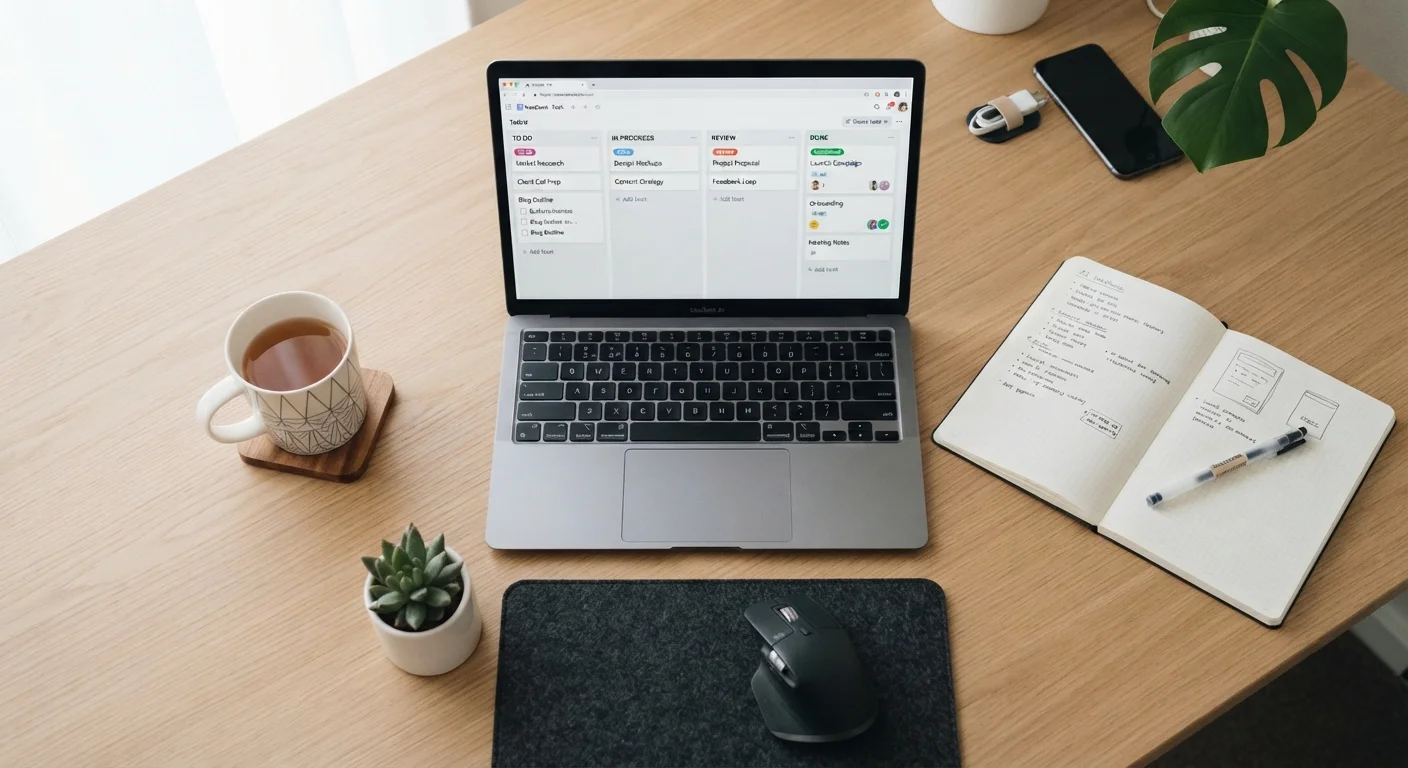
Photo credit: Telecom360.net | Connecting You To The Latest In Telecom
In this article
A foundational guide for professionals new to structured digital workflows — covering core concepts, tool categories, and where to begin.
Key Takeaways
- Choosing a tool before defining your workflow is the most common mistake new users make.
- Productivity software falls into distinct categories - task management, communication, documentation, and automation.
- Integration between tools matters as much as any individual app's feature set.
- Data portability and learning curve should be evaluated before committing to any platform.
- Your work style should drive your tool selection, not the other way around.
Why Most New Users Start in the Wrong Place
The instinct when adopting productivity software is to browse app stores, read comparison lists, and pick a tool that looks appealing. That approach almost always creates friction later. Tools are built around specific workflow assumptions - and if your actual work pattern doesn't match those assumptions, no amount of feature richness will compensate.
The more productive starting point is to audit how your work currently flows. Where do tasks get lost? Where does communication break down? Where do handoffs between people fail? The answers to those questions reveal what category of software will actually help - and that should precede any tool evaluation.
Map your pain points before choosing a tool
Spend 15 minutes listing where work currently stalls, gets duplicated, or goes untracked. This exercise surfaces your actual bottleneck - which may be task visibility, communication gaps, or documentation fragmentation - and points you toward the right category of software before you evaluate any specific product.
The Core Categories of Productivity Software
Productivity software is not a single category - it's a cluster of distinct tool types, each designed for a different layer of work. Understanding the landscape prevents the common mistake of using one tool for everything it was never designed to handle.
- Task and to-do management: Captures individual action items, deadlines, and priorities. Suited for personal workload management.
- Project management: Structures multi-person work with timelines, dependencies, and milestone tracking. Designed for coordinated team output.
- Documentation and knowledge management: Stores reference material, processes, and institutional knowledge in a searchable, structured format.
- Communication platforms: Handles real-time messaging, threaded discussion, and file sharing - distinct from email, which remains asynchronous.
- Workflow automation: Connects apps and triggers actions based on conditions, reducing manual repetitive steps.
For a deeper look at how these categories map to different work contexts, see how app categories align with different work styles. If you're also exploring the underlying methodologies these tools are built around - such as kanban, GTD, or time-blocking - workflow patterns that underpin productivity app design is a useful reference.
Key Concepts You Need Before You Begin
Productivity software introduces a specific vocabulary that shapes how tools are configured and discussed. Encountering these terms without context can slow adoption significantly.
Workflow
The sequence of steps a task or piece of work moves through from start to completion. Defining your workflow helps you identify where software can help most.
Integration
A connection between two software tools that allows them to share data or trigger actions automatically, reducing the need to copy information manually between apps.
Kanban
A visual method for managing work using columns (typically 'To Do,' 'In Progress,' 'Done') that represent stages in a process. Many project and task management tools are built around this model.
Automation
A configured rule that performs an action automatically when a specific condition is met - for example, moving a task to 'complete' when a form is submitted.
Data portability
The ability to export your data from a platform in a format you can use elsewhere. High portability means you are not permanently locked into a vendor's ecosystem.
Asynchronous communication
Exchanges where the sender and recipient don't need to be available at the same time - email and recorded video are common examples. Many productivity platforms blend async and real-time communication.
For a comprehensive reference covering terms like kanban, sprints, OKRs, and webhooks, the Productivity Tools Glossary is worth bookmarking before you go further.
What New Users Consistently Overlook
Beyond choosing the wrong tool category, several specific blind spots tend to create problems for professionals new to structured digital workflows.
Integration compatibility
An app evaluated in isolation can look excellent. An app that doesn't connect to your email client, calendar, or file storage creates manual duplication. Before committing to any tool, map which other platforms it needs to interact with and verify those connections exist natively or through a reliable intermediary.
Data portability
If you build a significant body of work inside a platform - tasks, notes, documented processes - you need to be able to export it in a usable format. Lock-in risk is real, and it's easier to assess before adoption than after. Review export options early.
Learning curve versus time available
Sophisticated tools can have steep onboarding curves. If you need to improve your workflow quickly, a simpler tool adopted fully will outperform a powerful tool adopted partially. Match the tool's complexity to the time you can realistically invest in setup and training.
Over-tooling is a productivity drain
Adding multiple apps in quick succession is one of the most common ways professionals inadvertently reduce their own output. Each new tool introduces a maintenance burden: notification management, data entry, and context-switching overhead. Start with the minimum number of tools that address your core bottleneck, and expand only when a clear gap remains.
For a structured pre-adoption checklist covering these dimensions, evaluating a productivity app before you commit provides a practical framework.
Where to Go From Here
Once you have clarity on your workflow gaps and a working understanding of tool categories, the next step is building a coherent set of tools that complement rather than duplicate each other. Building a personal productivity stack from the ground up walks through how to do that systematically - including how to avoid accumulating apps that create overhead rather than reducing it.
If your context is team-based rather than individual, Productivity Software for Teams: A Complete Field Guide covers how modern organizations structure communication, file management, and automation across departments.
For those also exploring AI-assisted tools as part of their digital workflow, a practical guide to your first month using AI tools offers a grounded starting point without the hype.
Team workflows require additional considerations
Individual productivity tools and team-oriented platforms share some characteristics but differ significantly in permission structures, administrative controls, and collaboration features. If your goal is to improve how a group works together - not just your own output - prioritize tools built specifically for multi-user environments rather than adapting personal productivity apps to a team context.
Frequently Asked Questions

Author
Business Tech Editorial Team
Business Tech Editorial Team is the collective byline for our editorial team and contributor network. Articles published under this byline or an editorial pen name are researched, written, and reviewed according to our editorial standards for clarity, consistency, and independence before publication.
View all articles →