
Before You Automate Your Home: A Setup Readiness Checklist
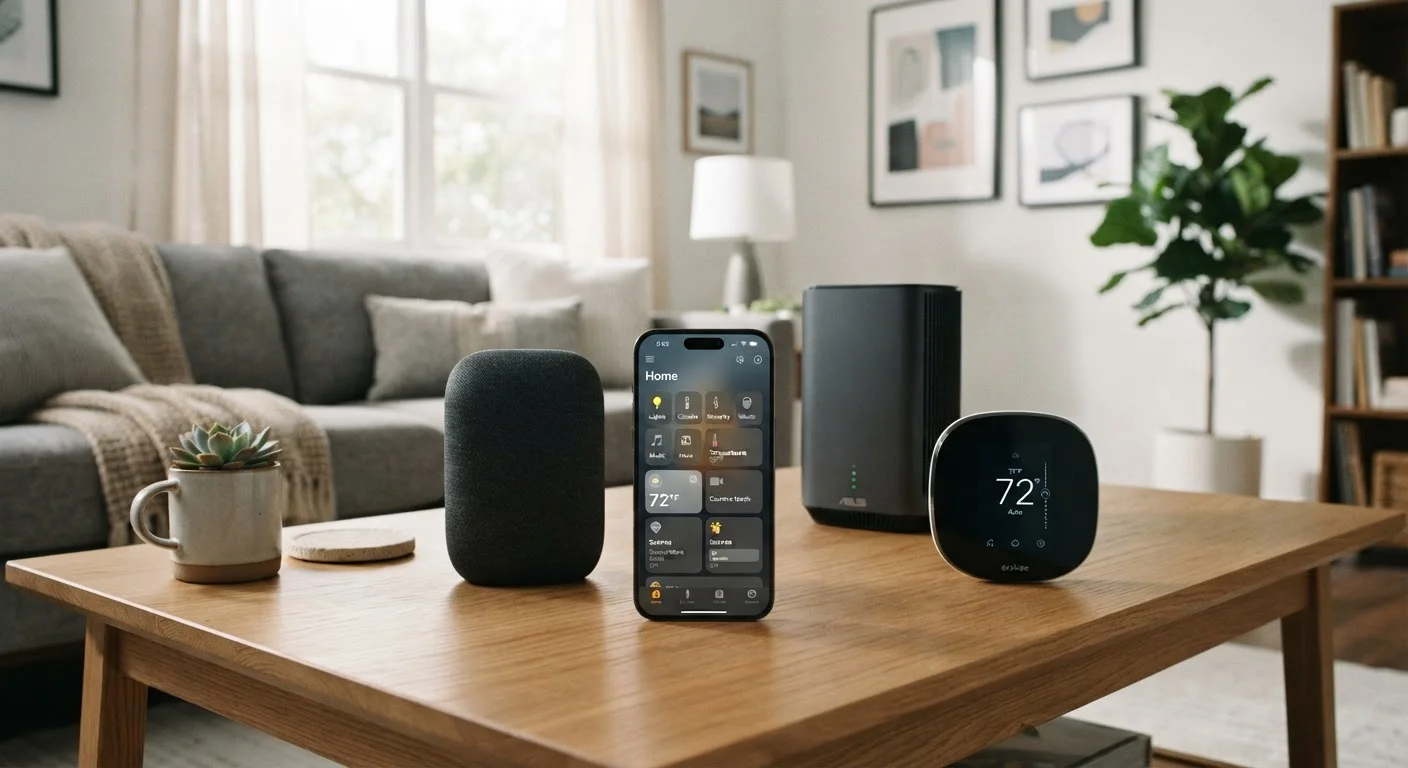
Photo credit: Telecom360.net | Connecting You To The Latest In Telecom
In this article
From router placement to app permissions, run through these checks before installing your first smart home devices.
Key Takeaways
- A weak or poorly placed router is the single most common cause of smart home failures.
- Auditing your network security before adding IoT devices reduces your overall attack surface.
- App permissions for smart home platforms deserve the same scrutiny as any other app you install.
- Understanding communication protocols (Wi-Fi, Zigbee, Z-Wave, Matter) prevents incompatibility purchases.
- A documented device inventory simplifies troubleshooting and future upgrades.
Why Preparation Prevents Frustration
Smart home devices are among the most return-prone consumer electronics purchased - not because the technology is inherently unreliable, but because homes are rarely set up to receive it properly. Poor Wi-Fi coverage, incompatible protocols, weak passwords, and unchecked app permissions combine to create systems that feel more like chores than conveniences.
This checklist is designed to surface those issues before you unbox a single device. Work through it once and you'll have a clear picture of what your home can support, where its weak points are, and what decisions to make upfront. For a broader view of the smart home ecosystem - including how hubs, routines, and long-term maintenance fit together - see our end-to-end smart home guide.
Wi-Fi analyzer app
Measures signal strength, channel congestion, and coverage gaps throughout your home before you place devices.
Password manager
Generates and stores unique, strong passwords for each smart home platform account.
Router admin panel
Used to configure encryption standards, set up an IoT guest network, and review connected devices.
Non-contact voltage tester
Confirms wiring is de-energized before installing hardwired smart switches, outlets, or doorbells.
Spreadsheet or notes app
Tracks your device inventory, MAC addresses, firmware versions, and account credentials reference.
The Readiness Checklist
Work through each group in order. Items marked must represent foundational requirements - skipping them commonly results in devices that fail to connect or operate unreliably. Items marked should represent strongly recommended steps that most setups benefit from. Nice-to-have items improve long-term usability but can be addressed after initial setup.
Network Infrastructure
Protocol and Compatibility
Account and App Security
Physical and Electrical Readiness
Documentation and Inventory
Network and Security Considerations
Every smart home device you add is, functionally, a new endpoint on your home network. Each one can be a potential entry point if your network isn't configured with that in mind. Creating a dedicated IoT network segment - available as a guest network or VLAN on most modern routers - isolates smart home traffic from devices that handle sensitive data like laptops and phones.
App permissions deserve particular attention during smart home setup. Companion apps for smart locks, cameras, and doorbells frequently request access to location data, contacts, and microphones well beyond what the device needs to function. Before granting permissions, consult our app permission checklist or review what's worth checking before accepting any app permission.
Default Credentials Are a Known Vulnerability
Many smart home devices ship with identical default usernames and passwords documented publicly. Leaving these unchanged creates an easily exploited entry point on your network. Change credentials immediately after pairing each device, and do not use the same password across multiple devices or platforms.
Factory Reset Before Installing Secondhand Devices
Smart locks, cameras, and hubs purchased secondhand or inherited with a home may still be linked to previous owners' accounts. Always perform a full factory reset and re-register the device under your own account before relying on it for security.
For broader context on protecting the devices already on your network, the device security hub covers hardening strategies applicable to your existing hardware. If you've recently acquired a new phone to serve as a control hub, locking it down before first use is a worthwhile parallel step.
Smart Locks and Cameras Carry Higher Stakes
Devices that control physical access or capture audio and video inside your home warrant stricter scrutiny than a smart bulb or plug. Before installing any lock, camera, or alarm system component, complete the full account security and network segmentation steps in this checklist - not just the basics. A compromised smart lock is a physical security failure, not merely a technical inconvenience.

Author
Consumer Electronics Editorial Team
Consumer Electronics Editorial Team is the collective byline for our editorial team and contributor network. Articles published under this byline or an editorial pen name are researched, written, and reviewed according to our editorial standards for clarity, consistency, and independence before publication.
View all articles →