
Charging Accessories Demystified: Watts, Amps, Volts, and Fast Charging Standards
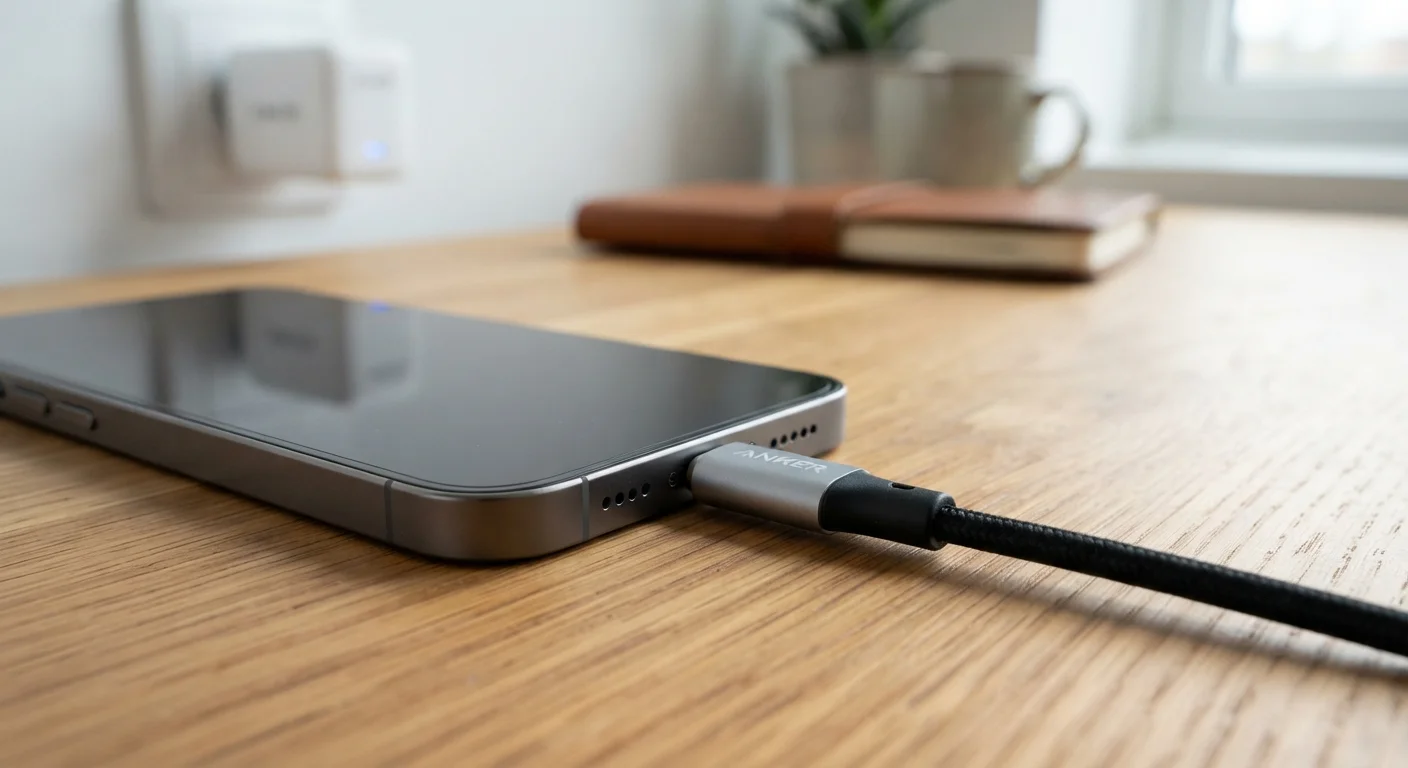
Photo credit: Telecom360.net | Connecting You To The Latest In Telecom
In this article
Understand the numbers behind phone and device chargers so you know what's actually happening when you plug in.
Key Takeaways
- Watts (W) measure total charging power - the higher the wattage, the faster the potential charge speed.
- Volts and amps are two variables that multiply together to produce wattage.
- Fast-charging standards like USB Power Delivery and proprietary protocols negotiate power levels between the charger and device.
- Using a charger with a higher wattage than your device supports is generally safe - the device draws only what it needs.
- Battery chemistry and thermal limits mean very high wattage does not translate linearly into proportionally faster full charges.
The Basic Electrical Units Behind Every Charger
Three numbers appear repeatedly on charger labels and spec sheets: volts (V), amps (A), and watts (W). Understanding their relationship is the foundation for everything else.
Volts represent electrical potential - the pressure driving current through the circuit. Amps (amperes) measure the volume of current flowing per second. Watts are the product of the two: P = V × I. A charger labeled 5V/3A delivers 15W of power; one labeled 9V/3A delivers 27W.
Standard USB-A chargers have historically operated at 5V, limiting most to 5-10W. Fast charging works by either stepping up the voltage, increasing the current, or doing both simultaneously - subject to what the device and cable can safely handle. This is why a fast charger rated at 20W or 45W must communicate with the device rather than simply force more power through the connection.
240W
Maximum output of USB-PD 3.1 standard
The USB Implementers Forum ratified USB Power Delivery 3.1 with a 240W ceiling, enabling the standard to cover high-performance laptop charging alongside smartphones.
5V
Default voltage for standard USB-A charging
Legacy USB-A chargers without fast-charging protocols output a fixed 5 volts, capping most at 5-10W depending on current rating.
~80%
Charge level where fast charging typically slows
Battery management systems on most lithium-ion devices begin reducing charge rate significantly around 80% state of charge to protect cell longevity.
How Fast-Charging Protocols Actually Work
Fast charging is not simply a matter of plugging in a higher-wattage brick. The charger and device must negotiate - a process sometimes called a handshake - to agree on a safe operating voltage and current. Without a matching protocol, the charger defaults to a basic 5V output.
USB Power Delivery (USB-PD) is the dominant open standard, capable of scaling from 5W up to 240W across its latest revision. It operates over USB-C and is supported by a wide range of laptops, tablets, and smartphones. Programmable Power Supply (PPS), a subset of USB-PD, allows finer-grained voltage adjustments - useful for minimizing heat during charging.
Proprietary systems developed by individual manufacturers operate on similar principles but use custom communication protocols. These can achieve very high peak wattages on compatible devices, though cross-brand compatibility is typically limited.
Check Both the Charger and the Cable
A high-wattage charger paired with an underpowered cable will not deliver its rated output. When upgrading to fast charging, verify both components meet the required specifications. Look for cables explicitly rated for the wattage or amperage your device supports, not just those labeled 'USB-C' or 'fast charge' without stated specifications.
Why Wattage Doesn't Tell the Whole Story
A charger's wattage rating describes its maximum output capacity under ideal conditions - it does not guarantee that your device will charge in direct proportion to that number. Several factors moderate real-world charging speed.
Battery chemistry imposes limits on how fast cells can safely absorb charge. Lithium-ion cells generate heat during charging, and sustained high temperatures accelerate capacity degradation. Battery management systems (BMS) throttle input power as temperatures rise or as the battery approaches full capacity. This is why the last 20% of a charge frequently takes longer than the first 50%.
Cable quality also matters significantly. A thin or low-rated cable creates resistance, causing voltage drop and heat. The USB-C connector is not a performance guarantee on its own - cable specifications govern actual throughput. For context on how battery design interacts with perceived performance, see our article on battery capacity myths.
Reading Charger Labels and Choosing the Right Accessory
Charger labels list output specifications, which may include multiple profiles - for example, 5V/3A, 9V/2.22A, 15V/1.67A. Each line represents a different operating mode negotiated based on what the connected device requests. The highest-wattage profile only activates when both the device and cable support it.
When selecting a charger, match it to your device's maximum supported wattage as listed in the manufacturer's specifications. Exceeding that rating wastes money on capacity you cannot use; falling short simply means slower charging. Certified chargers - verified against standards like USB-IF certification - have passed safety and performance testing, which matters particularly for higher-wattage accessories where failure modes are more consequential.
For a broader look at how charging specs fit into the larger picture of device performance metrics, decoding smartphone specifications provides useful context on interpreting technical figures across hardware categories.
Frequently Asked Questions

Author
Consumer Electronics Editorial Team
Consumer Electronics Editorial Team is the collective byline for our editorial team and contributor network. Articles published under this byline or an editorial pen name are researched, written, and reviewed according to our editorial standards for clarity, consistency, and independence before publication.
View all articles →