
Note-Taking Apps: A Practical Field Guide to Formats and Features
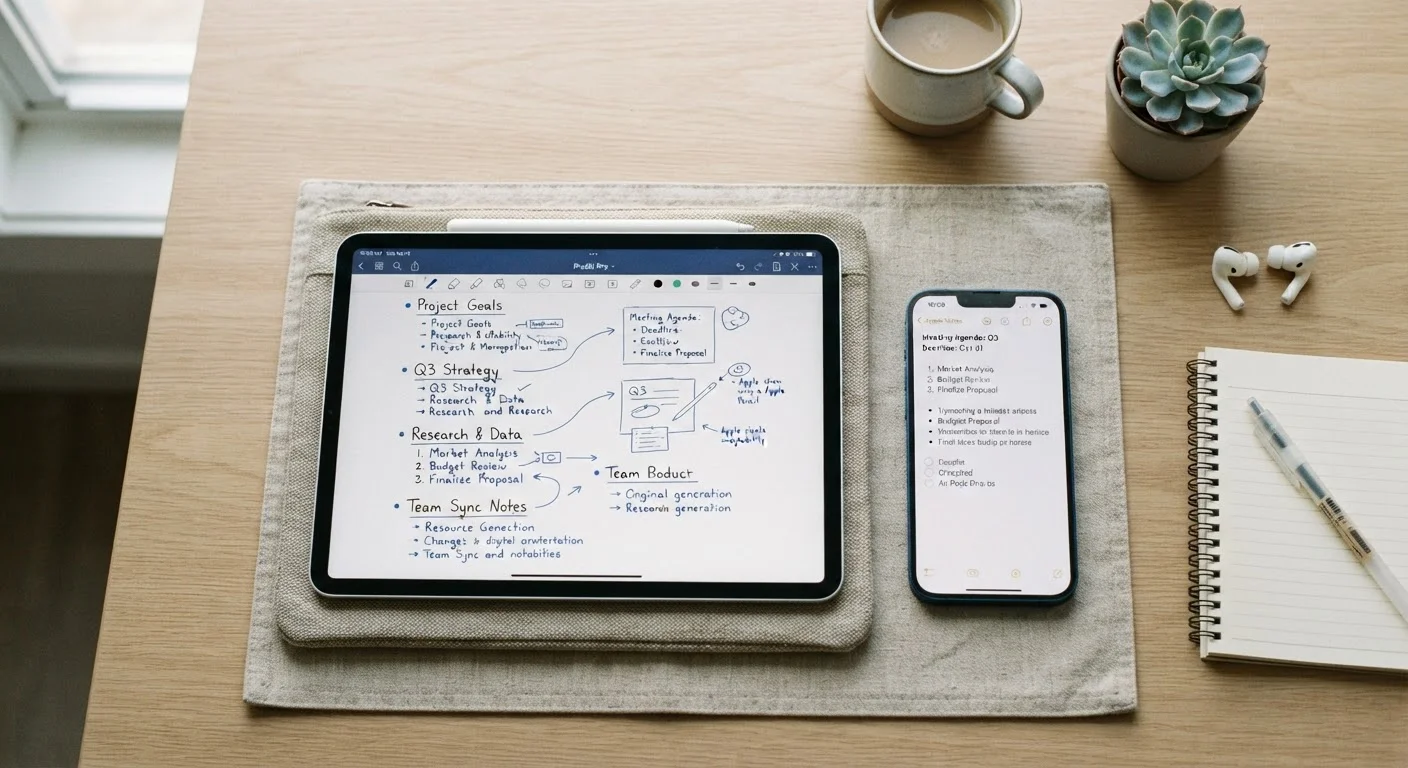
Photo credit: Telecom360.net | Connecting You To The Latest In Telecom
In this article
Plain text, markdown, linked notes, audio capture — a breakdown of how different note-taking app formats serve different thinking and working styles.
Why Format Matters More Than Features
Most note-taking app comparisons start with feature lists. A more useful place to start is format - because how an app structures and stores your notes fundamentally shapes how you think inside it. A task manager that moonlights as a note-taker behaves very differently from a dedicated long-form writing environment, even if both technically let you type text.
This guide maps the major note-taking formats to the workflows they genuinely support. It's part of a broader look at productivity apps across different work styles, helping you match tool design to how you actually work.
| Primary Format Types | Plain text, rich text, Markdown, linked notes |
| Main Capture Modes | Typed, voice/audio, handwriting, web clipping |
| Common Organization Models | Hierarchical folders, tags, graph/link-based |
| Best Format for Portability | Plain text (.txt) |
| Best Format for Long-term Thinking | Linked / networked notes |
| Key Sync Consideration | Proprietary cloud vs. open storage (iCloud, local) |
The Four Core Note Formats
Understanding these categories helps cut through marketing noise when evaluating any app.
Plain Text
The most portable and durable format. Notes are stored as unformatted .txt files, readable by virtually any software. Plain text apps excel for writers who want zero friction and permanent portability. The tradeoff: no native support for checklists, embedded media, or structured hierarchy.
Rich Text / WYSIWYG
WYSIWYG editors let you bold, resize, and embed images inline - the document looks on-screen exactly as it would printed. This format suits meeting notes, reference documents, and anything meant to be shared or read by others. The risk is formatting bloat: heavy proprietary formatting can make exports unreliable.
Markdown
Markdown uses lightweight syntax (asterisks for bold, hyphens for lists) to add structure without leaving plain text. It's the preferred format for developers, technical writers, and anyone who moves notes between tools frequently. Most modern apps render Markdown live, so the syntax disappears while typing.
Linked / Networked Notes
Sometimes called a personal knowledge base or second brain, this format connects notes via bidirectional links and graph views. It suits researchers, writers working on long projects, and anyone building conceptual frameworks over time. The learning curve is steeper, and the payoff compounds slowly - it's a long-term investment in how ideas connect, not a quick-capture tool.
Markdown
A lightweight text formatting syntax that uses plain characters (like asterisks and hashes) to indicate bold, headings, and lists. Most modern note apps render Markdown into formatted text automatically as you type.
Bidirectional Link
A connection between two notes that is visible from both ends. If Note A links to Note B, Note B automatically shows Note A as a reference - helping surface related ideas without manual cross-referencing.
WYSIWYG Editor
Short for What You See Is What You Get. An editor where formatting is applied visually inline, so the note looks the same while editing as it does when read or printed.
Web Clipper
A browser extension that saves web pages, selected text, or screenshots directly into a note-taking app. Useful for collecting research without manually copying and pasting.
Personal Knowledge Base
A structured collection of linked notes designed to grow and connect over time. The goal is building a retrievable network of ideas rather than isolated documents.
Sync Architecture
The underlying method an app uses to keep notes consistent across multiple devices. Can rely on a proprietary cloud, third-party storage like iCloud or Dropbox, or local-only storage with manual export.
Capture Modes: Text, Audio, Handwriting, and Clipping
Beyond storage format, capture mode determines how quickly an idea gets into the system.
- Typed text - universal, searchable, editable. The default for most workflows.
- Voice / audio notes - fast for capturing ideas while mobile. Some apps transcribe automatically; others store raw audio. Transcription quality varies significantly by ambient noise and accent.
- Handwriting / stylus input - valuable for diagrams, math, and annotation. On supported tablets, handwriting recognition converts strokes to searchable text, though accuracy depends on the recognition engine.
- Web clipper - browser extensions that save pages, selections, or screenshots directly to a note. Useful for research workflows, though clipped content can become cluttered without a consistent tagging system.
For anyone bouncing between devices, capture reliability depends heavily on sync architecture. See how to keep notes synced across devices for a deeper look at what to check before committing to any cloud-dependent app.
Organizational Models: Tags, Notebooks, and Folders
How an app organizes notes is often the source of long-term friction. Three dominant models exist:
- Hierarchical folders
- Familiar and predictable. Works well for stable reference material but breaks down when a note genuinely belongs in two places at once.
- Tag-based flat structure
- Every note lives in one pool; tags assign context. Faster to search, harder to browse visually. Demands consistent tagging discipline to stay useful.
- Linked notes (graph model)
- Notes form relationships through mentions and backlinks. No single taxonomy required - meaning emerges from connections. Best suited to exploratory thinking rather than transactional capture.
Many apps blend all three. The practical question is which model the app defaults to, because that default shapes behavior under pressure - when you're capturing quickly and not thinking about organization.
Proprietary Formats and Lock-in Risk
Several popular note apps store data in proprietary formats that can't be opened without the original software. Before committing to any app as a long-term knowledge store, check whether it supports standard export formats like plain text, Markdown, or HTML. Lock-in risk is worth weighing even when an app's current feature set is attractive.
For a grounding in core app and OS terminology referenced throughout this guide, the mobile OS and app terms glossary is a useful companion reference.

Author
Apps & Software Editorial Team
Apps & Software Editorial Team is the collective byline for our editorial team and contributor network. Articles published under this byline or an editorial pen name are researched, written, and reviewed according to our editorial standards for clarity, consistency, and independence before publication.
View all articles →