
Setting Up a Smart Home for the First Time
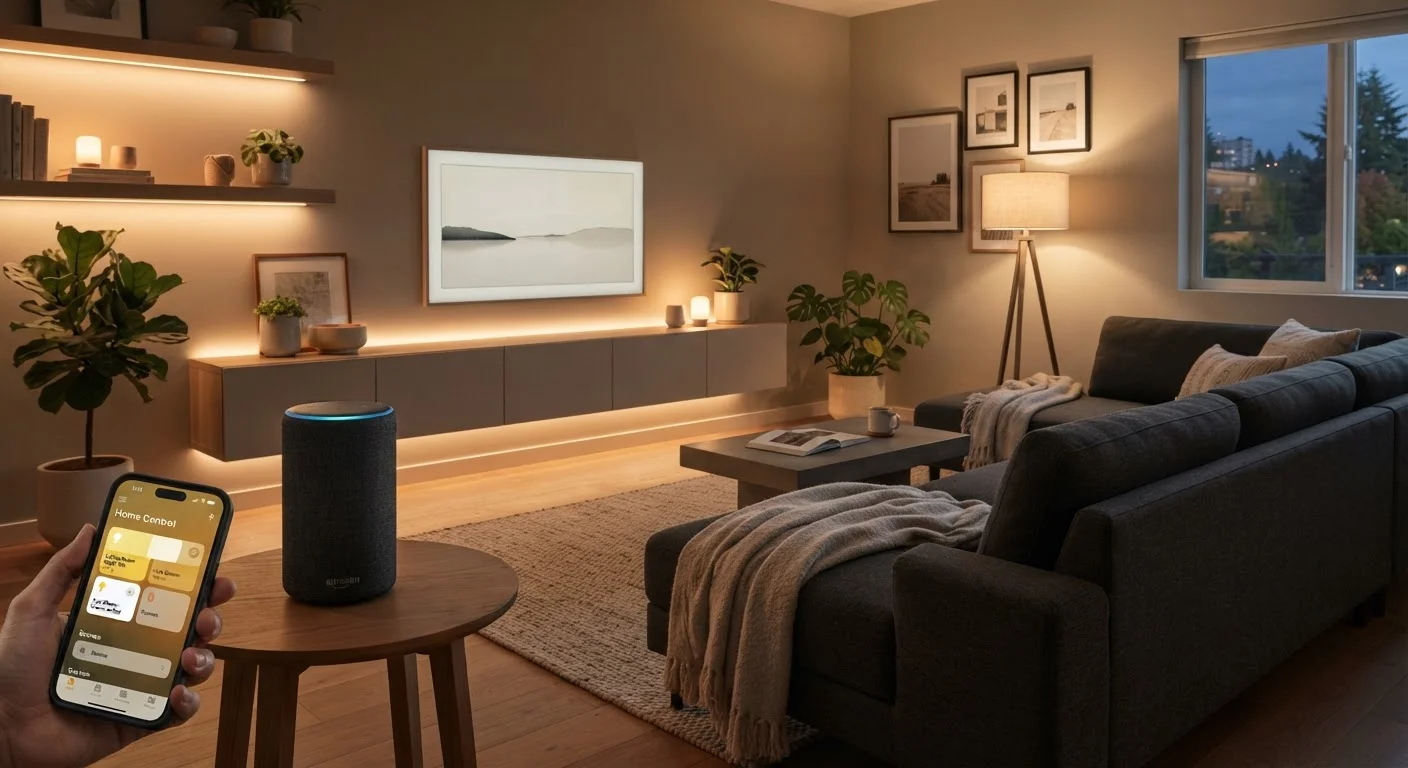
Photo credit: Telecom360.net | Connecting You To The Latest In Telecom
In this article
A practical walkthrough for building your first smart home setup, from choosing a hub to connecting your first devices.
Key Takeaways
- Choosing a compatible ecosystem before buying devices prevents costly compatibility problems later.
- Your home Wi-Fi network quality directly determines how reliably smart devices perform.
- Start with two or three devices to learn the platform before expanding your setup.
- Basic automations like scheduled lighting deliver real convenience without complex programming.
- Smart home devices collect data - reviewing privacy settings is essential, not optional.
What Is a Smart Home, Really?
A smart home is a residence where internet-connected devices automate or remotely control functions that would otherwise require manual action - adjusting lighting, regulating temperature, monitoring entry points, or managing appliances. The defining feature isn't any single device but the ability of those devices to communicate and act on your behalf.
This is different from simply owning wireless gadgets. True smart home integration means devices share data, respond to triggers, and fit into routines. Understanding this distinction matters because it shapes every purchasing and setup decision you'll make. For a deeper look at how devices communicate across platforms, see Smart Home Ecosystems Explained.
Ecosystem
The software platform and associated services (such as Amazon Alexa or Google Home) that connects and manages your smart devices under one interface.
Hub
A physical device that acts as a central coordinator for smart home devices, translating between different communication protocols and enabling local control.
Protocol
The communication standard devices use to send and receive data. Common examples include Wi-Fi, Zigbee, Z-Wave, and Bluetooth.
Matter
An open industry standard designed to let smart home devices from different manufacturers work together across multiple platforms without compatibility issues.
Automation
A programmed rule that triggers one or more device actions automatically based on a condition - such as time of day, location, or another device's state.
IoT
Short for Internet of Things - the broad category of physical devices (lights, locks, thermostats, sensors) that connect to the internet to send or receive data.
Choosing Your Ecosystem and Hub
Your ecosystem is the software and service layer that connects your devices. The major platforms - Amazon Alexa, Google Home, and Apple HomeKit - each have distinct strengths, supported device libraries, and automation capabilities. Choosing one early prevents the frustration of buying devices that don't work together.
A hub is a physical device that acts as a central coordinator, translating between communication protocols and maintaining local control when your internet connection drops. Not every setup requires one, but homes using protocols like Zigbee or Z-Wave - which offer stronger range and lower power consumption than Wi-Fi - typically benefit from a dedicated hub.
The emerging Matter standard aims to create cross-platform compatibility, meaning a single device can work across Alexa, Google Home, and HomeKit. Adoption is growing but not yet universal, so verify compatibility before purchasing. This is part of a broader picture covered in the end-to-end smart home guide.
Start With One Ecosystem, Then Expand
Committing to a single platform for your first several devices simplifies troubleshooting significantly. Once you understand how your chosen ecosystem handles automations, rooms, and device groupings, evaluating cross-platform options like Matter becomes much more straightforward.
Getting Your Network Ready
Wi-Fi performance is the foundation of a reliable smart home. A crowded 2.4 GHz band, poor router placement, or an outdated router will cause intermittent failures that are difficult to diagnose. Before adding devices, assess your current setup.
Key preparation steps include: ensuring your router firmware is current, placing your router centrally in your home, and considering a mesh Wi-Fi system if you have dead zones. Many installers also recommend creating a separate IoT network segment - essentially a second Wi-Fi network on the same router - to isolate smart devices from computers and phones. This both improves security and reduces network congestion.
Run through a detailed pre-installation checklist using Before You Automate Your Home before proceeding.
Weak Wi-Fi Will Undermine Your Entire Setup
Smart home reliability is only as strong as the network it runs on. Devices that drop offline frequently, respond slowly, or fail to trigger automations are often symptoms of poor signal coverage - not device defects. Address network quality before investing in more devices.
Connecting Your First Devices
Smart lighting is the recommended starting point for most first-time setups. It requires no wiring changes, installation is reversible, and the immediate feedback - controlling lights from your phone or by voice - builds confidence with the platform quickly.
The general connection process follows a predictable pattern regardless of device type: download the manufacturer app, create an account, power on the device, and follow the in-app pairing instructions. Once the device appears in the manufacturer app, add it to your chosen ecosystem (Alexa, Google Home, or HomeKit) through the linking or integrations menu.
Assign devices to rooms within your app from the start. This organizational step is easy to skip and difficult to correct later at scale - room groupings drive most voice commands and automation triggers.
Basic Automations to Start With
Automations are conditional rules: if a trigger occurs, then an action runs. They're where a smart home moves from remote-controlled to genuinely useful. Starting simple is strongly advisable - complex routines built before you understand your platform often require rebuilding.
- Time-based lighting: Turn lights on at sunset, off at a set bedtime. Nearly every platform supports this without additional setup.
- Arrival and departure scenes: Trigger a group of actions - adjusting thermostat, turning on lights - when your phone's location indicates you've arrived home or left.
- Morning routines: A single voice command or scheduled trigger that starts a sequence: lights on, thermostat adjusted, a briefing from your assistant.
Once you've used these for a few weeks, you'll have a clearer sense of what genuinely helps versus what creates friction. That insight should guide any expansion. For structured next steps, Building a Home Automation Routine That Actually Saves Time covers practical approaches in depth.
Security and Privacy Considerations
Smart devices extend your network's attack surface. Each connected device is a potential entry point if left misconfigured. The most impactful steps require no technical expertise.
Change default usernames and passwords on every device immediately after setup. Enable automatic firmware updates where available - manufacturers regularly patch security vulnerabilities. Review what data each app collects and whether it is shared with third parties; this information is typically found in the app's privacy settings or the manufacturer's privacy policy.
Consider the data implications of always-listening voice assistants. Most platforms allow you to delete recorded voice history and limit data retention through account settings. Understanding these controls is a normal part of owning this technology - not a reason to avoid it, but a prompt to engage with it deliberately.
Smart home devices don't operate in isolation from the rest of your digital life. The same discipline that applies to cloud-connected services - strong passwords, account reviews, limiting unnecessary permissions - applies here too. See Your First Cloud Storage Setup for a parallel look at managing connected services securely.
Voice Assistant Data Retention Varies by Platform
Each major voice assistant platform has different default settings for how long audio recordings and interaction logs are stored. Review your platform's privacy dashboard shortly after setup. Most platforms allow you to set automatic deletion intervals - weekly or three-monthly - without affecting core functionality.
Frequently Asked Questions

Author
Consumer Electronics Editorial Team
Consumer Electronics Editorial Team is the collective byline for our editorial team and contributor network. Articles published under this byline or an editorial pen name are researched, written, and reviewed according to our editorial standards for clarity, consistency, and independence before publication.
View all articles →