
Building a Home Automation Routine That Actually Saves Time
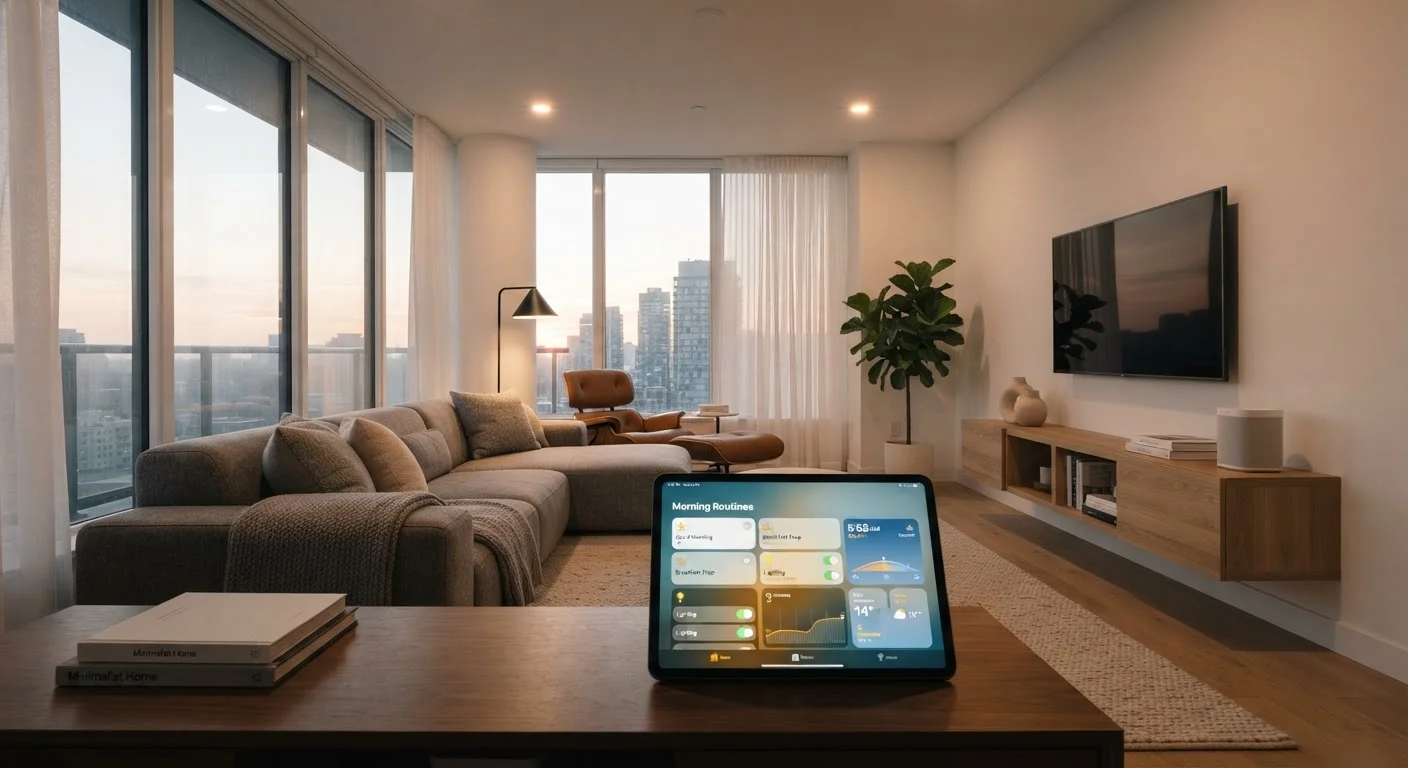
Photo credit: Telecom360.net | Connecting You To The Latest In Telecom
In this article
Practical approaches to designing automations around your real schedule — without over-engineering your setup.
Key Takeaways
- Start with one or two high-friction daily tasks before expanding your automation setup.
- Trigger-based automations tied to real behaviors outperform time-based schedules in most households.
- Over-engineering routines creates maintenance overhead that erodes any time savings.
- Testing automations manually before activating them prevents frustrating false triggers.
- Logging or reviewing automation activity periodically helps identify what's working and what isn't.
Why Most Home Automations Fail to Save Time
Home automation promises frictionless living, but many setups end up creating new chores: debugging broken routines, adjusting schedules that no longer fit the household, or managing a patchwork of apps that don't communicate reliably. The gap between a smart home and an actually useful one usually comes down to design - specifically, whether automations are built around real behavior or around what seemed clever during initial setup.
Before investing in additional hardware, it helps to audit what genuinely costs you time each day. If you haven't walked through the fundamentals yet, the smart home setup guide covers hub selection, device pairing, and network considerations as a starting point.
Principles for Designing Automations That Stick
Effective home automation shares structural similarities with broader productivity workflows. As explored in the anatomy of a business workflow automation, every reliable automated process depends on clearly defined triggers, conditions, and outcomes. The same logic applies to your home.
Once you identify which automations genuinely reduce friction, resist the urge to chain too many actions together. Complex multi-step routines become brittle - a single device failure cascades into a broken morning sequence. Keep individual routines focused and limit dependencies between devices from different ecosystems where possible.
Maintaining and Evolving Your Setup Over Time
Automations need periodic review. Schedules that made sense when you worked from home may not fit a hybrid schedule. Seasonal changes affect lighting triggers, thermostat logic, and occupancy patterns. Set a reminder every two to three months to walk through your active routines and retire any that no longer reflect how your household actually operates.
Infrastructure readiness also matters long-term. The setup readiness checklist is worth revisiting if you're adding devices, since router placement and network bandwidth can degrade automation reliability as your device count grows. For a more comprehensive view of the full smart home lifecycle - from protocols to long-term maintenance - the hub-to-habit end-to-end guide provides structured coverage.
Platform Compatibility Affects Reliability
Automations that depend on cloud-to-cloud integrations between different ecosystems are more likely to experience latency or failure during service outages. Where possible, prefer locally executed automations - those processed directly by your hub without an internet round-trip - for time-sensitive routines like morning wake sequences or security-related triggers.
Home automation overlaps meaningfully with digital productivity habits. If you're looking to extend time savings beyond your home, low-effort ways to reclaim hours covers templates and software automations that compound with a well-tuned home setup.

Author
Consumer Electronics Editorial Team
Consumer Electronics Editorial Team is the collective byline for our editorial team and contributor network. Articles published under this byline or an editorial pen name are researched, written, and reviewed according to our editorial standards for clarity, consistency, and independence before publication.
View all articles →