
Getting the Most from a Prepaid Plan Without Running Out of Data
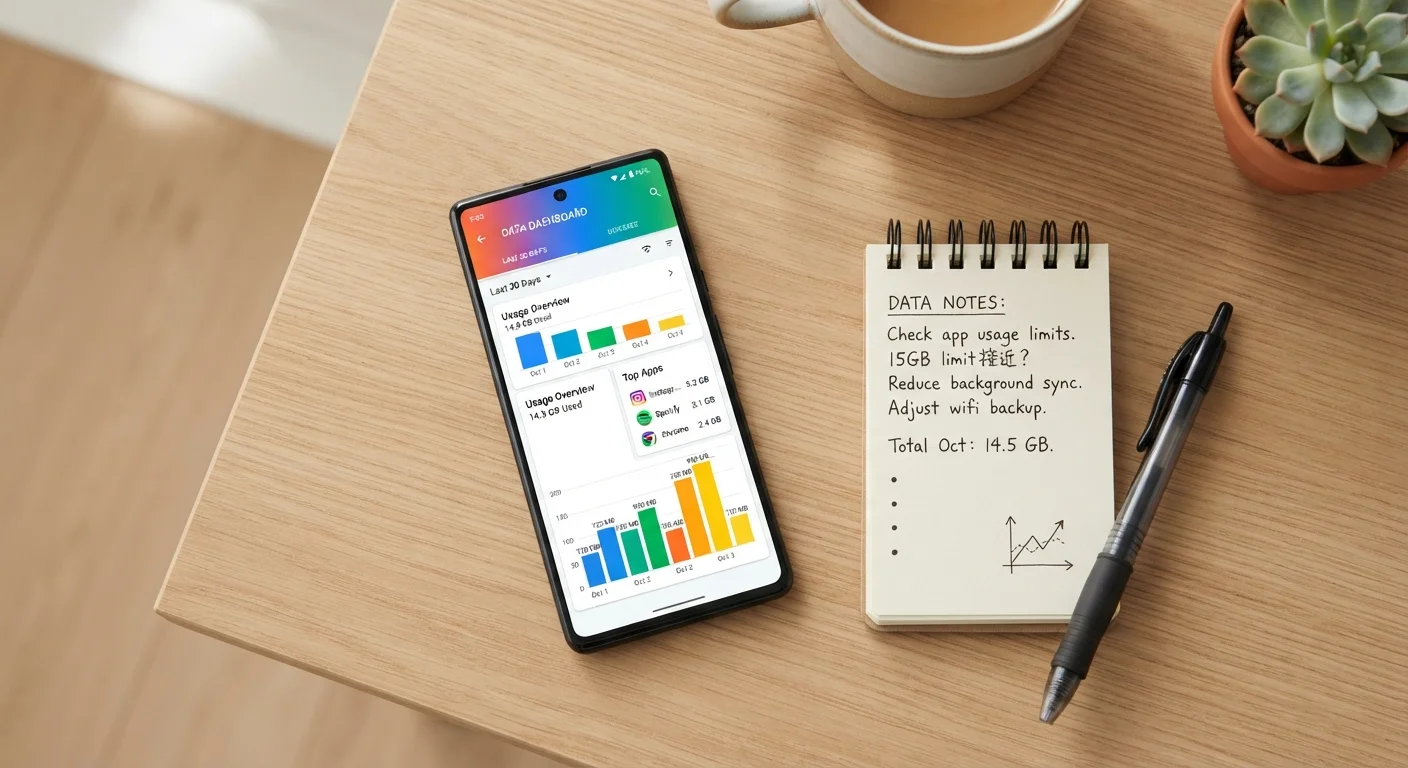
Photo credit: Telecom360.net | Connecting You To The Latest In Telecom
In this article
Prepaid plans reward careful usage habits. These practical approaches help you stay within your allotment without constantly checking your balance.
Key Takeaways
- Prepaid plans cap spending upfront, making usage habits more important than on postpaid contracts.
- Built-in device tools and carrier apps let you set data alerts before you approach your limit.
- Wi-Fi offloading and app-level settings can dramatically reduce how much cellular data you consume.
- Understanding your plan's throttling and rollover rules helps you plan usage across billing cycles.
Why Data Management Matters More on Prepaid
Prepaid plans operate on a straightforward principle: you pay for a fixed allotment of data, voice, and text before you use it. Unlike postpaid contracts - where overages are billed after the fact - prepaid plans typically slow your speeds to near-unusable levels once you exhaust your high-speed data, or simply cut off certain services. That structure shifts responsibility to the user. Understanding what a prepaid plan actually offers before you commit helps set realistic expectations about what careful management looks like in practice.
The upside is real: once your allotment runs out, your bill doesn't grow. But staying functional for the rest of a billing cycle requires knowing how your plan handles the end of its high-speed data, and building habits that keep you well inside those limits most of the time.
Core Practices for Staying Within Your Allotment
Consistent data management comes down to a handful of repeatable habits. The practices below address the most common sources of unexpected data drain - and each one is practical to implement without specialized tools.
Set a data usage alert at 75% of your monthly allotment.
Most smartphones allow you to configure warnings before you reach a defined data threshold. Acting at 75% gives you time to adjust behavior - shifting to Wi-Fi, deferring large downloads - rather than scrambling after a cap is hit.
Connect to trusted Wi-Fi networks for all non-time-sensitive downloads.
Streaming video, downloading app updates, and syncing cloud backups are among the largest consumers of cellular data - and none require a cellular connection when Wi-Fi is available. Offloading these tasks consistently can cut monthly cellular usage significantly.
Audit and restrict background data access for every installed app.
Apps running in the background can consume data without any visible activity on your screen. Social media, news aggregators, and email clients are frequent offenders, refreshing content constantly even when you aren't using them.
Use lower-quality streaming settings when on cellular.
Default streaming quality settings on most platforms are optimized for unlimited or high-speed connections. Reducing video resolution from HD to standard definition can reduce per-hour data consumption by 80% or more.
Review your plan's included perks and use them strategically.
Many prepaid plans include features - such as hotspot data, international texting, or streaming service access - that users overlook. Using plan-included features instead of data-hungry workarounds preserves your allotment for activities that have no substitute.
Quick Actions You Can Take Today
You don't need to overhaul your phone habits all at once. The following actions each take a few minutes to implement and can meaningfully reduce your data consumption before the end of your current billing cycle.
For context on how prepaid billing cycles and throttling policies compare to postpaid structures, see how each billing model operates.
Understanding Throttling, Rollover, and Plan Limits
Not all prepaid plans behave the same way once you hit your data cap. Some reduce speeds to 128 Kbps - barely enough for basic messaging - while others throttle to 1 Mbps, which still supports light browsing and audio streaming. Reading the fine print on deprioritization and throttling thresholds is essential before choosing a plan tier.
What 'Deprioritization' Means in Practice
Deprioritization is different from throttling. Throttling applies a permanent speed cap once you hit a data limit. Deprioritization means your connection is slowed only when local cell towers are congested - under normal conditions, your speeds remain unaffected. Many prepaid plans use deprioritization rather than hard throttling, so real-world impact varies by location and time of day. Check your plan's terms to understand which policy applies to your account.
Rollover data - where unused gigabytes carry forward to the next cycle - is available on some prepaid plans but not all. If your plan offers rollover, heavy months matter less, but lighter months are actually opportunities to build a cushion. Check your carrier's terms or account dashboard to confirm whether your plan includes this feature.
If you're considering whether a prepaid plan still fits your needs after reviewing these limits, porting back to a postpaid plan involves several steps worth understanding in advance.

Author
Phone Plans Editorial Team
Phone Plans Editorial Team is the collective byline for our editorial team and contributor network. Articles published under this byline or an editorial pen name are researched, written, and reviewed according to our editorial standards for clarity, consistency, and independence before publication.
View all articles →