
What Stabilisation Actually Does to Your Footage
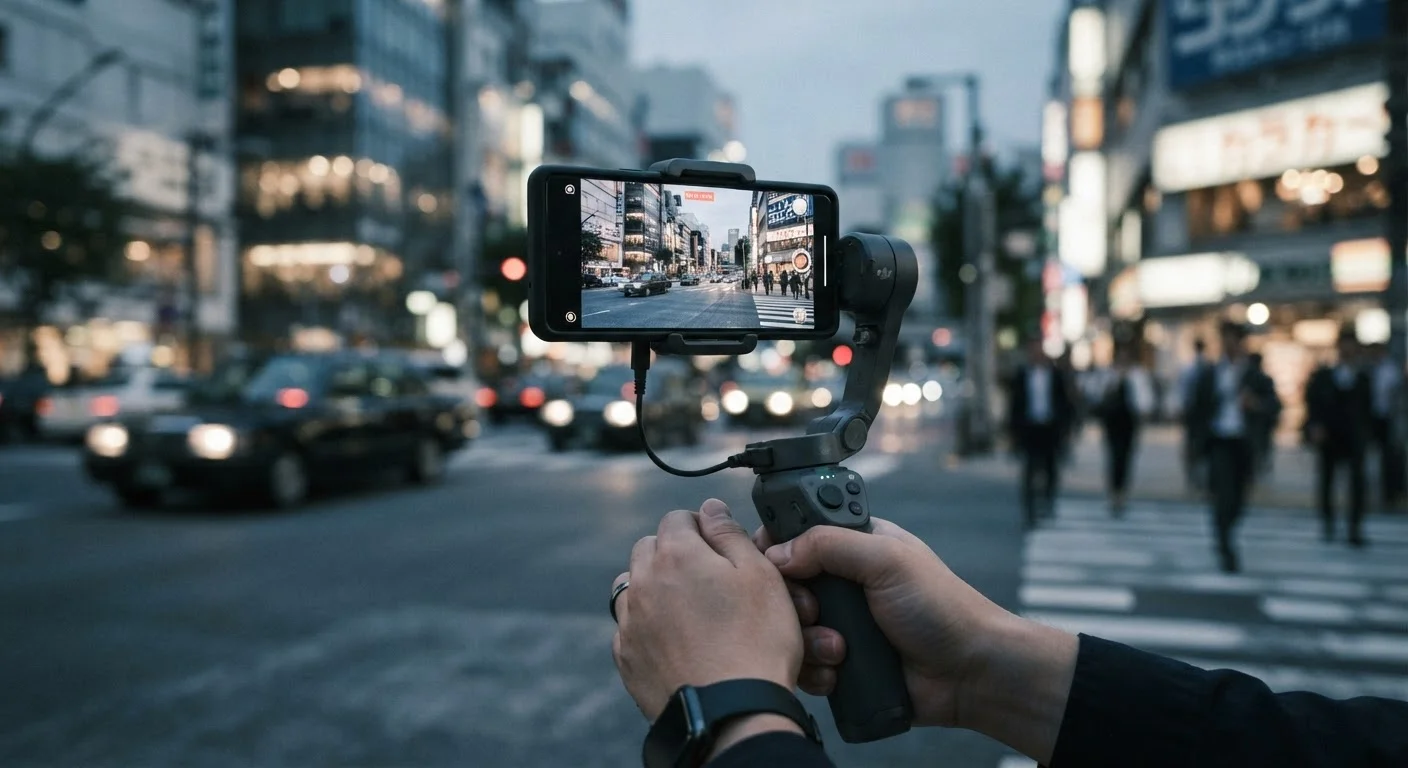
Photo credit: Telecom360.net | Connecting You To The Latest In Telecom
In this article
OIS uses physical movement; EIS uses cropping. Understanding the difference helps you set realistic expectations for handheld video.
Key Takeaways
- OIS uses physical hardware to counteract shake before the image is captured.
- EIS crops into the frame and uses software to smooth motion between frames.
- OIS generally preserves more image detail; EIS costs you a portion of your field of view.
- Hybrid stabilisation combines both methods to handle a wider range of movement.
- Understanding each method helps you calibrate expectations when shooting handheld video.
How OIS Works: Moving the Hardware
Optical image stabilisation operates entirely before a pixel is recorded. Inside the camera module, gyroscope sensors detect rotational movement - typically pitch (up/down tilt) and yaw (left/right rotation). That motion data is sent to an actuator that physically shifts the lens group or, on some designs, the image sensor itself in the opposing direction. The net result is that the light path hitting the sensor remains stable even as the phone shakes slightly in your hand.
Because the correction happens at the optical level, the full sensor area is used and no image data is discarded. This matters most in low-light conditions, where OIS also provides an indirect benefit: it allows the camera system to use slightly longer shutter speeds without motion blur, effectively letting in more light per frame.
OIS mechanisms have limited physical travel - typically a few degrees - so they handle the kind of subtle tremor common in everyday handheld shooting rather than large, sudden movements.
“Stabilisation in a camera phone is essentially a closed-loop control system - the gyroscope measures motion, the actuator responds, and the goal is to keep the image plane as stationary as possible relative to the scene.”
— Imaging Systems Engineer, Mobile camera hardware specialist, cited in industry documentation on actuator design
How EIS Works: Cropping in Software
Electronic image stabilisation takes a different approach. Instead of intervening at the hardware level, EIS reserves a margin around the edges of the recorded frame - a buffer zone - and then uses gyroscope or accelerometer data to reposition the visible crop of the image between frames. When the phone tilts left, the crop shifts right to compensate, keeping the subject centred.
The trade-off is field of view. To have room to shift the crop, EIS must record a slightly wider image than what you see in the final output. On a 12-megapixel sensor this margin is less consequential; on smaller sensors or when shooting at a sensor's maximum resolution, the loss in coverage and effective pixel count is more meaningful. As you're reading spec sheets, look for whether EIS is applied at native resolution or only available when the resolution setting is reduced.
Modern EIS algorithms have become considerably more sophisticated, using predictive motion models rather than purely reactive corrections, which reduces the "floaty" artefacts older implementations produced.
~10-15%
Typical EIS field-of-view crop margin
Most EIS implementations reserve a border of roughly 10-15% around the frame perimeter as the correction buffer, reducing effective sensor coverage.
±2°
Typical OIS angular correction range
Consumer smartphone OIS mechanisms generally correct angular displacement up to approximately 2 degrees, covering the range of normal handheld tremor.
Where Hybrid Stabilisation Fits
Many current camera systems layer OIS and EIS together, with each stage handling what it does best. OIS absorbs the gross physical shake - the bob and sway of walking, breathing, or an unsteady grip. EIS then processes the residual micro-jitter that the optical mechanism couldn't fully eliminate, producing footage that is smoother than either method alone could achieve.
The effectiveness of a hybrid pipeline depends heavily on how well the two systems are calibrated against each other. When timing or magnitude corrections are mismatched, you can get subtle warping artefacts - particularly visible on straight horizontal lines in the frame. This is sometimes called a "jello" effect and is more pronounced when EIS is operating at its correction limits.
Test Both Settings Before Important Shoots
If your device allows you to toggle EIS independently of OIS, record the same short clip with each configuration and compare them at full scale on a larger display. This reveals the actual field-of-view cost of EIS and whether the stabilisation benefit is worth it for your typical shooting conditions.
The analogy to optical zoom is useful here: just as optical zoom preserves image quality in a way that digital zoom cannot, OIS preserves sensor data that EIS processing cannot recover once it has been discarded. Optical vs digital zoom follow the same hardware-versus-software logic.
Setting Realistic Expectations
Both forms of stabilisation are designed for the normal range of handheld movement - walking at a casual pace, filming a conversation, or capturing a scene while standing still. Neither is intended to replace a tripod for long exposures or a gimbal for continuous motion tracking.
When evaluating footage quality, the stabilisation method is only one variable. Sensor size, shutter speed selection, and frame rate all interact with how stable the result looks. A camera recording at 60 frames per second will appear inherently smoother than the same hardware at 24 fps, regardless of stabilisation, simply because there are more frames to work with.
Understanding these mechanics helps you interpret manufacturer claims accurately and set genuine expectations for what your footage will look like before you press record.
Stabilisation Labels Vary by Manufacturer
Terms like "Super Steady," "Action Mode," and "Advanced Video Stabilisation" are proprietary marketing names that typically describe EIS or hybrid pipelines with aggressive cropping enabled. These modes usually offer the smoothest results but at the greatest cost to field of view and, sometimes, maximum recording resolution. Check the device's manual for the technical method behind each named mode.
Frequently Asked Questions

Author
Smartphones Editorial Team
Smartphones Editorial Team is the collective byline for our editorial team and contributor network. Articles published under this byline or an editorial pen name are researched, written, and reviewed according to our editorial standards for clarity, consistency, and independence before publication.
View all articles →