
Reading a Smartphone Spec Sheet Before You Commit to a Plan
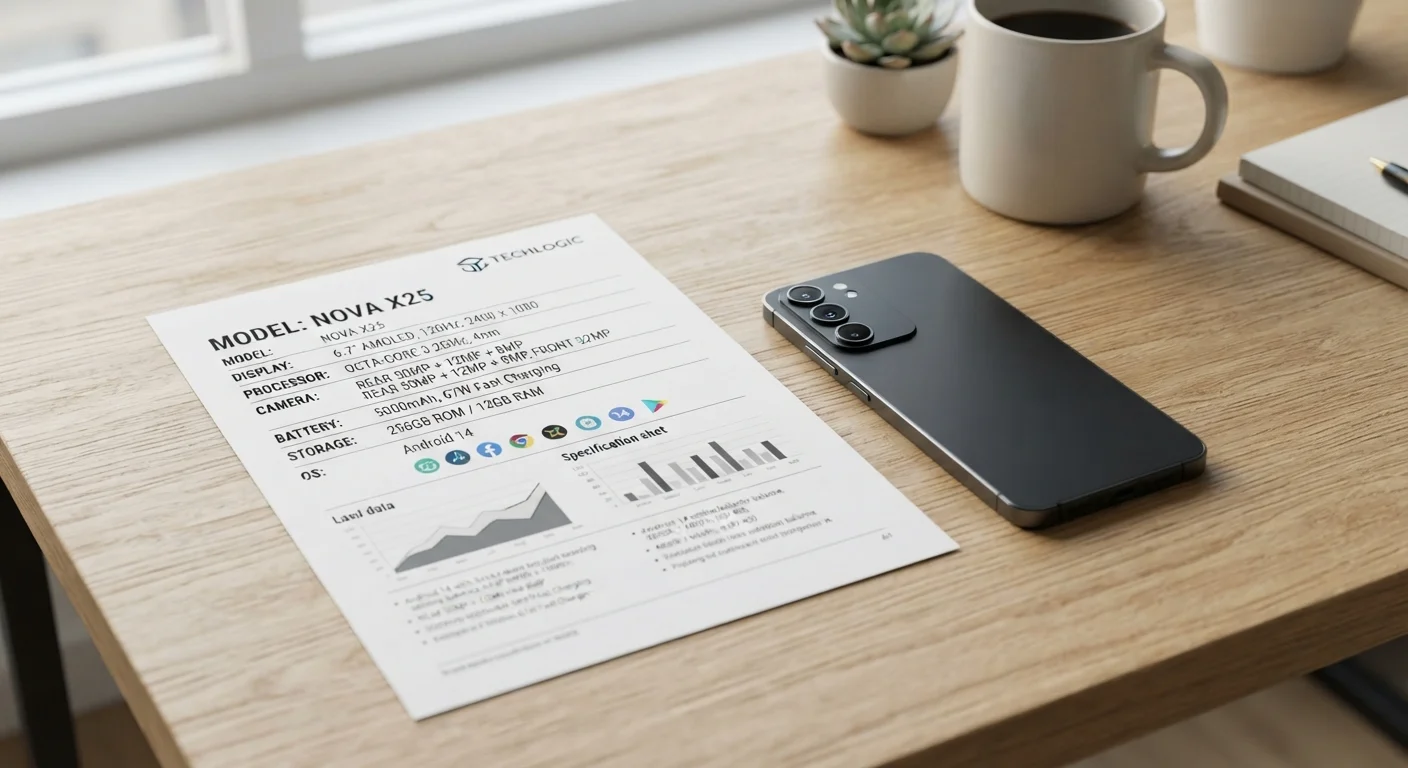
Photo credit: Telecom360.net | Connecting You To The Latest In Telecom
In this article
A structured walkthrough of every major spec category — from chipset to modem — so you can evaluate hardware independently before signing a contract.
Key Takeaways
- Chipset generation matters more than raw clock speed when evaluating real-world performance.
- RAM and storage type (UFS vs. eMMC) affect day-to-day speed as much as processor specs.
- Modem bands determine whether a phone will work on your carrier's specific 5G or LTE network.
- Display resolution and refresh rate specs are only meaningful relative to screen size and panel type.
- Battery capacity alone doesn't predict longevity - software optimization and charging efficiency also matter.
- Carrier-locked phones may support fewer bands than unlocked versions of the same model.
Why Spec Sheets Require a Structured Approach
A smartphone spec sheet is simultaneously the most complete and most misleading document you'll encounter in the buying process. Manufacturers list every figure that could impress - and omit or bury every figure that might discourage. Without a framework, it's easy to fixate on headline numbers (megapixels, GHz, mAh) while missing the details that determine whether a device will actually work well on your network and in your daily context.
This checklist is designed to help you move through a spec sheet systematically, category by category, so nothing critical is overlooked before you commit to a plan. For a deeper look at how manufacturers frame specs to distort expectations, see our breakdown of common spec sheet traps.
Carrier Band Checker (e.g., IMEI.info or carrier's own band list page)
Cross-reference a phone's supported frequency bands against your specific carrier's LTE and 5G network bands.
GSMArena or manufacturer's official spec page
Access structured, comparable spec tables for any phone model to verify figures beyond what's printed on retail packaging.
AnTuTu or Geekbench benchmark database
Look up independent benchmark scores for a chipset to contextualize raw clock speed claims with real-world performance data.
Spreadsheet or note-taking app
Record and compare specs side-by-side across multiple devices before committing to a purchase tied to a plan.
How to Use This Checklist
Work through each group in order. Items marked must are non-negotiable checks - skipping them risks signing a contract with hardware that won't meet your baseline needs. Items marked should are strongly recommended for most buyers, and nice to have items are worth noting if they fit your specific use case.
Before you begin, pull up the manufacturer's official spec page for the exact model number (not the product family) and your carrier's published network band list. These two documents - cross-referenced - are the foundation of this exercise. For context on what specific numbers mean before you start evaluating them, our spec decoding reference provides a useful primer.
Band Compatibility Is Non-Negotiable
A phone that doesn't support your carrier's primary 5G or LTE bands will deliver significantly degraded performance - or no data signal in some areas - regardless of how capable its chipset is. Confirm band compatibility before any other spec evaluation. This check becomes even more critical if you travel domestically between rural and urban coverage zones.
Chipset & Performance
Memory & Storage
Display
Connectivity & Modem
Battery & Charging
Software & Longevity
After the Checklist: Connecting Hardware to Your Plan
Once you've verified the core hardware specs, the next step is mapping connectivity specs - specifically modem bands and 5G standard support - to your intended plan. A technically capable phone is only as useful as the network it can access. Use this checklist to independently verify a carrier's coverage claims before finalizing a plan tied to this device.
If camera specs are part of your evaluation - and for most buyers they should be - sensor size, aperture, and stabilization technology each warrant their own review. See reading a smartphone camera spec sheet without getting misled for a focused walkthrough of imaging specifications. For the broader context of how software interacts with all of the hardware specs evaluated here, the Software & OS hub provides relevant reference material on OS update cycles and ecosystem considerations.
Carrier Variants May Have Fewer Bands
Phones sold directly through a carrier can ship with a different hardware SKU than the unlocked retail version. Some carrier variants omit certain frequency bands, which can limit compatibility if you switch carriers later. Always check the model number against the carrier's locked variant spec sheet, not just the general product page.
Advertised Specs Can Reflect Best-Case Conditions
Charging speeds, camera megapixels, and battery life figures on spec sheets often reflect peak or lab-controlled conditions. Real-world results vary based on ambient temperature, background app activity, and network conditions. Use spec figures as a comparative baseline, not a performance guarantee.

Author
Smartphones Editorial Team
Smartphones Editorial Team is the collective byline for our editorial team and contributor network. Articles published under this byline or an editorial pen name are researched, written, and reviewed according to our editorial standards for clarity, consistency, and independence before publication.
View all articles →