
The Honest Case For and Against Keeping Everything in the Cloud
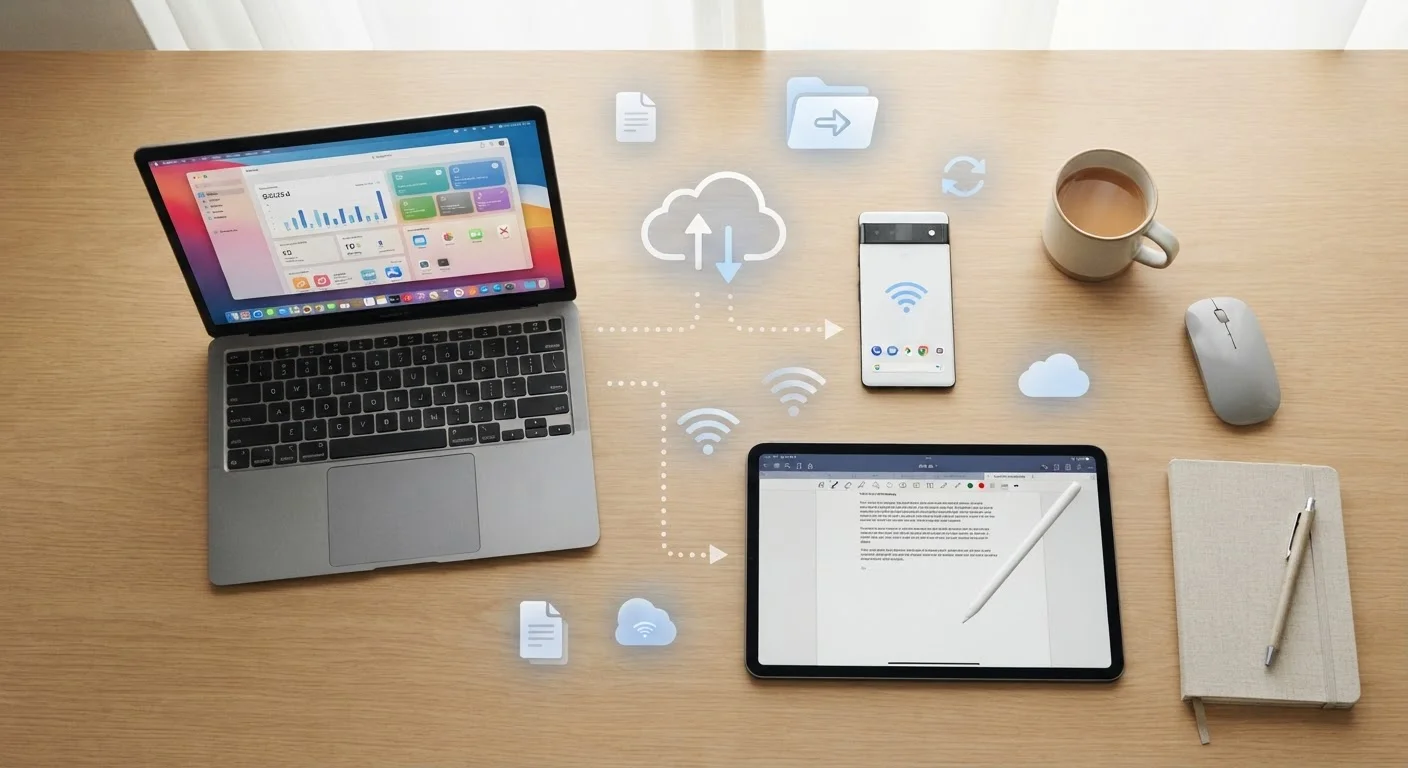
Photo credit: Telecom360.net | Connecting You To The Latest In Telecom
In this article
Cloud storage offers real convenience, but it also comes with trade-offs. A balanced look at both sides.
Key Takeaways
- Cloud storage makes files accessible from any internet-connected device, but requires a reliable connection to function well.
- Providers use encryption and redundant data centers, yet data breaches and account lockouts remain genuine risks.
- Syncing files to the cloud is not the same as backing them up - a critical distinction many users overlook.
- Ongoing subscription costs can exceed the price of a one-time external drive over several years.
- A hybrid approach - combining cloud and local storage - often delivers the best balance of convenience and control.
Access files from any internet-connected device
Cloud storage removes the constraint of being tied to one physical machine. Documents, photos, and other files are available on smartphones, tablets, laptops, and shared computers once you're signed in.
Protects files if hardware fails or is lost
Because files exist on remote servers rather than only on your device, a broken hard drive or stolen laptop doesn't result in total data loss - provided files were synced before the incident.
Enables real-time collaboration with others
Multiple users can work on the same document simultaneously, view each other's edits in real time, and avoid the confusion of managing multiple emailed file versions.
Scales easily as storage needs grow
Increasing cloud storage capacity typically requires changing a subscription tier rather than purchasing and configuring new hardware, which lowers the friction of expanding capacity.
Reduces burden of manual file management
Automatic syncing means files are updated across devices without deliberate action, reducing the likelihood of working from an outdated version of a document.
Requires a reliable internet connection to function
Without a stable connection, accessing or updating cloud files may be impossible or slow. Offline access is available in some services but is often limited to specific file types and must be configured in advance.
Ongoing subscription costs accumulate over time
Monthly or annual fees that seem modest can exceed the cost of a high-capacity external drive within a few years, making cloud storage more expensive in the long run for users with stable, predictable needs.
Syncing is not the same as backing up
Deleting a file on one device removes it from all synced locations, including the cloud copy. This is a fundamentally different behavior than a true backup and has led to significant data loss for users who conflate the two.
Third-party providers control access to your data
Account suspension, service outages, or a provider shutting down can leave you unable to access files. Users have limited recourse when a provider's policies or technical failures block access.
Privacy exposure from third-party data custody
Files stored on external servers are subject to the provider's terms, potential legal requests, and the risk of data breaches. Sensitive or confidential material warrants careful thought before cloud storage is chosen.
Upload and download speeds depend on infrastructure
Transferring large files - high-resolution video, large archives - can be time-consuming on consumer internet connections, making local storage faster for high-volume workflows.
What It Actually Means to Keep Everything in the Cloud
Cloud storage means your files - photos, documents, videos, app data - live on remote servers maintained by a third party, rather than solely on your device or a physical drive you control. When you save a file to a cloud service, it's transmitted over the internet to a data center, where it's stored and made accessible from any device you sign into.
This sounds simple, but the implications are significant. You're trading physical custody of your data for convenience and accessibility. Understanding that exchange clearly is the starting point for any honest assessment. For a deeper look at how this compares to keeping files locally, see Cloud Storage vs. Local Storage: Understanding the Core Trade-offs.
The Real Advantages of Cloud Storage
Cloud storage offers several advantages that are hard to replicate with physical hardware alone.
Access files from any internet-connected device
Cloud storage removes the constraint of being tied to one physical machine. Documents, photos, and other files are available on smartphones, tablets, laptops, and shared computers once you're signed in.
Protects files if hardware fails or is lost
Because files exist on remote servers rather than only on your device, a broken hard drive or stolen laptop doesn't result in total data loss - provided files were synced before the incident.
Enables real-time collaboration with others
Multiple users can work on the same document simultaneously, view each other's edits in real time, and avoid the confusion of managing multiple emailed file versions.
Scales easily as storage needs grow
Increasing cloud storage capacity typically requires changing a subscription tier rather than purchasing and configuring new hardware, which lowers the friction of expanding capacity.
Reduces burden of manual file management
Automatic syncing means files are updated across devices without deliberate action, reducing the likelihood of working from an outdated version of a document.
Cross-device access is perhaps the most compelling benefit in everyday use - starting a document on a work laptop and finishing it on a phone is seamless when both devices sync to the same cloud account. Collaboration is similarly transformed: multiple people can view or edit the same file simultaneously without emailing attachments back and forth.
On the resilience side, cloud providers maintain geographically distributed data centers, meaning your files survive a house fire, a stolen laptop, or a failed hard drive. For more detail on how that infrastructure works, How Cloud Storage Providers Keep Your Data Available Around the Clock is worth reading.
The Legitimate Drawbacks You Should Weigh
The case against relying entirely on cloud storage is equally grounded in real-world experience.
Requires a reliable internet connection to function
Without a stable connection, accessing or updating cloud files may be impossible or slow. Offline access is available in some services but is often limited to specific file types and must be configured in advance.
Ongoing subscription costs accumulate over time
Monthly or annual fees that seem modest can exceed the cost of a high-capacity external drive within a few years, making cloud storage more expensive in the long run for users with stable, predictable needs.
Syncing is not the same as backing up
Deleting a file on one device removes it from all synced locations, including the cloud copy. This is a fundamentally different behavior than a true backup and has led to significant data loss for users who conflate the two.
Third-party providers control access to your data
Account suspension, service outages, or a provider shutting down can leave you unable to access files. Users have limited recourse when a provider's policies or technical failures block access.
Privacy exposure from third-party data custody
Files stored on external servers are subject to the provider's terms, potential legal requests, and the risk of data breaches. Sensitive or confidential material warrants careful thought before cloud storage is chosen.
Upload and download speeds depend on infrastructure
Transferring large files - high-resolution video, large archives - can be time-consuming on consumer internet connections, making local storage faster for high-volume workflows.
One of the most misunderstood limitations involves the difference between syncing and backing up. Syncing means a file deleted on one device is deleted everywhere - including the cloud copy. That's not a backup. Why Cloud Storage Isn't the Same as a Cloud Backup explains this distinction clearly, and it's one that catches many users off guard.
Privacy is a separate concern. Storing sensitive files with a third party means trusting their security practices, their terms of service, and their response to potential legal requests. The Trade-Off Between Convenience and Privacy in Modern Apps covers the broader dynamic at play here.
Cloud Storage and Account Security
Because cloud access is gated by account credentials, a compromised password can expose every file stored in that account. Enabling two-factor authentication (2FA) - which requires a second verification step beyond a password - is one of the most effective ways to reduce this risk. Most major cloud services support 2FA and make it available in account security settings. For broader context on digital threats, see the Threats & Scams hub.
Practical Considerations Before Committing
Before consolidating everything into a single cloud account, a few practical questions are worth asking.
How sensitive is the data you're storing? Personal photos and shared project drafts carry different risk profiles than financial records or legally privileged documents. Consider whether you'd be comfortable with a provider's employees - or a regulator - theoretically accessing that content under specific circumstances.
How dependent are you on internet access? In areas with unreliable connectivity, cloud-only workflows can become frustrating quickly. Offline access features vary significantly between services and file types.
What happens if you stop paying? Files locked behind a lapsed subscription represent a real risk. Why People Regret Their Cloud Storage Choices documents the kinds of oversights that lead to data loss or access problems.
60%+
Share of global internet traffic that is cloud-related
Cisco's annual internet report estimated that cloud applications account for the majority of global internet traffic, reflecting how deeply cloud infrastructure is embedded in everyday digital activity.
~40%
Users unaware syncing differs from backup
Industry surveys on data protection habits have consistently found a significant share of consumers mistakenly believe cloud sync services automatically create a recoverable backup of their files.
A hybrid approach - keeping frequently accessed and non-sensitive files in the cloud while storing sensitive or archival data locally or on encrypted drives - is how many experienced users structure their storage. It isn't about rejecting cloud storage; it's about not treating any single solution as complete.

Author
AI & Cloud Editorial Team
AI & Cloud Editorial Team is the collective byline for our editorial team and contributor network. Articles published under this byline or an editorial pen name are researched, written, and reviewed according to our editorial standards for clarity, consistency, and independence before publication.
View all articles →