
Why People Regret Their Cloud Storage Choices - and How to Avoid the Same Traps
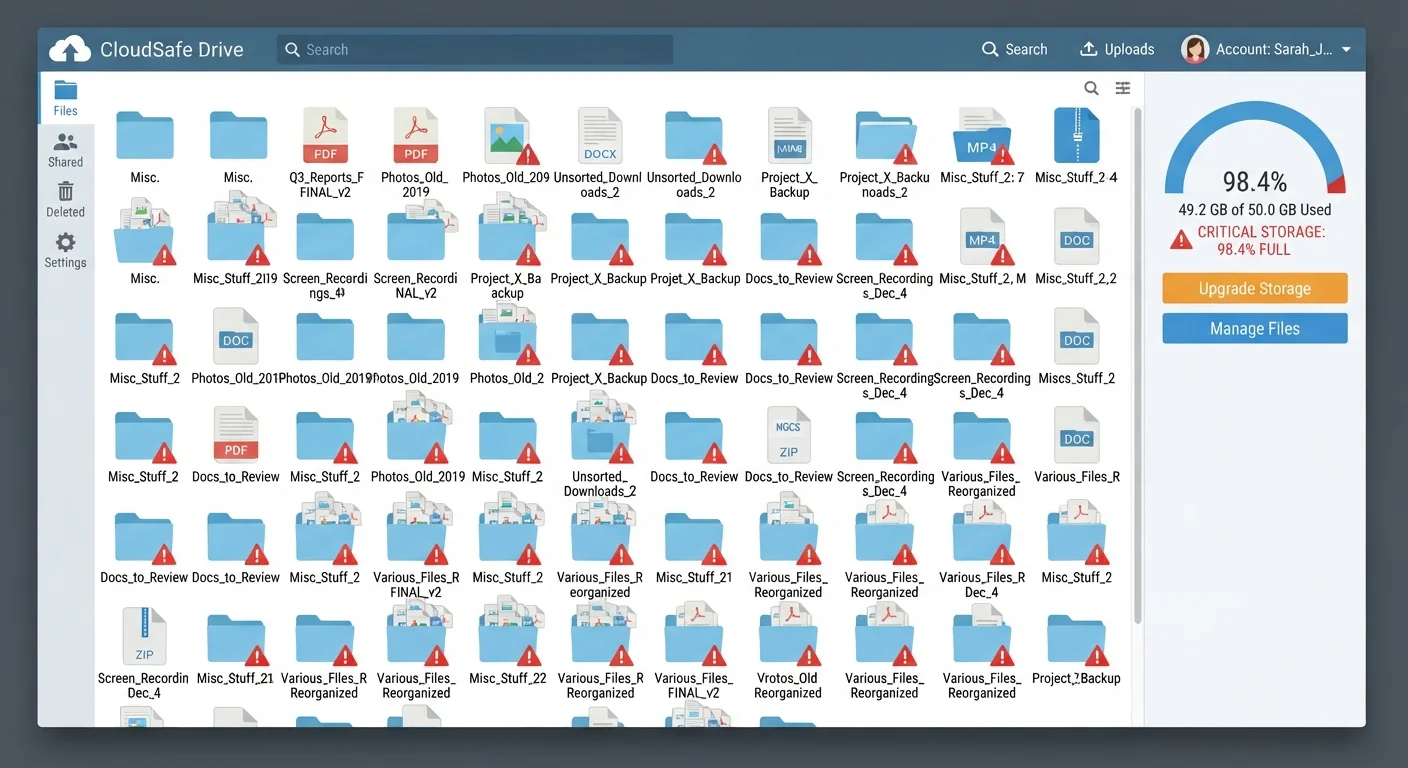
Photo credit: Telecom360.net | Connecting You To The Latest In Telecom
In this article
Ignored storage limits, poor folder structures, and accidental deletions — the missteps that cause the most frustration.
Key Takeaways
- Ignoring storage limits leads to failed backups and sync errors at the worst possible times.
- A disorganized folder structure makes files hard to find and nearly impossible to share cleanly.
- Accidental deletions are common, but most services offer recovery windows that users never check.
- Blindly syncing every device can fill a storage quota faster than most users expect.
- Understanding the difference between sync and backup prevents critical data loss.
The Setup Decisions That Come Back to Haunt You
Most cloud storage problems don't start dramatically. They start with a quick setup, a few tapped permissions, and the assumption that everything is handled. Months later, a sync fails, a file is missing, or a quota warning arrives at the worst possible moment. The frustrating part is that nearly all of these outcomes trace back to a handful of skipped decisions made at the very beginning.
Understanding the structural trade-offs between cloud and local storage is a useful starting point - see our overview of core cloud vs. local trade-offs for context on how each approach works. But even users who choose cloud storage deliberately often run into trouble because of how they configure it, not whether they use it.
Sync Is Not the Same as Backup
Many users treat cloud sync - where files mirror across devices - as a full backup. It isn't. If a file is deleted or corrupted on one device, that change propagates to all synced devices instantly. True backup preserves historical versions independently. Understanding this distinction is one of the most important things you can do to protect your data.
The mistakes below are drawn from the patterns that generate the most frustration - ignored limits, chaotic organization, and a false sense of security around data safety. Each is preventable with a small amount of upfront thinking.
Common Mistakes - and How to Break the Pattern
Ignoring storage limits until uploads start failing.
Why it happens: Free tiers feel generous at first, and users rarely track cumulative usage. Photos, email attachments, and app data accumulate quietly in the background.
Treating cloud sync as a complete backup strategy.
Why it happens: The word 'sync' implies safety, and most services market seamless access across devices - which sounds like protection. The distinction between sync and backup is rarely explained clearly at setup.
Storing everything in one flat folder with no structure.
Why it happens: In a hurry, it's easier to dump files into a root folder than to think about organization. The problem compounds over months until searching becomes the only way to navigate.
Syncing every device automatically without reviewing what gets uploaded.
Why it happens: Default settings on most mobile operating systems enable full-library syncing, including screenshots, app caches, and temporary files users never intended to keep long-term.
Never verifying that backups actually completed successfully.
Why it happens: Users assume the service is working unless they receive an error notification. Many services fail silently due to poor connectivity, app permission changes, or quota limits.
Sharing folder links without understanding permission settings.
Why it happens: The fastest way to share a file is to grab a link and send it. The default permission level - often 'anyone with the link can view or edit' - is rarely changed because users don't realize it matters.
Permission settings around shared links are a particular blind spot. Files shared with 'anyone with the link' can be forwarded far beyond the intended recipient - a detail worth reconsidering for anything confidential. For a broader look at how poor digital habits create vulnerabilities, the Threats & Scams resource hub covers common exposure points that apply to cloud-stored data as well.
Check Recovery Windows Before You Need Them
Most cloud services restore deleted files only within a limited window - often 30 days on free tiers, sometimes less. If you realize a file is gone after that period, permanent loss is likely. Before you're in a crisis, confirm your service's recovery policy and consider whether your plan tier offers extended version history.
For those weighing whether cloud storage is right for their entire file library - or just a portion of it - our piece on the honest case for and against keeping everything in the cloud covers the genuine trade-offs without advocacy in either direction.
68%
Users who have lost files due to accidental deletion
A Backblaze consumer survey found that roughly two-thirds of respondents had experienced permanent file loss at least once, often linked to misunderstood sync behavior.
30 days
Typical free-tier file recovery window
Most major cloud storage providers limit deleted file recovery to 30 days or fewer on unpaid plans, after which files are permanently purged from servers.
If you're evaluating cloud storage for a work context rather than personal use, note that consumer and business plans carry meaningfully different capabilities around admin controls, retention policies, and compliance - an area covered in depth in our comparison of personal vs. business cloud storage.

Author
AI & Cloud Editorial Team
AI & Cloud Editorial Team is the collective byline for our editorial team and contributor network. Articles published under this byline or an editorial pen name are researched, written, and reviewed according to our editorial standards for clarity, consistency, and independence before publication.
View all articles →