
Calendar Blocking for Deep Work: Principles and Pitfalls
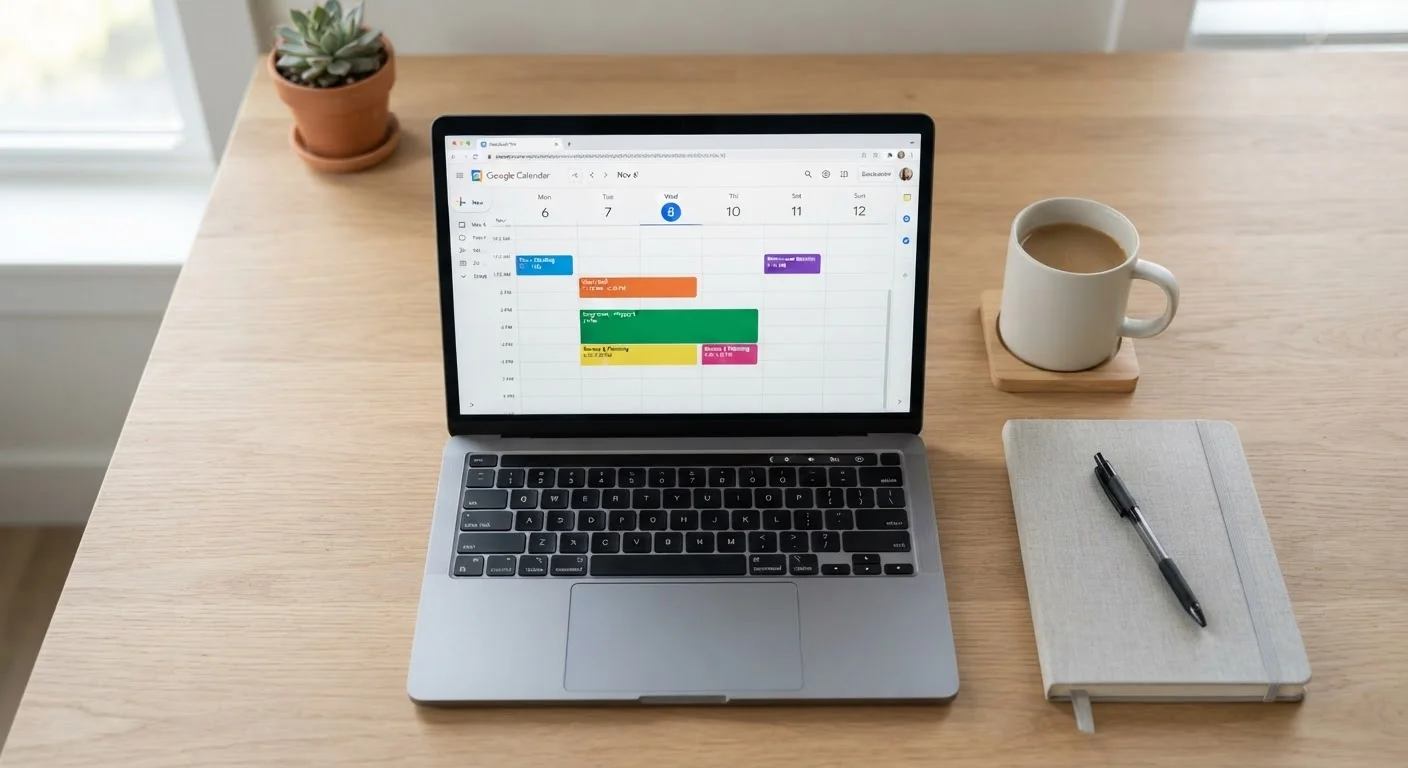
Photo credit: Telecom360.net | Connecting You To The Latest In Telecom
In this article
Time blocking can protect focused work — but done poorly it creates rigid schedules that collapse. Here's how to do it sustainably.
Key Takeaways
- Calendar blocking works best when blocks are protected by deliberate notification management, not just visual scheduling.
- Rigid blocking without buffer time is the most common reason the system collapses within weeks.
- Block categories - deep work, shallow work, admin - should reflect actual cognitive load, not just task type.
- Weekly reviews are essential to recalibrate blocks as workload and priorities shift.
- Digital calendar tools reinforce time blocking only when synced consistently across all devices.
What Calendar Blocking Actually Means
Calendar blocking - also called time blocking - is the practice of assigning specific tasks or task categories to defined chunks of your calendar, rather than working from a running to-do list. Instead of reacting to whatever feels urgent, you commit in advance to what type of work gets done during each window of the day.
The method is well-established in productivity literature and widely discussed in the context of deep work - a term popularized by researcher and author Cal Newport to describe cognitively demanding tasks that require sustained, uninterrupted concentration. The underlying logic is straightforward: if your calendar shows a meeting at 2 p.m. but no protected time for analytical work, analytical work will not reliably get done.
For professionals managing complex deliverables across fragmented schedules, the appeal is real. But implementation quality matters enormously. Done poorly, calendar blocking creates a false sense of organization while delivering none of the focus benefits. See the workflow methodologies that underpin popular productivity systems for context on where time blocking fits within broader productivity frameworks.
Core Principles That Make Blocking Work
Distinguish block types by cognitive demand, not just subject matter
Deep work, shallow work, and administrative tasks draw on fundamentally different cognitive resources. Mixing them within a single block prevents your brain from settling into the focused state that complex tasks require. Clear categorization also helps you evaluate where your high-energy hours are actually going.
Schedule buffer blocks between commitments, not just around them
Tasks routinely exceed their estimated duration, and context switching between dissimilar work types carries a cognitive cost that is well-documented in attention research. Without buffer time, a single overrun cascades into a broken schedule. Buffers are structural, not optional.
Protect deep work blocks with active notification suppression, not just calendar labels
A block on a calendar does not silence a phone. Attention research consistently shows that even the presence of a visible notification - without acting on it - measurably degrades performance on complex tasks. The block must be enforced at the device level to function as intended.
Conduct a weekly block audit to recalibrate the system
A blocking scheme designed for last month's project mix will not serve next month's priorities. Without regular review, blocks become stale fixtures that no longer reflect real workload - which erodes trust in the system and invites abandonment.
Anchor deep work blocks to your verified high-energy hours
Cognitive performance follows ultradian rhythms that vary by individual. Scheduling deep work during your demonstrably sharpest hours - confirmed by honest self-observation, not assumption - maximizes the return on protected time. Scheduling it during low-energy periods squanders the method's core advantage.
Common Pitfalls - and How to Avoid Them
The most frequent failure mode is over-scheduling. Professionals new to time blocking often fill every hour, leaving no room for task overrun, context switching, or the unexpected. When a single meeting runs long, the entire day collapses, and the system gets blamed rather than the implementation.
Build In 20% Slack Time Each Day
A practical rule of thumb: leave at least 20% of your scheduled hours as unblocked buffer or flex time. This absorbs routine overruns without breaking your structure. Professionals who apply this consistently report that their blocking systems remain functional during high-demand periods rather than collapsing under pressure.
A second pitfall is treating blocks as aspirational rather than commitments. A deep work block that gets sacrificed to Slack responses every other day provides no protection. This is where notification configuration becomes structurally important - not a peripheral concern. Configuring notification channels and Do Not Disturb settings is a practical prerequisite, not an optional refinement.
Finally, many professionals fail to distinguish between block types by cognitive load. Grouping email triage and strategic planning into a generic "work" block undermines the entire premise. Your calendar should signal not just what you're doing but how much cognitive bandwidth it requires. Several persistent productivity myths reinforce these poor habits - worth examining critically before designing your system.
Sustaining the System Over Time
Calendar blocking is not a set-and-forget system. Workloads shift, project phases end, team rhythms change. A weekly review - 15 to 20 minutes on Friday afternoon - to assess which blocks held, which were overrun, and what next week's priorities actually require is what separates professionals who sustain the practice from those who abandon it after a month.
Consistency across devices is also non-negotiable. If your desktop calendar shows a deep work block but your phone continues surfacing notifications and unscheduled calendar gaps, the block doesn't function as intended. Keeping calendars and tasks synchronized across all devices closes the gap between what your system says and how you actually work. For a broader view of how calendar blocking integrates with other productivity approaches, see this overview of productivity apps mapped to different work styles.

Author
Business Tech Editorial Team
Business Tech Editorial Team is the collective byline for our editorial team and contributor network. Articles published under this byline or an editorial pen name are researched, written, and reviewed according to our editorial standards for clarity, consistency, and independence before publication.
View all articles →