
Things to Verify Before Trusting a Wearable's Health Metrics
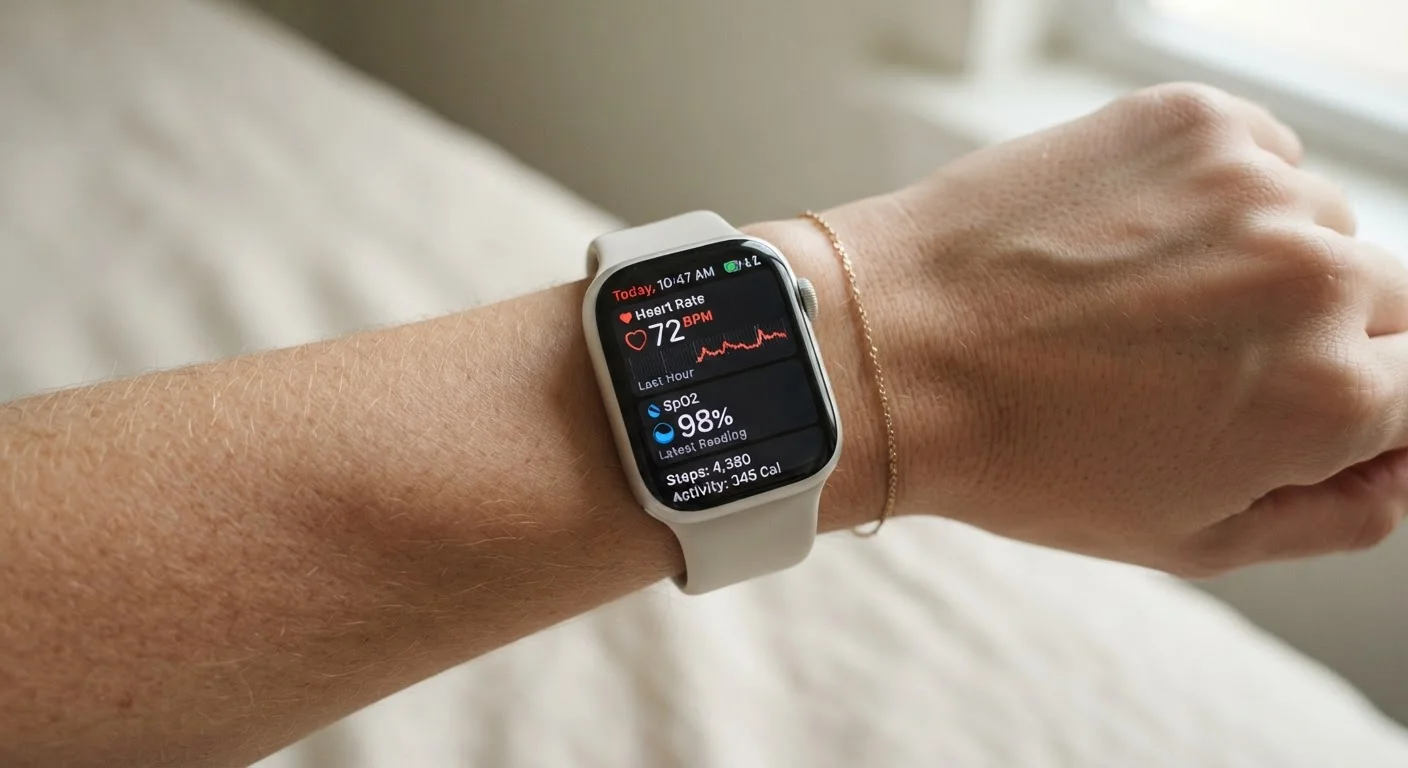
Photo credit: Telecom360.net | Connecting You To The Latest In Telecom
In this article
A practical checklist covering calibration, fit, wear position, and sensor conditions that affect the reliability of wearable health data.
Key Takeaways
- Sensor accuracy depends heavily on wear position, fit, and skin contact - not just hardware quality.
- Calibration using your personal biometric profile significantly affects calorie and distance estimates.
- Environmental conditions like cold temperatures and motion artifacts can distort optical heart rate readings.
- Software version and profile completeness both influence how algorithms interpret raw sensor data.
- Wearable health data should inform - not replace - clinical assessments from qualified professionals.
Why Verification Matters Before You Trust the Numbers
Wearables have become capable enough to track heart rate variability, estimate blood oxygen saturation (SpO2), detect irregular rhythms, and infer sleep stages. But sophisticated sensors do not guarantee reliable output. The gap between what a device measures and what it reports accurately depends on a web of variables most users never check.
Before acting on any health metric - whether that's adjusting your training load, flagging a heart rate anomaly, or interpreting your recovery score - it's worth auditing the conditions under which that data was collected. The checklist below organizes these verification steps into logical groups, from physical setup through software configuration.
For a deeper look at how AI-driven features layer on top of these raw sensor readings, see AI health features on wearables - it provides important context on what those algorithmic inferences can and cannot tell you.
Physical Fit and Wear Position
User Profile and Calibration Settings
Environmental and Physiological Conditions
Software, Firmware, and Data Sync
Interpreting Results Appropriately
Tools and References You'll Need
Working through this checklist doesn't require special equipment, but having the right reference points on hand makes the process faster and more accurate.
Companion smartphone app
Required for accessing full metric history, managing calibration settings, and applying firmware updates.
Certified pulse oximeter (fingertip)
Provides a clinical-grade SpO2 reference reading to spot-check your wearable's blood oxygen figures.
Chest strap heart rate monitor
Offers a highly accurate ECG-based heart rate reference to validate your wearable's optical readings during exercise.
Manufacturer's accuracy documentation
Specifies the validated measurement conditions, known limitations, and population groups for which sensor accuracy has been tested.
Once you've verified the physical and software conditions covered in this checklist, interpreting what the numbers actually mean is a separate skill. Common wearable data misreadings covers why VO2 max estimates, resting heart rate spikes, and calorie figures are frequently misread - and how to contextualize them more accurately.
Motion Artifacts Mimic Real Data
Optical heart rate sensors use light reflected off blood vessels to estimate pulse - a method sensitive to movement. During high-intensity intervals, weight training, or cycling over rough terrain, motion artifacts can produce readings that look plausible but are not physiologically accurate. If your device logs an unusually high or low heart rate during a specific activity, check whether motion was a likely factor before treating the figure as meaningful.
Cold Weather Degrades Optical Sensors
When your body reduces blood flow to the extremities in cold conditions, the optical signal reaching a wrist-worn sensor weakens significantly. Heart rate and SpO2 values collected during outdoor winter workouts may be less reliable than those recorded indoors. Consider using a chest strap sensor as a backup reference in cold-weather training scenarios.
If sleep metrics are a primary concern, the verification steps here pair directly with the practices outlined in our guide on getting accurate sleep data from a wearable.
Wearables Are Not Medical Devices
Consumer wearables - including those with ECG or SpO2 features - are not cleared or intended to diagnose, treat, or monitor medical conditions in a clinical sense. Regulatory clearances for specific features (where they exist) are narrow and context-dependent. Never substitute a wearable reading for a clinical assessment, and always consult a qualified healthcare professional if a reading causes concern.

Author
Consumer Electronics Editorial Team
Consumer Electronics Editorial Team is the collective byline for our editorial team and contributor network. Articles published under this byline or an editorial pen name are researched, written, and reviewed according to our editorial standards for clarity, consistency, and independence before publication.
View all articles →