
Smartphone Computational Photography: How Software Shapes Every Shot
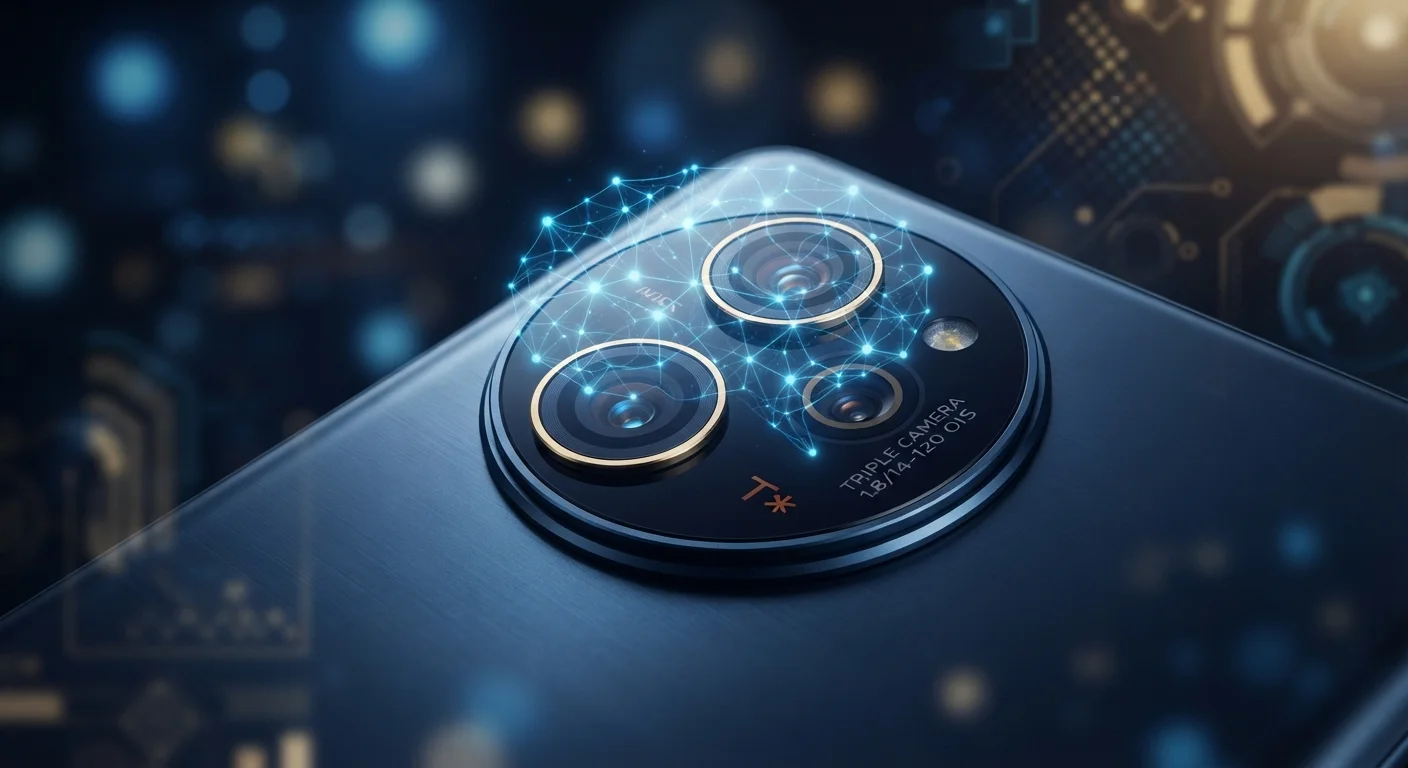
Photo credit: Telecom360.net | Connecting You To The Latest In Telecom
In this article
Modern smartphone photos are as much software as optics. Explore how HDR, scene detection, and AI processing reshape your images.
Key Takeaways
- Every smartphone photo is a composite built from multiple frames, not a single optical capture.
- HDR processing balances highlights and shadows by merging differently exposed frames automatically.
- Scene detection algorithms identify subjects and adjust color, sharpness, and contrast accordingly.
- Portrait mode bokeh is mathematically simulated, not produced by a physical wide-aperture lens.
- Computational processing can introduce artifacts that shooting in RAW bypasses entirely.
- Dedicated chips - ISPs and NPUs - allow these calculations to complete in fractions of a second.
From Shutter Tap to Saved Image: What Actually Happens
When you press the shutter on a modern smartphone, the camera captures far more than a single frame. In the span of milliseconds, the sensor records a rapid burst - often 5 to 15 frames - at varying exposure levels. Software then analyzes and merges these frames, applying noise reduction, sharpening, and tone-mapping before writing a final JPEG to storage. The image you see was never a direct optical record; it was constructed.
This pipeline depends on dedicated silicon. An image signal processor (ISP) handles low-level tasks like demosaicing - converting raw sensor color-filter data into viewable pixels. On higher-end devices, a neural processing unit (NPU) accelerates machine-learning tasks such as subject detection and scene classification. Understanding this pipeline is essential before comparing camera specs, which is why pairing this knowledge with reading a camera spec sheet critically matters.
15+
Frames merged in a single HDR capture
Multiple smartphone manufacturers have documented burst depths of 10-15 frames for HDR and night-mode pipelines in their camera engineering overviews.
<5ms
Typical ISP processing time per frame
Modern mobile image signal processors are designed to complete demosaicing and noise reduction within single-digit milliseconds to enable real-time viewfinder preview.
~1-3s
Night mode processing delay
Night mode capture windows typically span one to three seconds of burst acquisition plus on-device computation before saving the final image.
HDR, Night Mode, and Scene Detection Explained
HDR (High Dynamic Range) is among the most visible computational photography tools. The camera captures frames at different exposures simultaneously, then blends them so that bright skies retain detail without the foreground going dark. The merging algorithm must align frames precisely - motion between captures causes ghosting artifacts, which more advanced implementations suppress using optical flow estimation.
Night mode extends this concept over longer time spans, aligning and averaging dozens of sequential frames to reduce sensor noise. Rather than a single long exposure (which causes blur with any movement), the algorithm synthesizes a clean image from many short captures. The trade-off is a processing delay of one to several seconds.
Scene detection uses a trained classification model to identify what the camera is pointed at - food, landscapes, text, faces - and then adjusts color saturation, contrast, and sharpening profiles to match. While this often produces pleasing results, it also means the camera is making aesthetic judgments on your behalf. Readers interested in overriding those defaults can explore manual camera controls to dial in each parameter directly.
Scene Detection Can Override Your Intent
When scene detection is active, the camera adjusts saturation and contrast automatically based on what it classifies in the frame. A plate of food will typically receive boosted warmth and saturation; a landscape will see elevated sky contrast. If the result doesn't match your creative intent, check whether your camera app allows scene detection to be disabled independently of other auto modes.
Portrait Mode: Simulated Depth of Field
Portrait mode - also called bokeh mode or depth effect - is perhaps the most misunderstood computational photography feature. A true optical bokeh comes from a wide-aperture lens projecting a shallow depth of field onto a large sensor. Most smartphone sensors are physically too small to replicate this naturally at typical shooting distances.
Instead, the camera uses depth estimation - from dual-pixel sensors, a secondary depth-sensing lens, or a stereo pair - to build a rough map of distances in the scene. A segmentation algorithm then separates foreground subjects from background, and a synthetic blur is applied to background regions. The result approximates the look of a wide-aperture shot but can struggle at complex edges like hair or translucent objects.
For a comparison of what you trade away when you step outside this automated system, shooting RAW on a smartphone details what processing is bypassed and what post-processing work that creates.
The Role of AI and What It Means for Your Images
Machine learning models are now embedded throughout the camera pipeline. Beyond scene detection, AI handles tasks like semantic segmentation (identifying individual objects within a frame), face and eye tracking (keeping autofocus locked on a subject's eye as they move), and automatic white balance refinement (distinguishing a white shirt from white skin under mixed lighting).
These models are trained on millions of images, meaning the camera's output is shaped partly by patterns learned from other photographers' work. That produces consistency across shots but can suppress unusual color renditions or lighting conditions that fall outside the training distribution. For a deeper look at what's happening at the model level, AI camera features explained breaks down how each layer of inference operates. Computational photography is inseparable from the broader AI in daily tech landscape - the same neural architectures powering voice assistants are now shaping your photos.
“The phone camera has become less a lens and more a computer with a lens attached. What you're really buying when you buy a flagship camera phone is a software pipeline backed by years of machine learning research.”
— Marc Levoy, Computer graphics researcher and pioneer of computational photography techniques
Frequently Asked Questions

Author
Smartphones Editorial Team
Smartphones Editorial Team is the collective byline for our editorial team and contributor network. Articles published under this byline or an editorial pen name are researched, written, and reviewed according to our editorial standards for clarity, consistency, and independence before publication.
View all articles →