
Why Your Portraits Look Flat: Depth Mapping and Bokeh on Smartphone Cameras
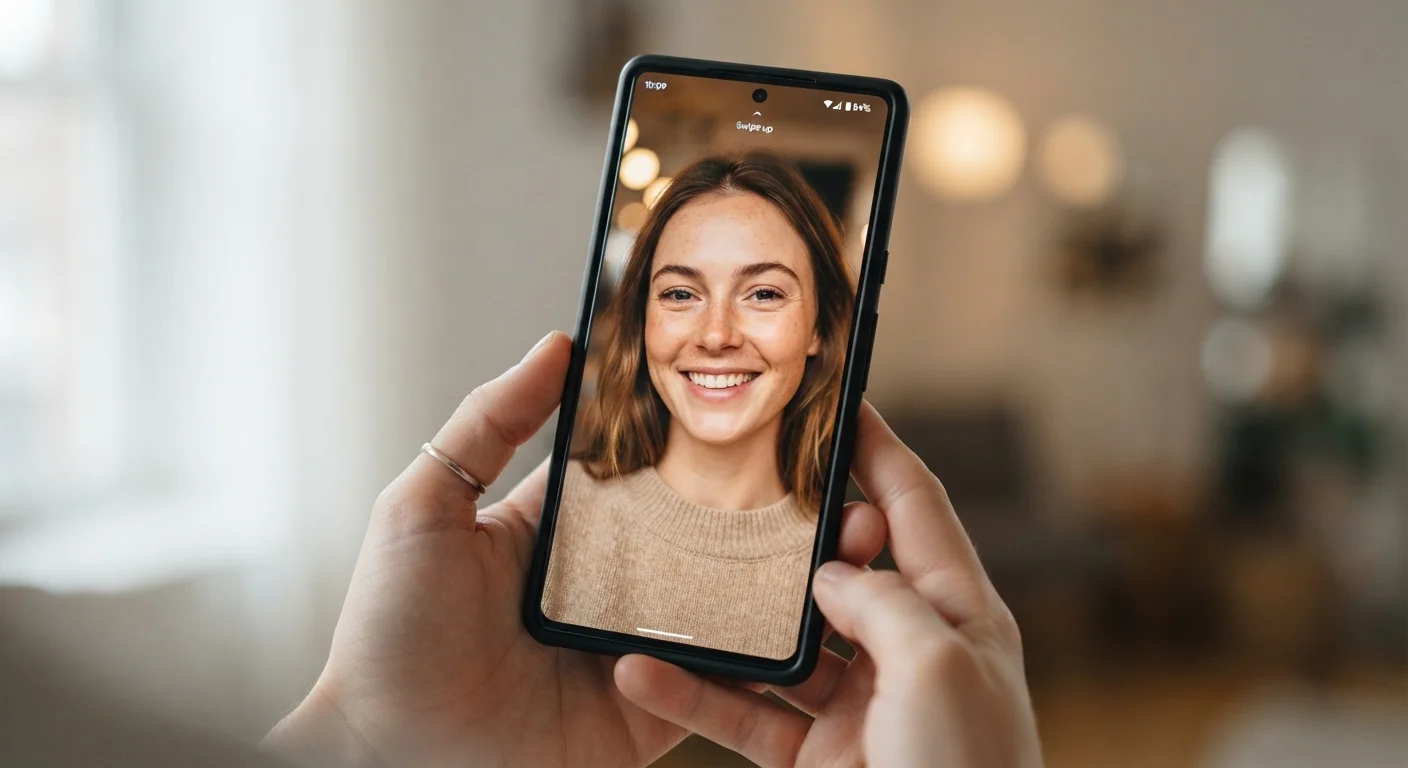
Photo credit: Telecom360.net | Connecting You To The Latest In Telecom
In this article
Software bokeh relies on depth maps, not physics. Understanding how it's generated explains why edges sometimes blur incorrectly.
Key Takeaways
- Software bokeh is generated from a depth map, not from lens physics - making it inherently an estimate.
- Depth maps are built using dual cameras, ToF sensors, phase-detection autofocus data, or machine learning, each with different accuracy tradeoffs.
- Edge artifacts - hair, glasses, wisps of fabric - occur where depth estimation fails or produces ambiguous results.
- A thicker depth sensor array or dedicated ToF module generally yields more accurate depth maps with fewer artifacts.
- Understanding depth mapping helps you adjust shooting conditions to get cleaner portrait results.
How Smartphones Fake Shallow Depth of Field
When you tap portrait mode, your phone doesn't optically focus light differently - it takes a standard photograph and then mathematically blurs selected regions. The separation between sharp subject and soft background that traditionally required a wide-aperture lens (f/1.4-f/2.8) on a full-frame camera is replicated algorithmically. This is why the effect is called computational bokeh.
The entire process depends on a reliable answer to one question: how far away is each pixel? That answer is encoded in a depth map. If the depth map is accurate, the resulting blur looks convincing. Where the map is wrong, the illusion breaks - and you see the telltale signs of flat, artificial-looking portraits.
For a broader view of how software transforms the entire imaging pipeline, see our guide to computational photography.
~4-10 cm
Typical smartphone camera baseline separation
The physical gap between dual rear cameras determines stereo depth resolution; most phones fall in this range, compared to several centimeters for dedicated stereo cameras.
~0.1 MP
Typical native resolution of a ToF depth sensor
ToF sensors commonly capture depth at resolutions around 320×240 pixels, requiring significant upsampling and fusion with the main image before portrait masking.
How Depth Maps Are Built: Four Main Methods
Smartphones use several hardware and software strategies to generate depth data, and each has distinct accuracy characteristics:
- Dual-camera stereo: Two cameras separated by a small baseline compare the slight offset between their views - the same principle as human binocular vision. Depth accuracy improves with larger baseline separation, but fails on textureless surfaces where there's nothing to match between frames.
- Phase-detection autofocus (PDAF): Masked pixel pairs embedded in the sensor measure focus phase error across the image. This data doubles as shallow depth information, useful for identifying the focus plane but limited in spatial resolution across the full frame.
- Time-of-Flight (ToF) sensors: A dedicated IR emitter pulses light at the scene and measures how long each reflection takes to return, producing active, per-pixel depth readings. ToF is reliable in low light and independent of scene texture, but its native resolution is typically far lower than the main sensor.
- Single-camera machine learning: Models trained on large paired datasets infer depth from monocular cues - object semantics, relative scale, blur gradients. Accuracy depends entirely on whether the scene resembles the training data.
Most flagship phones combine two or more of these inputs, fusing them to build a higher-quality composite depth map. Understanding the underlying sensor stack helps explain why depth accuracy varies so significantly between devices - a detail worth noting when reading a camera spec sheet.
“Depth estimation from a single camera is fundamentally an ill-posed problem - the same 2D image can be consistent with infinitely many 3D scenes. Machine learning solves this by learning strong priors from data, but those priors fail when the scene departs from the training distribution.”
— Marc Levoy, Computational photographer and former principal engineer on Google's computational photography team
Why Edges Fail and Portraits Look Flat
Depth map errors concentrate at object boundaries - precisely the most visually prominent part of any portrait. Several conditions push algorithms toward mistakes:
- Fine or semi-transparent subjects: Hair, eyelashes, and eyeglass frames occupy the same pixel space as background elements, making depth classification inherently ambiguous.
- Low contrast edges: When the subject's clothing blends tonally with the background, the depth model has insufficient contrast gradients to locate the boundary reliably.
- Moving subjects: In phones that capture sequential frames for depth (some use brief burst sequences), subject motion between frames causes geometric misalignment that distorts the depth map.
- Depth discontinuities: Objects very close to the subject - a hand raised near a face, an object held at arm's length - sit on a sharp depth boundary that algorithms frequently misplace.
When the depth map misclassifies a foreground pixel as background, that pixel gets blurred as if it were far away. The result is the characteristic halo artifact around subjects, or conversely, background areas that remain sharp when they should be soft. This is the mechanical explanation for portraits that look flat or unconvincing even on capable hardware.
It's worth noting these limitations exist separately from sensor physics - a larger sensor won't fix a poor depth map. For what sensor size actually affects, see our sensor explainer.
Reduce Halo Artifacts With Distance
Positioning your subject at least 1.5-2 meters from the background is one of the most effective ways to improve depth map accuracy. The physical depth gap gives all three major depth-sensing methods - stereo, ToF, and ML - clearer signal to correctly classify the subject boundary. This single change often eliminates the halo effect more reliably than switching between portrait modes or intensity settings.
Shooting Conditions That Improve Depth Accuracy
Because computational bokeh depends on scene geometry, small changes in how you compose a shot can meaningfully improve depth map quality - and therefore portrait output.
Increase subject-to-background separation. The more physical distance between your subject and the background, the larger the actual depth discontinuity for the algorithm to detect. One to two meters of separation helps most depth systems produce cleaner masks.
Ensure edge contrast. A background that's tonally different from the subject gives the edge-detection component of the depth pipeline more information to work with. Avoid matching colors between outfit and background.
Use good lighting. Even, well-lit scenes reduce noise in PDAF and stereo matching data. Low light forces higher ISO, which introduces luminance noise that degrades depth map precision.
Minimize motion. Keep the subject still during capture, particularly important on phones that use multi-frame depth capture. Some camera apps indicate this with a stabilization cue before shutter release.
Computational photography continues to evolve rapidly, with machine learning models improving depth estimation through semantic understanding - recognizing what an object is in addition to where it is. For a deeper look at AI's role in this pipeline, see AI camera features explained.
Frequently Asked Questions

Author
Smartphones Editorial Team
Smartphones Editorial Team is the collective byline for our editorial team and contributor network. Articles published under this byline or an editorial pen name are researched, written, and reviewed according to our editorial standards for clarity, consistency, and independence before publication.
View all articles →